
Paperflite
Paperflite is software for remote content collaboration. Use it to organize, distribute and share your content with prospects.
(45)
4 reviews
CallFront
by CallFront
CallFront + Pipedrive: AI Voice Agents That Work Your Pipeline
CallFront connects AI voice agents directly to your Pipedrive pipeline, capturing inbound calls as qualified leads and automatically following up on new leads the moment they arrive from any source.
Inbound call capture
When a prospect calls your business, CallFront's AI agent handles the conversation, collects the information that matters, and creates a new lead in Pipedrive automatically. No manual data entry, no missed leads.
Automatic lead follow-up
When a new lead enters Pipedrive from any source, whether a web form, ad campaign, or third-party tool, CallFront detects it and dispatches an AI agent to call the lead immediately. The agent qualifies the lead through a real conversation and writes the results back to the lead in Pipedrive, so your pipeline stays current without your team lifting a finger.
Pre-built flows, fully customizable
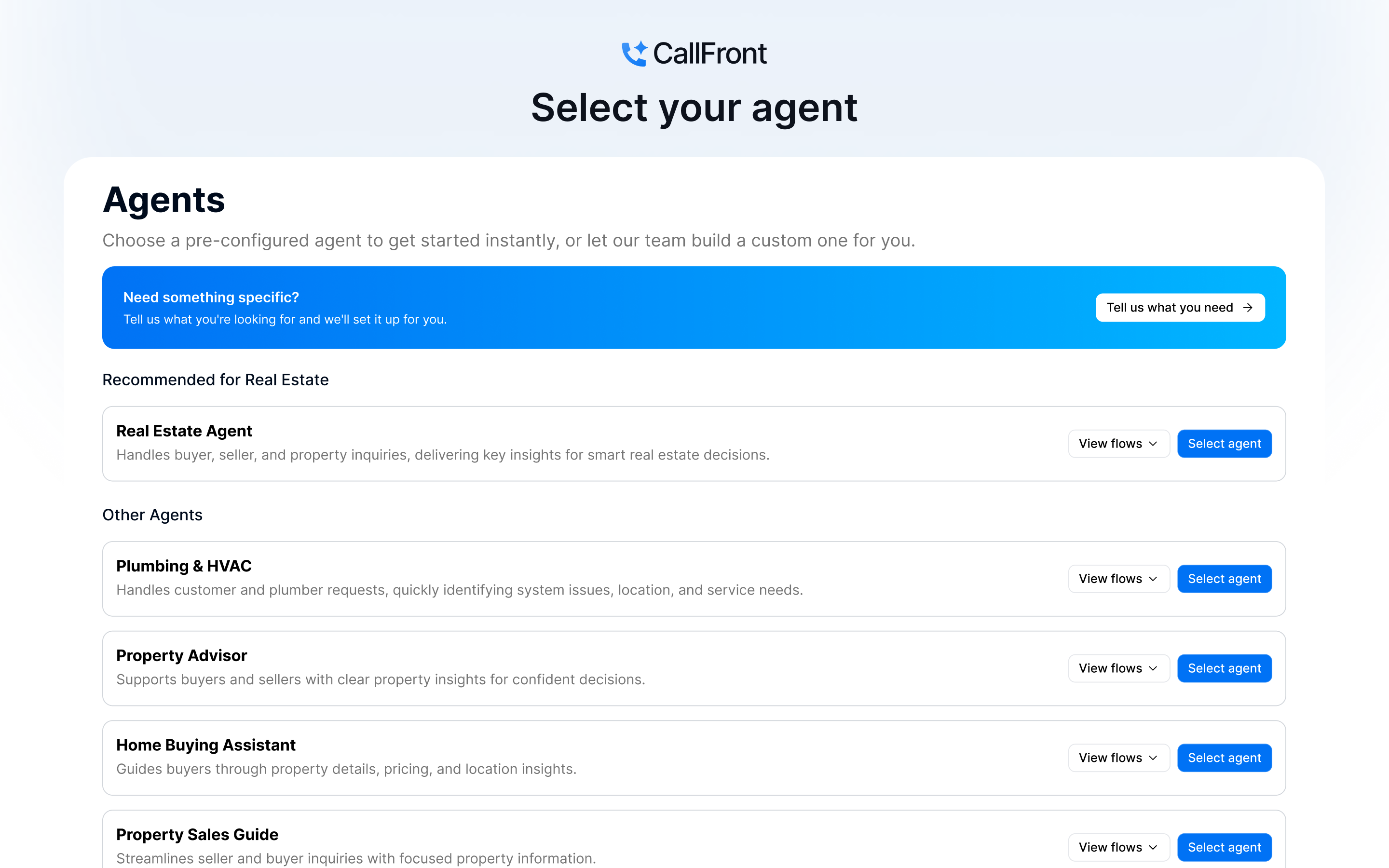
CallFront ships with pre-built conversation flows for a number of industries, so you can get up and running quickly. Every flow is fully customizable, so you can tailor the conversation to match exactly how your business qualifies and handles leads.
What syncs to Pipedrive
Getting started with CallFront
If you don't have a CallFront account yet, create one at callfront.ai.
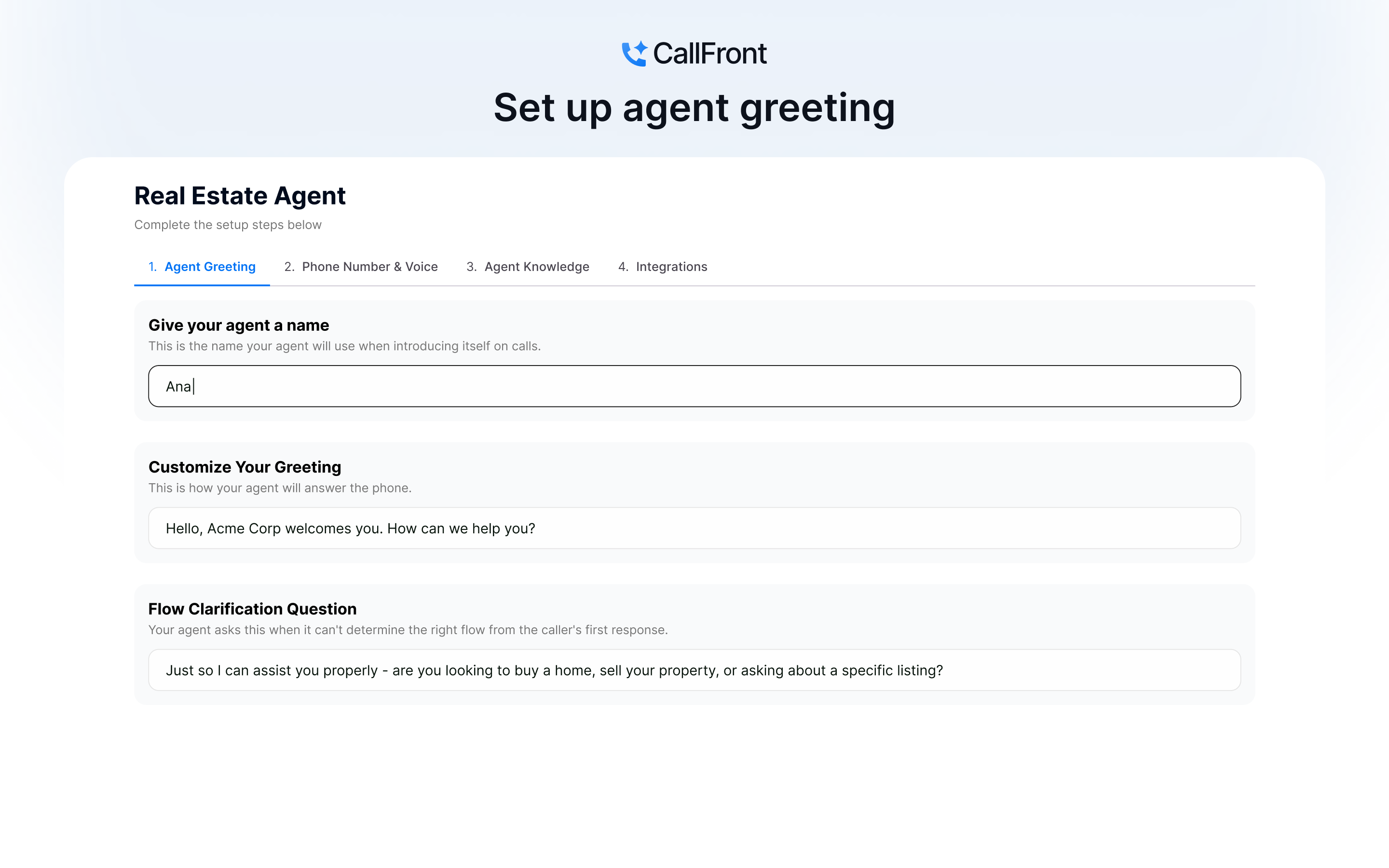
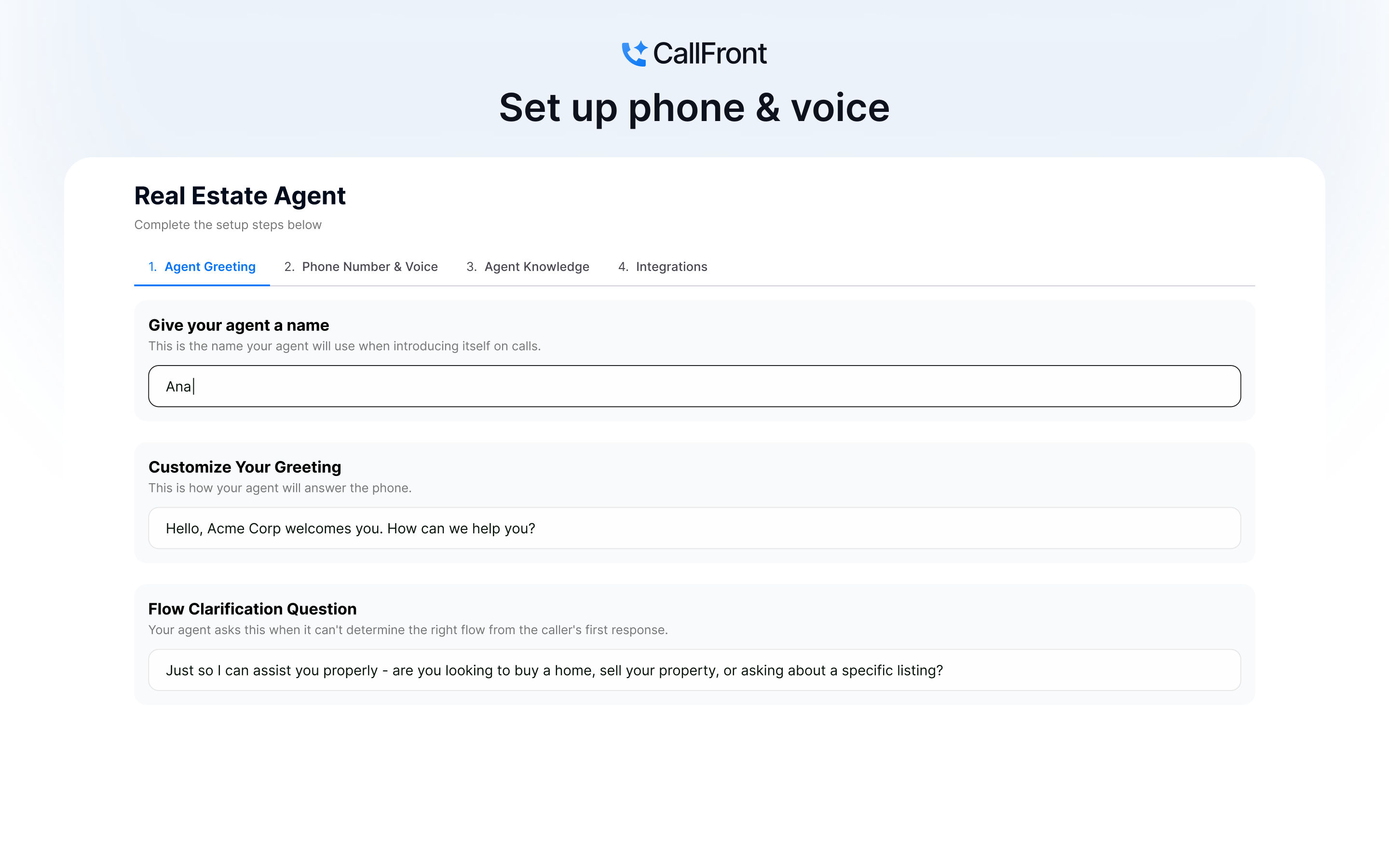
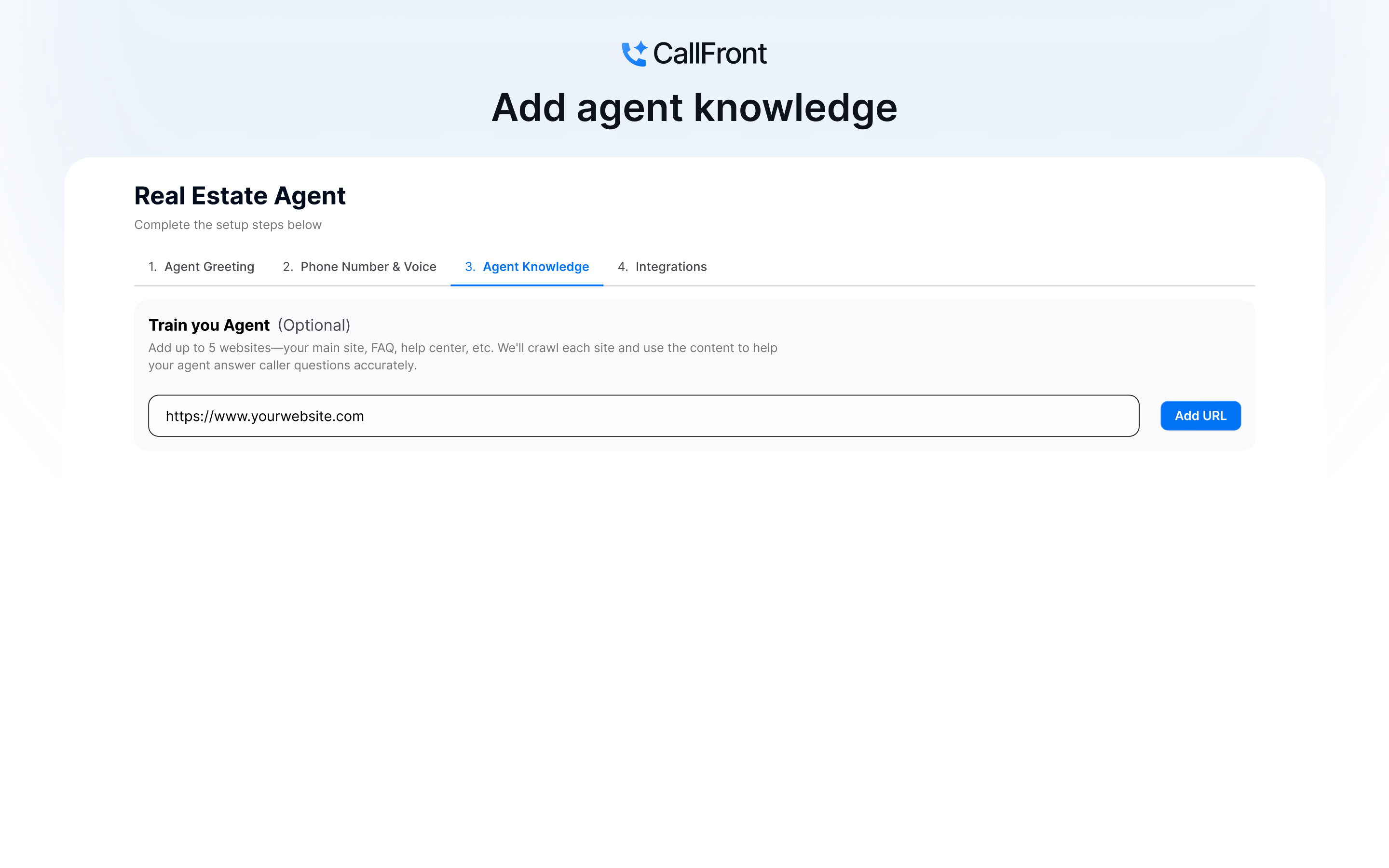
1. Set up your call answering agent Create a call answering agent in CallFront. You can start from one of the pre-built flows for your industry, or build a custom flow to match how your business qualifies leads. Once set up, CallFront will assign your agent a phone number. Forward your business line to this number and your agent will begin handling calls immediately. Skip this step if you only need lead follow-up.
2. Set up your lead follow-up agent Create a lead follow-up agent to automatically call and qualify new leads the moment they enter your Pipedrive pipeline, regardless of where they came from. Start from a pre-built flow or build your own. Skip this step if you only need call answering.
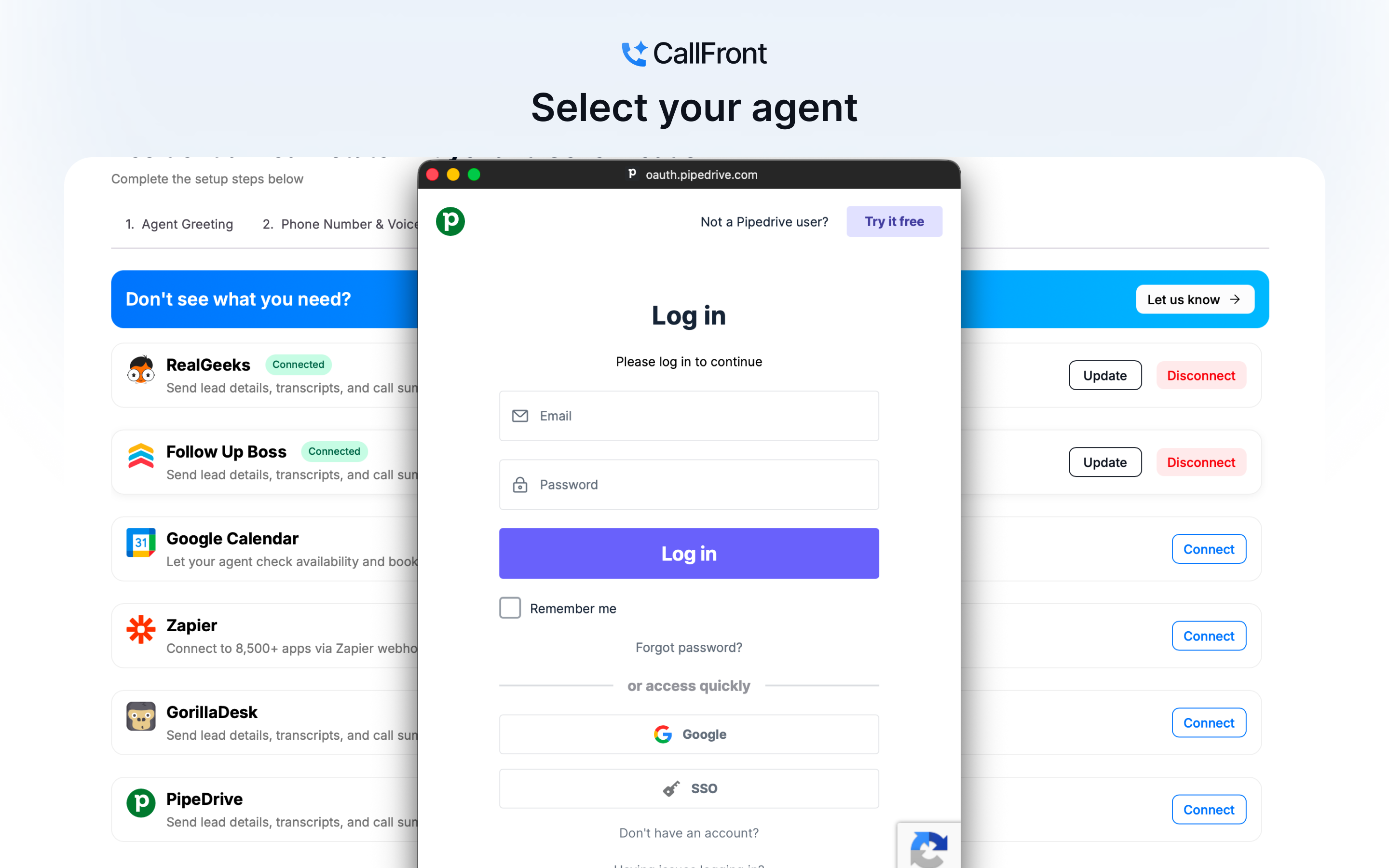
3. Connect Pipedrive During agent setup, connect your Pipedrive account by logging in. Once authorized, your call answering agent will create new leads in Pipedrive from every call, and your lead follow-up agent will activate automatically for any new lead that enters your pipeline.
4. Publish your agents Review and publish when ready. Your pipeline works itself from here.
If you’re interested in this app, you might also like:


Use our powerful API to build awesome apps for either your company or for all Pipedrive users.
Build an app