
Paperflite
Paperflite is software for remote content collaboration. Use it to organize, distribute and share your content with prospects.
(45)
4 reviews
CallRail
by CallRail

What CallRail Does
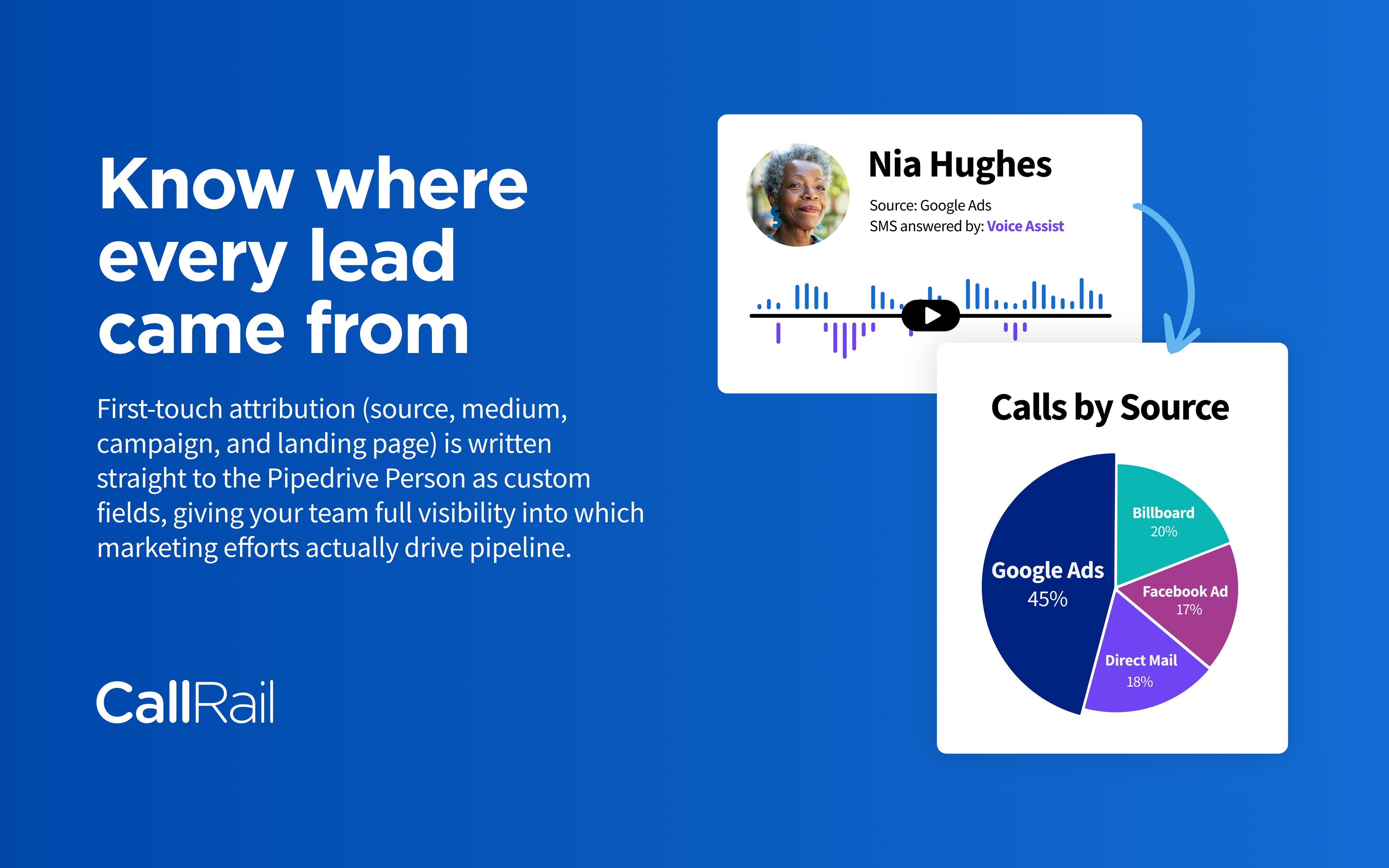
CallRail is a lead intelligence and call tracking platform for teams that win business through phone calls, texts, chats, and web forms. It ties each inbound lead to the exact marketing source that produced it — a specific ad, keyword, or landing page — so you know what's truly driving pipeline. CallRail also records and transcribes conversations, using AI-driven Conversation Intelligence to surface caller intent, objections, and outcomes.
Why Connect It to Pipedrive
Sales teams using Pipedrive often lose visibility the moment a lead arrives by phone instead of by form. A missed call or unlogged conversation means lost context for your reps. Bringing CallRail into Pipedrive closes that gap.
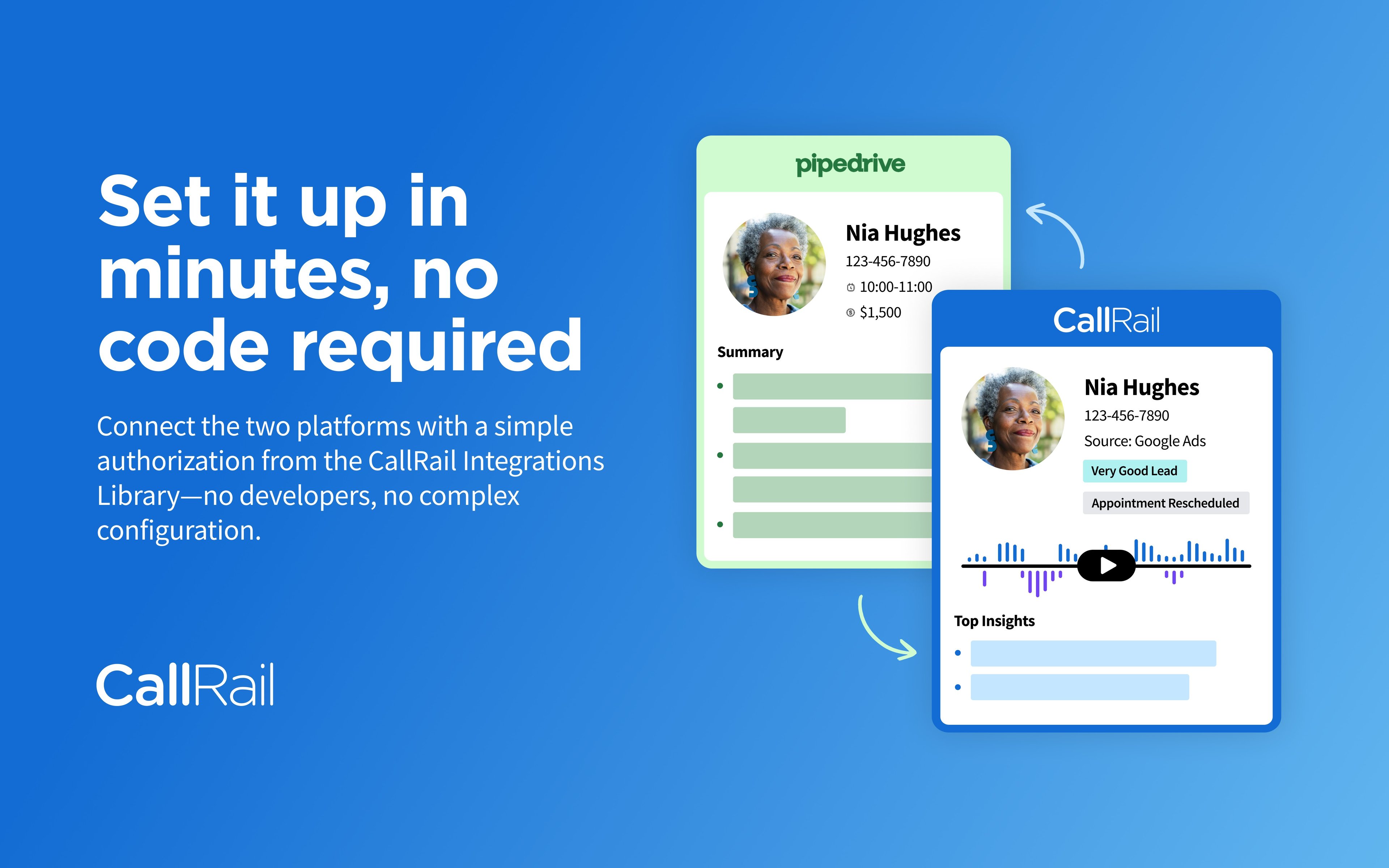
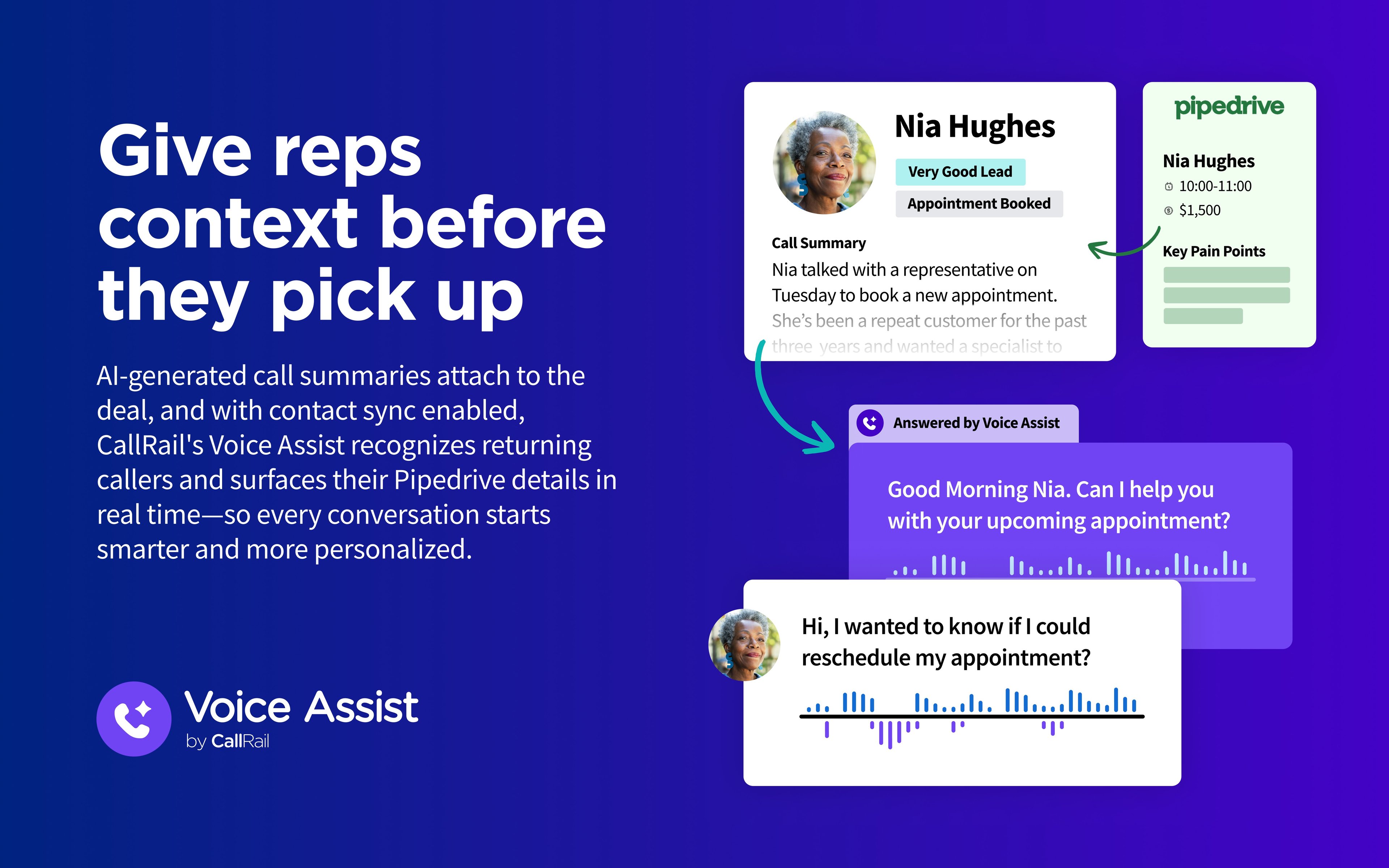
With the integration, new calls, texts, and form submissions captured in CallRail can automatically populate as contacts, activities, or deals in Pipedrive — no manual entry. Reps see where a lead came from and what was said, right inside the deal they're already working. Recordings and transcripts stay attached to the matching activity, giving full context before every follow-up.
For managers, this means cleaner reporting: you can see which channels produce calls that become real Pipedrive deals, not just calls that happened. For reps, it means less toggling between tools and more time acting on warm leads.
In short, CallRail turns your phone and form activity into structured, attributed data — and puts it exactly where your sales team already works.
Getting Started with CallRail
Setting up CallRail typically takes under 10 minutes. Here's what to expect:
Create your account. Visit CallRail.com, choose a pricing plan, and sign up for a 14-day free trial. You'll be logged in automatically once you complete the form.
Set up your company structure. If you manage one brand, keep it simple. Agencies or multi-location businesses should create separate companies within the account to keep numbers, users, and reporting clean.
Create your first tracking number. From the dashboard, click "Add Tracking Number," choose your tracking source (online, offline, or a specific campaign like Google Ads), and select a destination number where calls should forward.
Install the tracking snippet. Add CallRail's JavaScript snippet to your website (or use the WordPress plugin, Google Tag Manager, or a platform-specific integration) so dynamic number insertion can swap in tracking numbers automatically.
Connect your integrations. Under the "Integrations" tab, connect tools like Google Ads, HubSpot, or your CRM to sync call and form data with your existing marketing stack.
Set up notifications. Configure alerts so your team is notified of new calls, missed calls, or voicemails in real time.
Place a test call. Dial your new tracking number from a different phone to confirm it forwards correctly and appears in your CallRail dashboard.
If you’re interested in this app, you might also like:


Use our powerful API to build awesome apps for either your company or for all Pipedrive users.
Build an app