
free
CallHippo
Effortlessly Manage Sales with AI-Enhanced CallHippo and Pipedrive Integration, Featuring AI-powered Analytics, Click-to-Call, and Task Automation.
(414)
384 reviews
involve.me
by involve.me
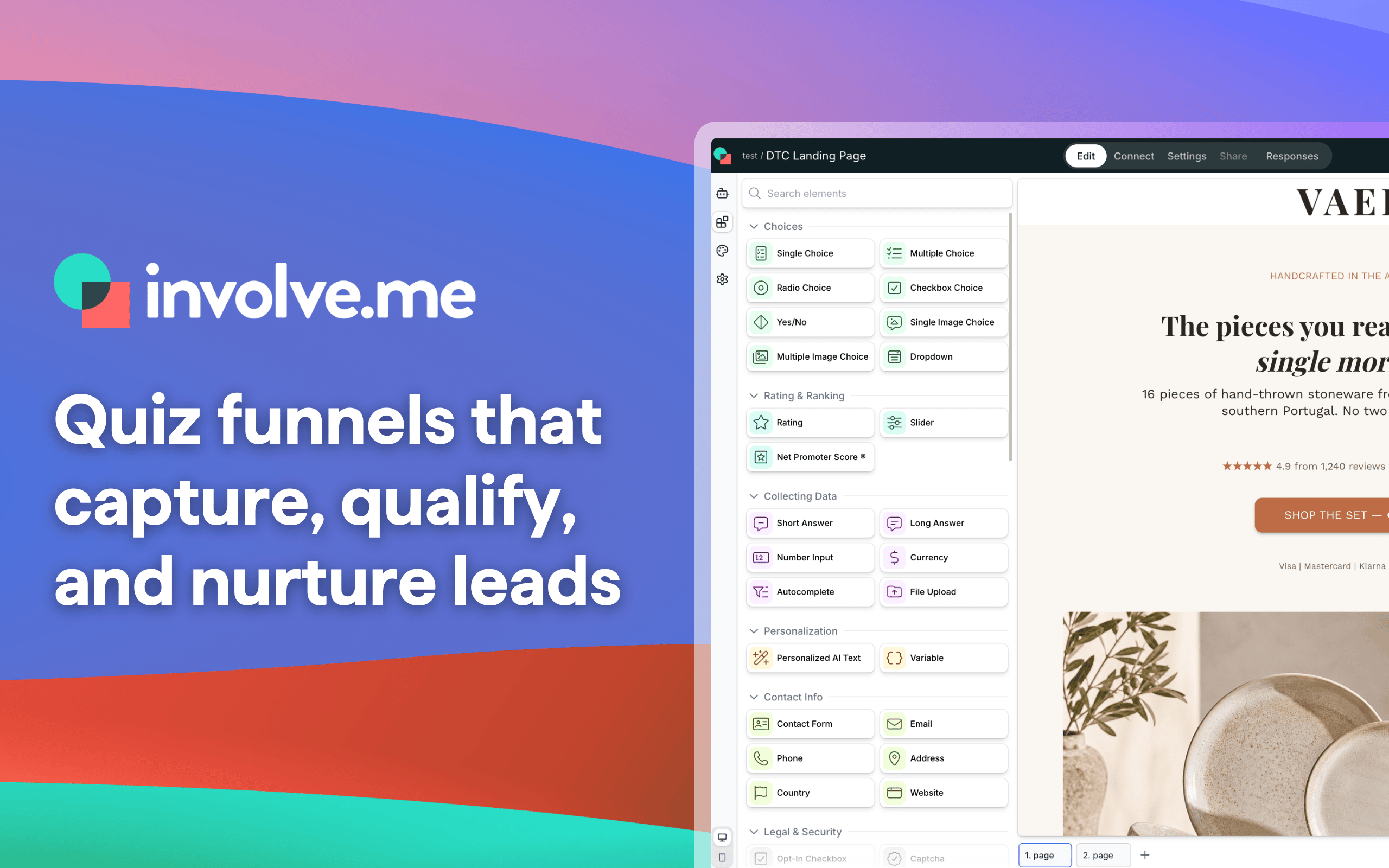
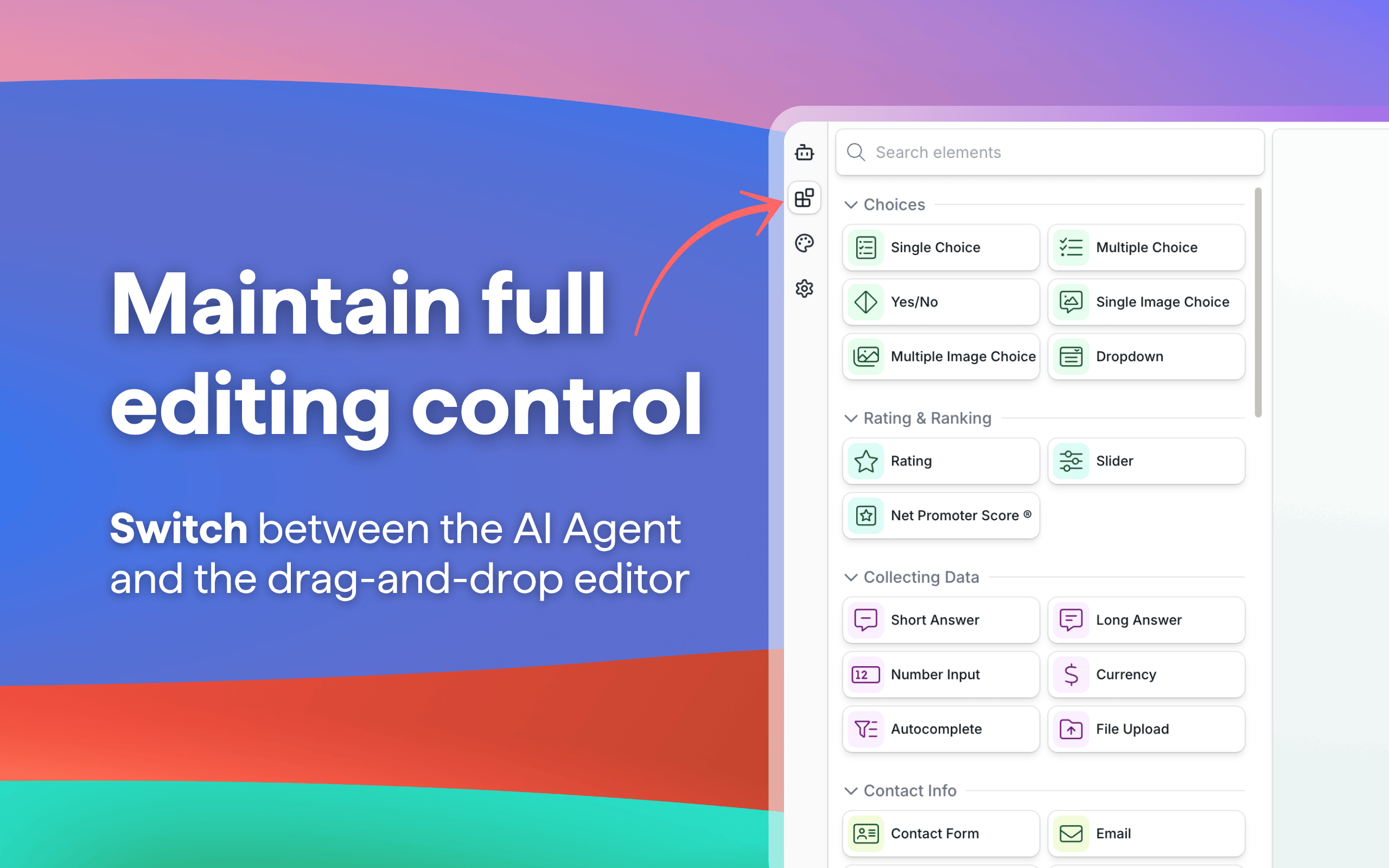
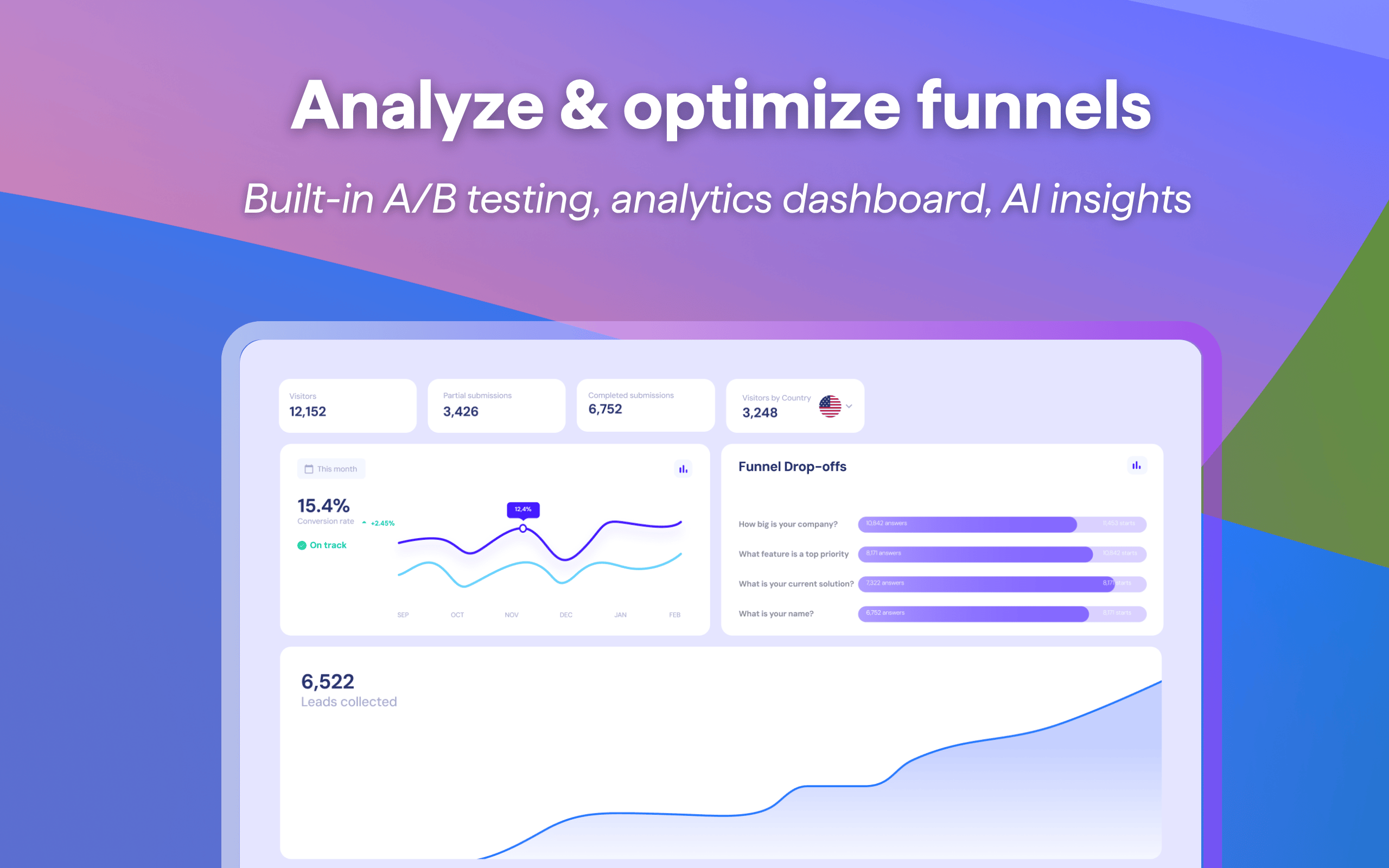
A contact form gives sales a name and an email address, and little else. Reps spend the first call finding out what the lead needs and whether the budget is there, and the pipeline fills with deals that were never a fit.
Use involve.me to swap that form for a quote calculator, assessment, product finder or quiz. Visitors get an instant price, a score or a recommendation, and in return they answer the questions your reps would ask. Logic skips what doesn't apply and every answer can be scored, so each lead arrives qualified.
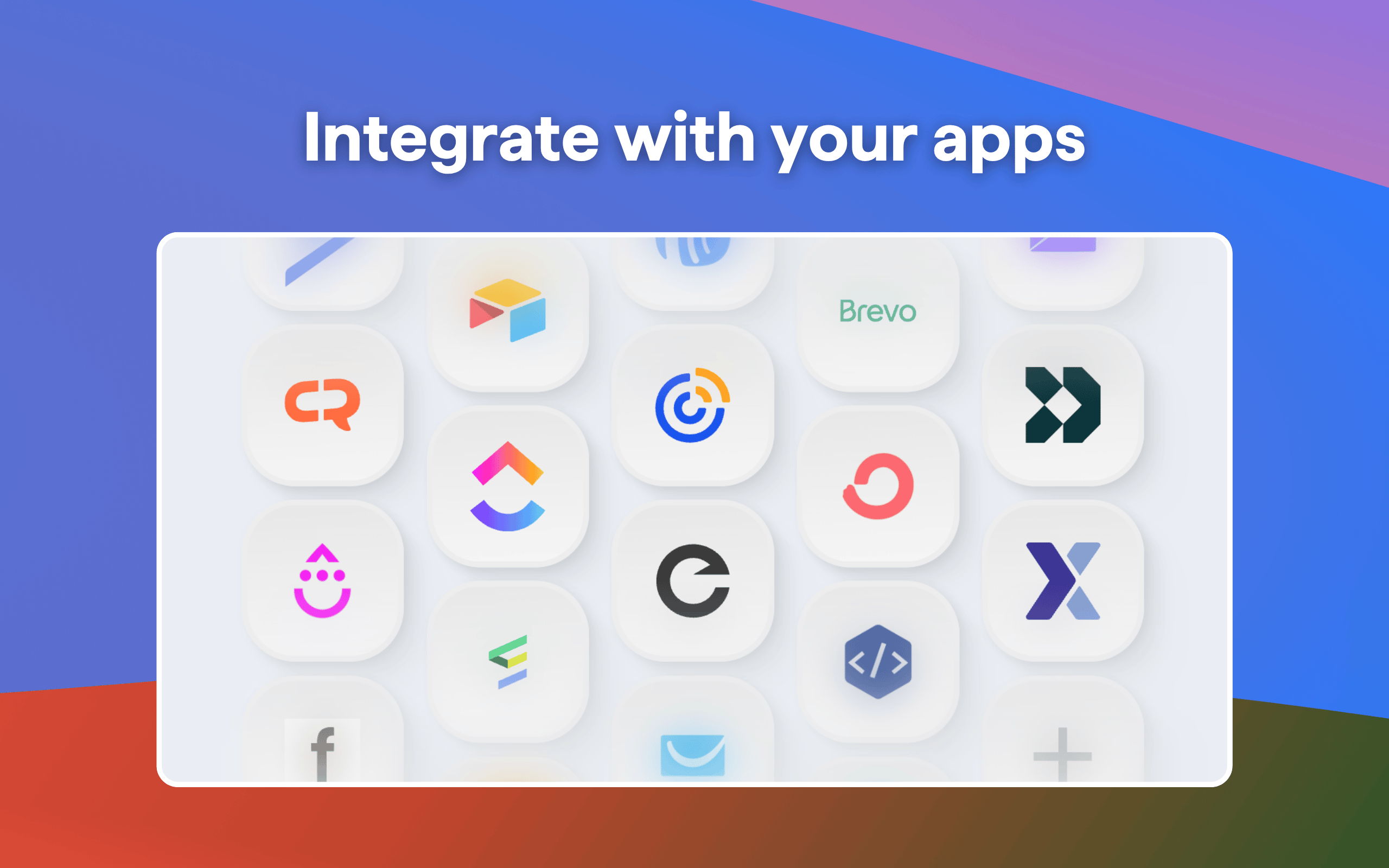
Connect Pipedrive and each submission creates or updates the person, matched by email, with the answers, score, outcome and calculator result in the fields you map, custom fields included. Turn on deal creation and each lead also gets a deal in the first stage of the pipeline you choose. A quote calculator's result can become the deal value, so reps see what the lead needs and what the deal is worth before the first call.
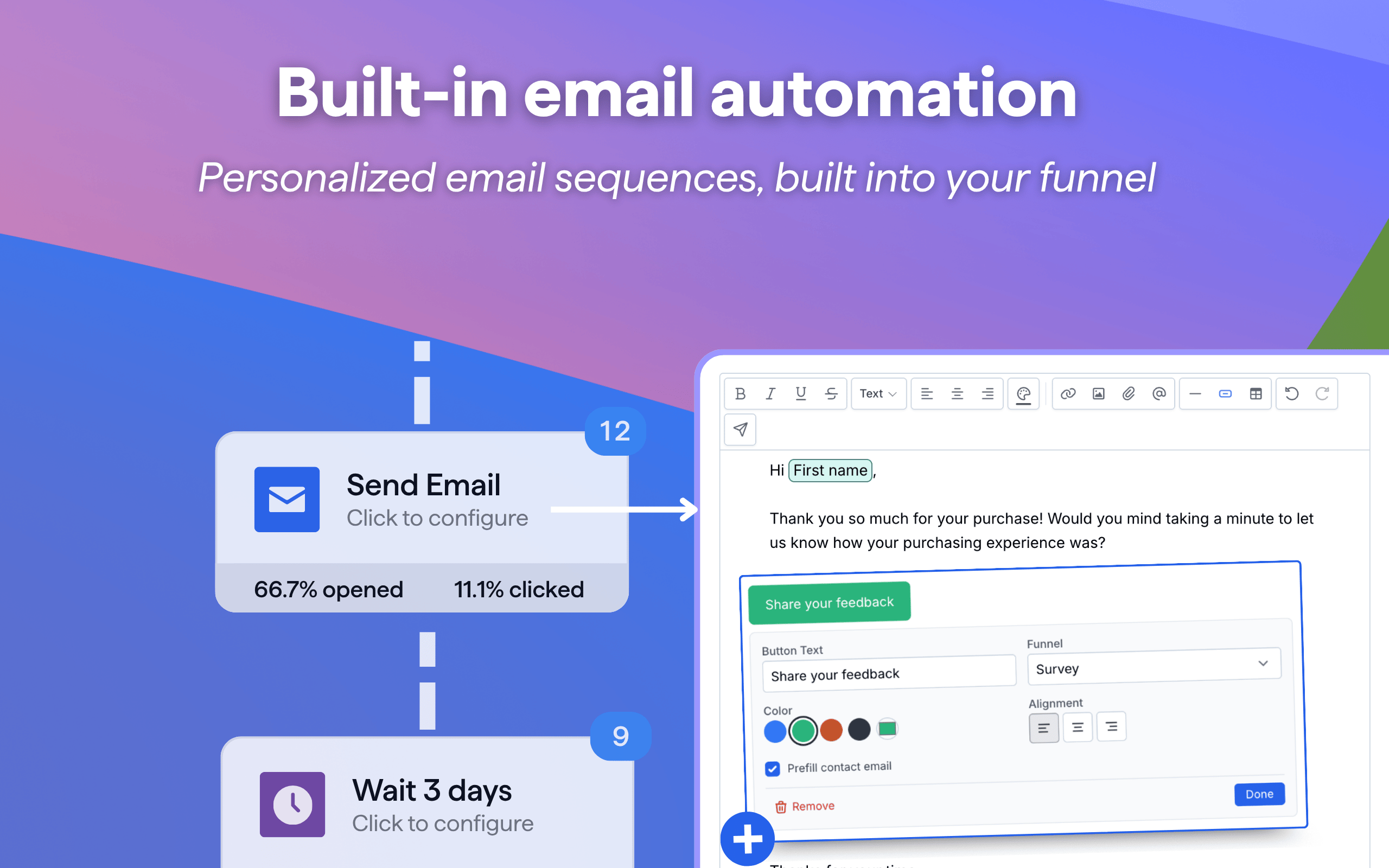
Leads that aren't ready to talk still get followed up. involve.me's email workflows send each one a sequence that branches on their answers, score, opens and clicks. Email workflows are on paid plans.
OTP verification blocks junk submissions before they reach Pipedrive, so reps don't chase fake contacts. It isn't on every plan.
Built for businesses where every qualified lead is worth hundreds or thousands of dollars.
SOC 2 Type II audited. GDPR compliant. Trusted by 4,500+ businesses globally.
How to connect involve.me and Pipedrive:
Note: people, timerange, range, org, and multiple-option Pipedrive field types are not supported. For single-option fields, make sure the matching options are created in Pipedrive first.
If you’re interested in this app, you might also like:


Use our powerful API to build awesome apps for either your company or for all Pipedrive users.
Build an app