Leadjourney

Leadjourney

by Leadjourney

OAuth-based Pipedrive integration that turns CRM events into server-side conversions for Meta, Google, LinkedIn, TikTok & Bing — no code needed.

Attract new leads

App screenshot
App screenshot
App screenshot
App screenshot

Description

Turn your CRM into a conversion source — automatically.

Your sales team closes deals in Pipedrive, but the ad platforms that brought those leads in never find out. LeadJourney closes the loop: it connects to Pipedrive over OAuth, listens to your CRM events, and sends each one back to Meta, Google Ads, LinkedIn, TikTok and Bing as a server-side conversion, stitched to the exact visitor journey that started it.

How it works

Setup takes minutes, no engineering. Approve your Pipedrive account, choose which events fire, and map a few fields. LeadJourney registers and manages the webhooks for you — nothing to configure in Pipedrive, no middleware, no API keys. From then on, every Person Added, Deal Added or Deal Updated event reaches LeadJourney in under a second, is matched to the original click, and is forwarded as a deduplicated conversion.

What you get

  • One-click OAuth — no developer required.
  • Self-managing webhooks — no setup, no maintenance.
  • Real-time sync, within a second of the event.
  • Full-journey attribution stitched to the original visitor session.
  • Server-side delivery to Meta CAPI, Google Ads, LinkedIn, TikTok and Bing — resilient to browser and cookie limits.
  • Deal value and stage carried through, so revenue is reported, not just counts.

Why it matters

When real sales outcomes flow back to your ad platforms, their algorithms stop optimizing for cheap clicks and start optimizing for the leads that become revenue — lowering your cost per real customer.

Installation instructions

**Setup and installation

** Connecting **LeadJourney **to Pipedrive takes a few minutes and needs no developer work.

  1. Create your **LeadJourney **account. New users sign up at leadjourney.io and complete the short onboarding for their website or tracking source; existing users just sign in.
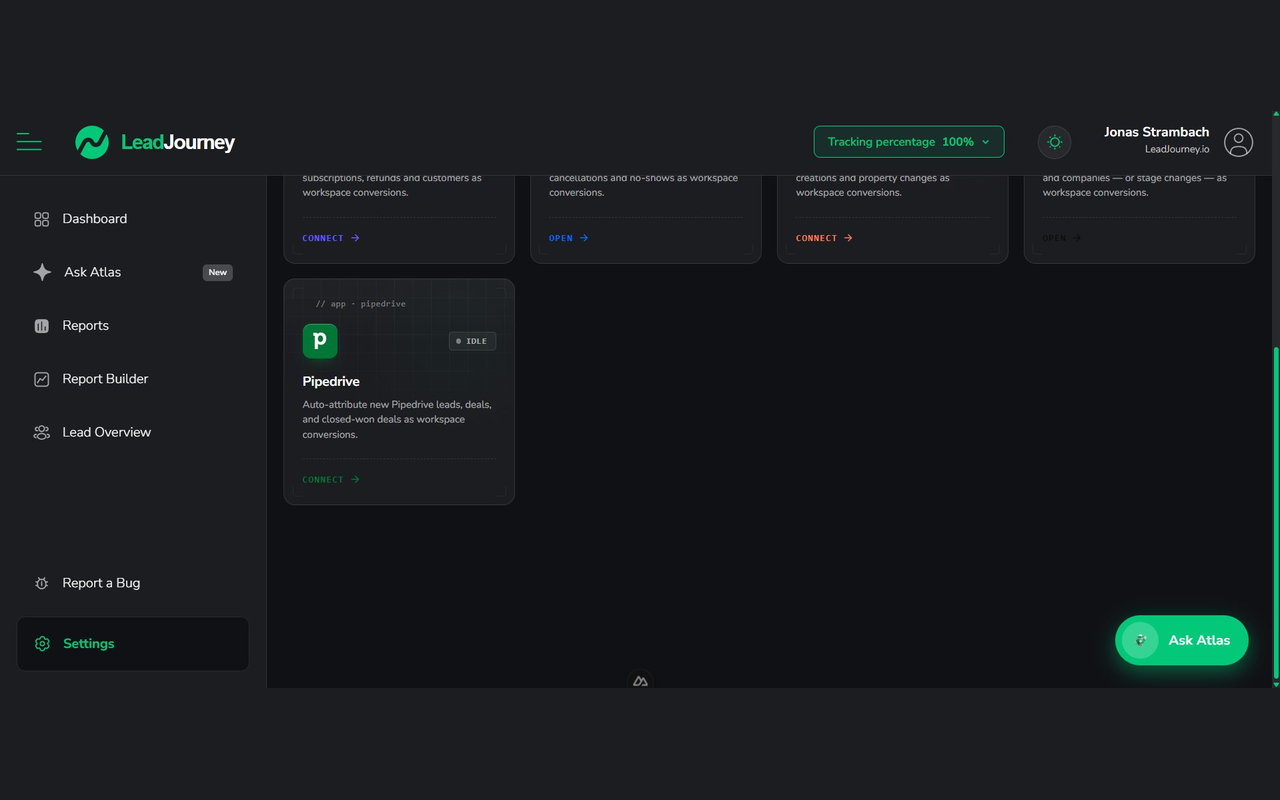
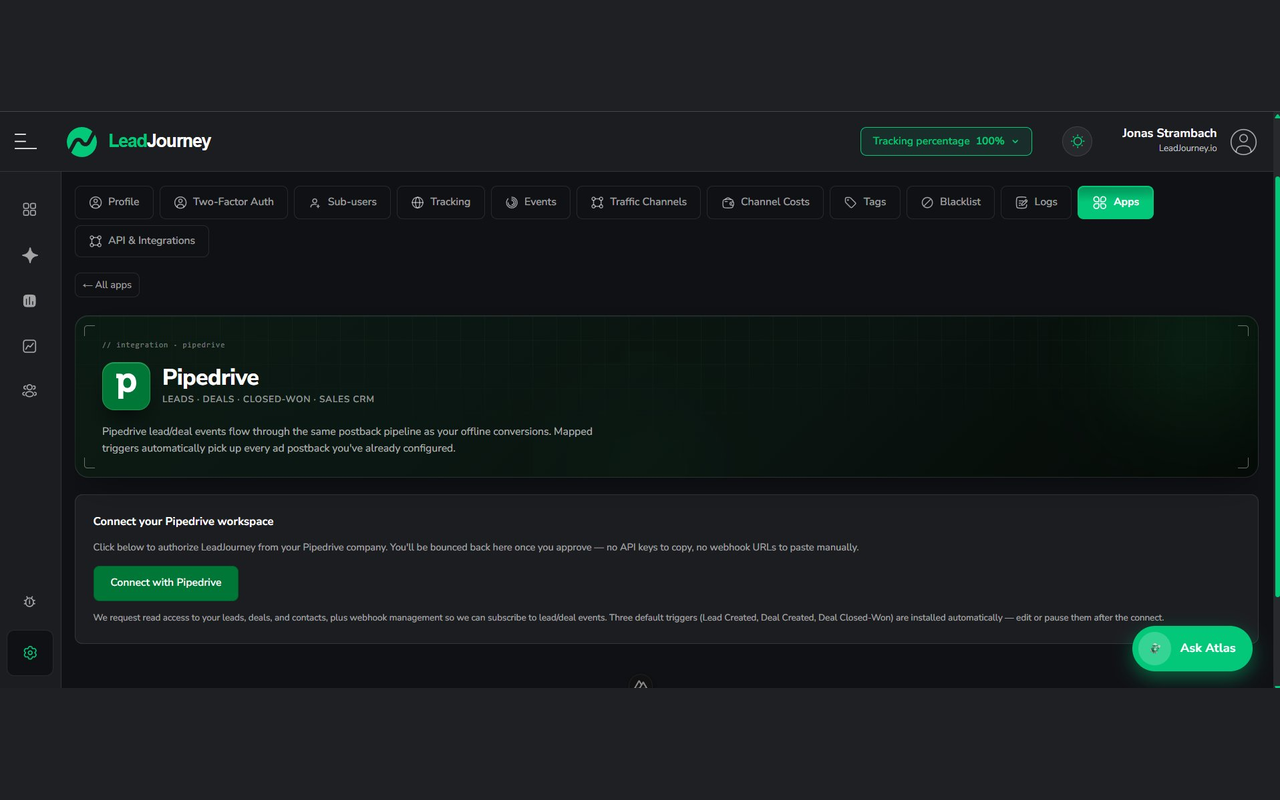
  2. Start the connection. In LeadJourney, open Integrations, select Pipedrive and click Connect.
  3. Approve access via OAuth. You'll be redirected to Pipedrive to sign in and authorize the requested permissions. No API keys or manual setup are needed.
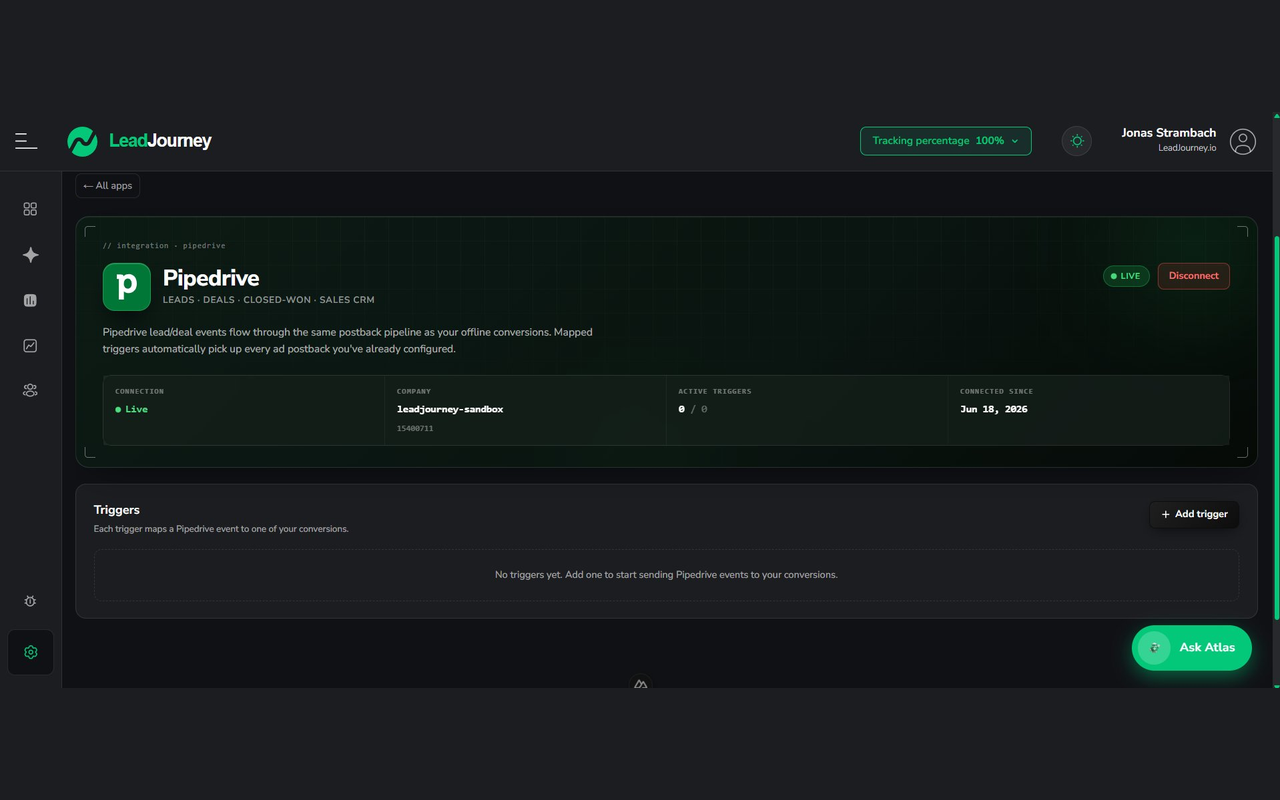
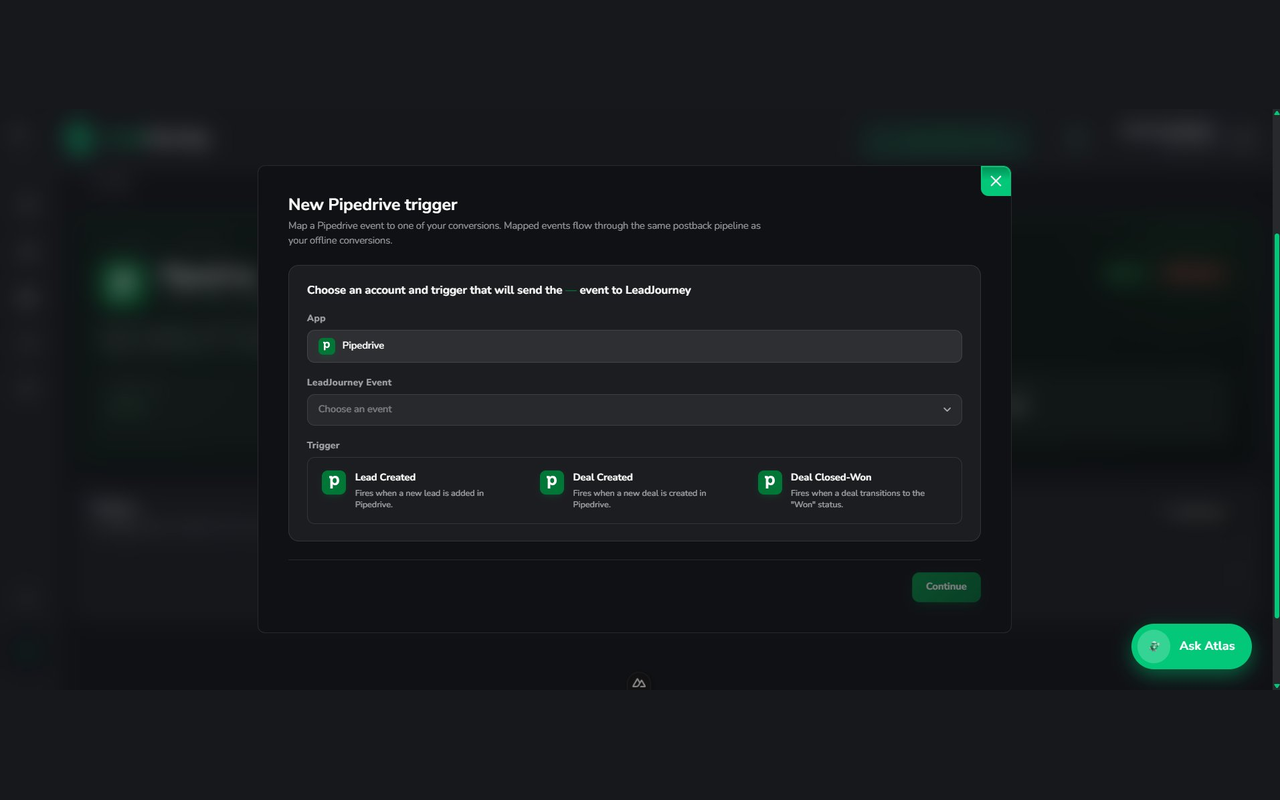
  4. Choose your trigger events. Pick which Pipedrive events should sync - for example Person Added, Deal Added or Deal Updated. **LeadJourney **registers and manages the webhook subscriptions for you, so nothing has to be configured inside Pipedrive.
  5. Map your fields. Match Pipedrive fields such as email, name, deal value or stage to the conversion data you want to send, so every event is enriched and attributed correctly.
  6. Choose your destinations. Select the ad platforms conversions should be forwarded to - Meta, Google, LinkedIn.
  7. Activate the integration. From then on, every selected Pipedrive event reaches **LeadJourney **within a second, is stitched back to the original visitor journey, and is forwarded to your chosen platforms as a deduplicated server-side conversion.

To disconnect, remove the app in Pipedrive or click Disconnect in **LeadJourney **- all webhook subscriptions are cleaned up automatically.

Also popular in this category

If you’re interested in this app, you might also like:

Paperflite
Paperflite
Paperflite is software for remote content collaboration. Use it to organize, distribute and share your content with prospects.
Jotform
free
Jotform
Need a faster way to gather leads? Create online lead gen or contact forms to instantly send new contacts or deals to your Pipedrive account.
LinkMatch for Pipedrive
Perfect LinkedIn integration for Pipedrive. Import LinkedIn profiles into Pipedrive, automatically create leads, Deals and Activities.

User reviews

User reviews

Overall rating

No ratings yet

No installs

Can't find the app you need?

Use our powerful API to build awesome apps for either your company or for all Pipedrive users.

Build an app