
free
CallHippo
Effortlessly Manage Sales with AI-Enhanced CallHippo and Pipedrive Integration, Featuring AI-powered Analytics, Click-to-Call, and Task Automation.
(414)
384 reviews
Adzviser
by Adzviser LLC


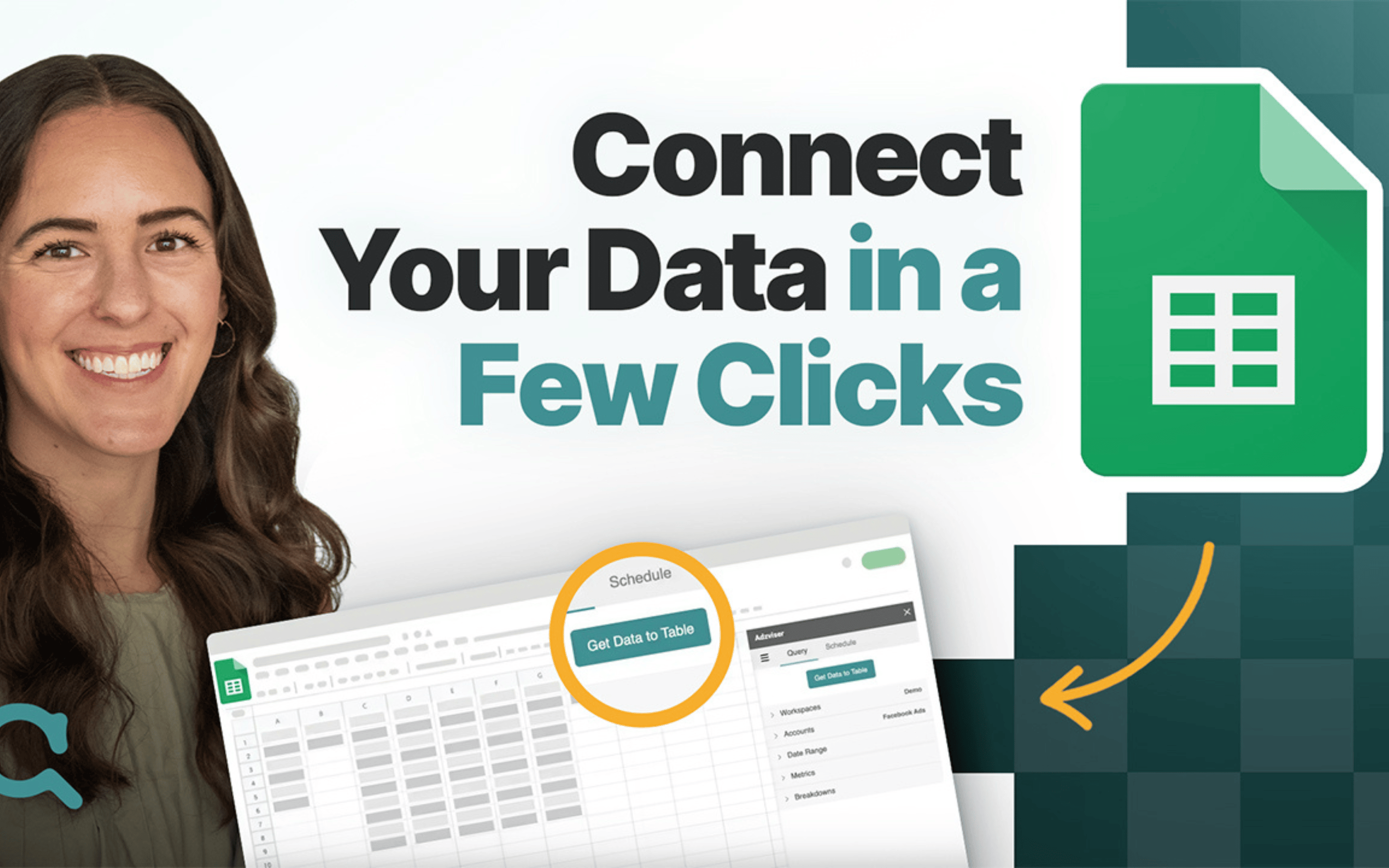

Adzviser connects your Pipedrive data to analytics and reporting tools so you can explore your sales pipeline outside the Pipedrive interface.
Instead of manually exporting deal data or building complex integrations, Adzviser lets you retrieve Pipedrive data directly in tools such as ChatGPT, Claude, Google Sheets, and Looker Studio. This makes it easier to analyze deal performance, monitor pipeline trends, and create custom reports using the tools your team already uses.
With Adzviser, you can pull data like deals, activities, organizations, contacts, and pipeline metrics into external environments where you can run deeper analysis, automate reporting workflows, or build dashboards.
The integration is designed for sales teams, analysts, and agencies that want more flexibility when working with Pipedrive data. Whether you're building automated reports, auditing sales performance, or exploring trends with AI agents, Adzviser provides a straightforward way to move your Pipedrive data into the tools where analysis happens.
Get started with Adzviser
Create an account. Sign up at Adzviser, or log in to your existing account. New users can start a 14-day trial for $0.99.
Connect Pipedrive. In Adzviser, click “+ Add” under Workspaces, select Pipedrive, and follow the prompts to sign in and authorize access. Name and save your workspace.
Choose where to use your data. Connect Adzviser to ChatGPT or Claude to ask questions about your sales data, or use Google Sheets, Excel, Looker Studio, or Power BI to build reports. BigQuery and Amazon S3 are also supported.
Run your first analysis. Select your workspace in your chosen tool. Ask a question such as “How many leads did we generate last month?” or choose your Pipedrive metrics, breakdowns, and date range to create a report.
Keep reports updated. Set up scheduled refreshes or exports in supported destinations. You can also add marketing sources, such as Google Ads or Meta Ads, to your workspace to analyze sales alongside advertising performance.
Need help? Follow our setup guides and review the supported Pipedrive fields.
If you’re interested in this app, you might also like:


Use our powerful API to build awesome apps for either your company or for all Pipedrive users.
Build an app