
free
CallHippo
Effortlessly Manage Sales with AI-Enhanced CallHippo and Pipedrive Integration, Featuring AI-powered Analytics, Click-to-Call, and Task Automation.
(414)
384 reviews
Airbyte
by Airbyte
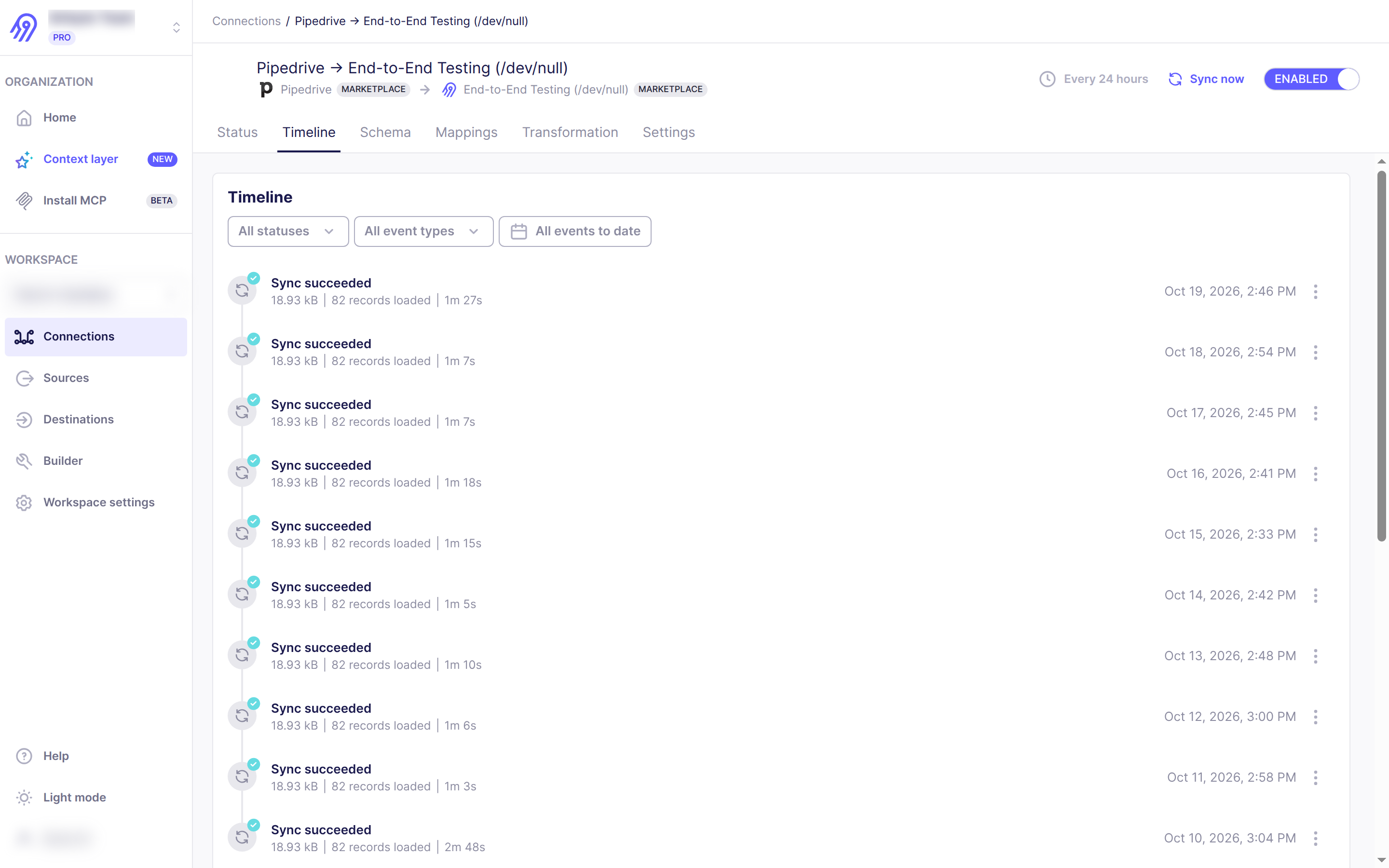
With Airbyte any Pipedrive user can manage data and consolidate it into a single data lake to generate global reports or integrate with different destinations including cloud data warehouses lakes, and databases or to on-premises storage to be exploited through AI analytics. Synchronizing data from one data database to another is complicated. Often the net result is extremely long cycles for development and deployment that takes several months to complete and is costly to maintain. Airbyte makes it easier to overcome these constraints.
Start analyzing your Pipedrive data in minutes with the right data transformation:
You decide what data could be integrated for each destination you want to replicate your Pipedrive data to.
You can opt for getting the raw data, or to explode all nested API objects in separate tables.
You can add any dbt transformation model you want and even sequence them in the order you need, so you get the data in the exact format you need at your cloud data warehouse, lake or database.
Step 1. Sign in to Airbyte Cloud. Go to https://cloud.airbyte.com and sign in or create a free account.
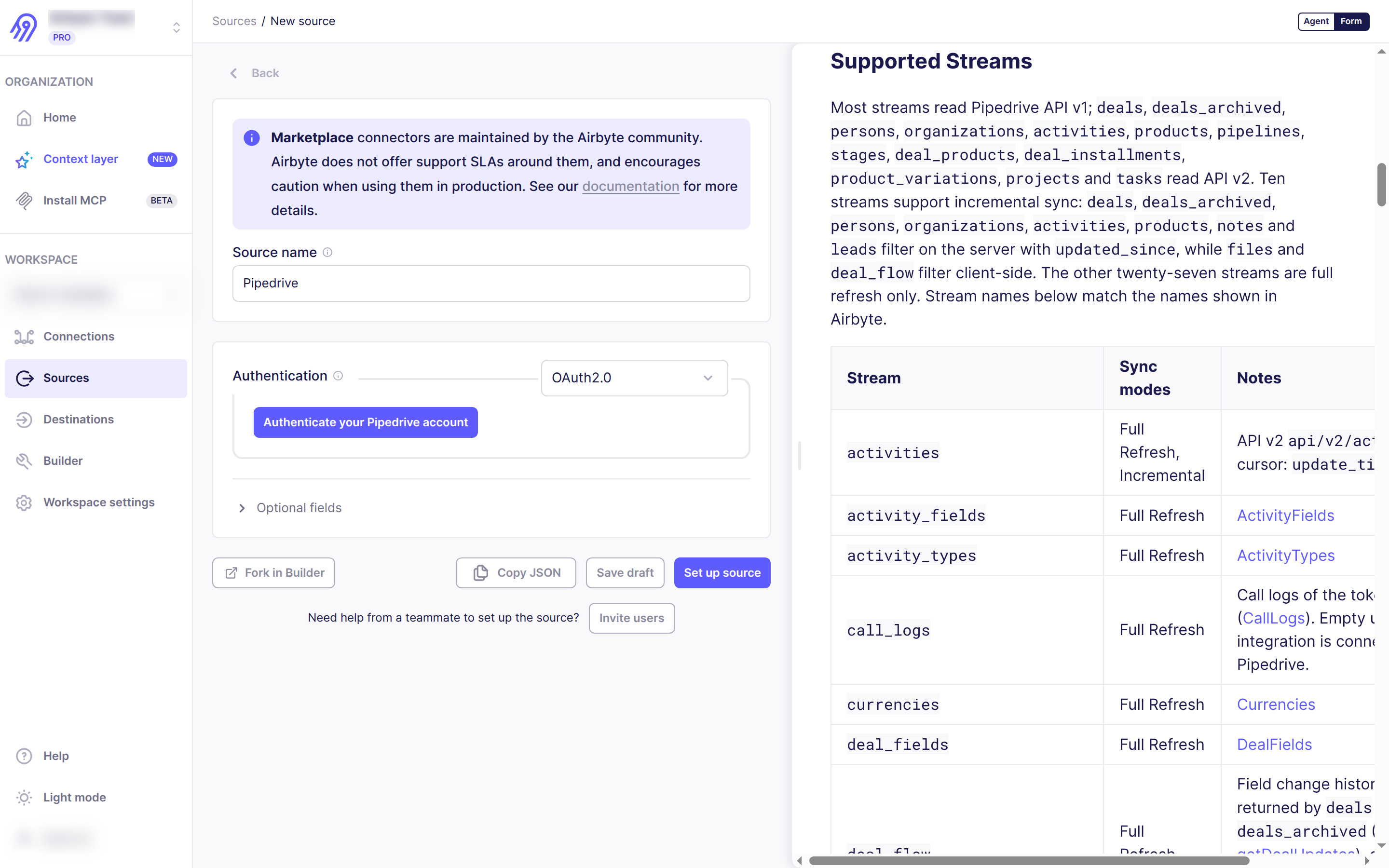
Step 2. Add a Pipedrive source. In your workspace, go to Sources → New source, search for Pipedrive, and select it.
Step 3. Authenticate. Click Authenticate your Pipedrive account, sign in to Pipedrive, and click Allow and Install to grant Airbyte access to your account.
Step 4. Configure the source. Set the Replication Start Date (data updated after this date is synced) and click Set up source. Airbyte tests the connection automatically.
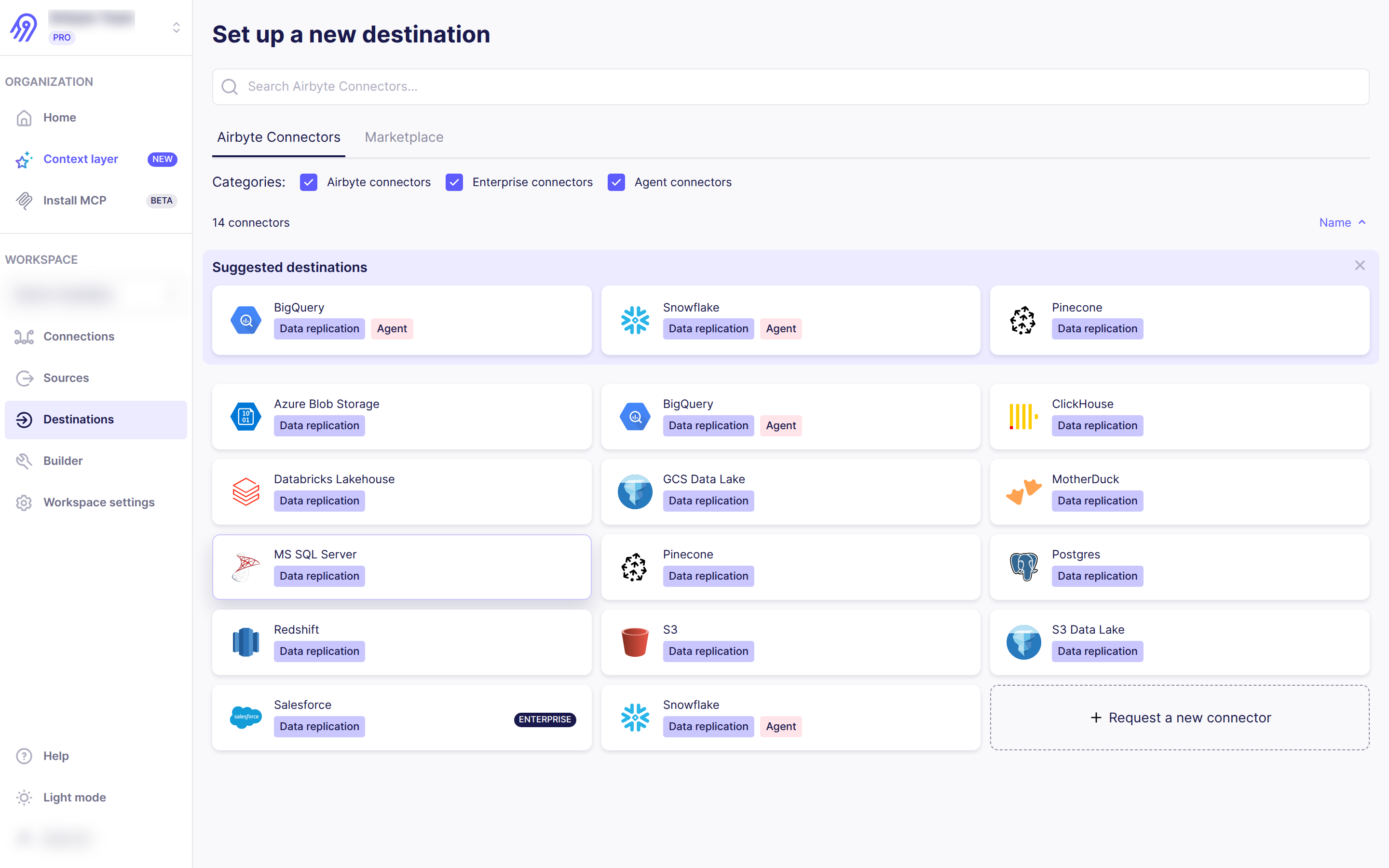
Step 5. Add a destination. Go to Destinations → New destination and choose where your Pipedrive data should land (e.g. Snowflake, BigQuery, Postgres, S3).
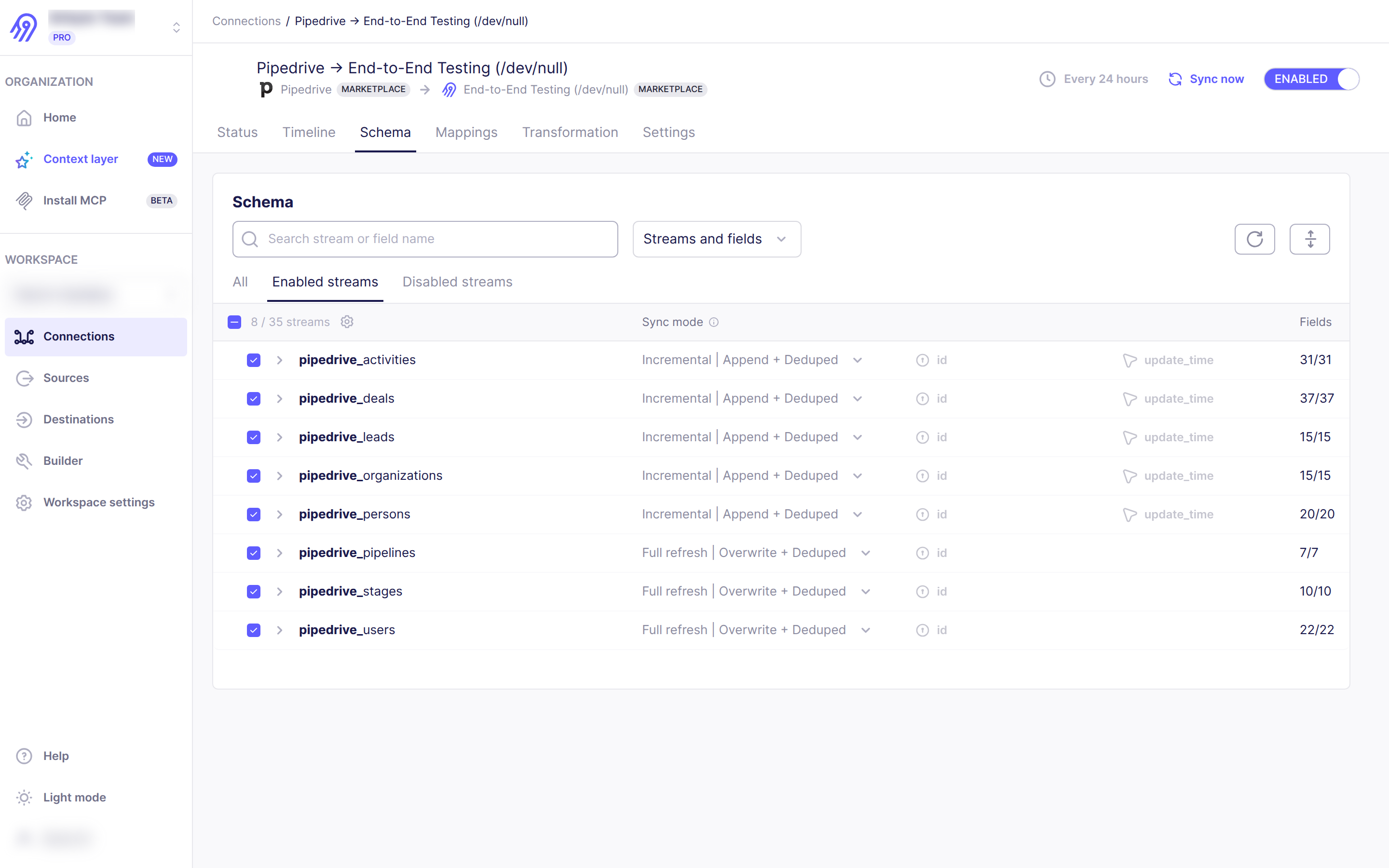
Step 6. Create a connection. Go to Connections → New connection, pick your Pipedrive source and destination, choose the streams to sync (deals, persons, organizations, activities, leads, products, etc.) and a sync frequency, then click Set up connection.
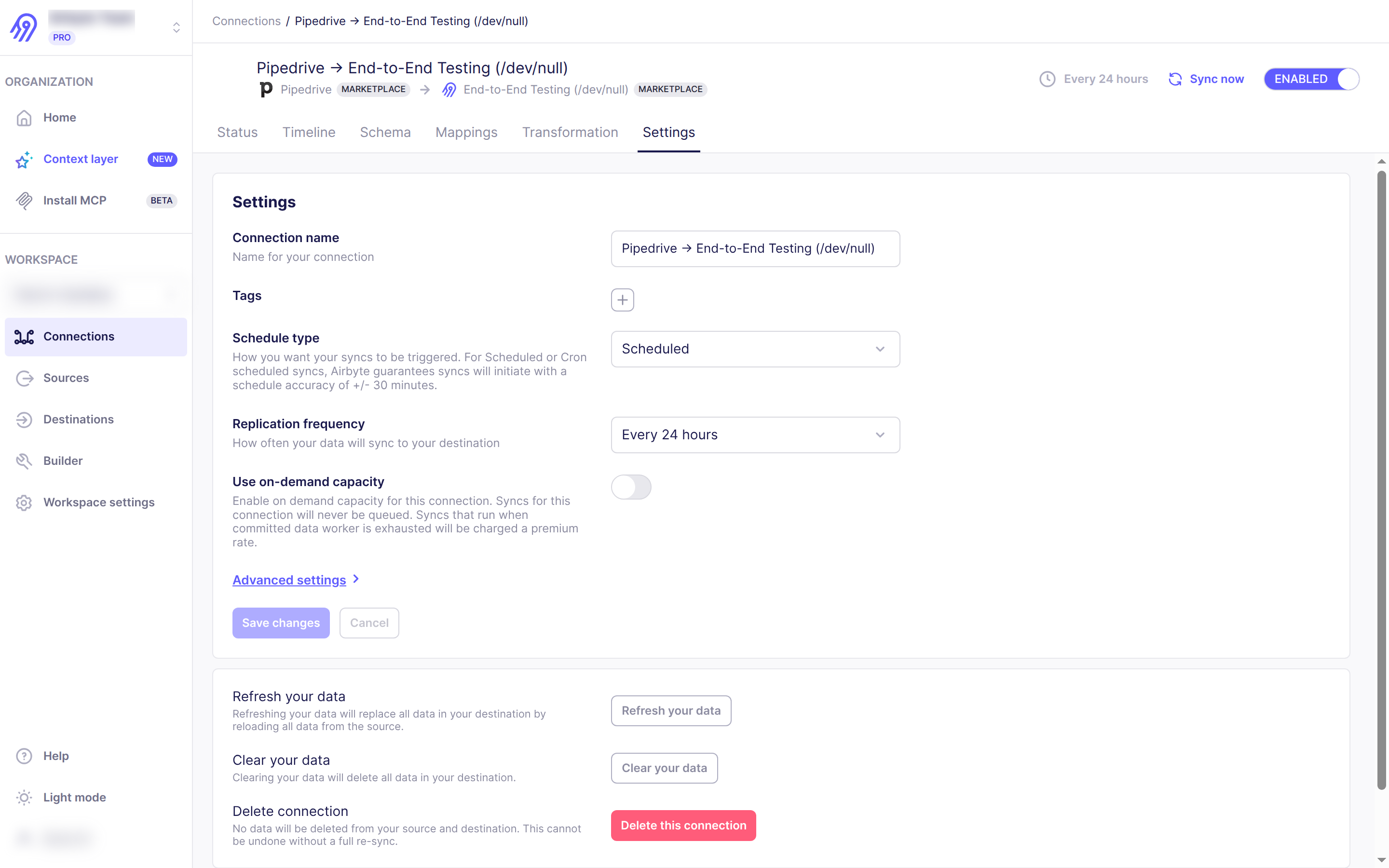
Step 7. Sync your data. Click Sync now or wait for the schedule. Data appears in your destination after the first sync completes.
If you’re interested in this app, you might also like:


Use our powerful API to build awesome apps for either your company or for all Pipedrive users.
Build an app