CallConnector.ai

CallConnector.ai

by ion8

CallConnector automatically logs your calls into Pipedrive, with recordings so your sales team spends less time on admin and more time closing deals.

Other use cases

App screenshot
App screenshot
App screenshot
App screenshot

Description

Take the call. CallConnector.ai handles everything else.

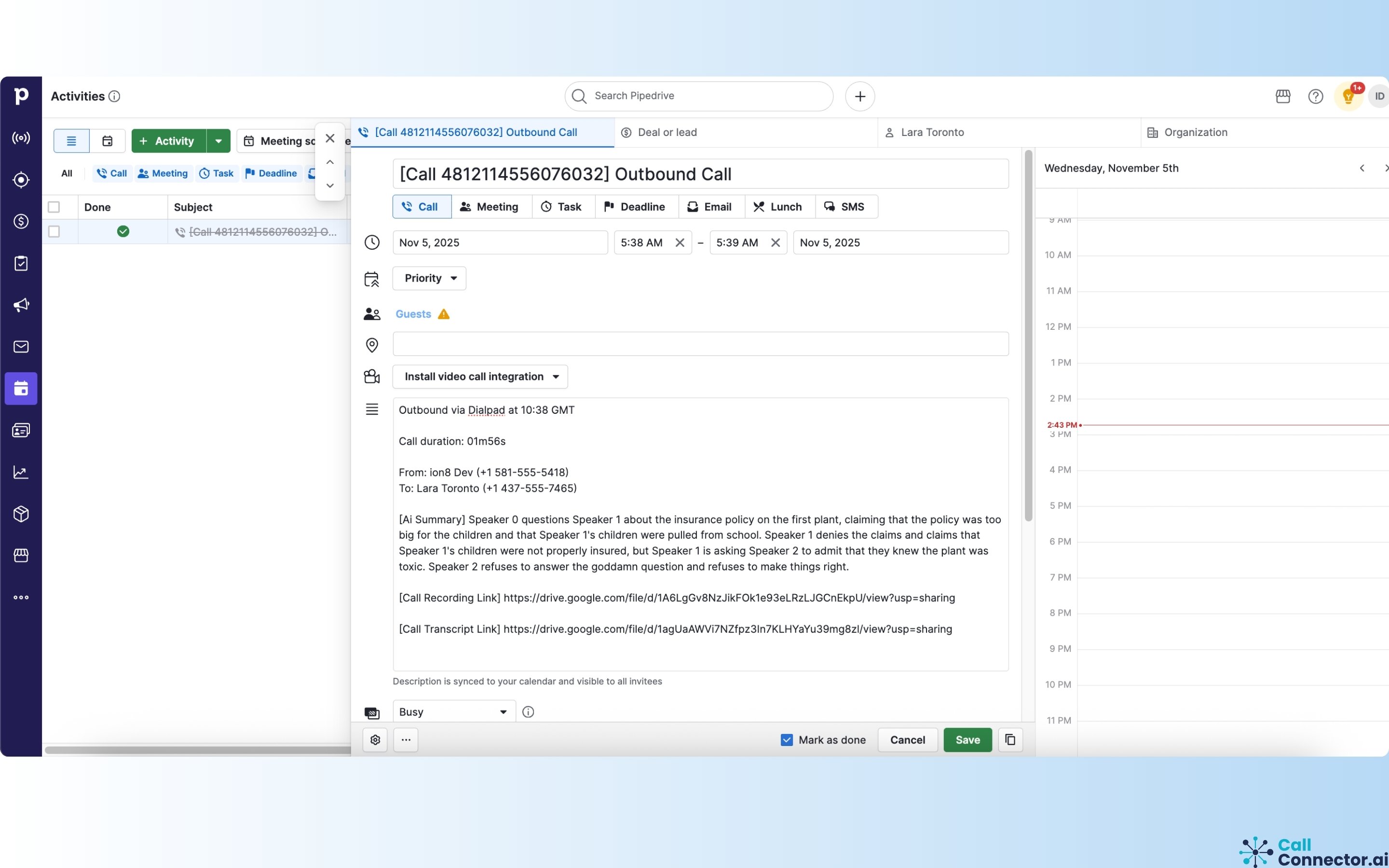
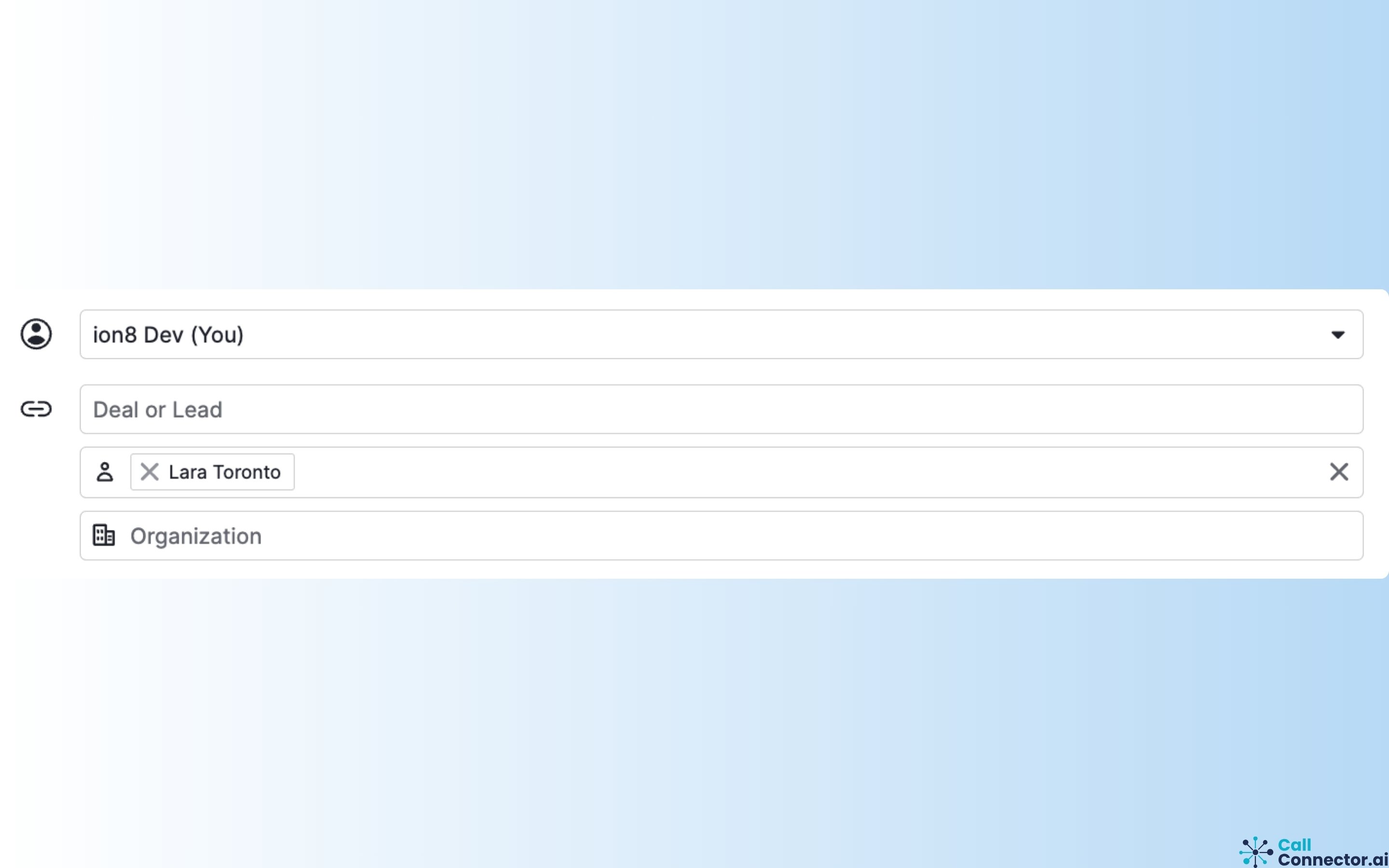
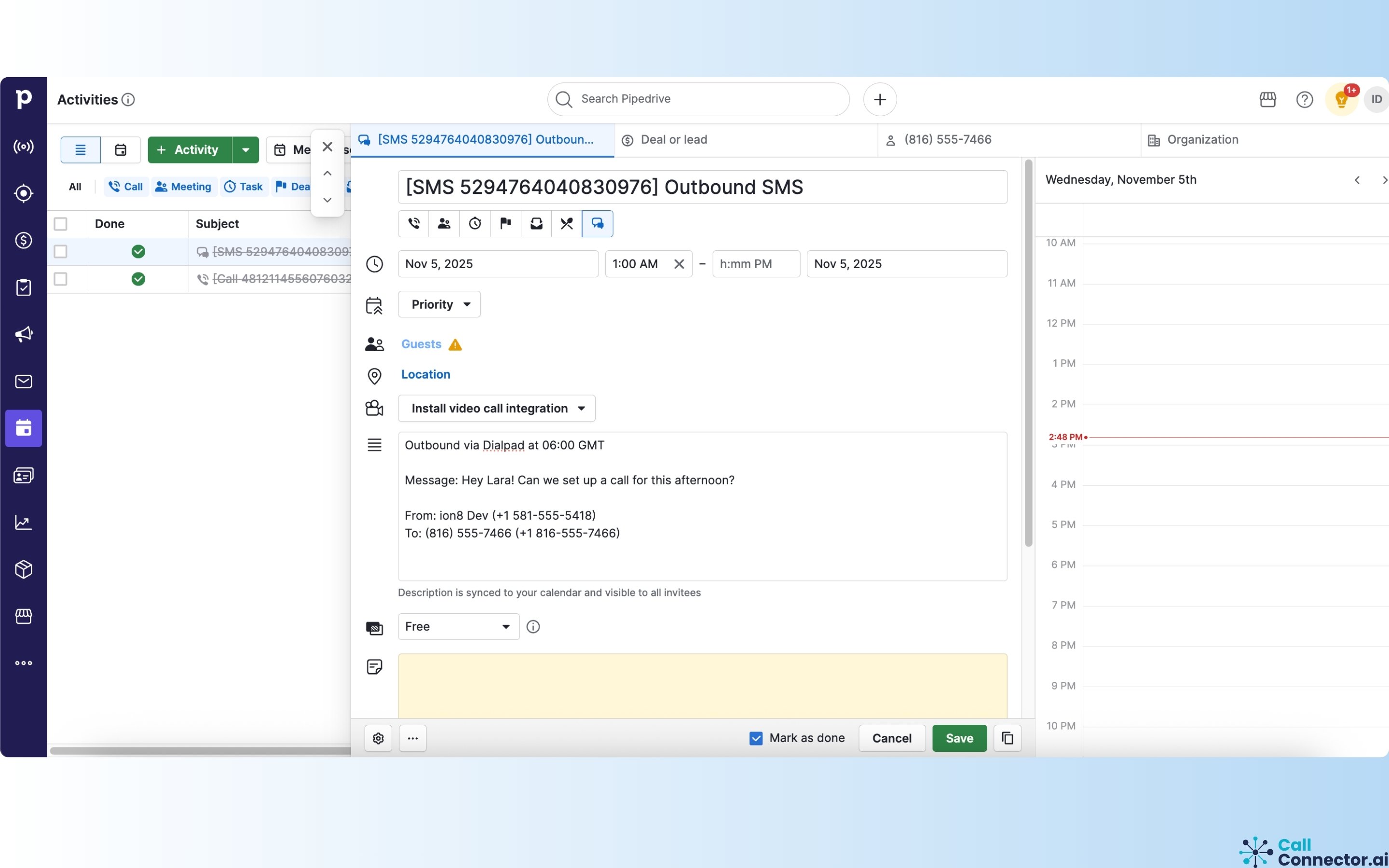
CallConnector.ai is an intelligent middleware that bridges your telephony system and Pipedrive. Every call, text, and video meeting your team has is automatically captured, transcribed and logged against the right contact or deal, with no manual input required.

What CallConnector.ai does inside Pipedrive:

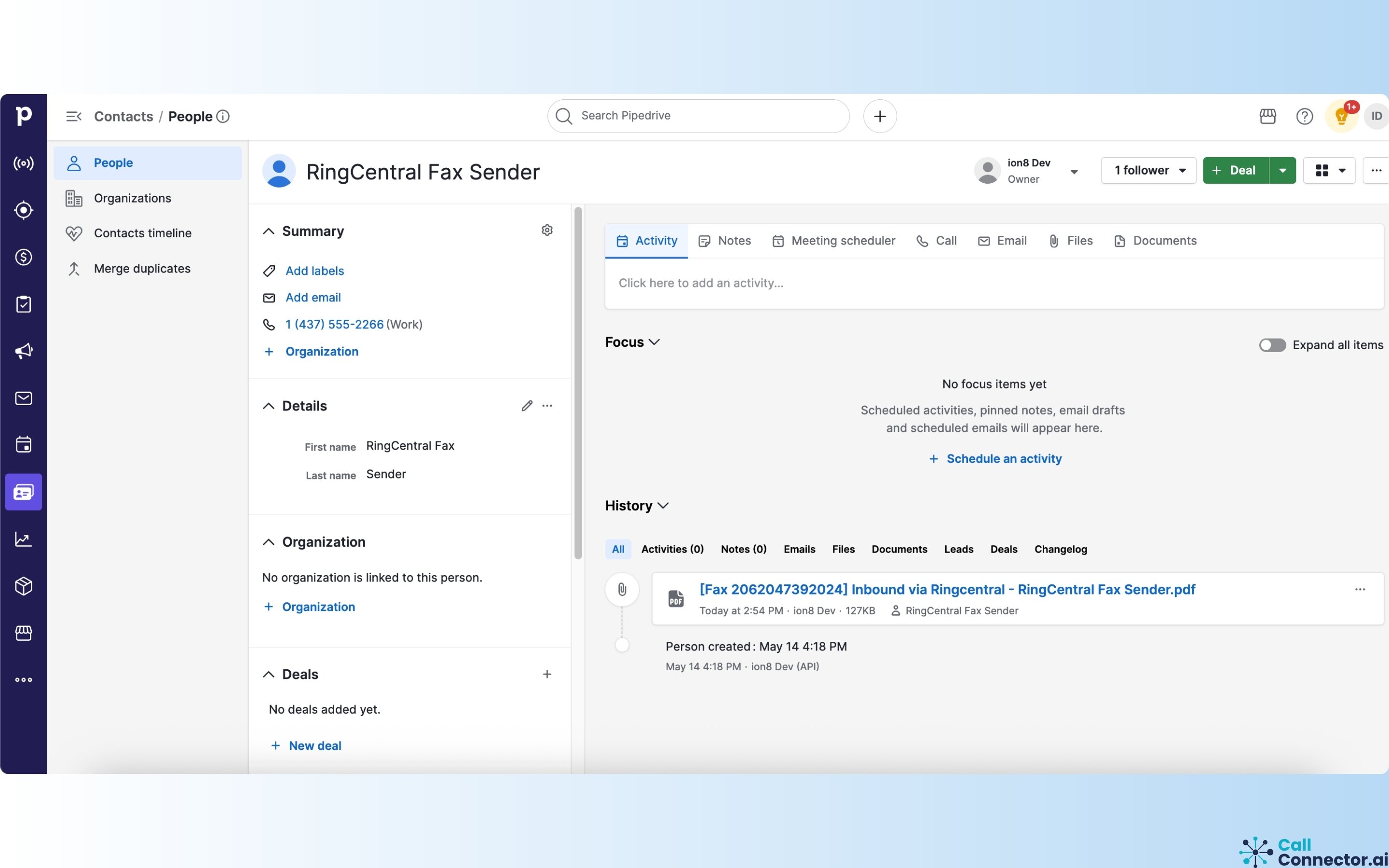
  • Automatically logs inbound and outbound calls, SMS and faxes from your telephony system directly to the correct contact or deal in Pipedrive
  • Captures call duration, participants and outcomes in real time, the moment the call ends
  • Provides AI-powered transcriptions and summaries for every conversation, stored directly in your Pipedrive CRM
  • Integrates with cloud storage system such as Google Drive and Dropbox to store recordings and transcript
  • Logs video meetings from Google Meet, Zoom, and GoTo Meeting, complete with attendee details and summaries
  • Keeps your Pipedrive activity feed accurate and complete without relying on your team

Why Pipedrive users choose CallConnector.ai:

Manual logging costs businesses time and creates gaps in pipeline data. CallConnector.ai eliminates that problem entirely by acting as the bridge between your telephony system and Pipedrive. Your team stays focused on conversations while every detail lands automatically in the right place.

The result:

A cleaner CRM, complete deal histories and a sales team that spends less time on admin and more time closing deals.

Installation instructions

Sign up at https://callconnector.ai/

  • In the Setup wizard or From the Integrations page, locate the Pipedrive card and click "Connect"
  • A Pipedrive OAuth authorization pop-up will open titled "Authorize application"
  • The pop-up will show that CallConnector.ai is requesting access to your Pipedrive company and user account
  • If the app is already installed on your account, you will see an "App already installed" message — click "Continue to the App" to proceed
  • A confirmation pop-up will appear: "App Connected" — your Pipedrive account has been successfully connected to Call Connector
  • Click "Close Window"
  • Pipedrive will now appear under Connected Integrations on the Integrations page with a green "Connected" badge

Also popular in this category

If you’re interested in this app, you might also like:

Dedupely
Dedupely
Dedupely merges Pipedrive duplicates without losing customer data. (ISO27001 Certified)
ExtraflowDoc (2026) - Estimates,Quotes, Proposals
free
ExtraflowDoc (2026) - Estimates,Quotes, Proposals
Multiple docs per deal. Multiple pricing options (1,2,3) in quote. Native Pipedrive integration. Product sync. Auto-fill data. PDFs. 5 docs/mo FREE
Qwilr Proposals, Quotes, Esign and More
free
Qwilr Proposals, Quotes, Esign and More
Qwilr helps create and track beautiful, interactive proposals and other sales docs with esign and payment, directly from Pipedrive.

User reviews

User reviews

Overall rating

No ratings yet

No installs

Can't find the app you need?

Use our powerful API to build awesome apps for either your company or for all Pipedrive users.

Build an app