
free
CallHippo
Effortlessly Manage Sales with AI-Enhanced CallHippo and Pipedrive Integration, Featuring AI-powered Analytics, Click-to-Call, and Task Automation.
(414)
384 reviews
EazyMatch AI
by Data Made Eazy
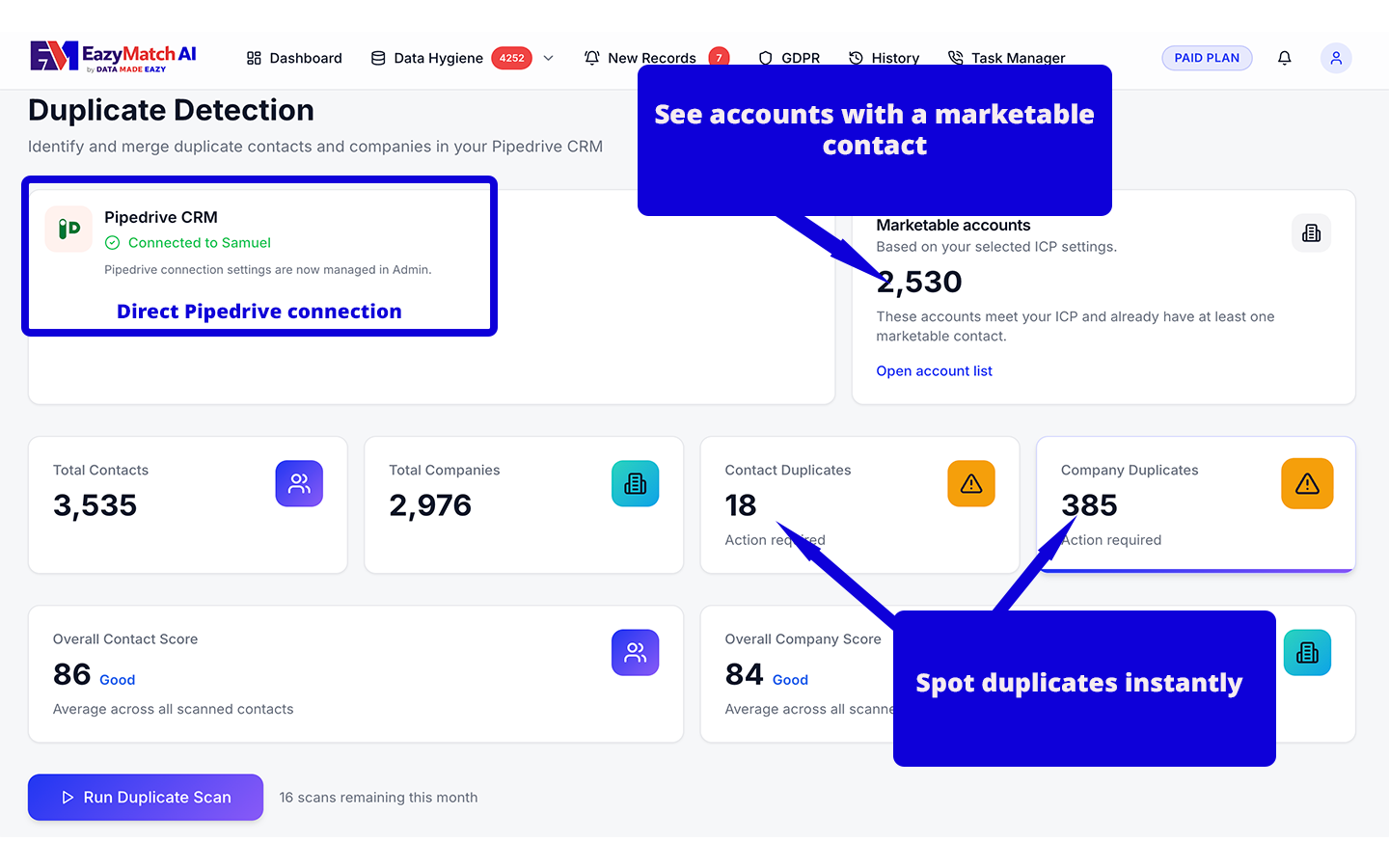
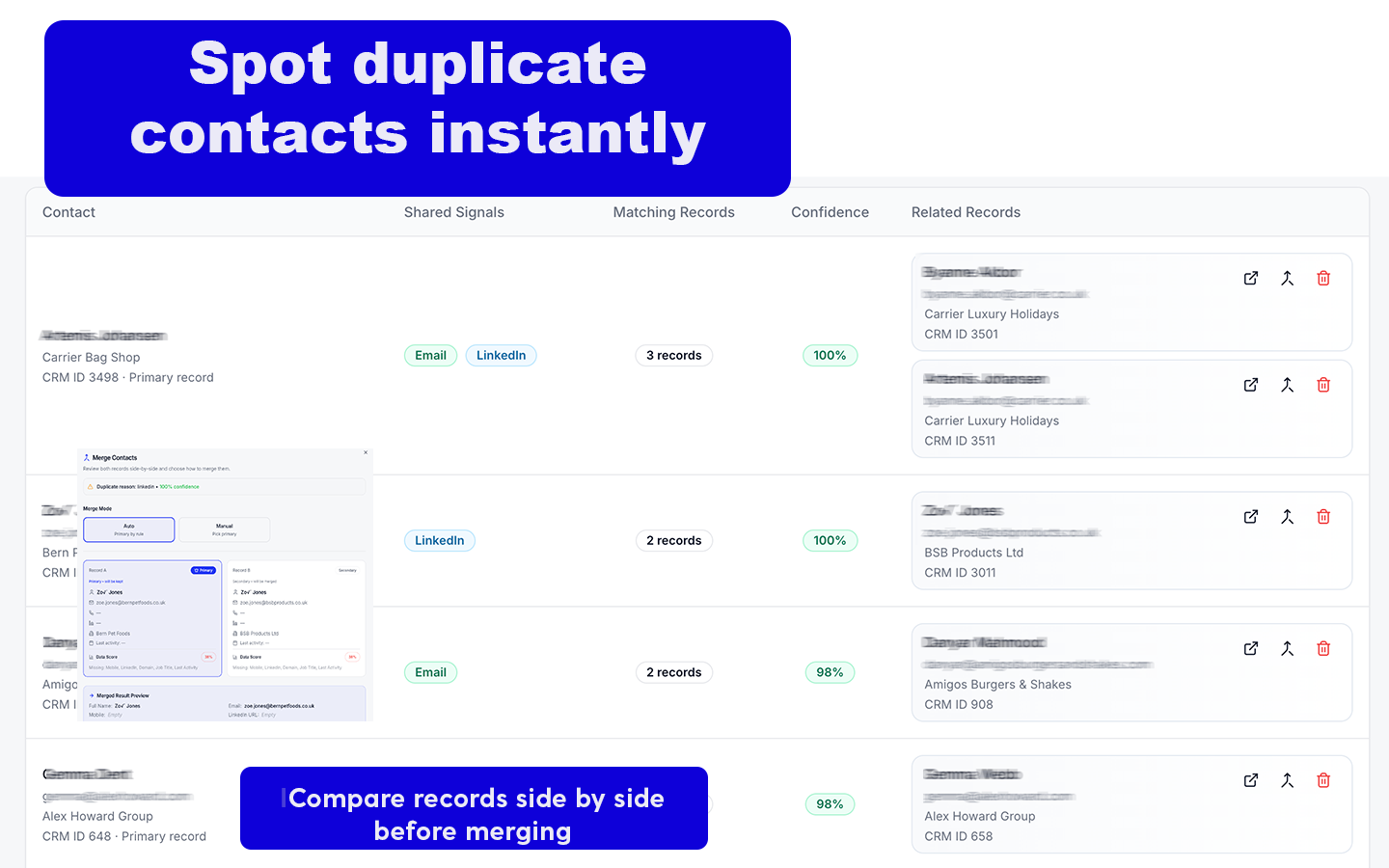
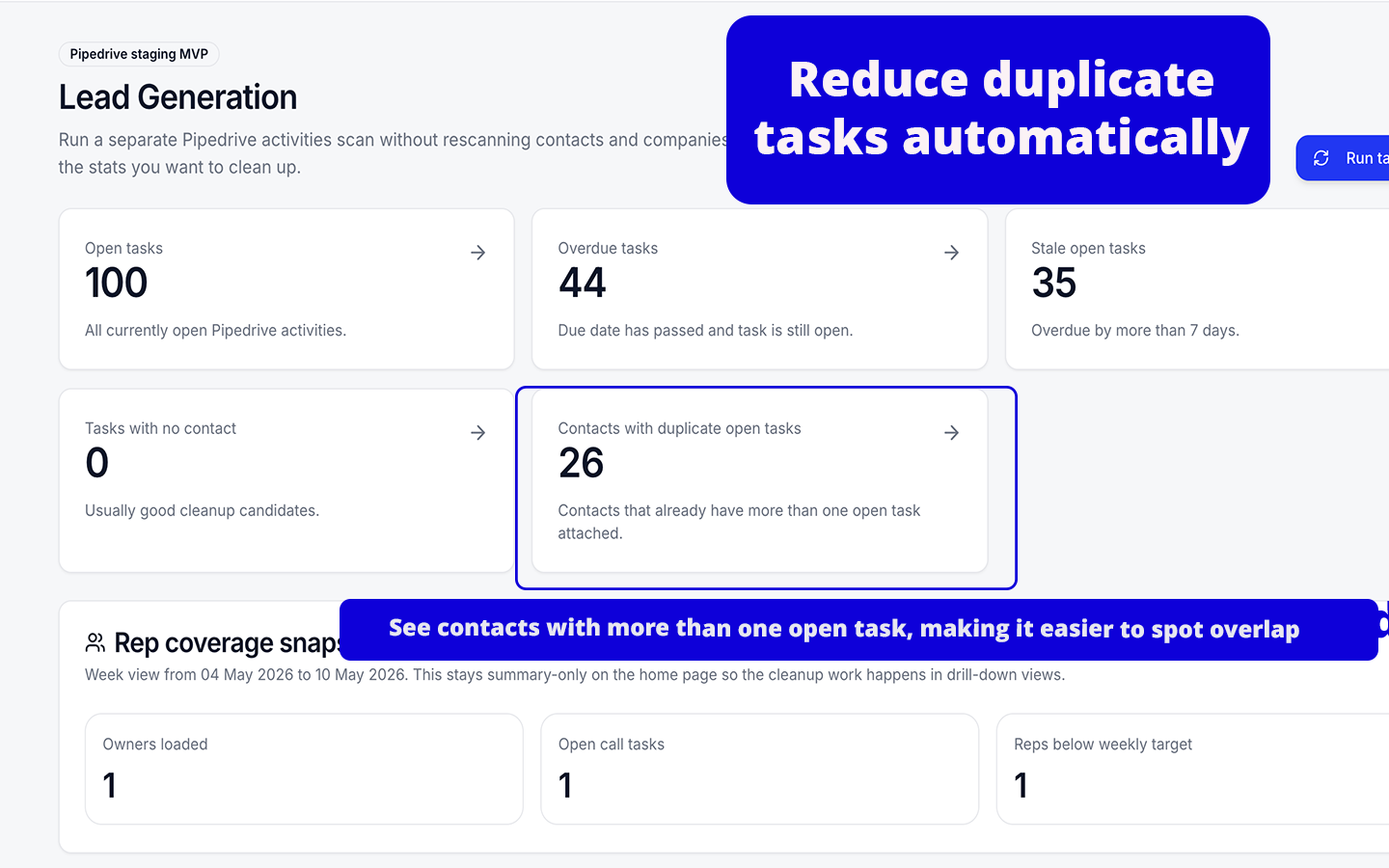
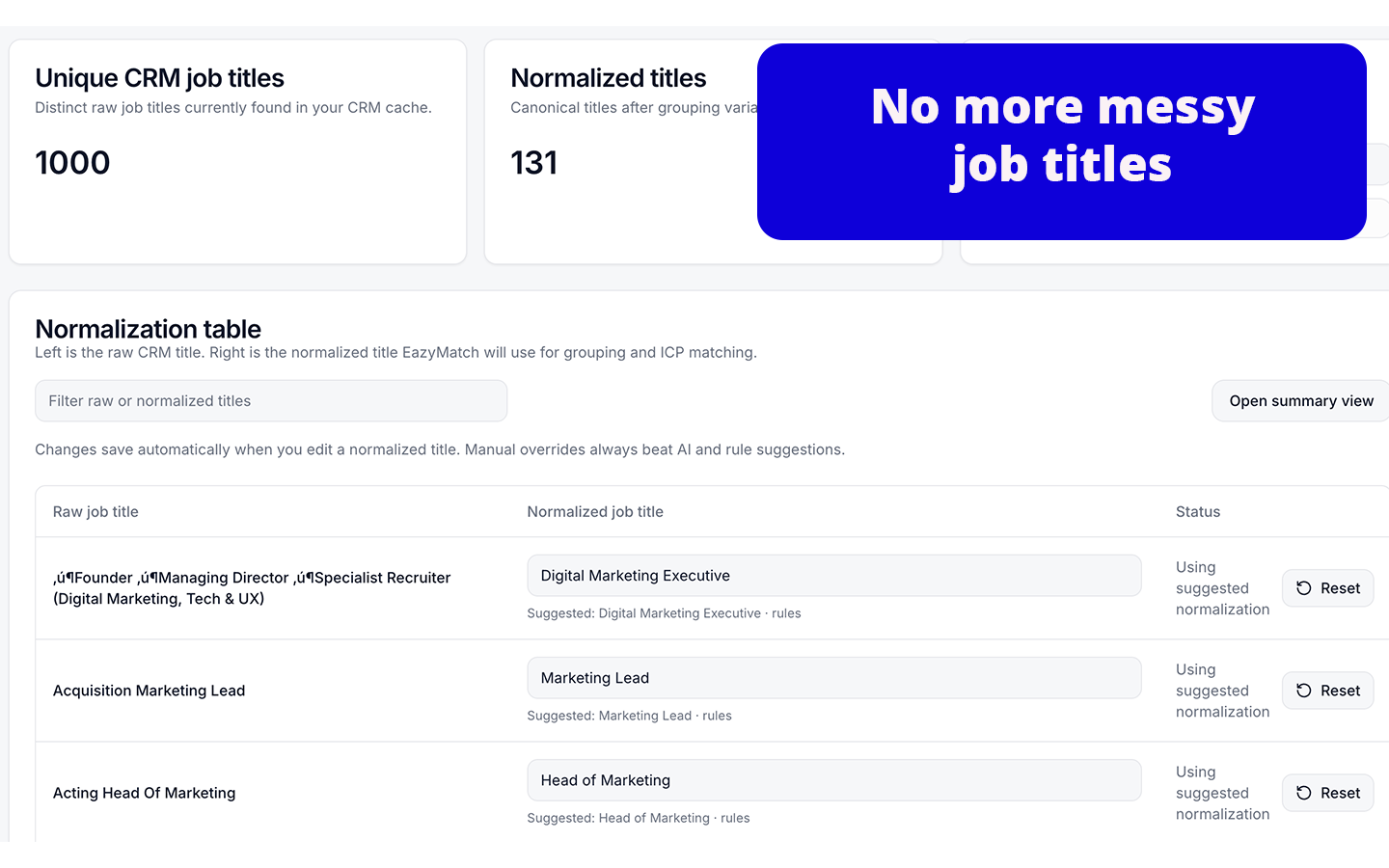
EazyMatch AI is a CRM data quality app that helps businesses find the records in Pipedrive that need attention. It helps users identify duplicates, incomplete records, non-target accounts, retention issues, messy job titles and open activities that may be affecting reporting, segmentation and follow-up.
With EazyMatch AI, you can:
Identify duplicate People and Organisations so users can review and clean up repeated CRM records.
Highlight missing or outdated fields that may be affecting reporting, segmentation and customer follow-up.
Test customer and lead records against your own retention rules to support GDPR readiness and better data governance.
Assess Organizations against your ICP and identify accounts that do not have a marketable contact.
Normalise job titles to reduce inconsistent titles and make segmentation, reporting and outreach data cleaner.
Review People with multiple open or overdue activities, helping users keep follow-up activities organised and reduce manual task management.
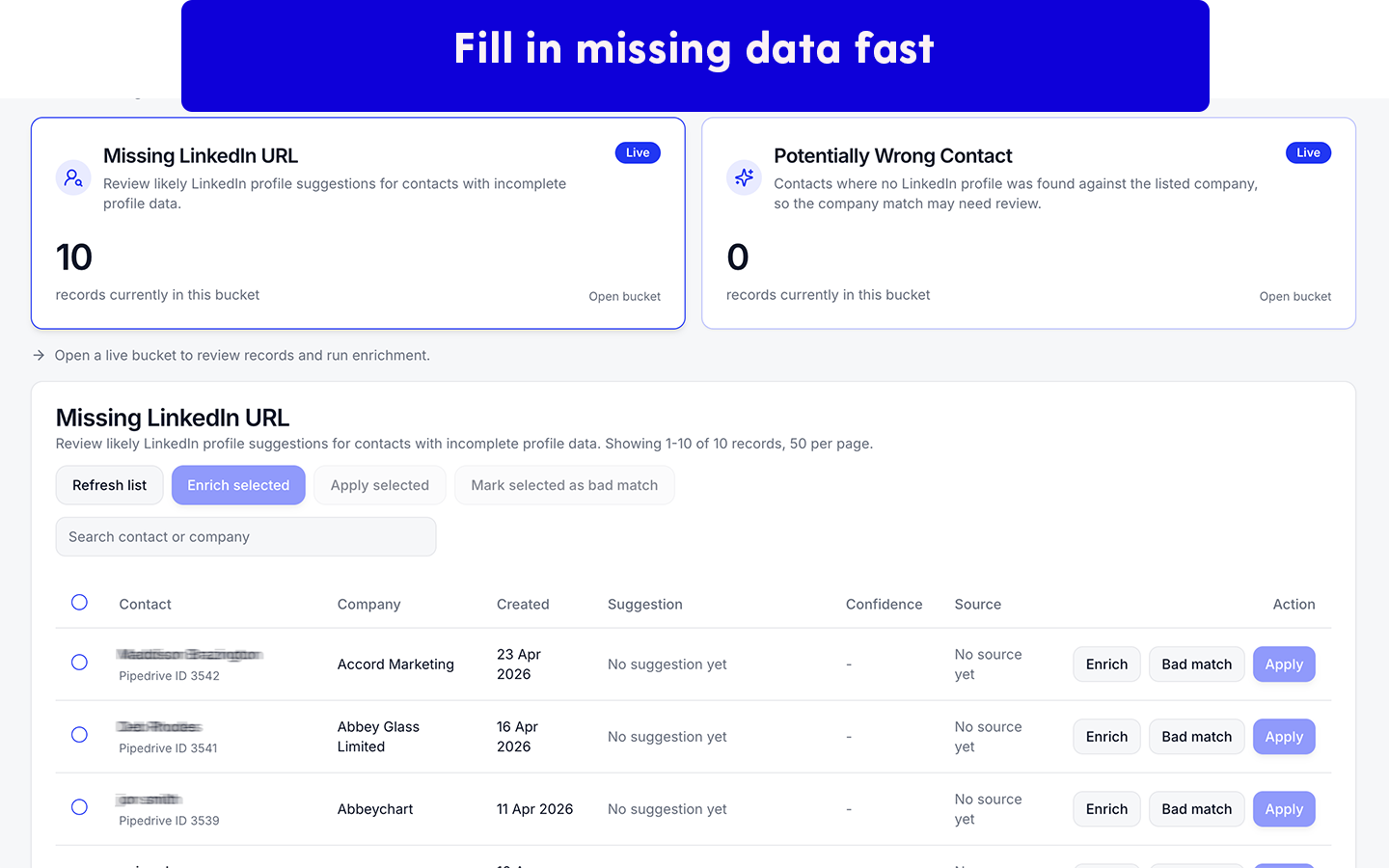
Use optional enrichment for existing CRM records, including suggested LinkedIn URLs and industry information.
Preview suggested changes before applying approved updates back into Pipedrive.
EazyMatch AI helps make Pipedrive data cleaner, more credible and easier to use across sales, marketing, reporting and operations. It does not sell contact data, provide lead lists or create prospecting databases.
Set up EazyMatch AI with Pipedrive in a few steps:
EazyMatch AI does not automatically change your Pipedrive data without your approval. Suggested updates are shown for review before they are applied.
If you’re interested in this app, you might also like:


Use our powerful API to build awesome apps for either your company or for all Pipedrive users.
Build an app