
free
Google Meet
Manage, schedule and launch Google Meet calls from Pipedrive to streamline your sales communication.
Built by Pipedrive
(4265)
503 reviews
Hungarian Company Data Lookup I SW Céglekérő
by Sales and Workflow Sales CRM Solutions
Qualify my leads, Nurture my leads, Communicate with leads, Manage contracts
APP LANGUAGE: HUNGARIAN.
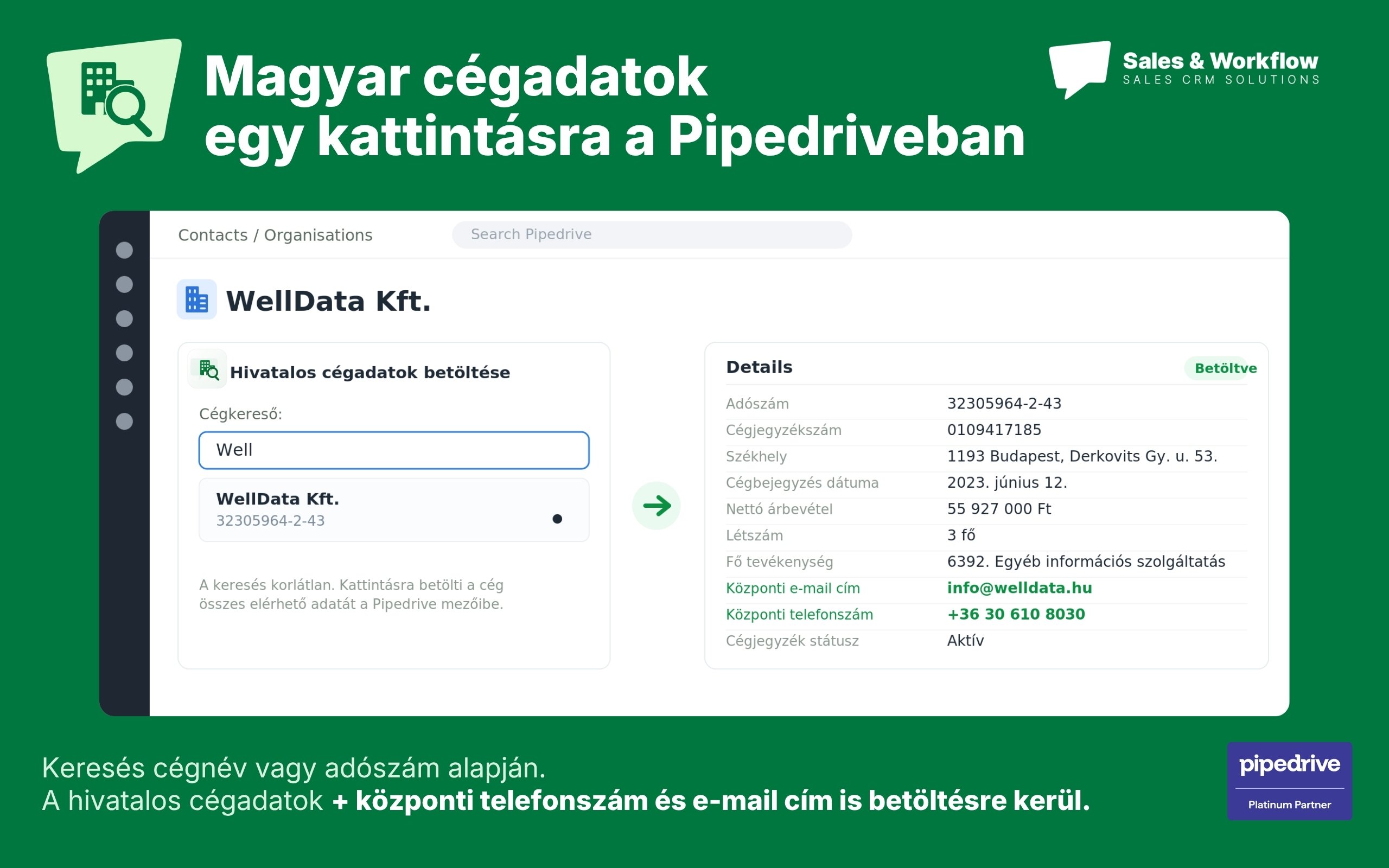
Official company data in Pipedrive. Search by name or tax ID; load verified data, incl. central email & phone, in 1 click.Stop typing Hungarian company data manually. SW Céglekérő connects Pipedrive to Hungary's official company registry, so your team always works with accurate, verified and up-to-date information.
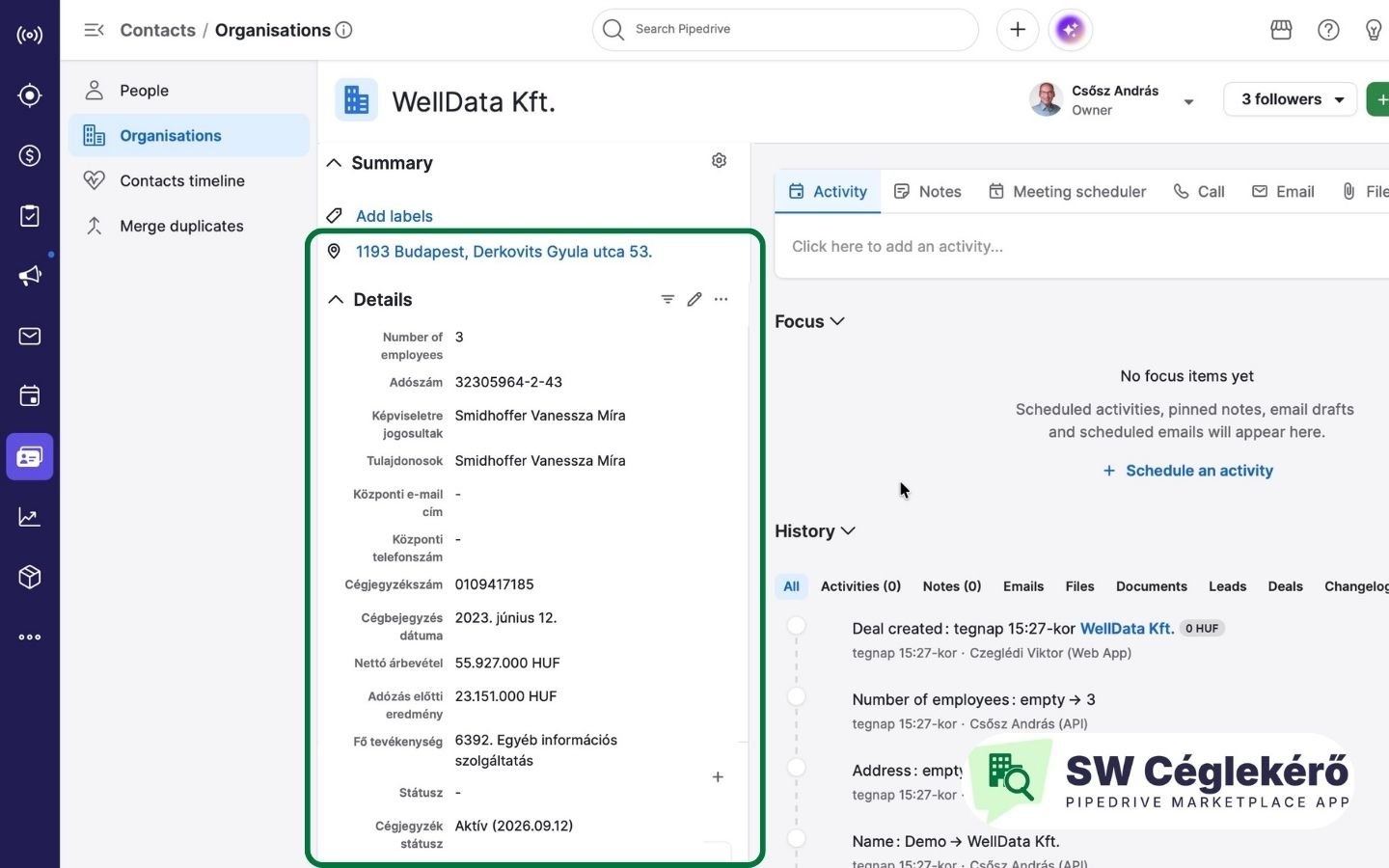
Search any Hungarian company by name or tax number (adószám) without leaving Pipedrive – searching is unlimited and free. With one click, the selected company's official data is loaded into your organisation record: short name, registered address, tax number, registry number, incorporation date, net revenue, pre-tax profit, employee count, main activity, status – plus the central email address and phone number your sales team can act on immediately.
Key benefits:
– Verified data from the official Hungarian company registry, not scraped or outdated databases – Faster deal creation: no manual data entry, no switching between tabs – Cleaner CRM: consistent, standardised company records across your pipeline – One instalment covers your whole company – quotas and pricing are per Pipedrive account, not per user
Try it free for 30 days or 100 lookups. Annual plans available;
Sales and Workflow Pipedrive customers use the app free up to 100 lookups per month and get over 30% off all plans.
Built by Sales and Workflow, Pipedrive Platinum Solution Provider in Hungary.

Panels
Instantly see and interact with Hungarian Company Data Lookup I SW Céglekérő as you dive into the details of your deals/contacts in Pipedrive.
SW Céglekérés
Locations:deal detailsorganization details
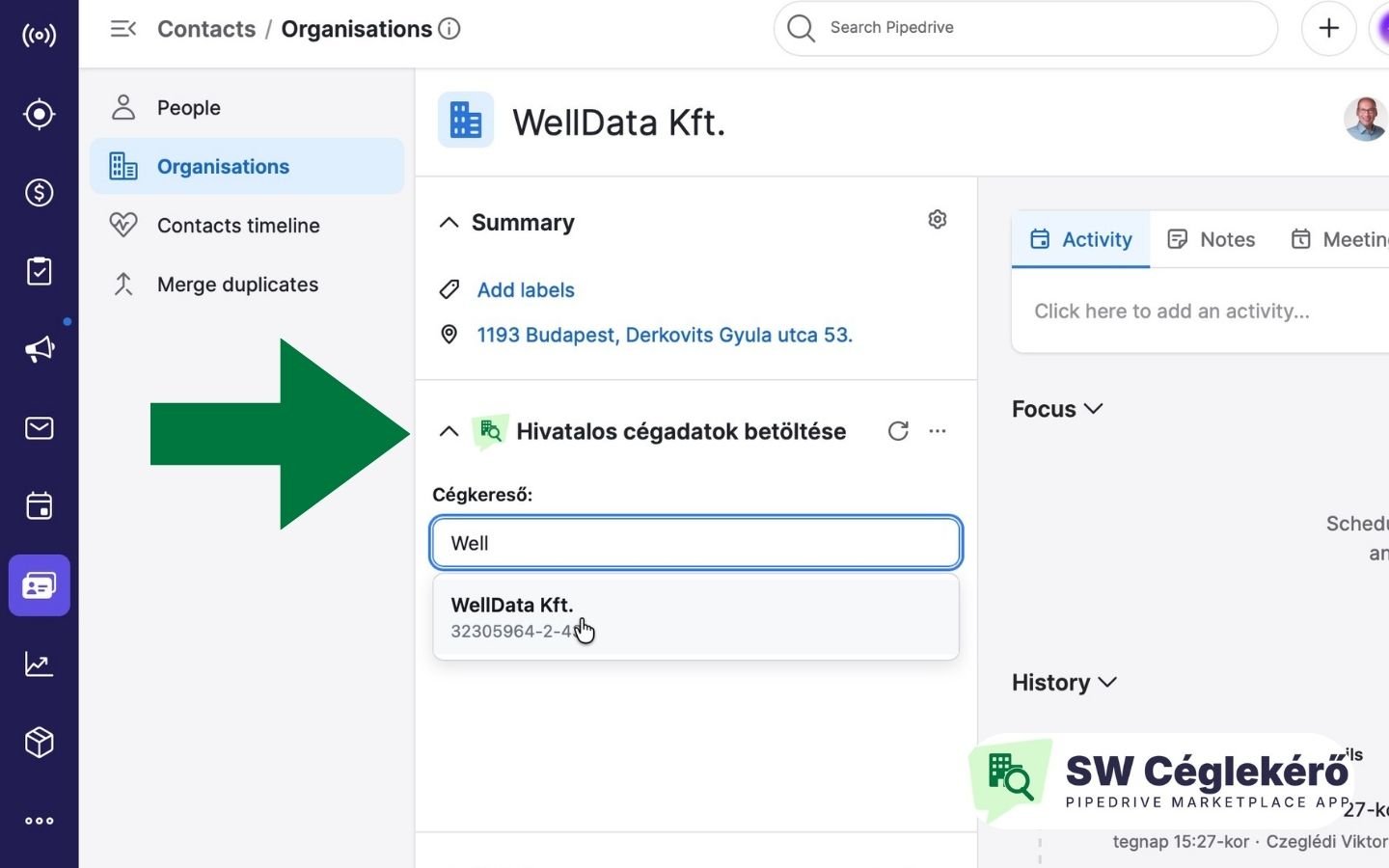
Search Hungarian companies by name or tax number and load official registry data into this organisation with one click.
Getting started takes a few minutes, no coding or configuration required. Pipedrive account. The app runs inside Pipedrive, so you need an active Pipedrive account.
Install
Open the app in the Pipedrive Marketplace, click Install, review the requested permissions and approve them. The app installs automatically.
Automatic setup
On install, the app creates the required custom fields on the Organization and adds the "Company lookup" panel to the Organization and Deal views. Name, address and number of employees use Pipedrive's built-in fields; all other data becomes new custom fields:
**Position the panel **(optional)
Open any Organization or Deal, click the three dots (…) in the top-right, choose Sidebar section, and set where the panel appears. This is per-user — everyone arranges their own view.
Use it
In the panel, type a company name (min. 4 characters) or the first 8 digits of the tax number. Searching is unlimited and free. Pick the company from the list, and its official data loads into Pipedrive with one click.
One person installs it, the whole company can use it. You can uninstall it anytime the same way, from the Marketplace.
If you’re interested in this app, you might also like:


Use our powerful API to build awesome apps for either your company or for all Pipedrive users.
Build an app