
free
CallHippo
Effortlessly Manage Sales with AI-Enhanced CallHippo and Pipedrive Integration, Featuring AI-powered Analytics, Click-to-Call, and Task Automation.
(414)
384 reviews
Monday Connector
by Onespace Tech
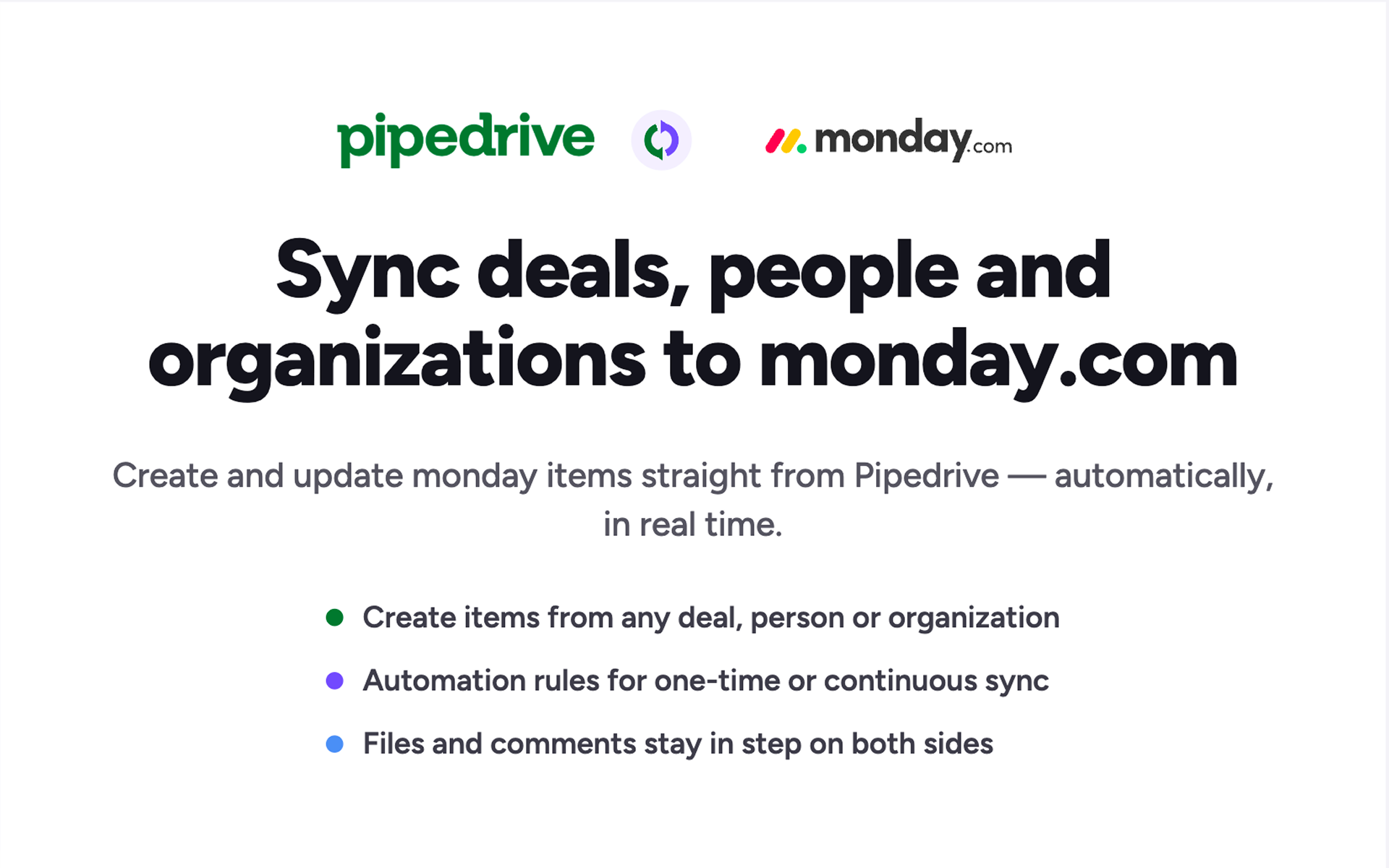
Monday Connector syncs your Pipedrive deals, contacts, and organizations directly to Monday.com project boards, so sales-to-delivery handoffs happen automatically. No more copying data, missed details, or delays.
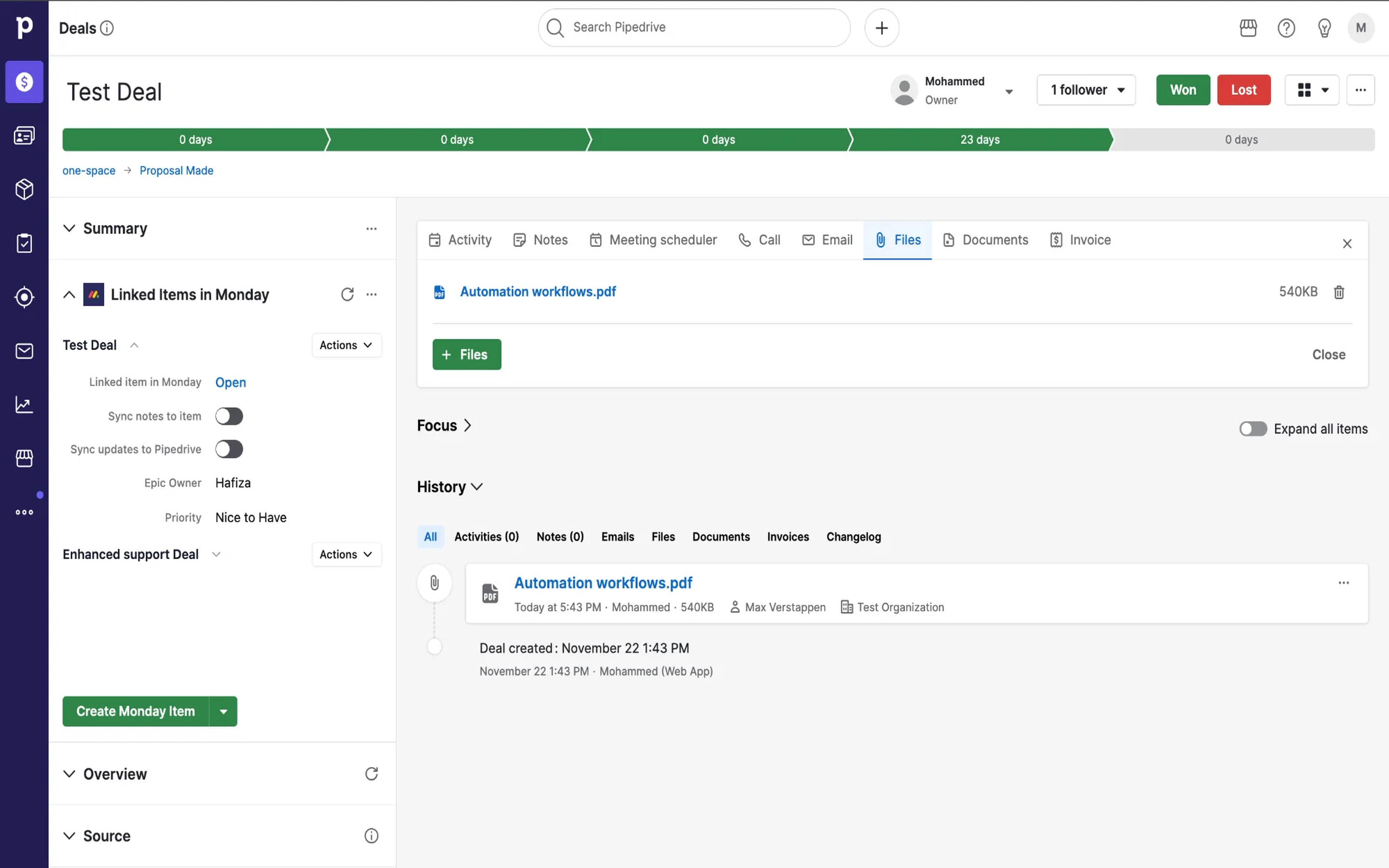
Work Inside Pipedrive See linked Monday.com items in your Pipedrive sidebar. Create, edit, and manage Monday items for deals, people, and organizations without leaving your CRM.
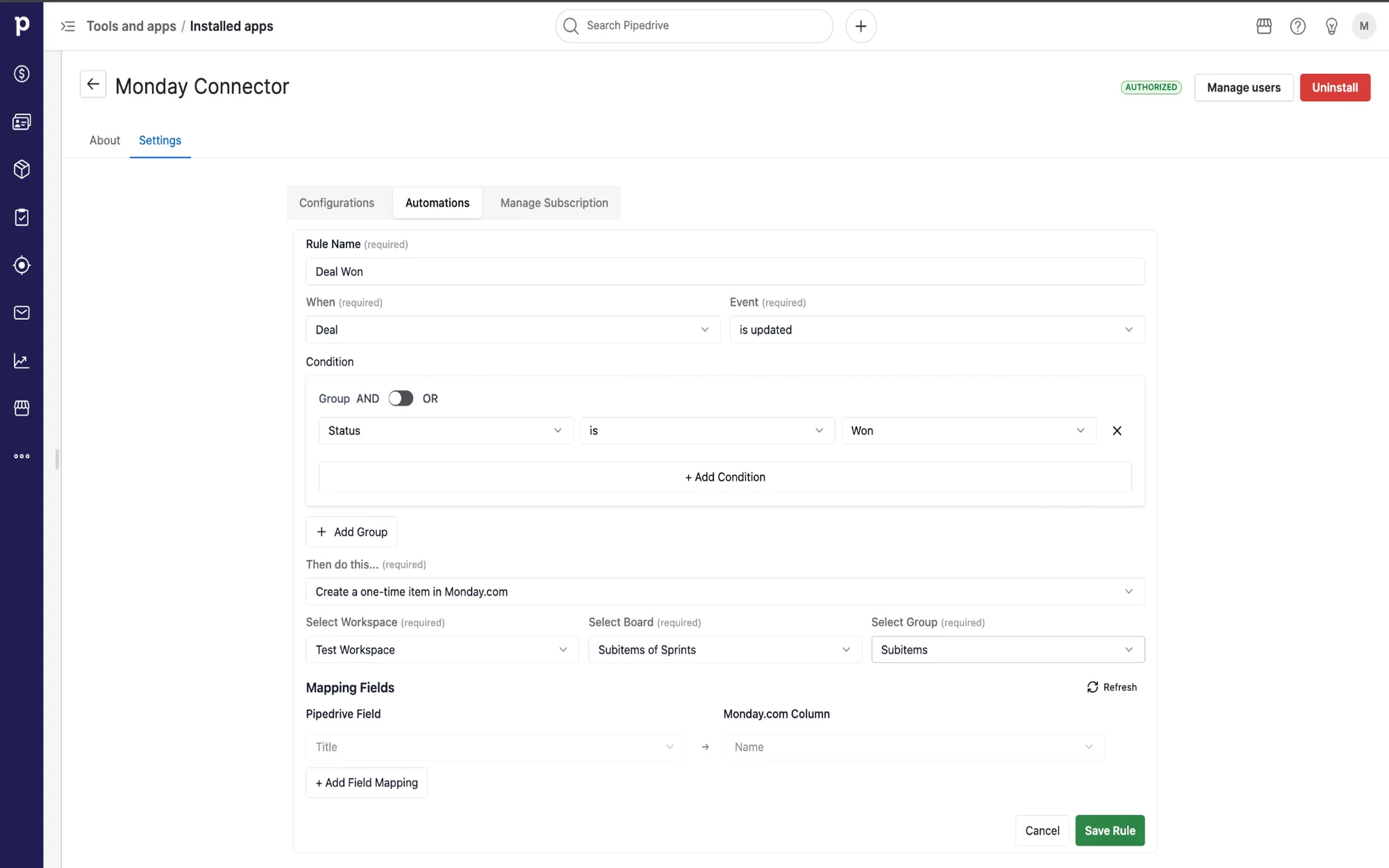
Smart Automation Rules Set up rules once. Create Monday.com items when deals move to "Won," contacts reach specific stages, or custom conditions are met, as a one-time creation or a continuous sync that updates Monday in seconds.
Sync Everything That Matters
Simple Usage Automation rules are included with the Professional plan, with 500 automated item creations per seat per month (100 during the free trial). Only items created by automation rules count; updates and manual creations never do. Your allowance resets monthly on your subscription anniversary, and unused items don't roll over. Track it anytime in Settings, and add seats to raise it.
Start your 21-day free trial today. No credit card required.

Panels
Instantly see and interact with Monday Connector as you dive into the details of your deals/contacts in Pipedrive.
Linked Items in Monday
Locations:deal detailsorganization detailsperson details

Pop-up windows
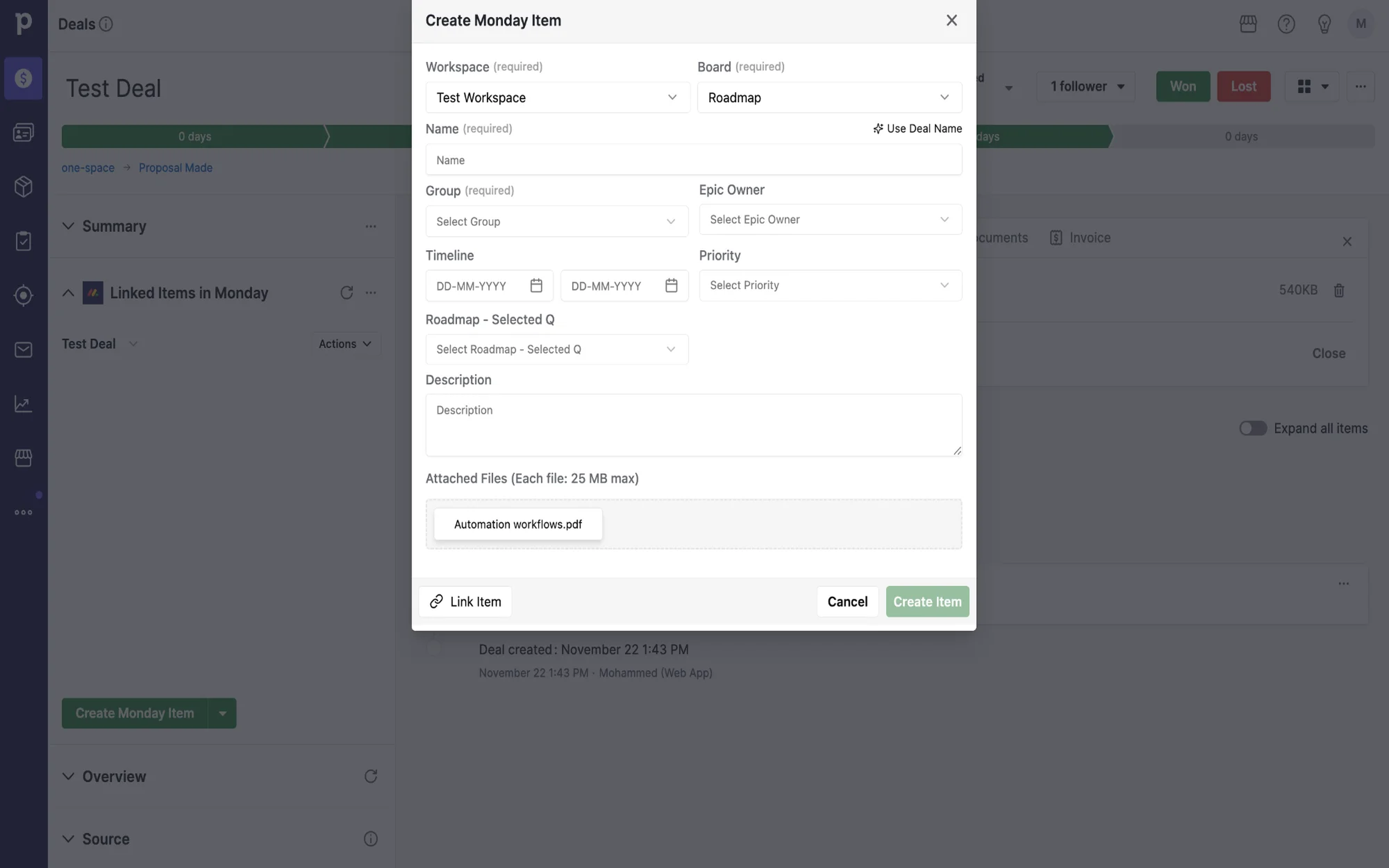
Tackle complex tasks in Monday Connector without leaving Pipedrive via their customized pop-up windows.
Link Monday Item
Locations:deal detailsperson detailsorganization details
Add comment
Edit Monday Item
Create Monday Item
Locations:deal detailsorganization detailsperson details
Getting Started with Monday Connector
Step 1: Install the App
Click "Install" and authorize the app to access your Pipedrive account. You'll be redirected to complete the setup.
Step 2: Connect Your Monday.com Account
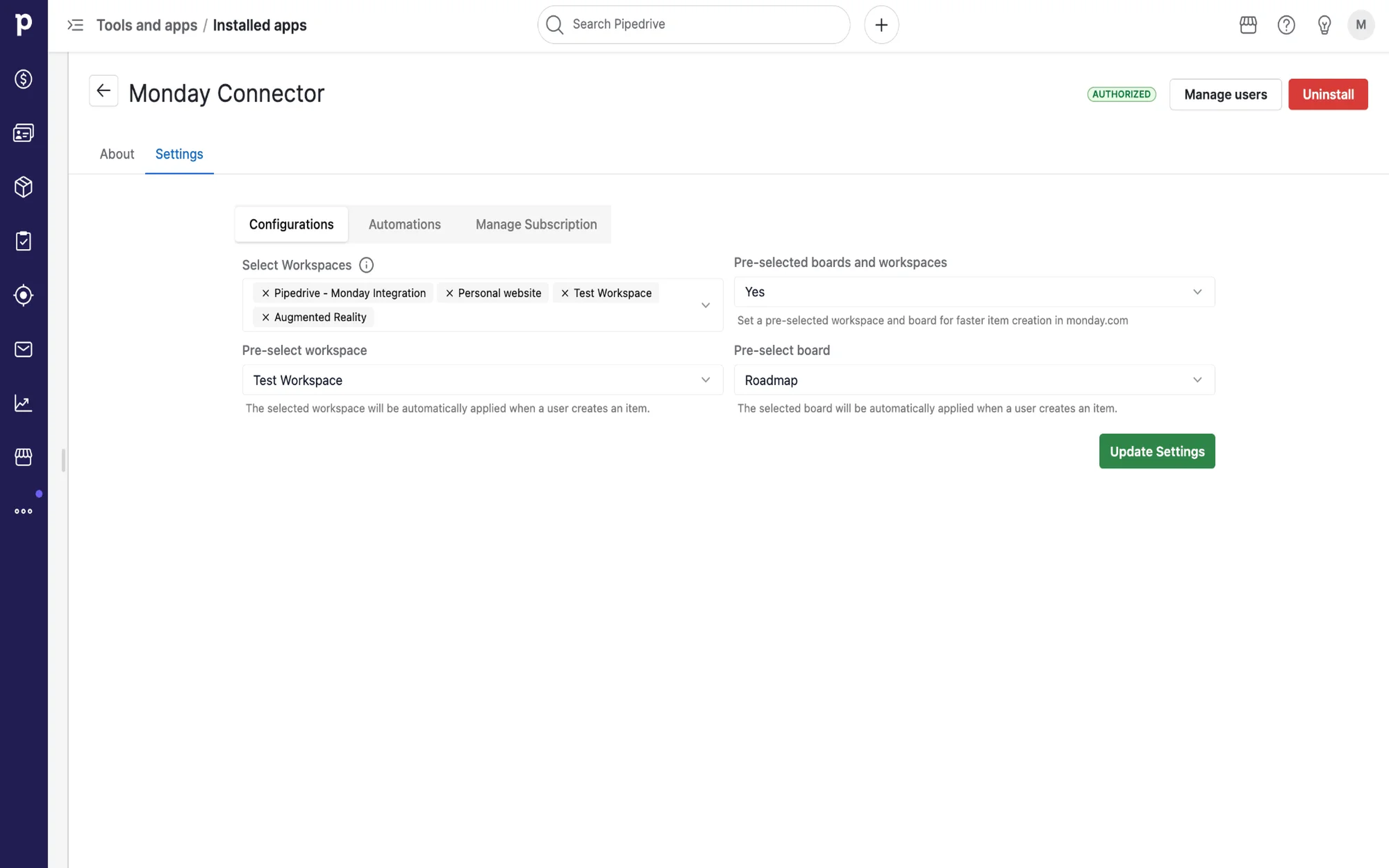
Step 3: Configure Your Workspace & Board
Step 4: Link Items Manually
Step 5: Automate the Sync (Professional Plan)
If you’re interested in this app, you might also like:


Use our powerful API to build awesome apps for either your company or for all Pipedrive users.
Build an app