Onro

Onro

by MB Onro Technologies

Onro's AI courier platform automates dispatching, deliveries, and driver ops — sync customers between your delivery operations and Pipedrive.

Automate my pipeline and data

App screenshot
App screenshot
App screenshot
App screenshot

Description

Onro

Onro is an agentic courier management software built for courier companies, last-mile delivery businesses, logistics operators, and on-demand delivery operations. By connecting Onro with Pipedrive, your operational customer data is automatically synchronized into your CRM.


What You Can Do

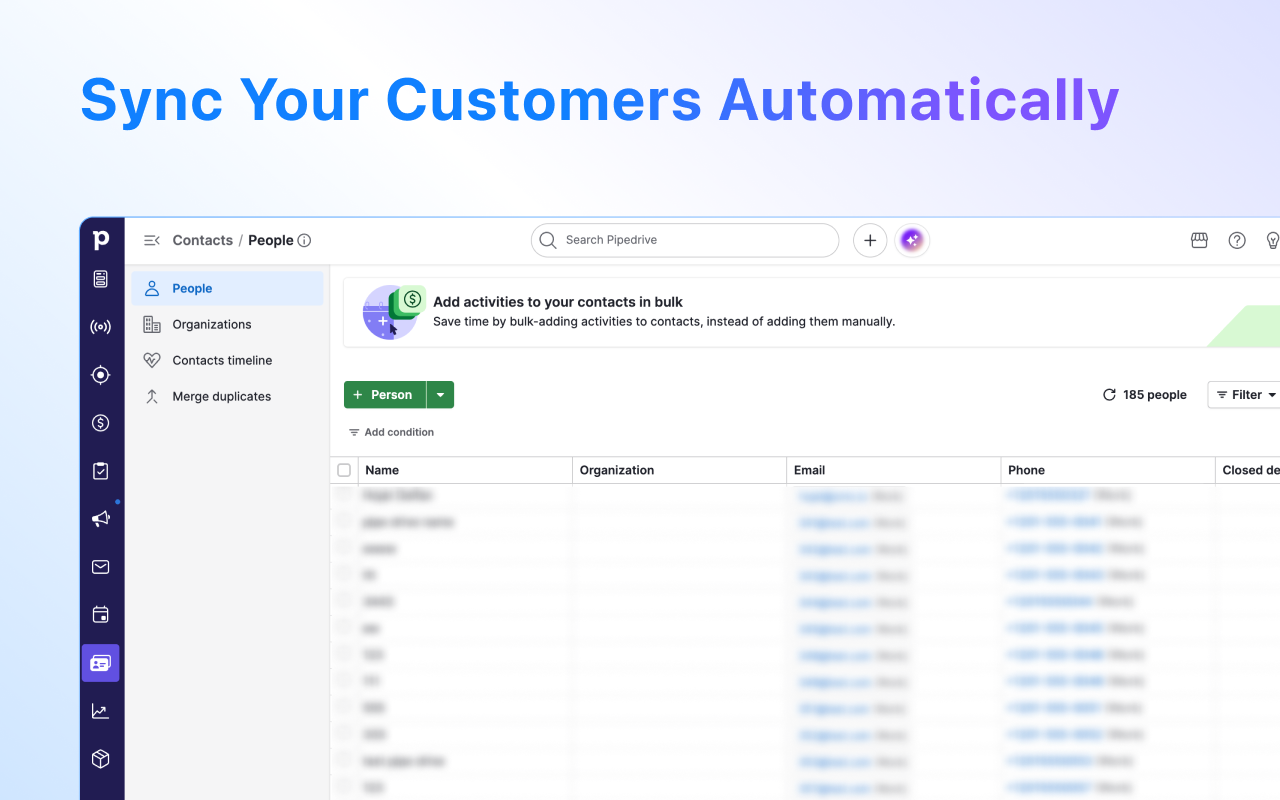
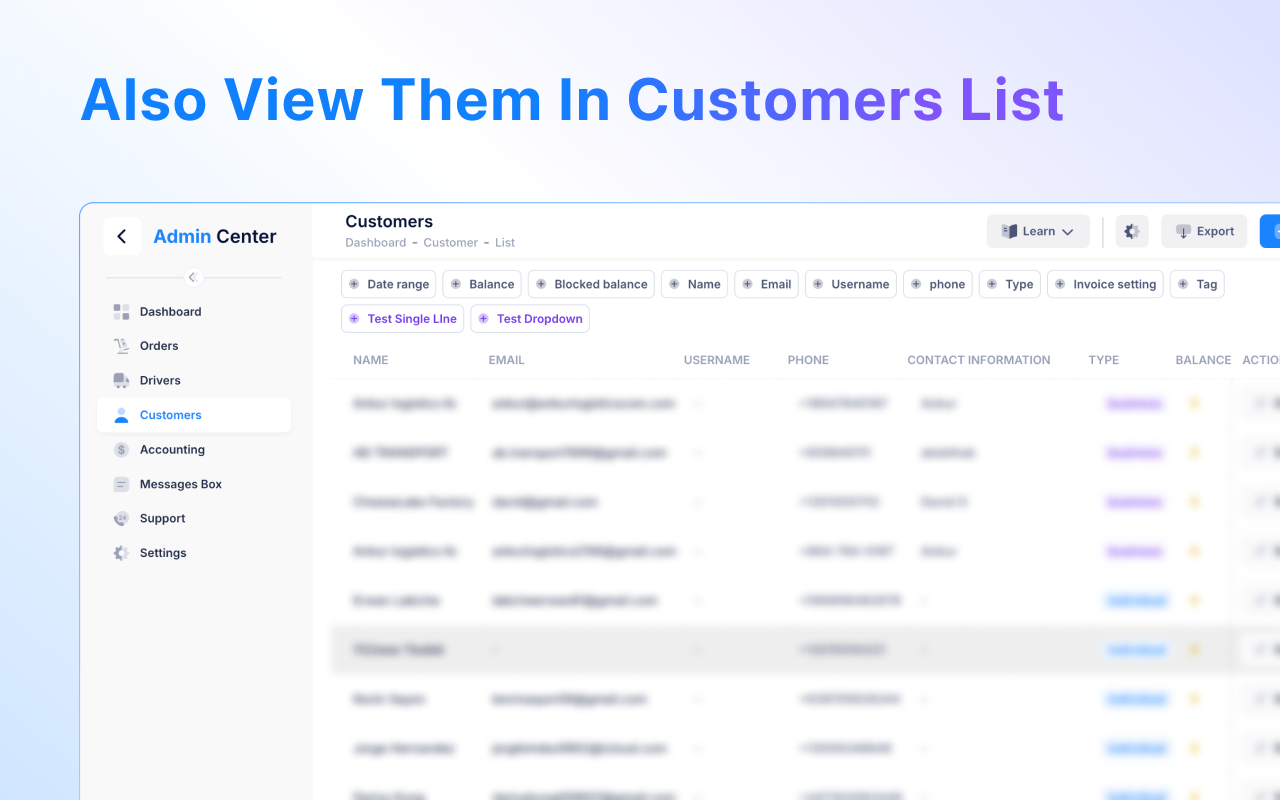
  1. Automatically sync customers into Pipedrive. Customers created or updated in Onro are instantly synced into Pipedrive without manual work.
  2. Support both individual and business customers. Individual customers are synced as People, while business customers are synced with their related organizations and contacts.
  3. Prevent duplicate records automatically. Smart matching checks existing records before creating new ones. This is keeping your CRM clean and organized.
  4. Keep customer data accurate in real time. All updates made inside Onro automatically appear inside Pipedrive.
  5. Improve collaboration across teams. Your dispatchers, operations teams, financial team, customer support, and sales representatives all work from the same synchronized customer information.

Who Is It For?

  • Courier companies.
  • Last-mile delivery businesses.
  • Logistics operators.
  • Food delivery services.
  • E-commerce delivery teams.
  • On-demand delivery startups.
  • Hub-based courier services.

This integration is built for businesses that want delivery operations and customer management connected in one streamlined workflow.

Installation instructions

Getting Started with Onro for Pipedrive

Follow these simple steps to connect your Onro delivery operations with Pipedrive and start syncing your customers automatically.


Installation Steps

  1. Install the extension — Go to Pipedrive Marketplace, find Onro for Pipedrive and click Install

  2. Authorize Pipedrive — You will be redirected to the authorization page. Grant Onro access to your Pipedrive account

  3. Create your Onro account — If you don't have one yet, sign up at onro.app — it's free to try

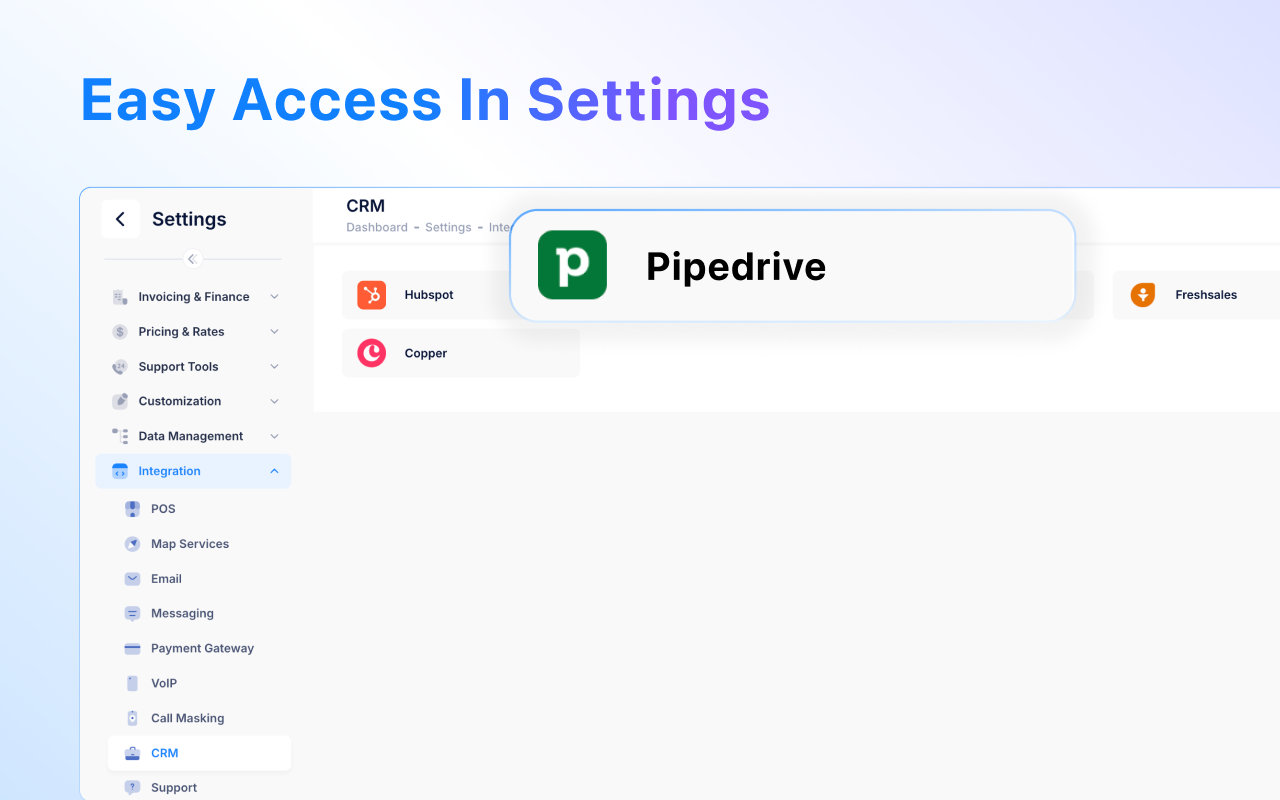
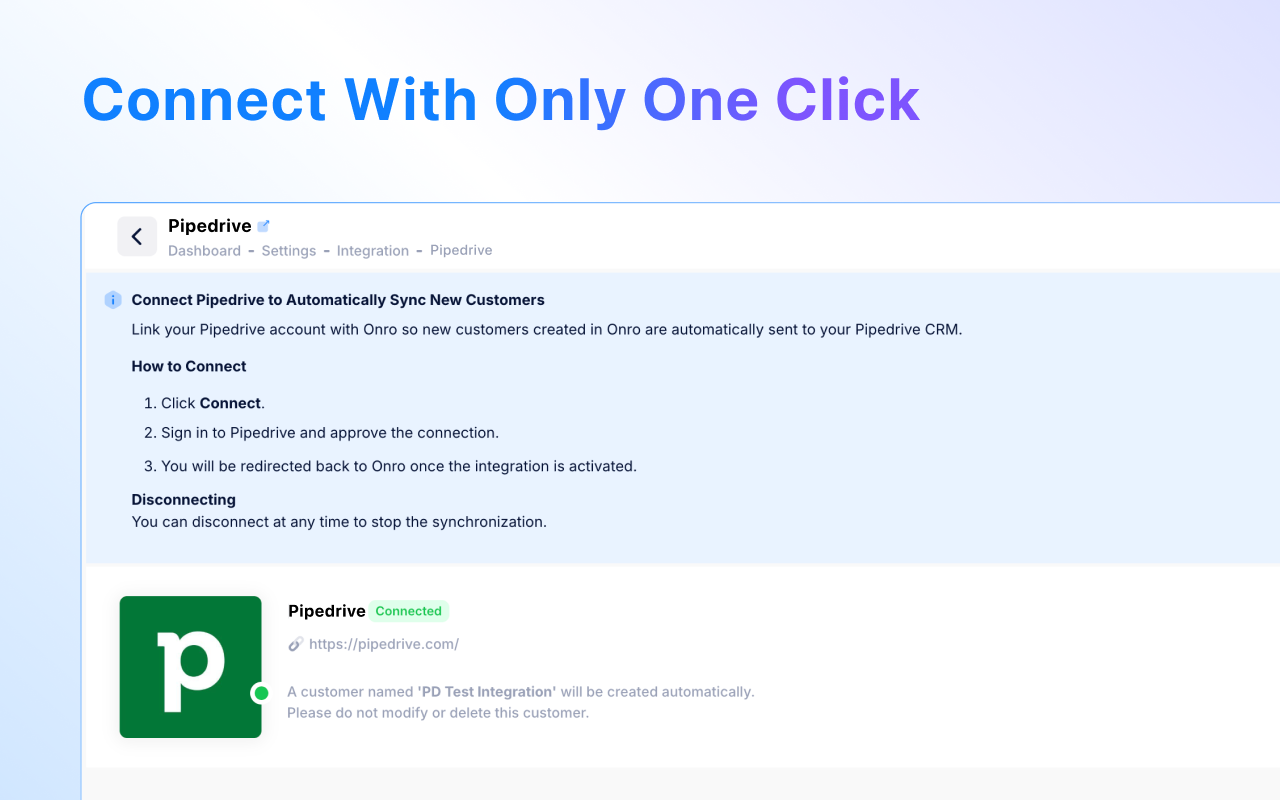
  4. Enable the integration — Inside your Onro Admin Panel go to: Settings → Integrations → CRM → Pipedrive and create a new integration by selecting your desired customer account

  5. You're all set! — Your Onro customers will now sync automatically into Pipedrive in real time


Disconnecting

You can disconnect at any time to stop synchronization from the Onro Admin Panel.

To disconnect:

  1. Go to Settings → Integrations → CRM → Pipedrive
  2. Click Disconnect

Once disconnected, data synchronization between Onro and Pipedrive will stop immediately.


Need Help?

Also popular in this category

If you’re interested in this app, you might also like:

ControlHippo AI Chat Agents
free
ControlHippo AI Chat Agents
AI Powered communication platform that connects, converts and retain customers.
Dedupely
Dedupely
Dedupely merges Pipedrive duplicates without losing customer data. (ISO27001 Certified)
Outfunnel
Outfunnel
Unite your sales and marketing data and prioritize your leads. Works with tools like Mailchimp, ActiveCampaign, Klaviyo, Calendly, Brevo, and more.

User reviews

User reviews

Overall rating

No ratings yet

No installs

Can't find the app you need?

Use our powerful API to build awesome apps for either your company or for all Pipedrive users.

Build an app