
free
CallHippo
Effortlessly Manage Sales with AI-Enhanced CallHippo and Pipedrive Integration, Featuring AI-powered Analytics, Click-to-Call, and Task Automation.
(414)
384 reviews
Pana Events
by MathiVerse Technologies Pvt Ltd.
Attract new leads, Qualify my leads, Automate my pipeline and data
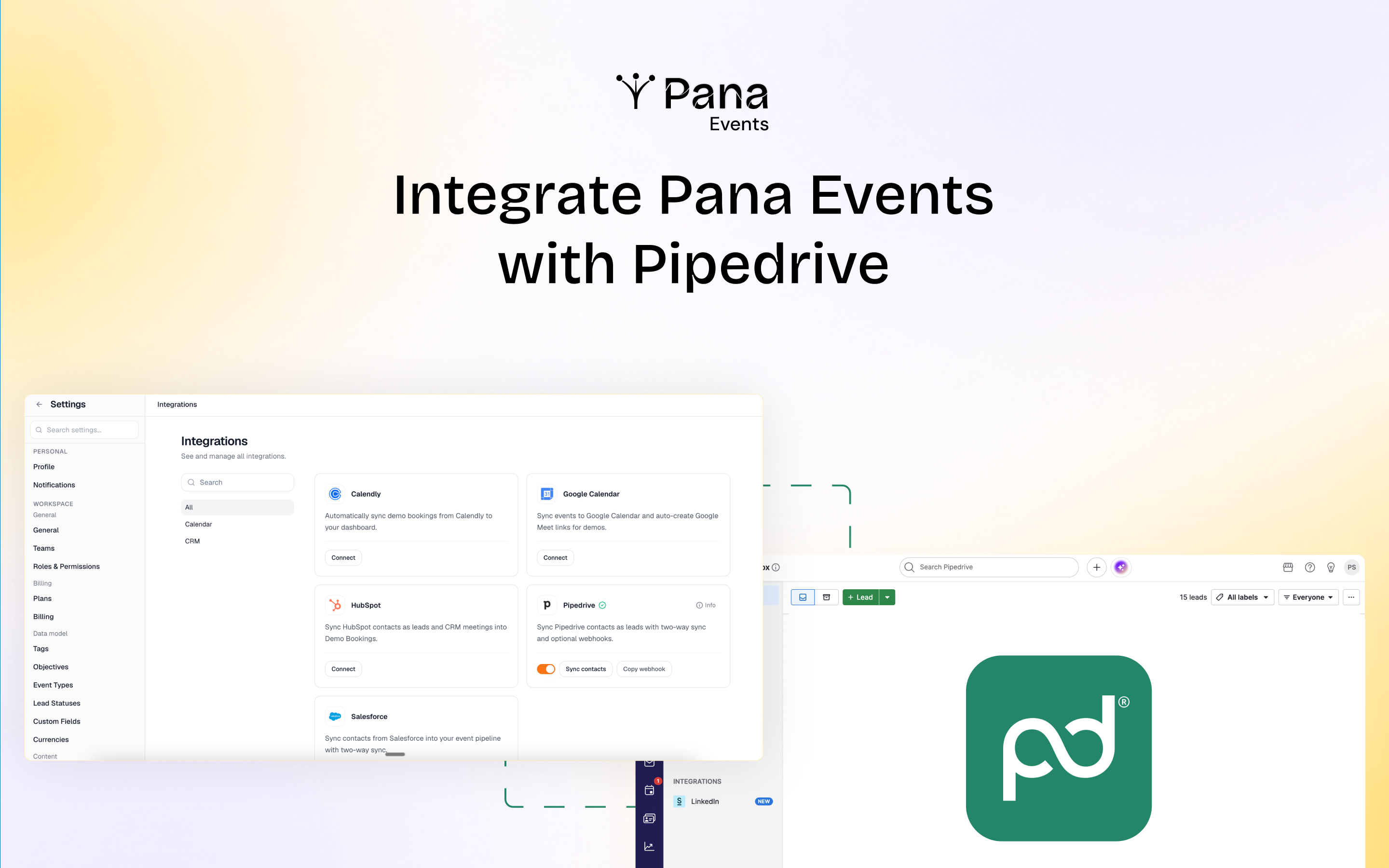
Pana Events is an event intelligence, event management, and event ROI platform that helps sales and marketing teams plan, execute, and measure in-person events from a single workspace.
Whether you're sponsoring an industry conference, exhibiting at a trade show, attending a networking event, or hosting your own event, Pana Events helps teams organize event activities, capture leads, share digital business cards, and track event performance throughout the event lifecycle.
Using the Pana Events mobile app, teams can capture leads by scanning event badges, business cards, or manually adding contact information while on the event floor. Leads can be organized with notes and managed alongside other event activities within the platform.
By connecting your Pipedrive workspace via the web application, Pana Events enables two-way synchronization between both platforms. Newly captured leads can be instantly pushed to Pipedrive, existing contacts can also be imported into Pana Events.
Key capabilities of Pana Events:
With Pana Events, businesses can manage every stage of their event workflow from one platform.
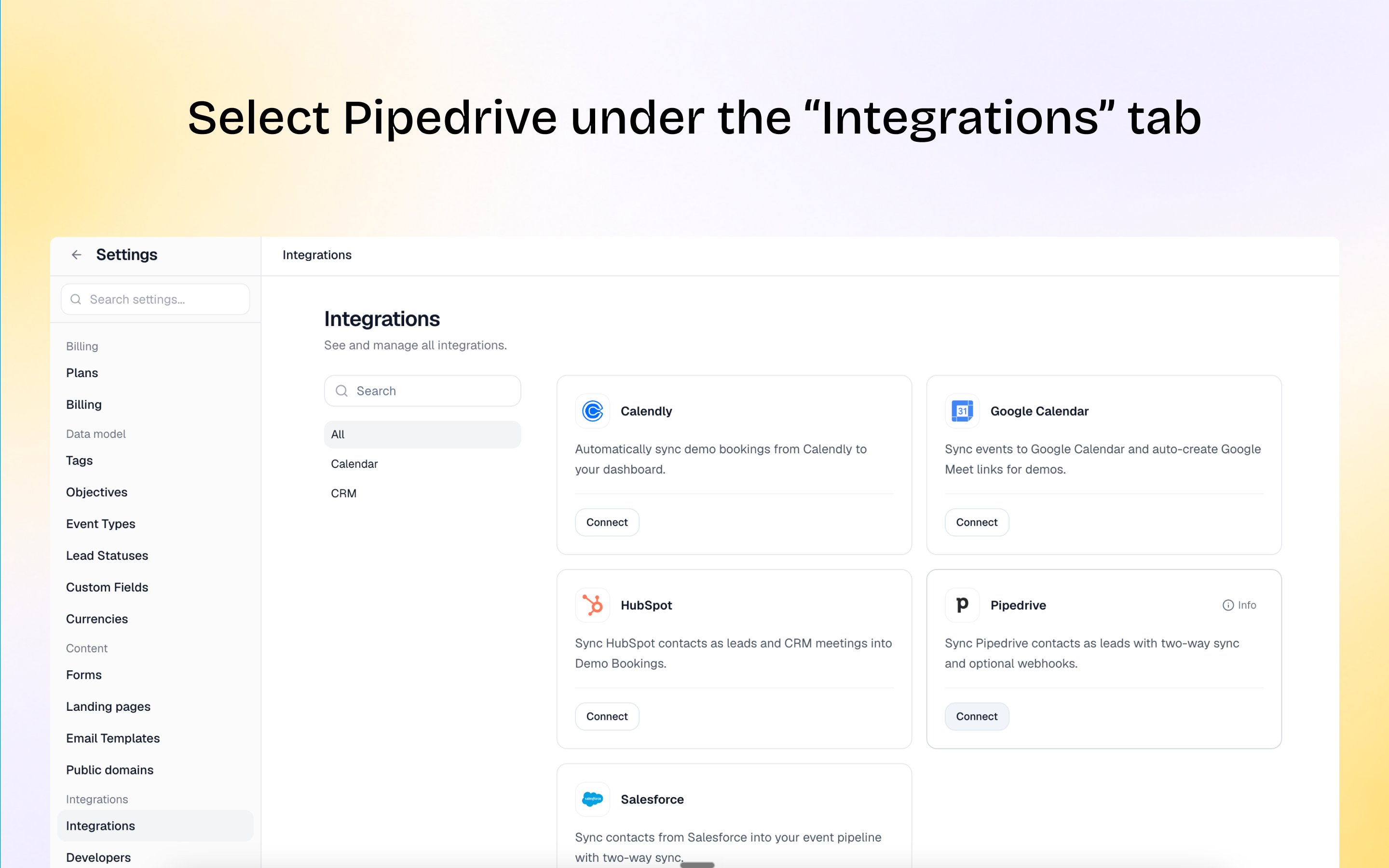
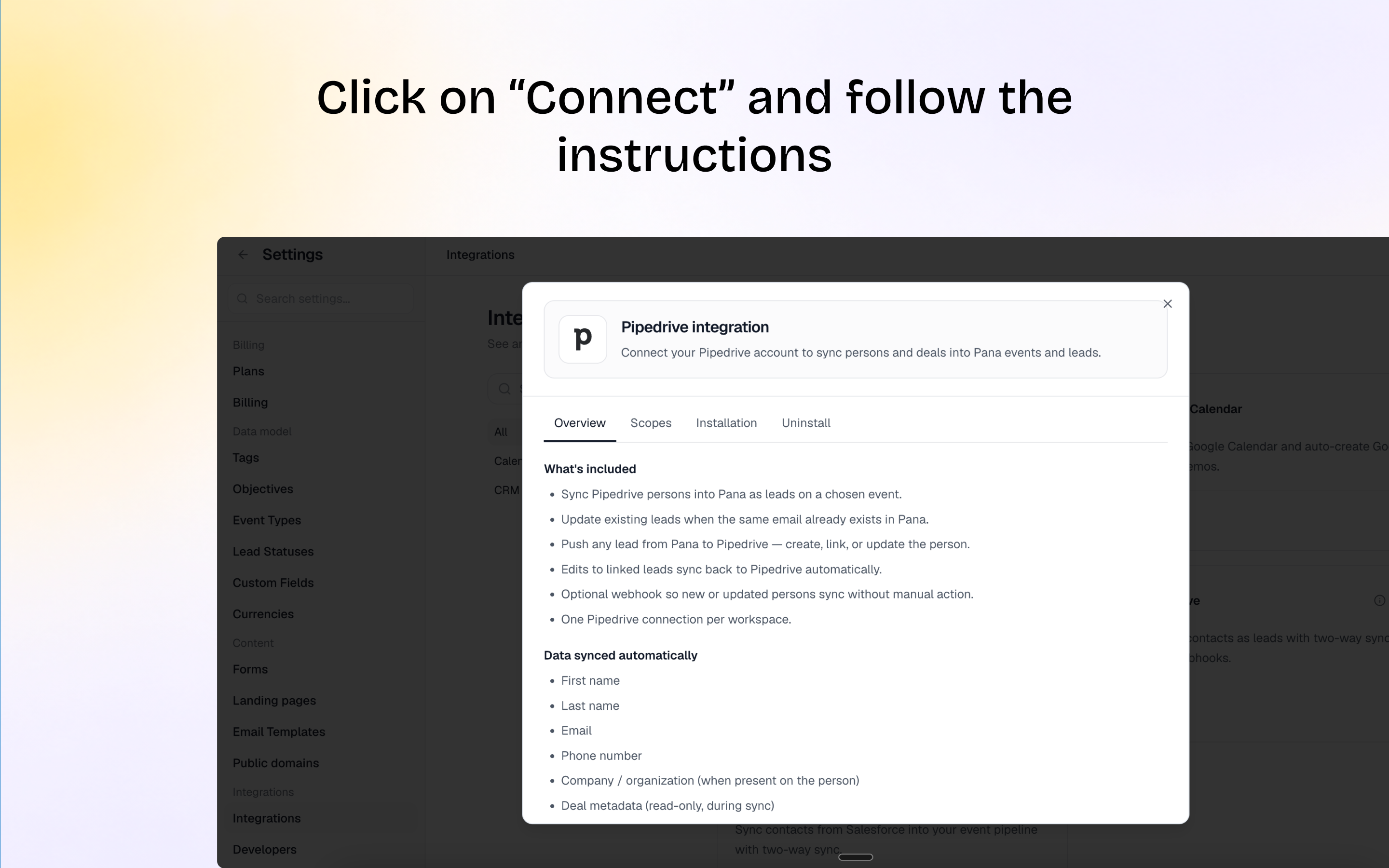
Step-by-step guide to integrating your Pana Events account with Pipedrive CRM
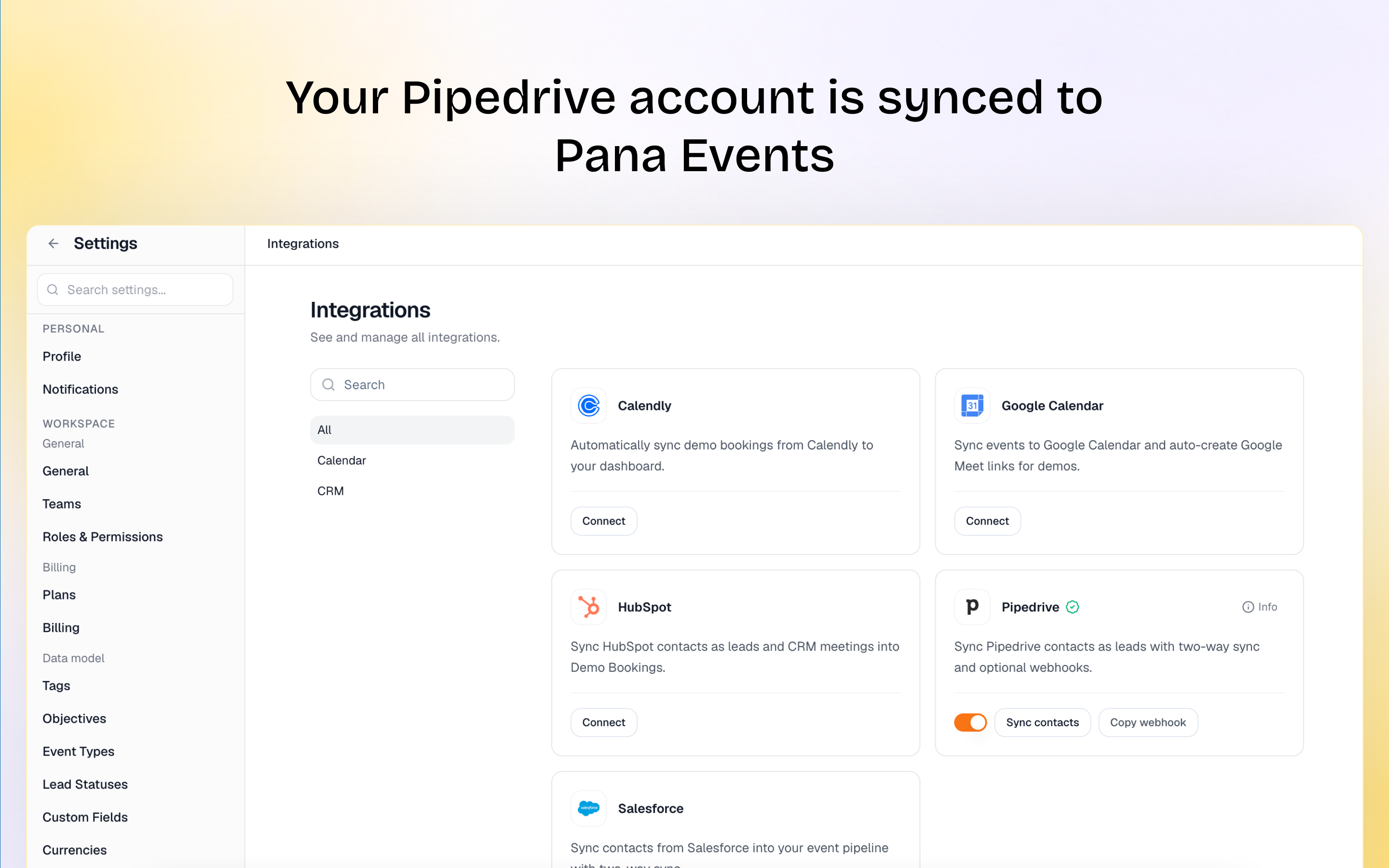
Once connected, Pana Events enables two-way synchronization between your workspace and Pipedrive.
How to sync contacts from Pipedrive to Pana Events:
How to push leads from Pana Events to Pipedrive:
Note: At present, you can integrate Pana Events with your Pipedrive account only via web. After integrating, however, the connection is functional on both web and iOS and Android apps.
If you’re interested in this app, you might also like:


Use our powerful API to build awesome apps for either your company or for all Pipedrive users.
Build an app