
free
CallHippo
Effortlessly Manage Sales with AI-Enhanced CallHippo and Pipedrive Integration, Featuring AI-powered Analytics, Click-to-Call, and Task Automation.
(414)
384 reviews
Pipeboard
by Haye & Co



Pipeboard brings your Pipedrive workspace into one focused dashboard.
The Problem Pipedrive UI can feel cluttered. Task management and pipeline visibility should be fast and simple.
The Solution A productivity driven dashboard to manage tasks, deals, and pipeline activity in one streamlined interface. Optional Google Sheets integration supports reporting and email tools.
Key Features
Web Dashboard Real time performance metrics, activity tracking, team visibility, and pipeline health in one browser view.
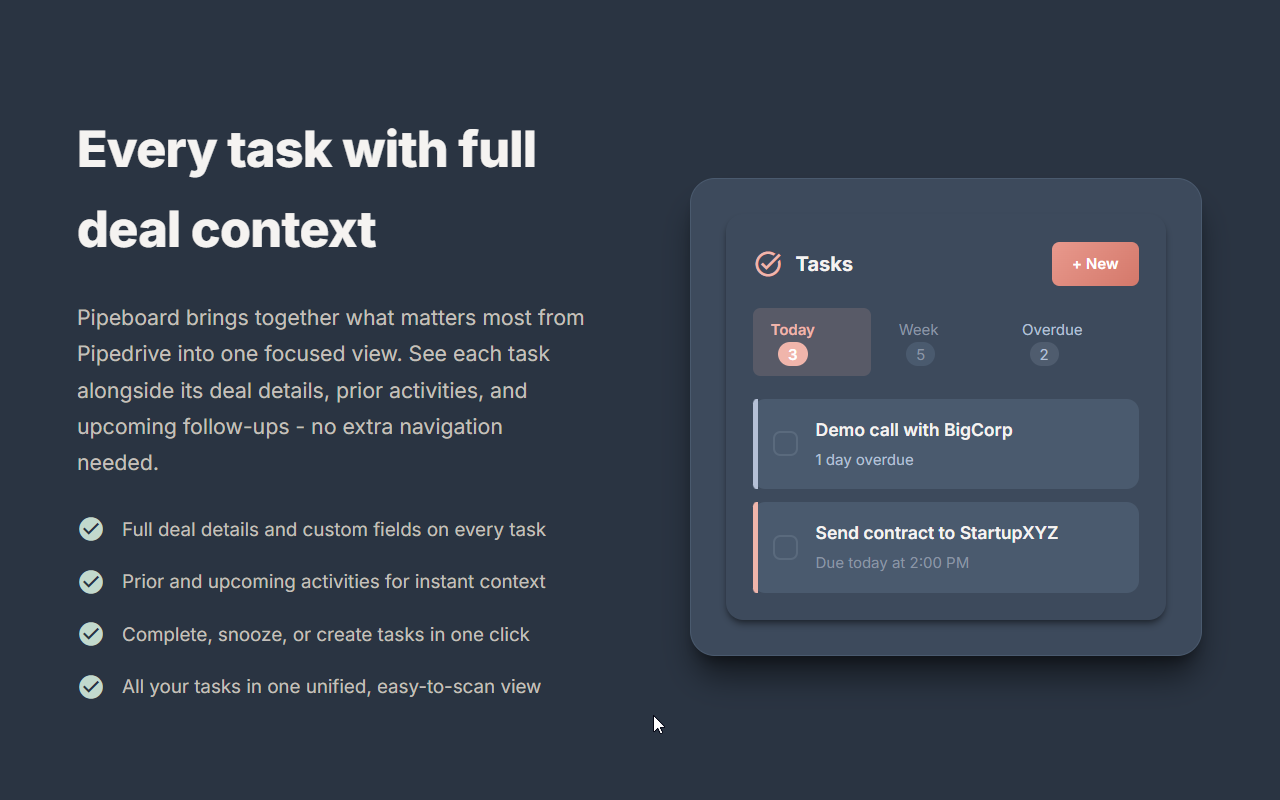
Unified Task Management View all tasks with full deal context in one place. Complete, snooze, or create activities instantly.
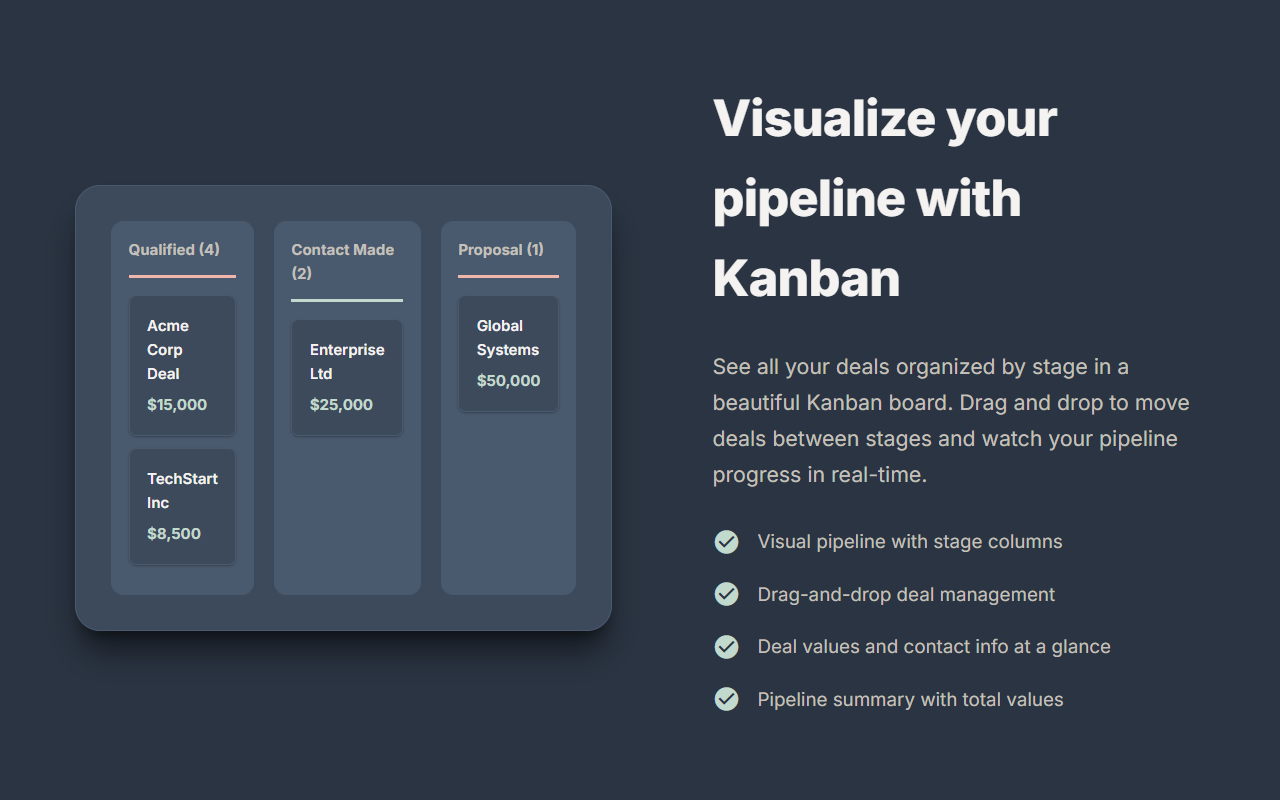
Kanban Pipeline View Drag and drop deals across stages to keep your pipeline accurate.
Activity Timeline See full deal and contact histories so you always know what happened and what is next.
Smart Reminders Email alerts before deadlines or when tasks become overdue.
Daily Digest Start your day with a customizable task and deal summary.
Why Pipeboard?
Perfect For
Sales reps and teams who want a faster way to manage Pipedrive.
💰 Pricing: Start free with core features, then upgrade anytime.
👉 View full pricing plans here
Get started free — Install Pipeboard and take control of your pipeline today.
Getting Started
Requirements
Need Help? Access the Help menu from Extensions → Pipeboard → Help for tips and troubleshooting.
If you’re interested in this app, you might also like:


Use our powerful API to build awesome apps for either your company or for all Pipedrive users.
Build an app