
free
CallHippo
Effortlessly Manage Sales with AI-Enhanced CallHippo and Pipedrive Integration, Featuring AI-powered Analytics, Click-to-Call, and Task Automation.
(414)
384 reviews
PipelineOn Visitor Sync
by PipelineOn
Identify home owners visiting your website and feed those leads straight to Pipedrive.
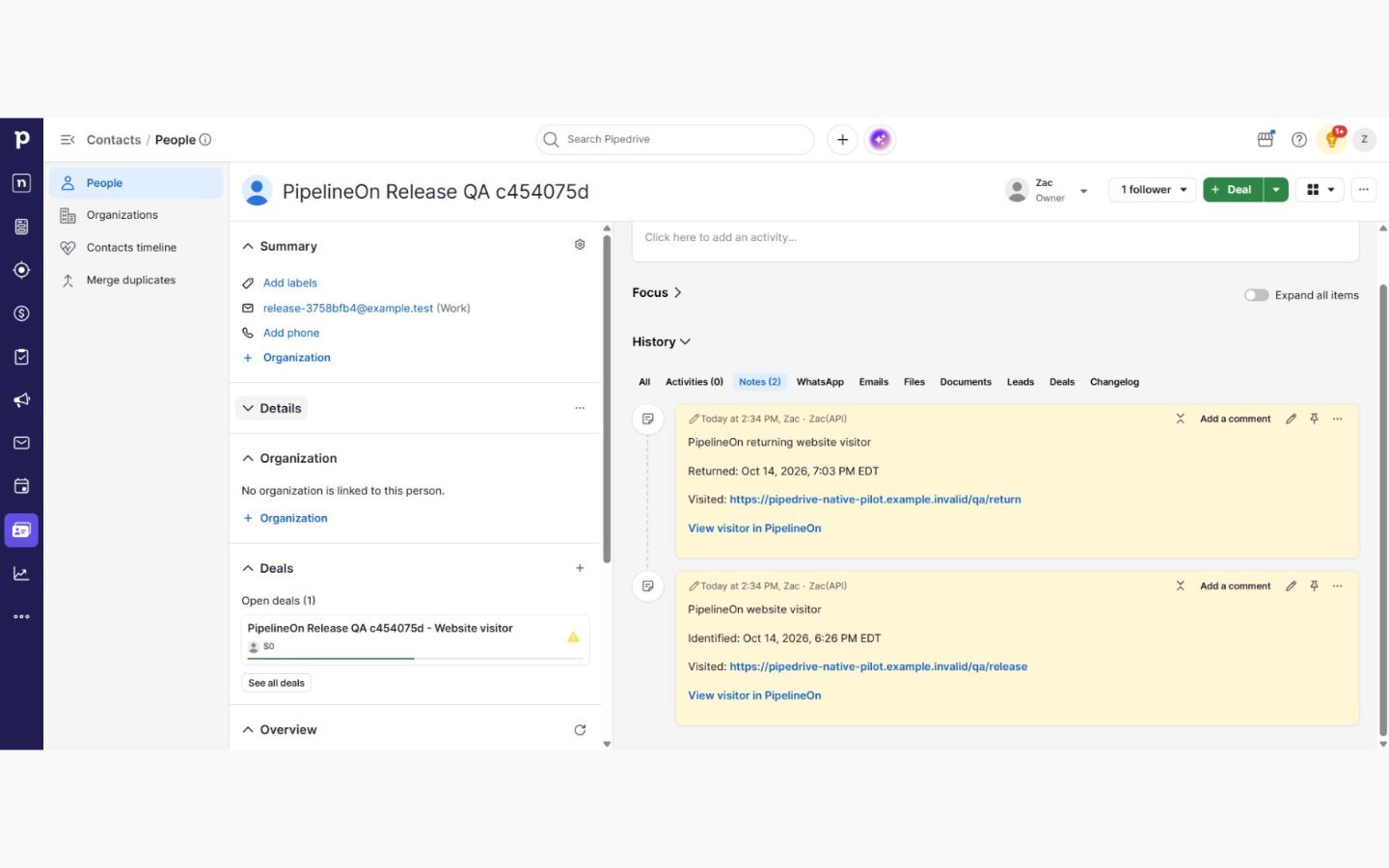
Have existing customers and leads on your site? Track them returning to your site and add context to your Pipedrive deals to allow for better follow up.
Built for U.S. home service businesses serving U.S. consumers, PipelineOn Visitor Sync helps distinguish prospects, current customers, and past customers before follow-up.
Connect securely with your Pipedrive login, save customer rules, then choose where new contacts and deals should go. Review connection and delivery activity in PipelineOn.
A PipelineOn account and installed website tracking are required.
Create a PipelineOn account or sign in at app.pipelineon.com. A workspace owner connects Pipedrive from Settings > Integrations > Pipedrive and approves access. Your website needs PipelineOn tracking installed.
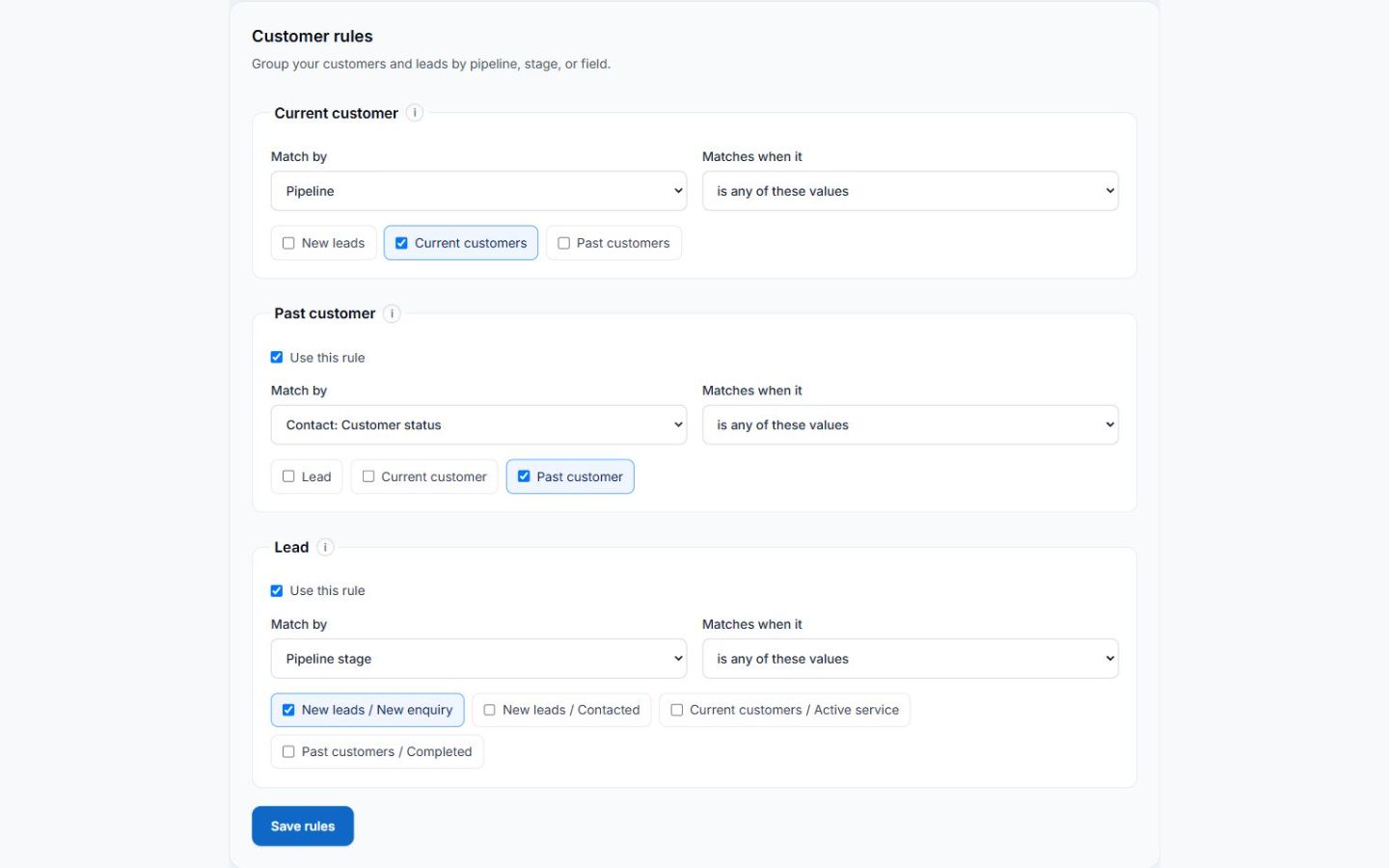
Customer rules: Let PipelineOn know how you separate current customers, past customers, and leads in your Pipedrive. Choose the matching pipelines, stages or field values, then click Save rules.
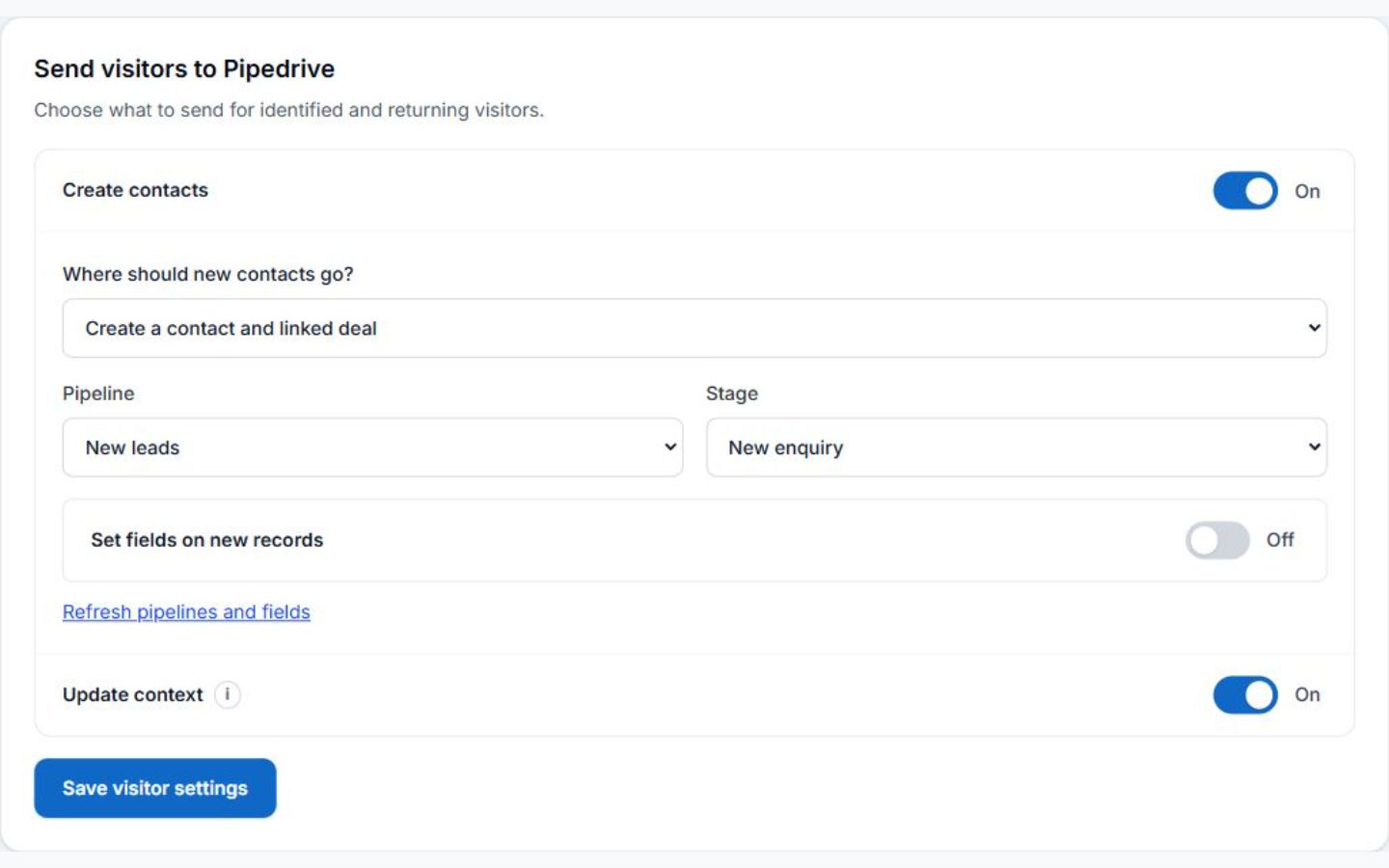
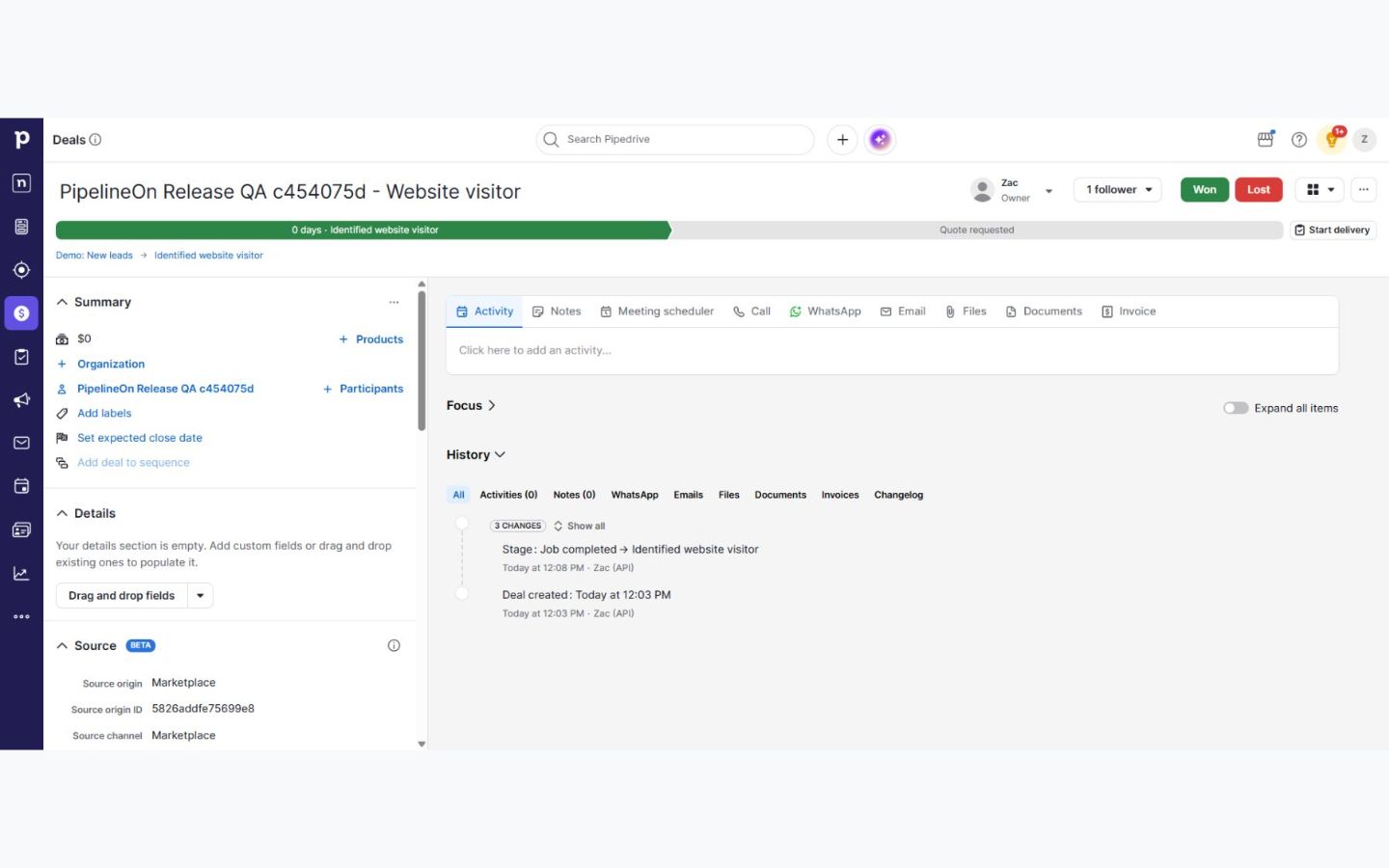
Send visitors to Pipedrive: Let PipelineOn know where to create contacts and deals. Let PipelineOn know if you want to create contacts and deals from identified website visitors, and what pipe and stages they should land in. Click Save visitor settings.
Need help? Email [email protected] or visit pipelineon.com/contact/. To disconnect, use Disconnect in PipelineOn or uninstall the app in Pipedrive.
If you’re interested in this app, you might also like:


Use our powerful API to build awesome apps for either your company or for all Pipedrive users.
Build an app