
Dedupely
Dedupely merges Pipedrive duplicates without losing customer data. (ISO27001 Certified)
(187)
122 reviews
ProBackup
by ProBackup
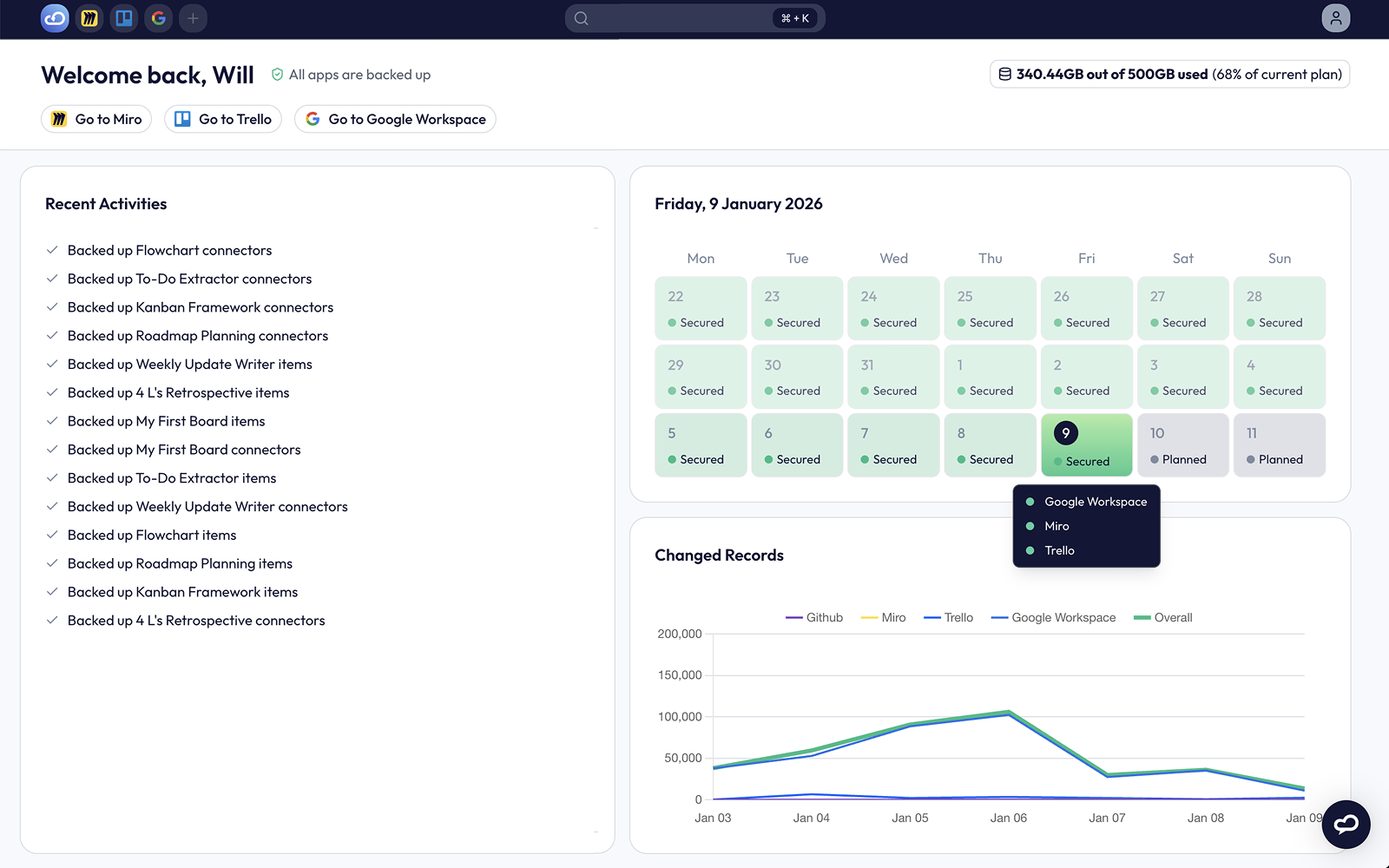
ProBackup is a leading backup solution for popular cloud apps like Asana, ClickUp, HubSpot, and monday.com.
Why back up Pipedrive? Most SaaS providers offer disaster recovery for their platform, but not for your individual account. If you lose data, recovery is your responsibility. Key risks include:
🙇♂️ Human Error – Deleted the wrong deal? Mistakes can set your team back hours or days.
🕙 Glitches & Downtime – Even the best platforms experience bugs or outages that disrupt your business.
😠 Malicious Users – Disgruntled employees or insiders can delete critical data.
🐞 Ransomware – Small businesses are frequent targets, and nearly 50% never fully recover.
**Why Choose ProBackup? **
Setup Guide for ProBackup for Pipedrive
ProBackup runs daily, automated backups to protect your Pipedrive data from accidental deletions, sync errors, internal threats, and ransomware. Users can:
Access historical versions of contacts, deals, notes, etc.
Recover and restore deleted records back to Pipedrive
Create Your Account
Click Sign Up
Fill in your email, full name, and password
Verify your email with the 6-digit code
Set up Your Backup
Click Log in with Pipedrive
Sign in and select your account
Click Allow and Install
Optionally connect Google Drive, or skip for now
Click Start backup
You'll receive an email once complete. From then on, we back up your Pipedrive daily.
Use the app
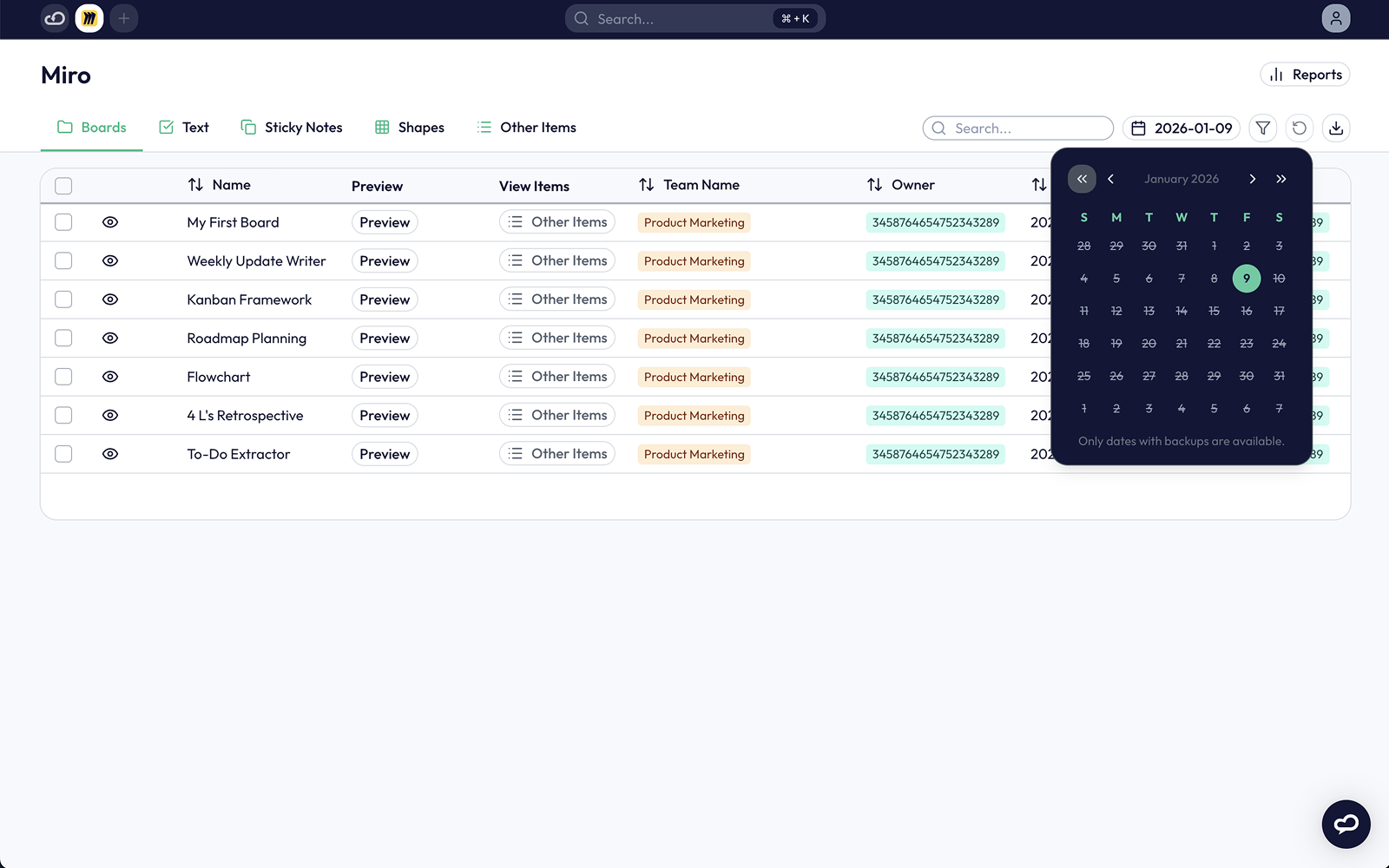
On the backups page, select the data type in the left sidepane
Choose a date to view that version
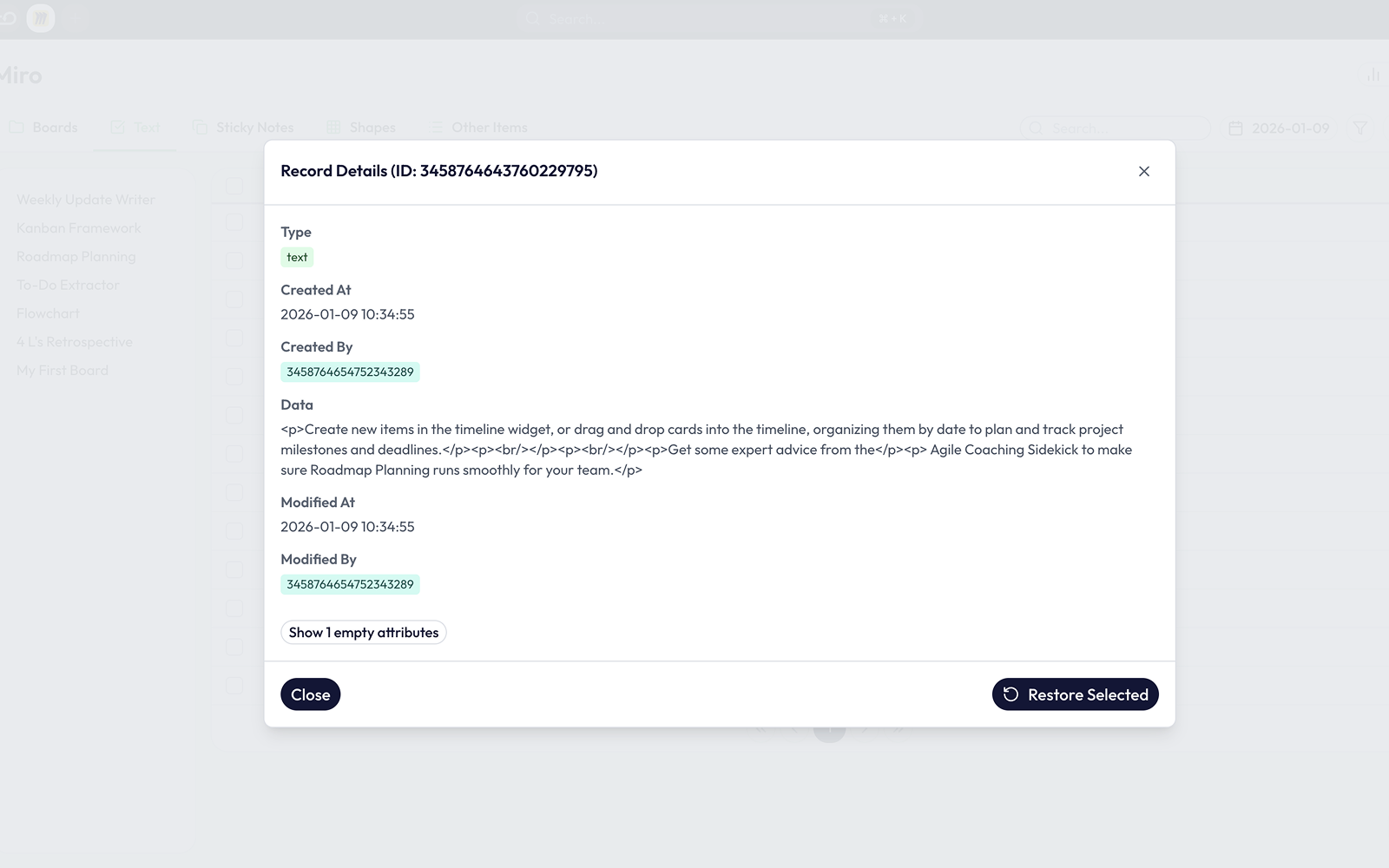
Click any item to view details and compare versions
Click Restore to recover data back to Pipedrive
Removing your Pipedrive backup
Click Remove next to Pipedrive and confirm
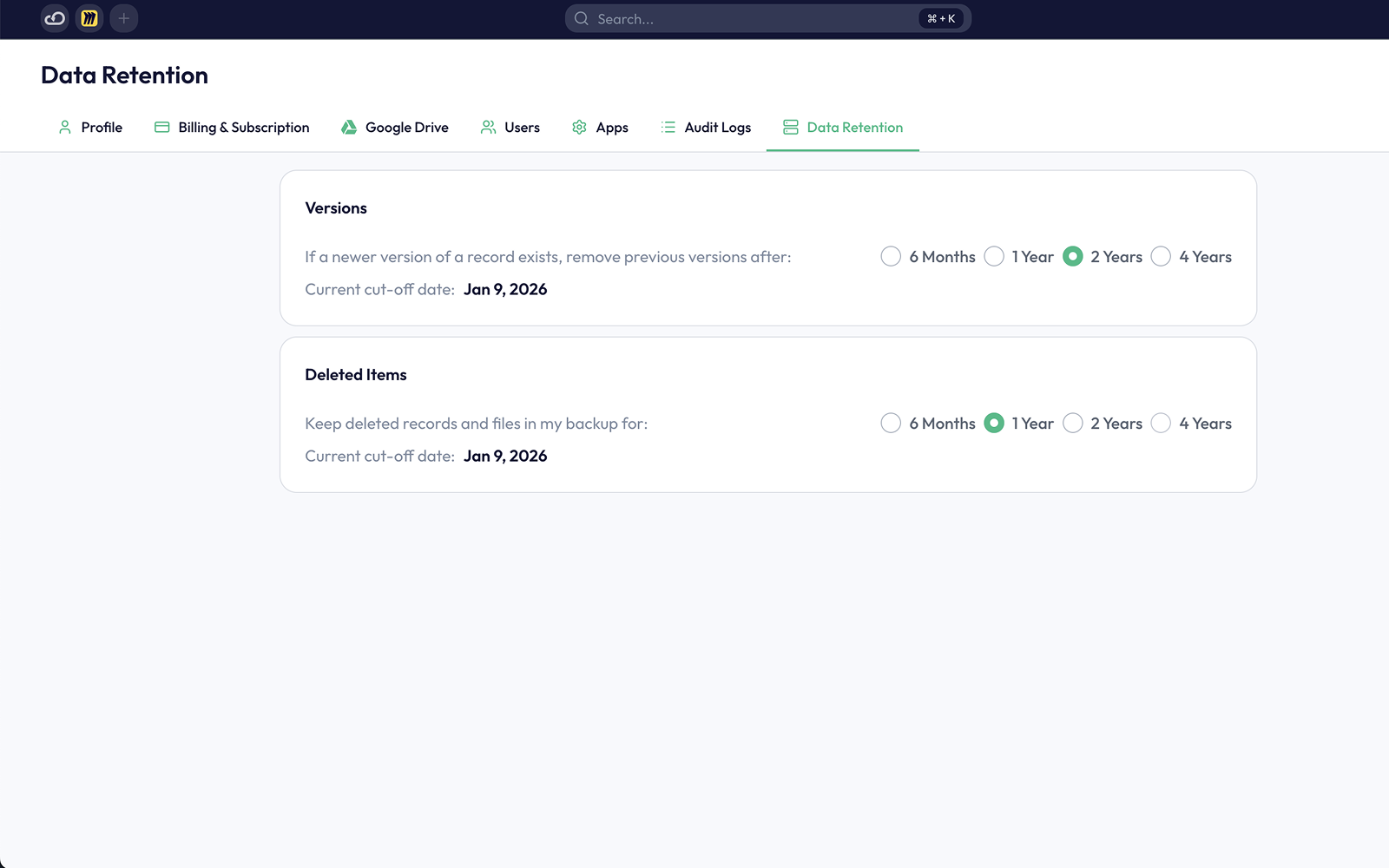
Data backups will be permanently removed within 10 days.
If you’re interested in this app, you might also like:


Use our powerful API to build awesome apps for either your company or for all Pipedrive users.
Build an app