Profit.co OKR (EU)

Profit.co OKR (EU)

by Profit Apps Inc
Profit.co is an AI-powered platform for strategy execution, helping organizations manage OKRs, performance, projects, and strategy in one system.

Other use cases

App screenshot
App screenshot
App screenshot
App screenshot
App screenshot

Description

Profit.co is an AI-powered strategy execution platform that bridges the gap between high-level strategy and daily execution by unifying Strategy, Performance, and Projects in one system. Supported by expert coaching, strategic consulting, and 24/7 live support, Profit.co helps teams stay aligned on their top priorities.

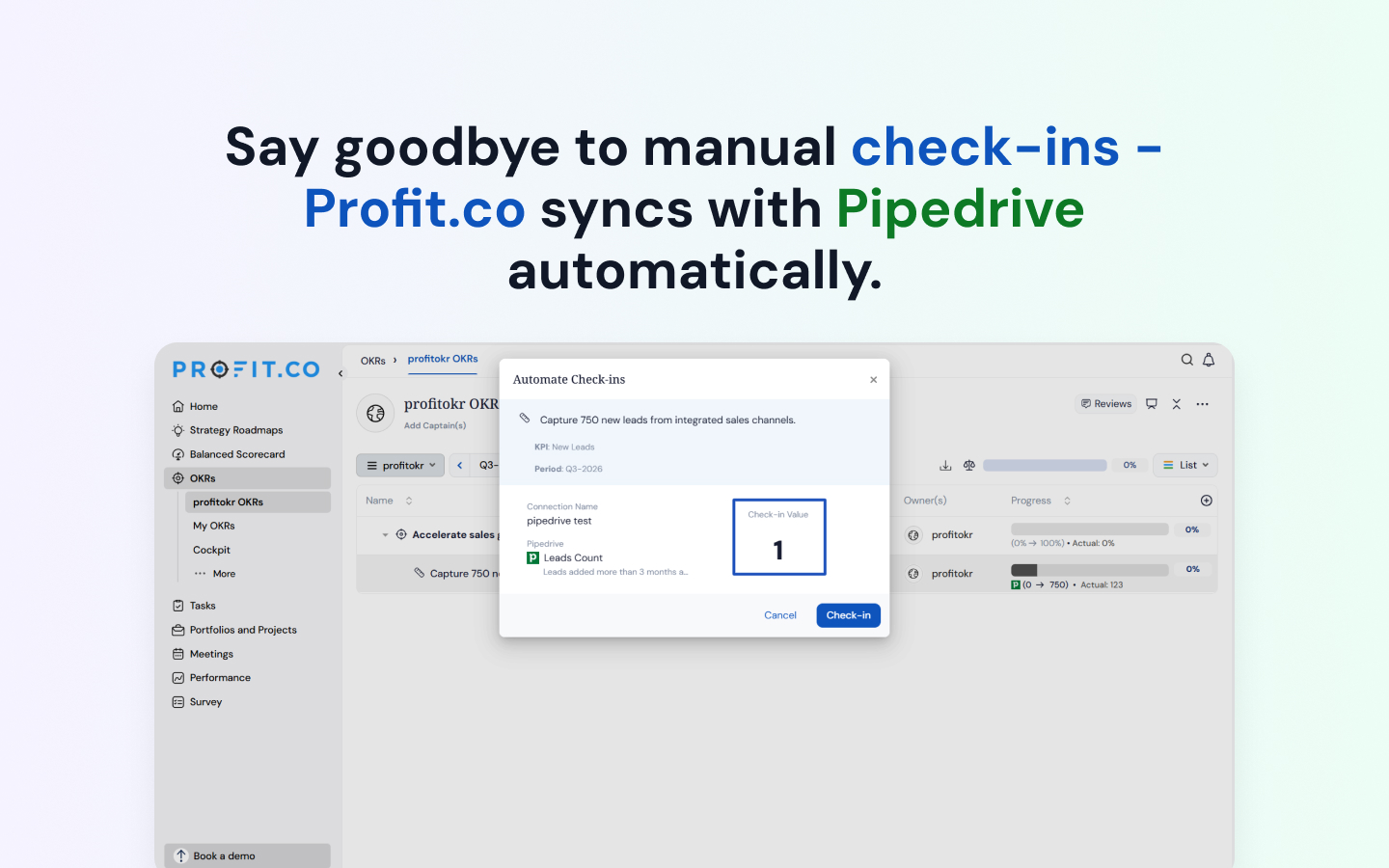
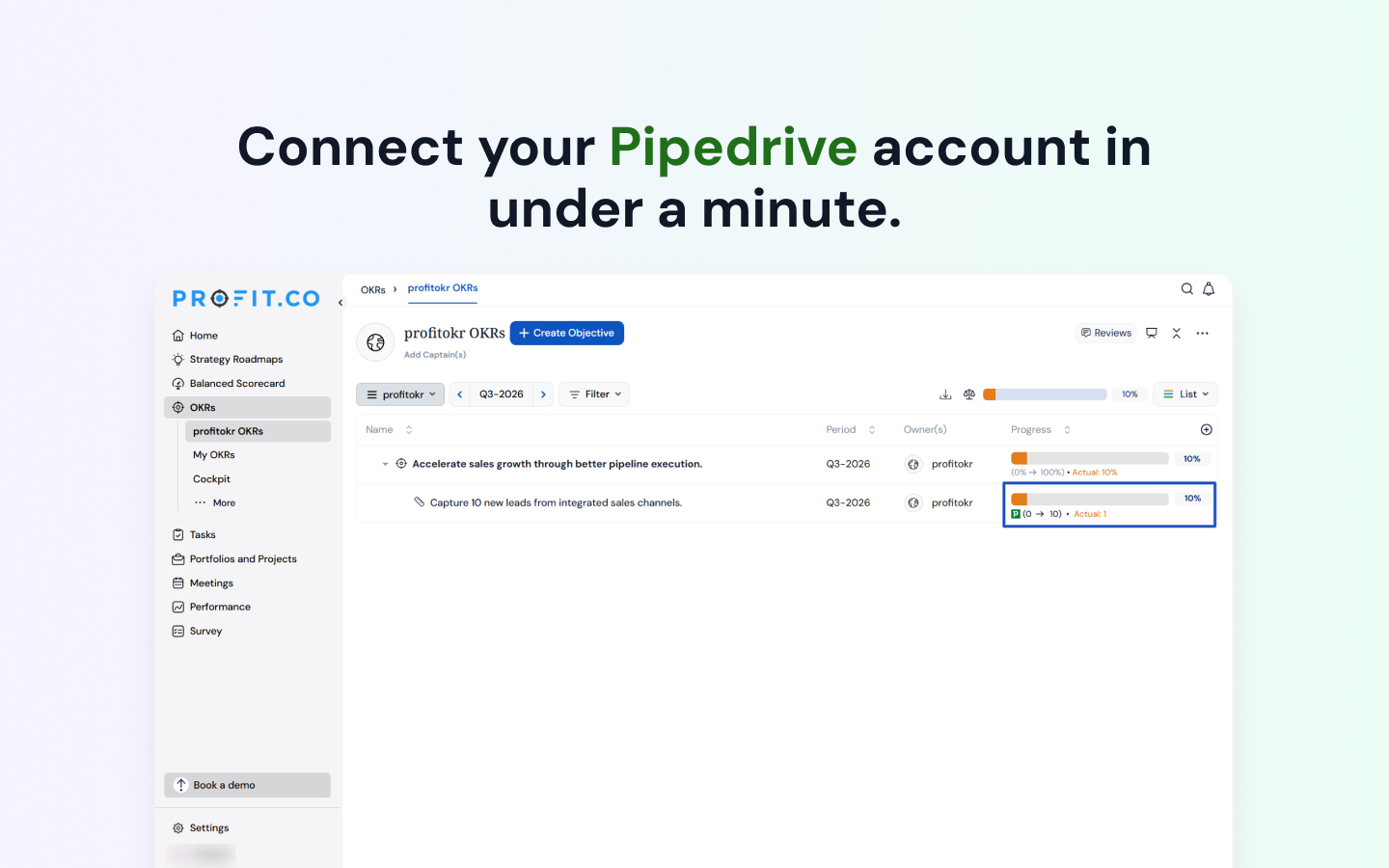
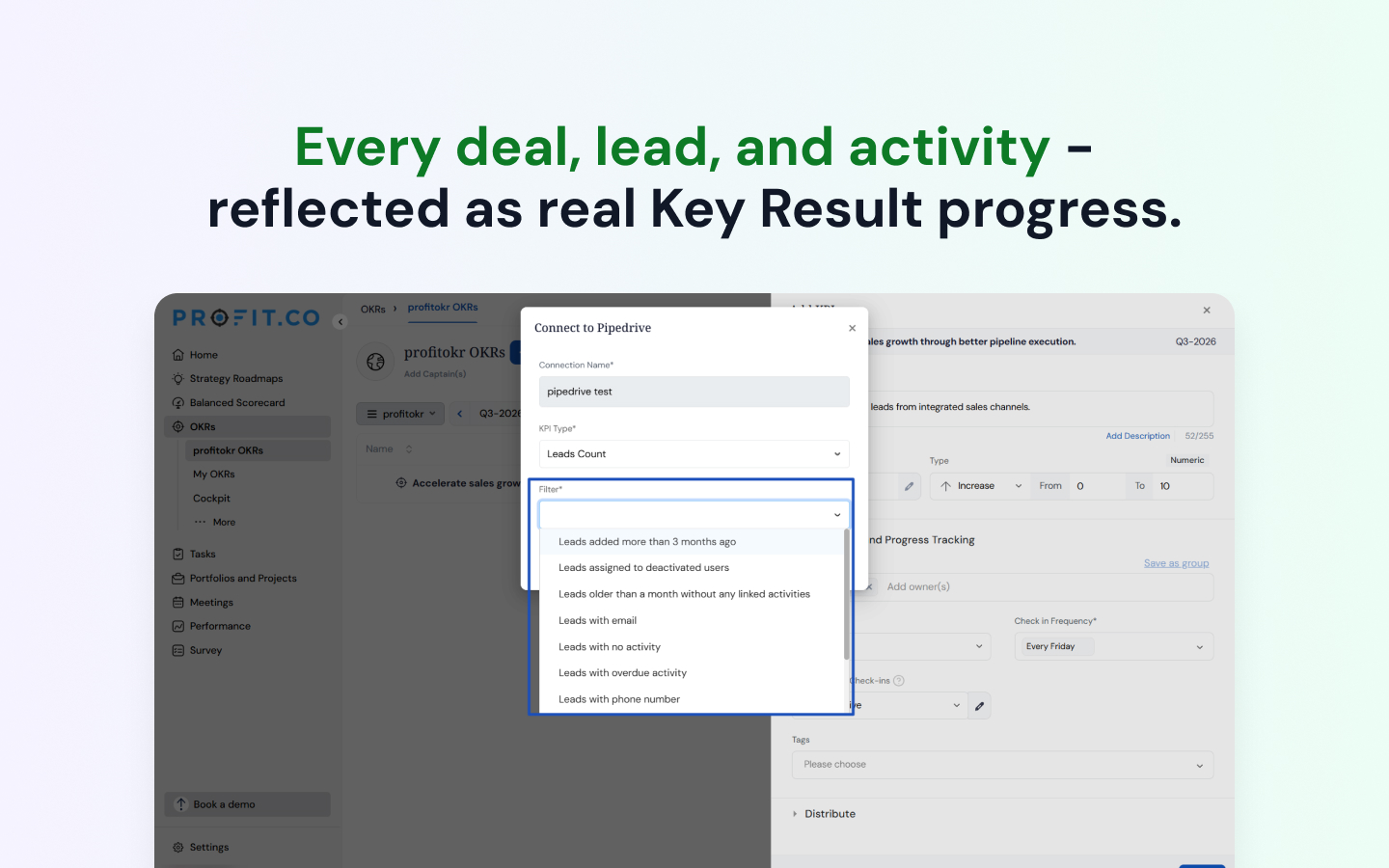
With the Profit.co + Pipedrive integration, your sales metrics automatically drive OKR progress—eliminating manual check-ins and platform switching. Connect your Pipedrive account directly to Profit.co to link your real-time CRM data with key organizational targets.

Key Integration Features:

  • Automated OKR Updates: Profit.co automatically fetches your latest Pipedrive data on a customizable schedule to keep OKR progress continuously updated.

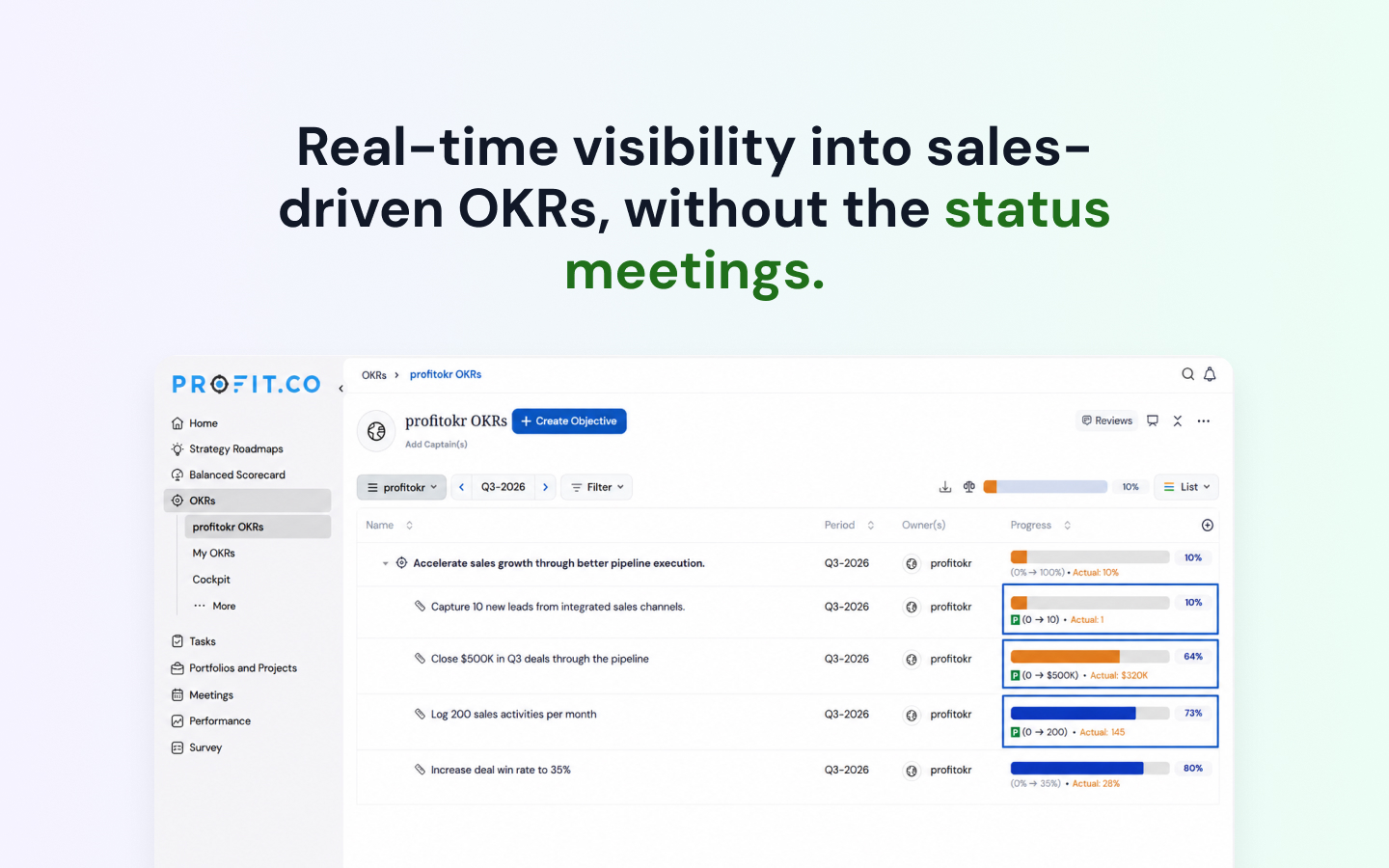
  • Leads Tracking: Track Leads Count and Leads Amount directly against your strategic OKR targets.

  • Deals Monitoring: Monitor Deals Count and Deals Amount in real time to measure revenue pipeline performance.

  • Activity Metrics: Measure Activities Count to ensure consistent sales momentum and team accountability.

  • Granular Filtering: Apply custom Pipedrive filters to control precisely which CRM data points are pulled into your OKRs.

Installation instructions

To start using the Profit.co integration with Pipedrive, follow the steps below: Follow the steps below to configure and start using the Profit.co integration with Pipedrive:

  1. Log in to your Profit.co account and navigate to Settings→ Integrations → Business Level → Pipedrive.
  2. Click Create Connection and select OAuthas the authentication method.
  3. Click Sign in to Pipedrive and complete the OAuth authorization process. Note: Make sure your Pipedrive account is already logged in or open it in another browser tab.
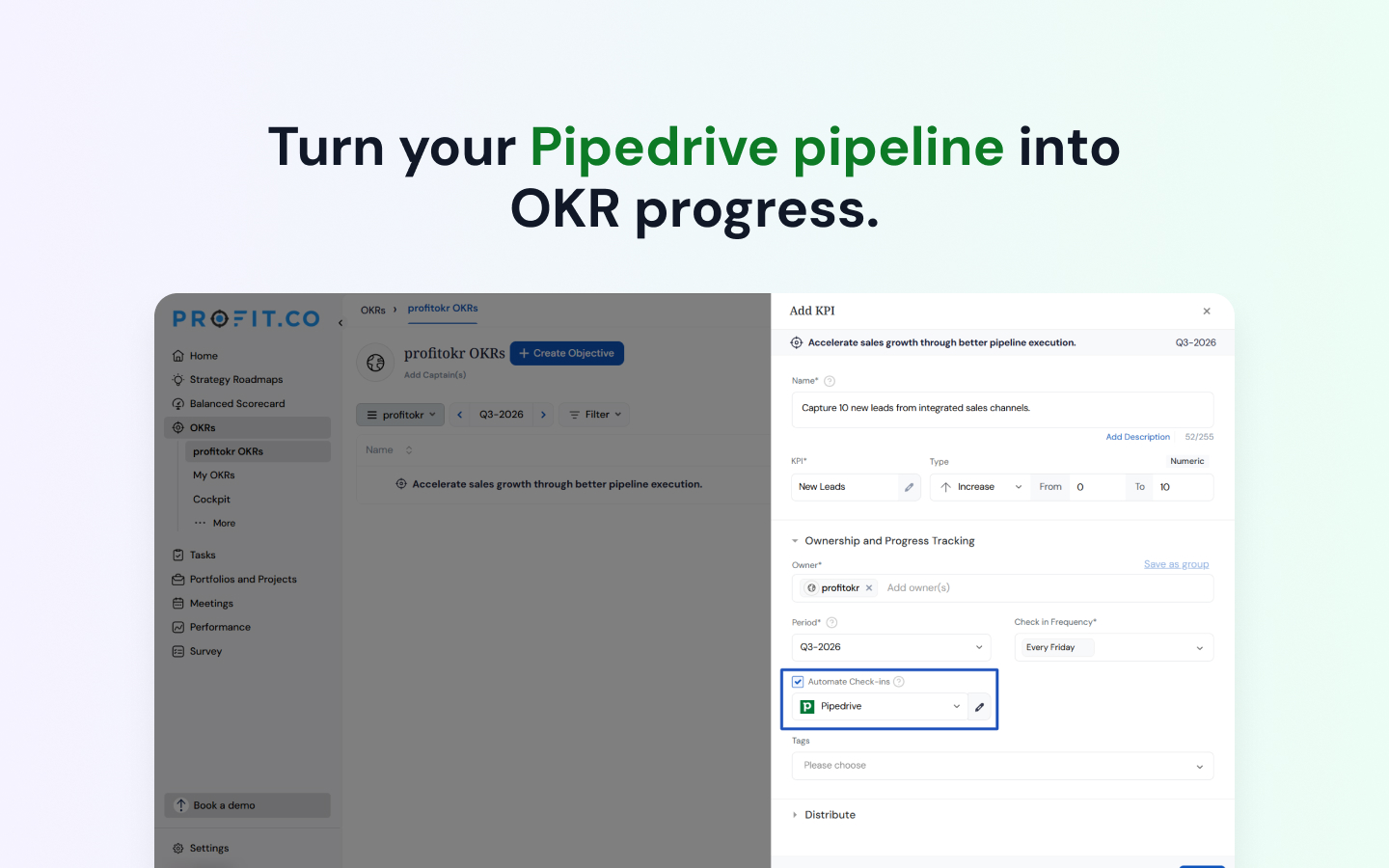
  4. Create a new Key Result or open an existing one in Profit.co and enable the Automate Check-in option.
  5. From the Connection dropdown, select Pipedrive and configure the following fields:
  • Connection Name
  • KPI Type
  • Filters to determine which data should be pulled from your Pipedrive account.
  1. Once the configuration is completed, Profit.co will automatically fetch the latest data from your Pipedrive account and update the progress of the selected Key Result. This integration enables real-time tracking of OKR progress in Profit.co using live sales data from Pipedrive, eliminating manual updates and improving alignment between sales performance and organizational goals.

Also popular in this category

If you’re interested in this app, you might also like:

Dedupely
Dedupely
Dedupely merges Pipedrive duplicates without losing customer data. (ISO27001 Certified)
Quotes, Proposals,CPQ, E-Signatures | ExtraflowDoc
free
Quotes, Proposals,CPQ, E-Signatures | ExtraflowDoc
Create quotes, proposals, invoices, estimates, agreements, purchase orders in Pipedrive. Auto-filled data, templates, tiered pricing, volume discounts
Qwilr Proposals, Quotes, Esign and More
free
Qwilr Proposals, Quotes, Esign and More
Qwilr helps create and track beautiful, interactive proposals and other sales docs with esign and payment, directly from Pipedrive.

User reviews

User reviews

Overall rating

No ratings yet

No installs

Can't find the app you need?

Use our powerful API to build awesome apps for either your company or for all Pipedrive users.

Build an app