
free
CallHippo
Effortlessly Manage Sales with AI-Enhanced CallHippo and Pipedrive Integration, Featuring AI-powered Analytics, Click-to-Call, and Task Automation.
(414)
384 reviews
RouterJet
by RouterJet
Nurture my leads, Manage my projects, Automate my pipeline and data
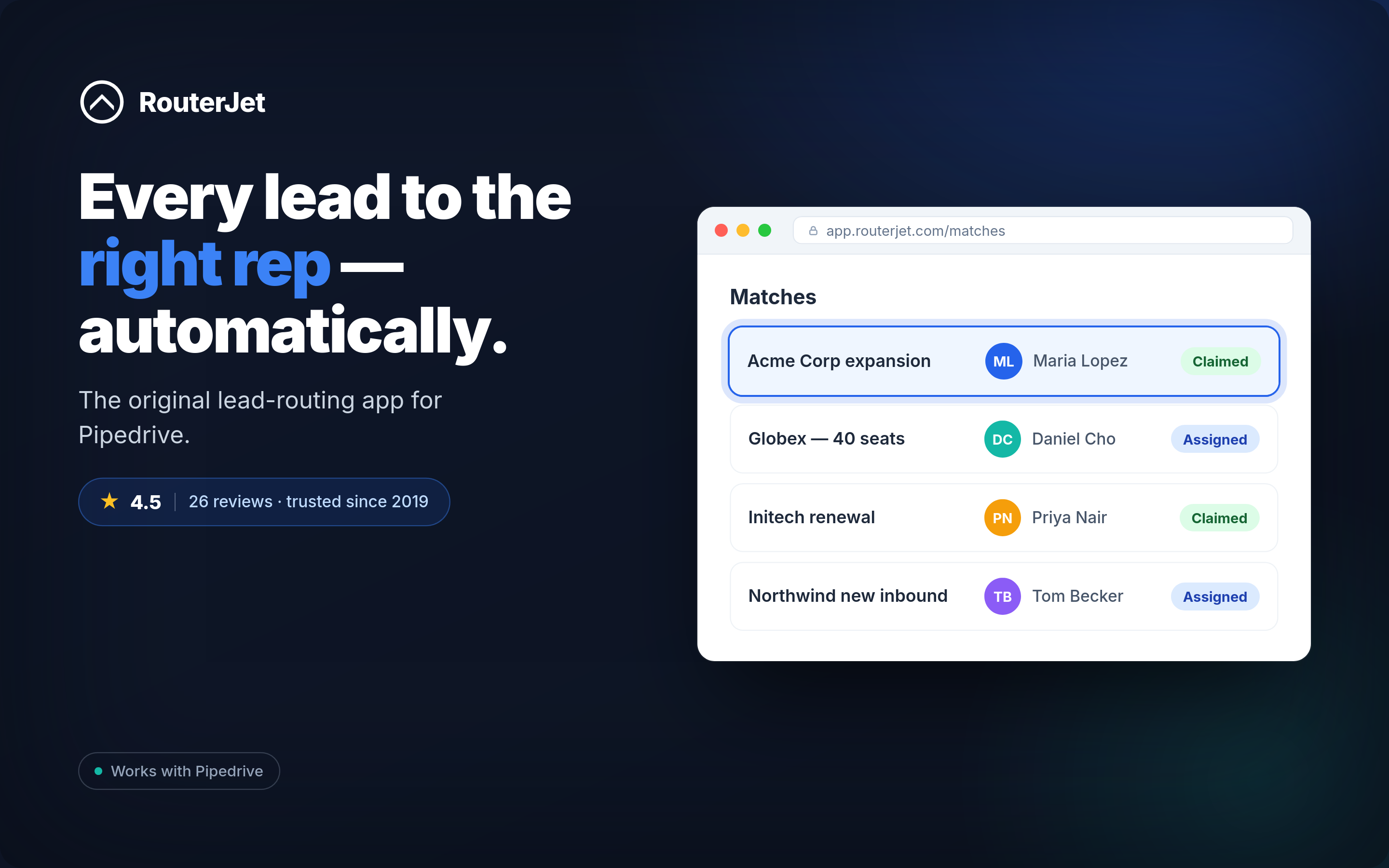
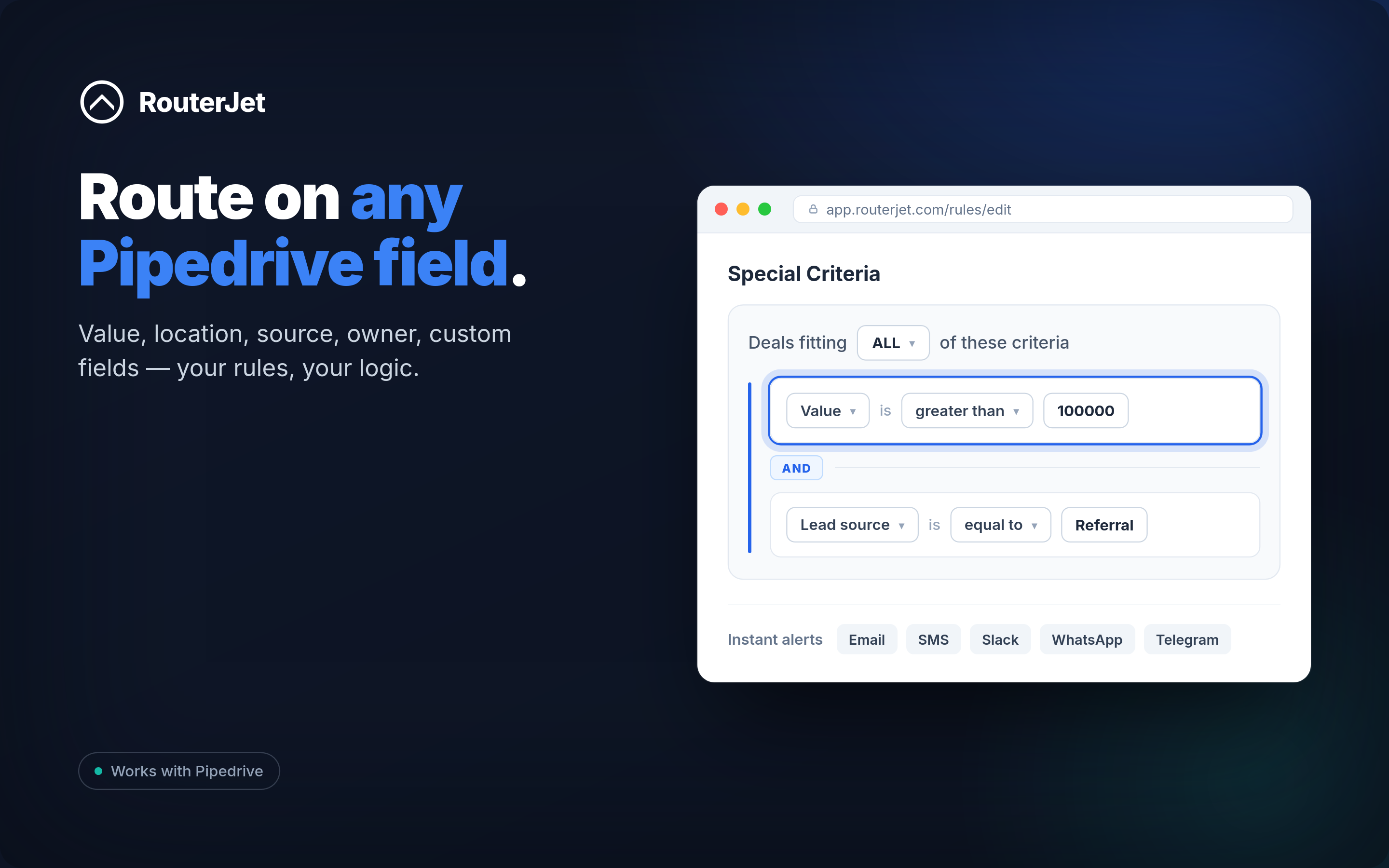
Lead routing, distribution, assignment, round-robin…whatever you call it, getting every new lead to the best salesperson is what RouterJet does.
RouterJet auto-assigns leads, deals and contacts in Pipedrive based on any field — price, location, custom fields, anything. Fair, fast, and set up in minutes. The original, most-reviewed and highest-rated lead-routing app for Pipedrive — trusted by teams since 2019.
Round-robin — even, fair distribution, set up in minutes.
Custom rules — assign by location, deal size, or any Pipedrive field.
Instant alerts — notify reps of new leads by email, SMS, Slack or WhatsApp.
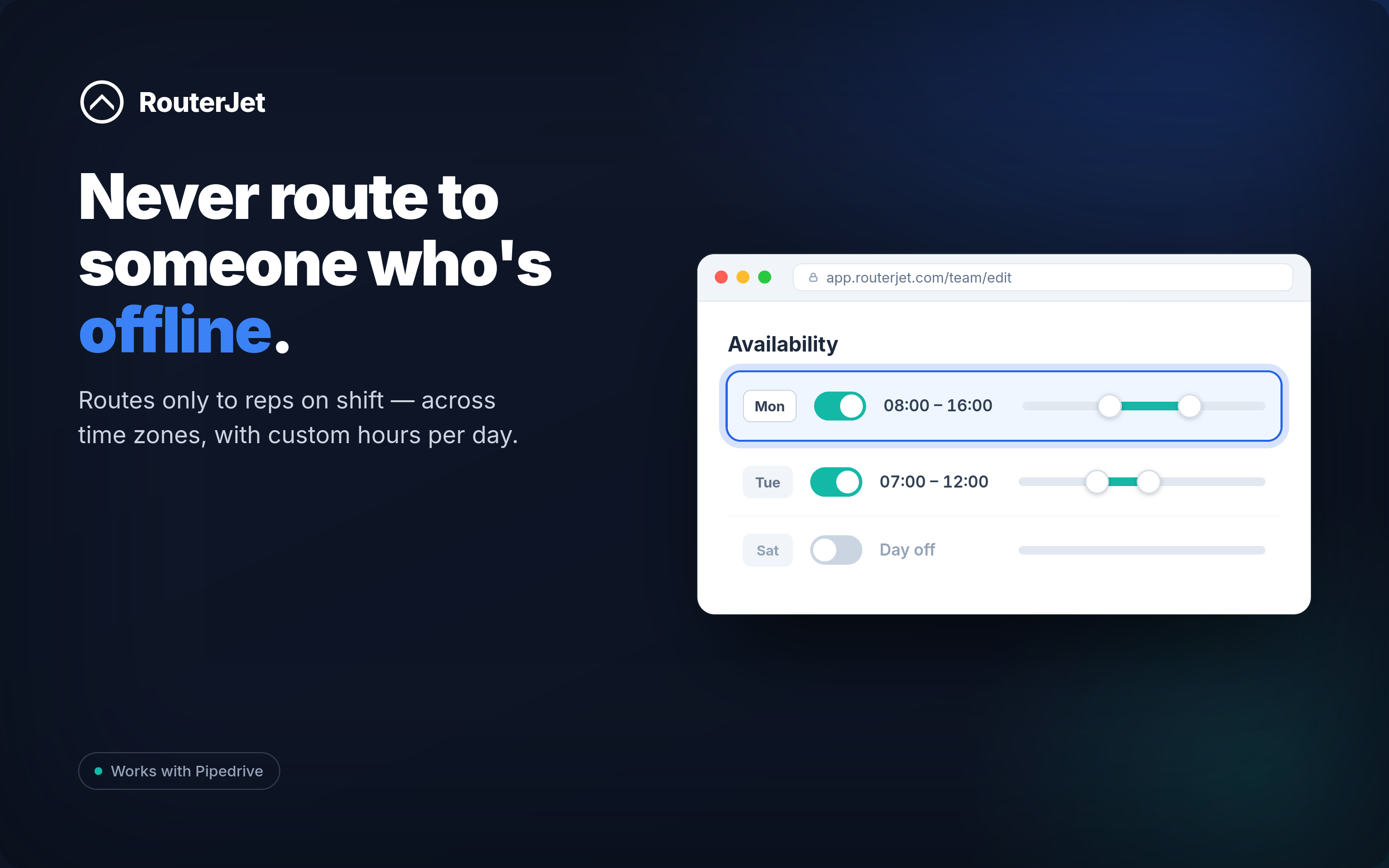
Work hours & roster — only route to reps working today; one-click sick/vacation toggle so leads never land with someone who's out.
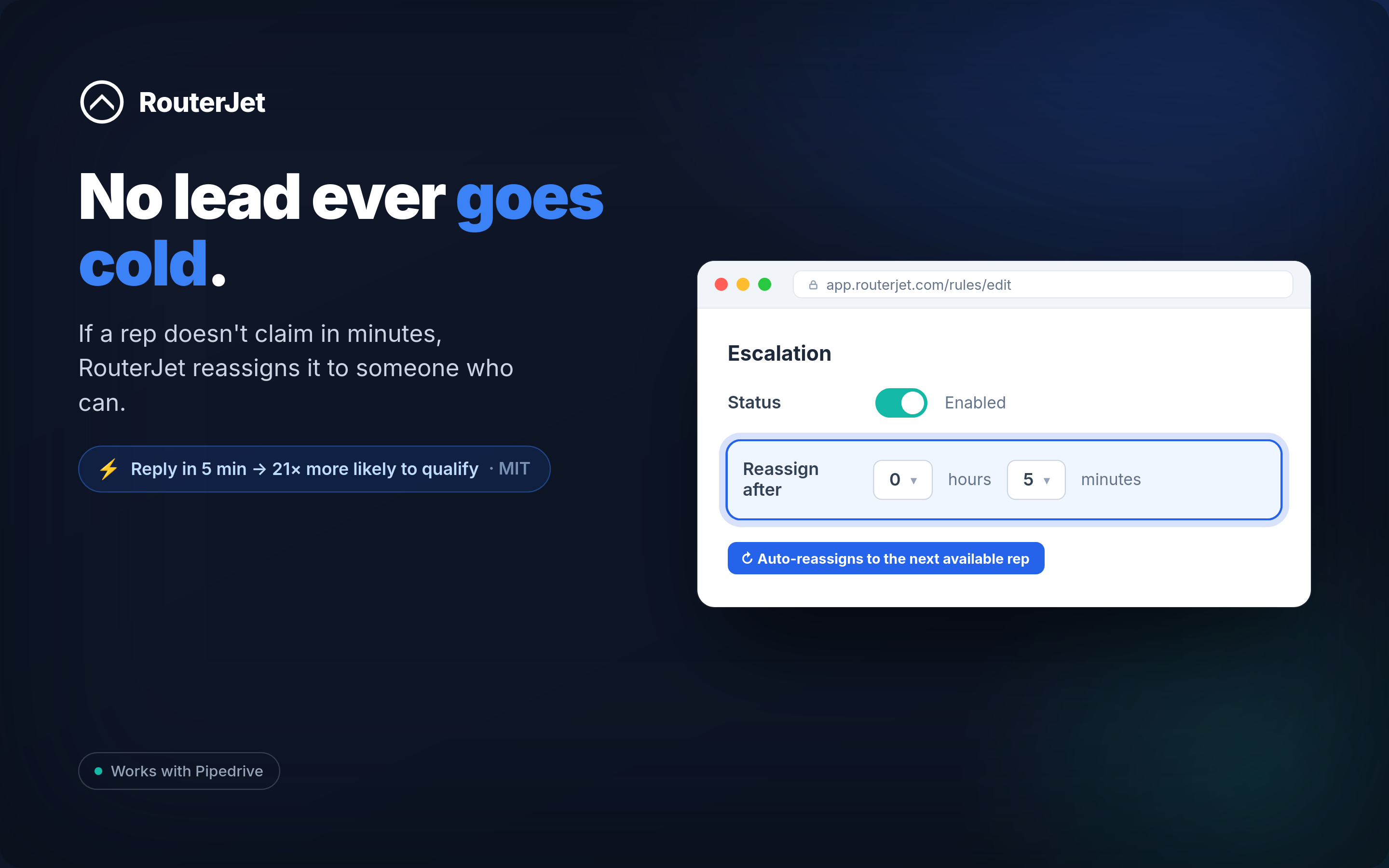
Escalation — if a lead isn't followed up in X minutes, RouterJet reassigns it to someone who can respond now. Never let a hot lead go cold.
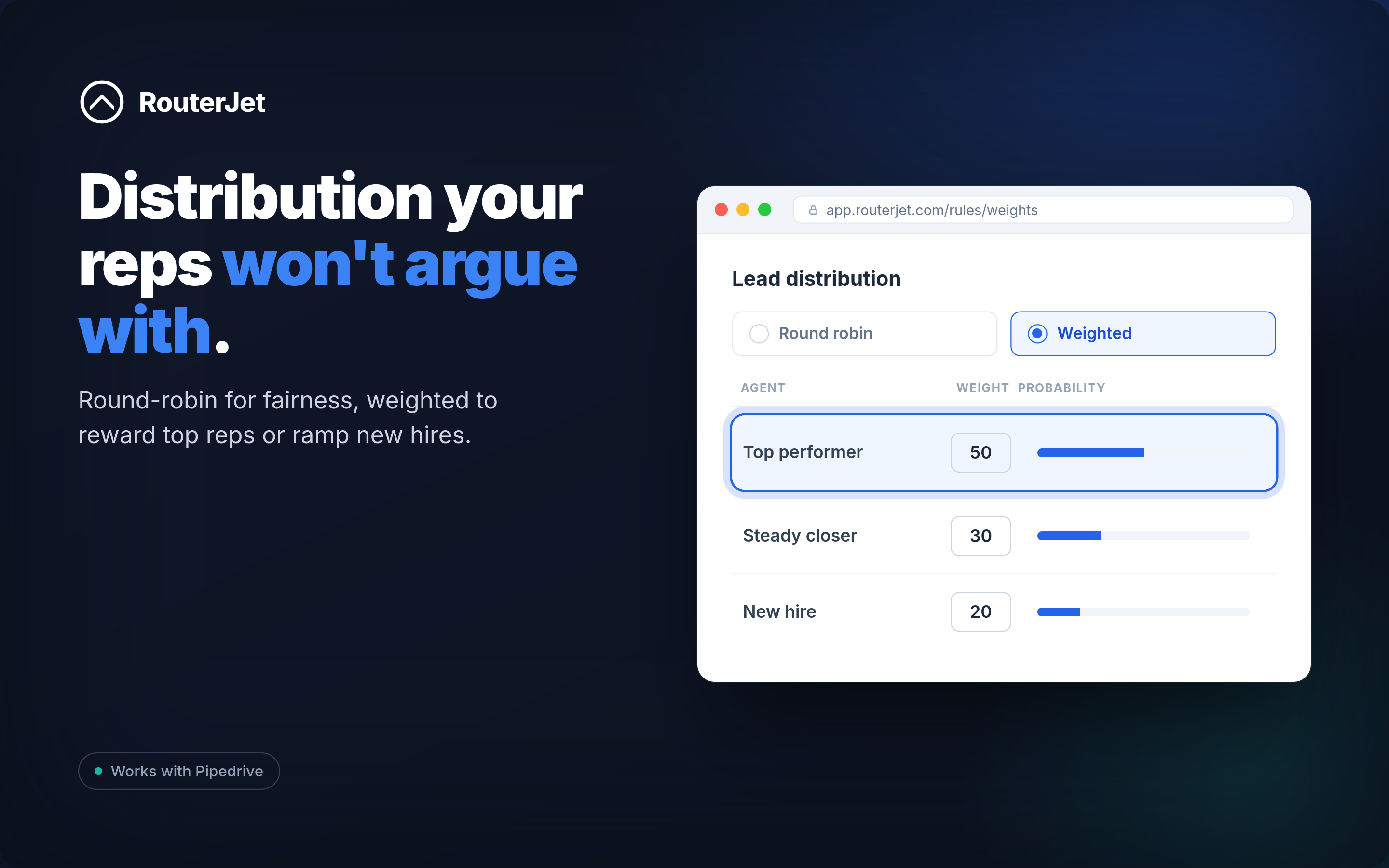
Weighted distribution — send more leads to top performers, fewer to new hires.
Response reporting — measure and optimize your team's speed-to-lead.
Respond faster than your competition and win more leads with RouterJet.
Got questions? Email [email protected]
Round-Robin for Pipedrive
Custom lead assignment for Pipedrive Go to the Advanced Settings on the Rules page to trigger deal assignment using more granular criteria (e.g., location, amount or any custom field for the deal, etc.)
Lead alerts for Pipedrive Turn on SMS, email, Slack, and WhatsApp alerts at the bottom of each Rule page. Remember to add the mobile numbers of your agents on the team page first.
Weighted Distribution Navigate to Rules → Weights. Set weights for each agent. Higher weighted agents will receive more leads.
Lead escalation Turn on Escalation at the bottom of each Rule page. Escalation will reassign unclaimed leads to the next available agent X minutes after the initial assignment.
Tip: only use this feature for your urgent leads (like online leads)
Deals can be claimed by:
Got questions? Email us at [email protected]
If you’re interested in this app, you might also like:


Use our powerful API to build awesome apps for either your company or for all Pipedrive users.
Build an app