SpeakSoon

SpeakSoon

by SpeakSoon

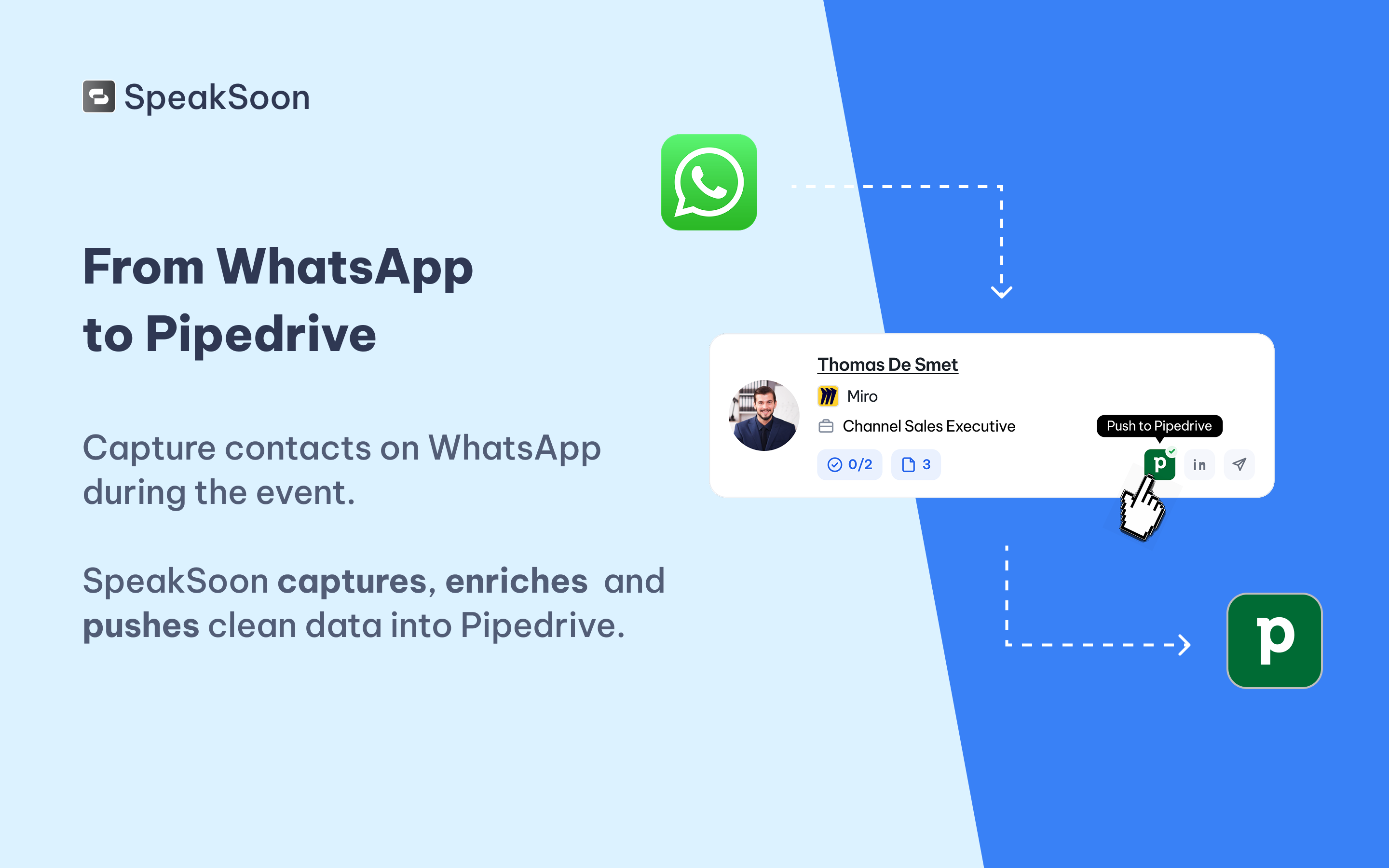
Capture contact info and context via WhatsApp using text, voice notes or photos. SpeakSoon enriches them and pushes them cleanly into Pipedrive.

Automate my pipeline and data

App screenshot
App screenshot
App screenshot
App screenshot
App screenshot

Description

SpeakSoon turns events into an effective sales channel for teams that use Pipedrive.

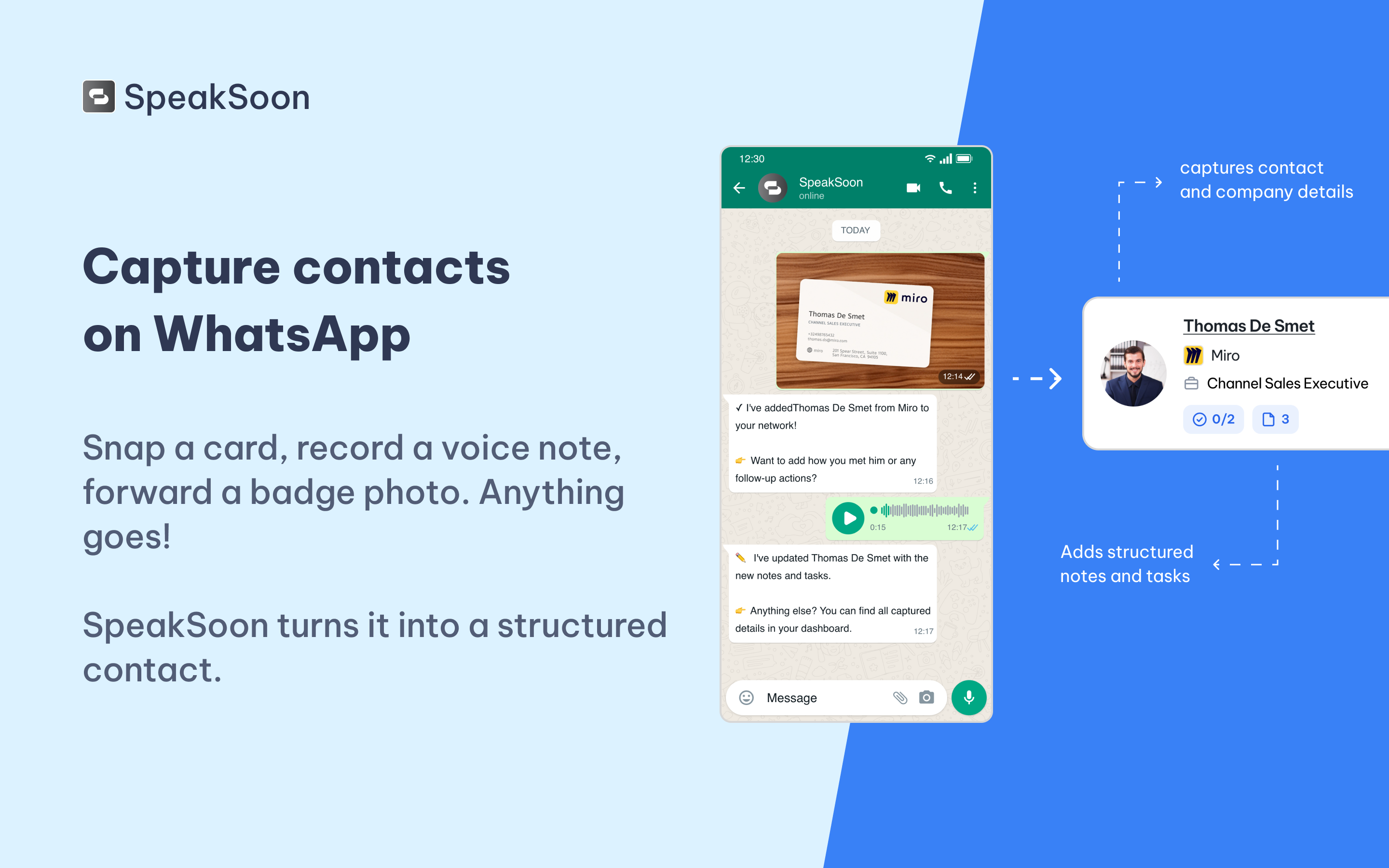
Instead of losing leads in coat pockets, camera rolls, and phone notes, your reps capture every conversation the moment it happens through WhatsApp. Snap a business card, record a 20-second voice note, forward a badge photo, or just text a name and company. SpeakSoon transcribes, structures, enriches, and remembers everything that was said.

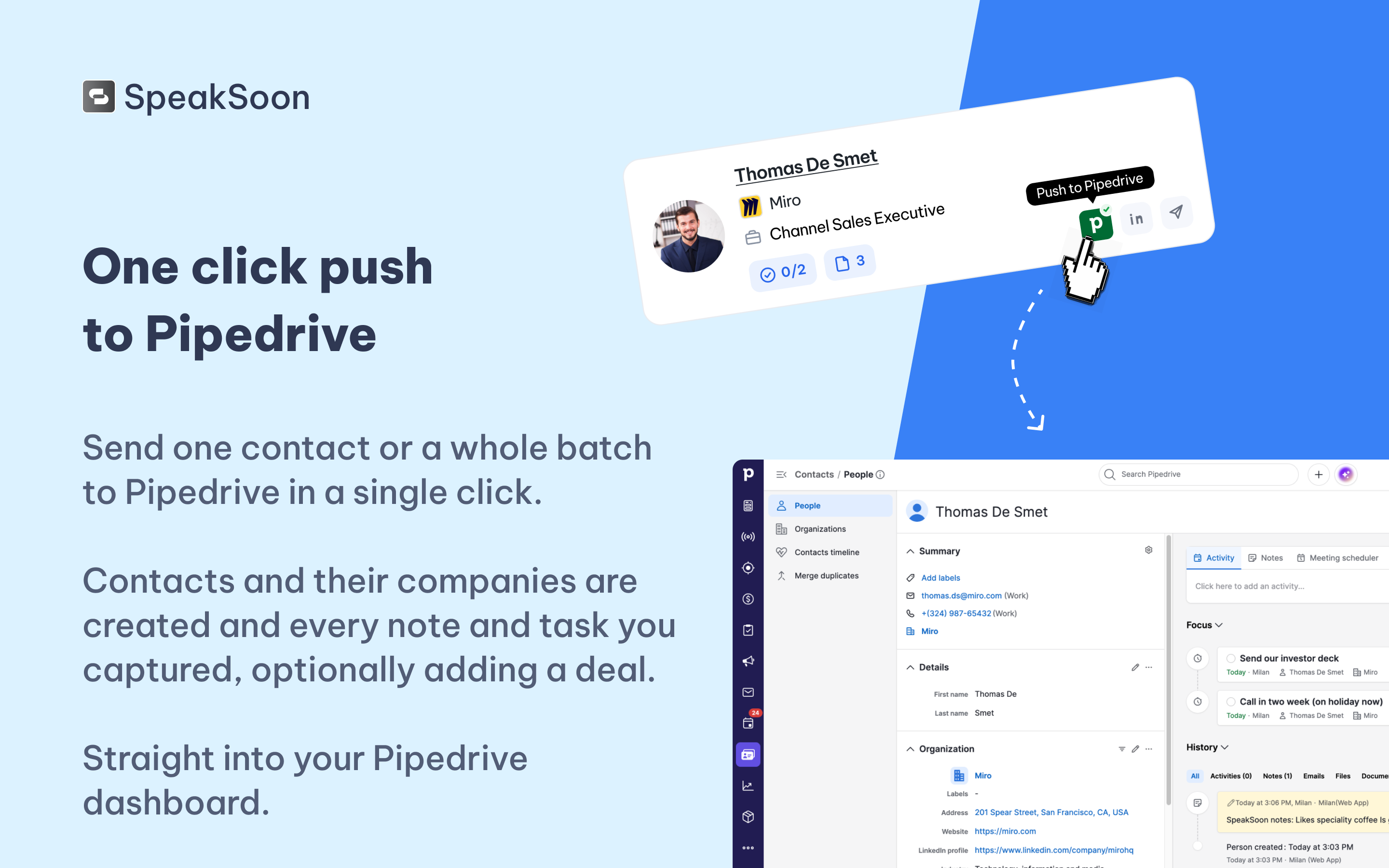
The Pipedrive integration closes the loop between the show floor and your pipeline. Every contact captured at an event is pushed into Pipedrive as a contact (and optionally a deal), complete with the enriched company data, the conversation context, and the follow-up notes your rep dictated on the spot. No manual CRM data entry, no forgotten leads.

Built for sales teams that go to trade shows, conferences, and networking events, SpeakSoon gives you:

  • WhatsApp-native capture — no app to install, no friction for your reps.
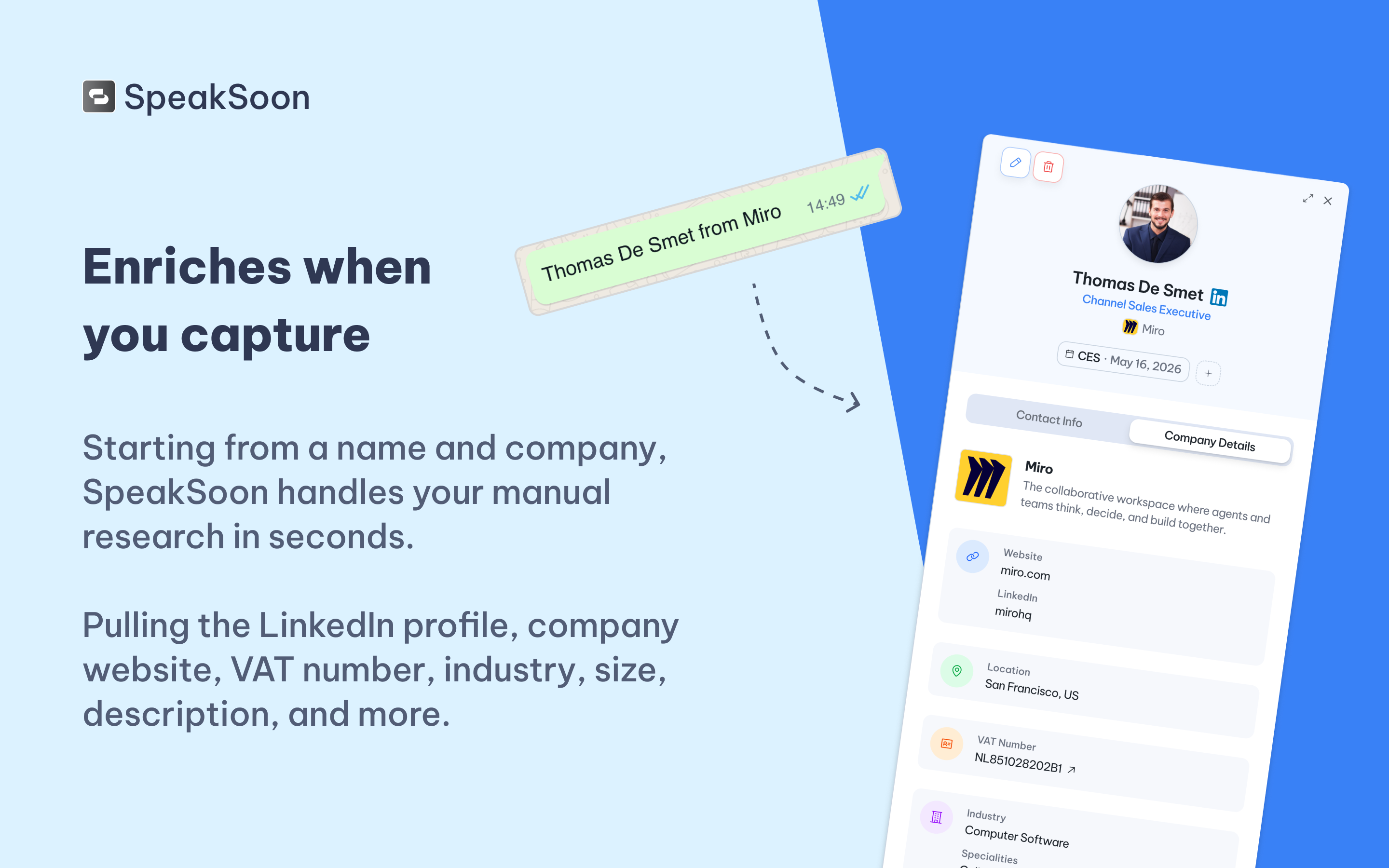
  • Lead enrichment — company research, role, and context attached to every contact.
  • Shared team memory — everyone sees who met whom and what was discussed.
  • Personalized follow-up drafts, ready to send while the conversation is still warm.
  • Per-event ROI reporting so you know which events are actually worth going back to.

Networking becomes measurable pipeline in Pipedrive.

Installation instructions

Getting SpeakSoon connected to Pipedrive takes about 5 minutes.

  1. Create a SpeakSoon account: Go to https://speaksoon.app and sign up
  2. Optionally invite your team members who will be networking at events.
  3. Connect Pipedrive In SpeakSoon: Open Settings → Integrations → Pipedrive and click "Connect". You'll be redirected to Pipedrive to authorize SpeakSoon. Sign in with the Pipedrive account (or company account) that should receive the contacts, and approve the requested scopes.
  4. Once connected, wou will be redirected to SpeakSoon and you are ready to push contact information!

The basic setup pushes contacts and their companies with the enriched information, notes and tasks. In the CRM settings screen, you can make some optional customizations:

  • The target you are pushing too: Choose between Contact and Pipeline item (Deal).
  • For each push target, you can still customize the field mapping. A default mapping is provided, covering the most important data.
  • Disable also pushing notes and or tasks.
  • Optional tags/labels per event.

How to test the installation:

  1. Send a photo of a business card or a voice note to the SpeakSoon WhatsApp number.
  2. Review the enriched contact in the SpeakSoon dashboard (enrichment can take a minute).
  3. On the contact card or details panel, click "Push to Pipedrive"
  4. Confirm the data appears in your Pipedrive account.

Also popular in this category

If you’re interested in this app, you might also like:

CallHippo
free
CallHippo
Effortlessly Manage Sales with AI-Enhanced CallHippo and Pipedrive Integration, Featuring AI-powered Analytics, Click-to-Call, and Task Automation.
ControlHippo AI Chat Agents
free
ControlHippo AI Chat Agents
AI Powered communication platform that connects, converts and retain customers.
Dedupely
Dedupely
Dedupely merges Pipedrive duplicates without losing customer data. (ISO27001 Certified)

User reviews

User reviews

Overall rating

No ratings yet

No installs

Can't find the app you need?

Use our powerful API to build awesome apps for either your company or for all Pipedrive users.

Build an app