
free
CallHippo
Effortlessly Manage Sales with AI-Enhanced CallHippo and Pipedrive Integration, Featuring AI-powered Analytics, Click-to-Call, and Task Automation.
(414)
384 reviews
SubscriptionFlow
by SubscriptionFlow




Subscriptionflow for Pipedrive connects your Pipedrive CRM with Subscriptionflow so that new organizations and persons in Pipedrive are created as customers and contacts in Subscriptionflow. The app listens to Pipedrive webhooks and performs a real-time, one‑way sync, ensuring that newly created Pipedrive records appear in Subscriptionflow without extra clicks or data handling.
With this integration, Pipedrive users can send their CRM data directly into Subscriptionflow, so organizations created in Pipedrive become customers and related persons are synced as contacts and linked automatically. The webhook‑based, one‑way sync keeps new records in both systems aligned and reduces repetitive data entry when moving from sales tracking in Pipedrive to subscription management in Subscriptionflow.
Note: You need both Pipedrive account and a Subscriptionflow account to use this app.
Onboarding Flow
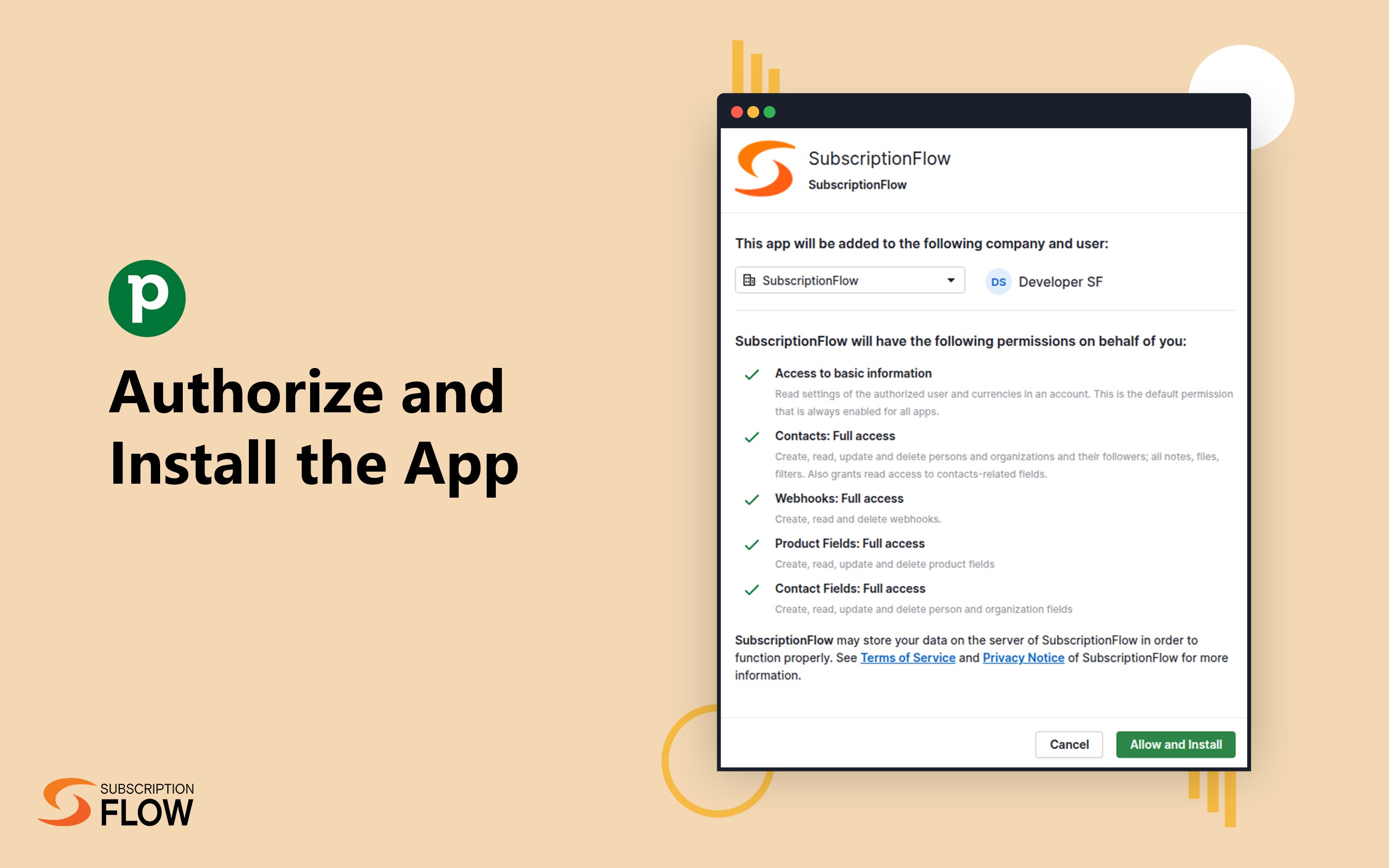
Step 1: Click Connect with Pipedrive to authorize account access.
Step 2: Select Continue to the App once the installation is confirmed.
Step 3: Click Connect SubscriptionFlow on the dashboard.
Step 4: Enter your Tenant Details: SubscriptionFlow Domain, Client ID, and Client Secret.
If you’re interested in this app, you might also like:


Use our powerful API to build awesome apps for either your company or for all Pipedrive users.
Build an app