
free
Google Meet
Manage, schedule and launch Google Meet calls from Pipedrive to streamline your sales communication.
Built by Pipedrive
(4227)
501 reviews
Trophy Jar Reviews
by Trophy Jar
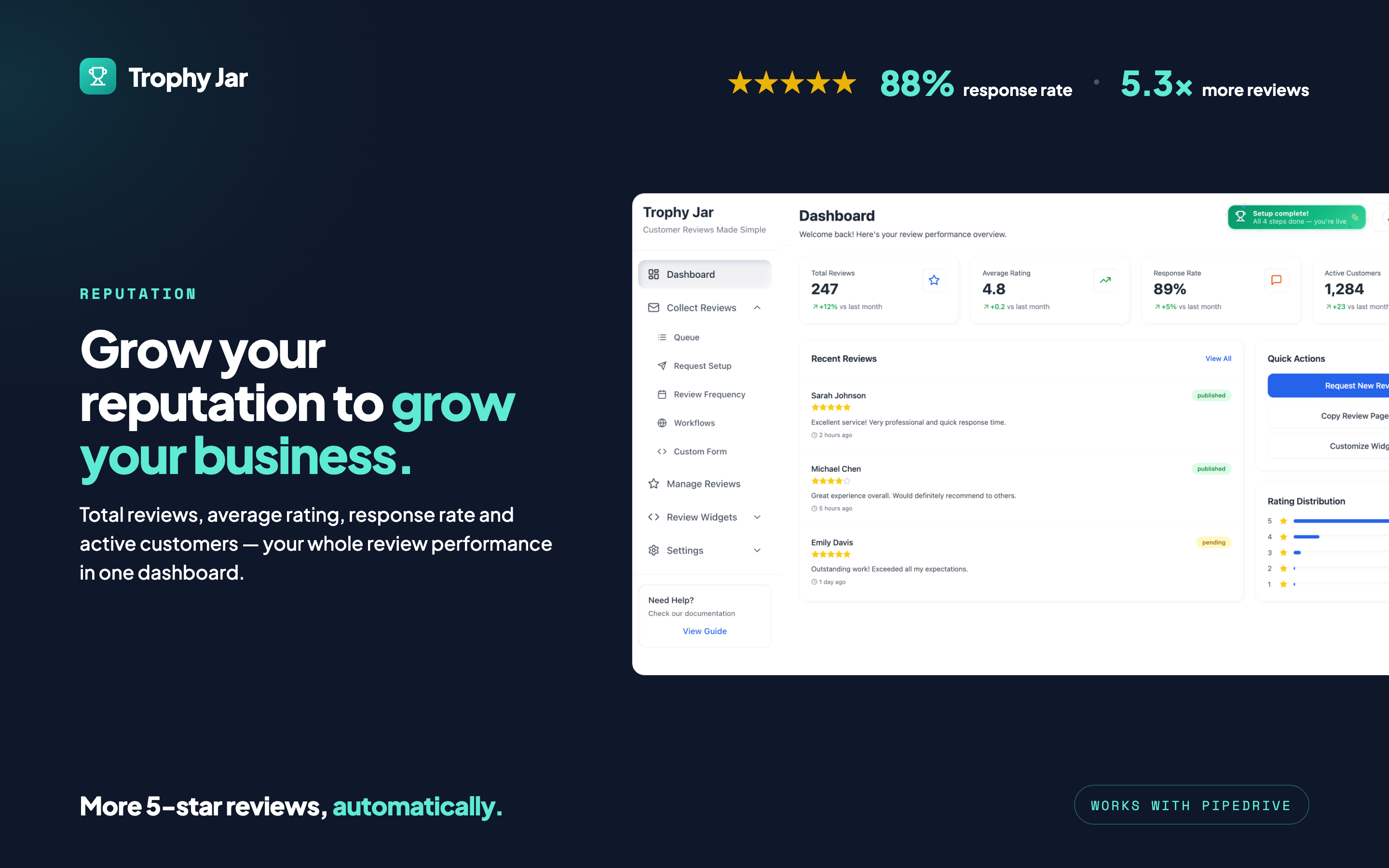
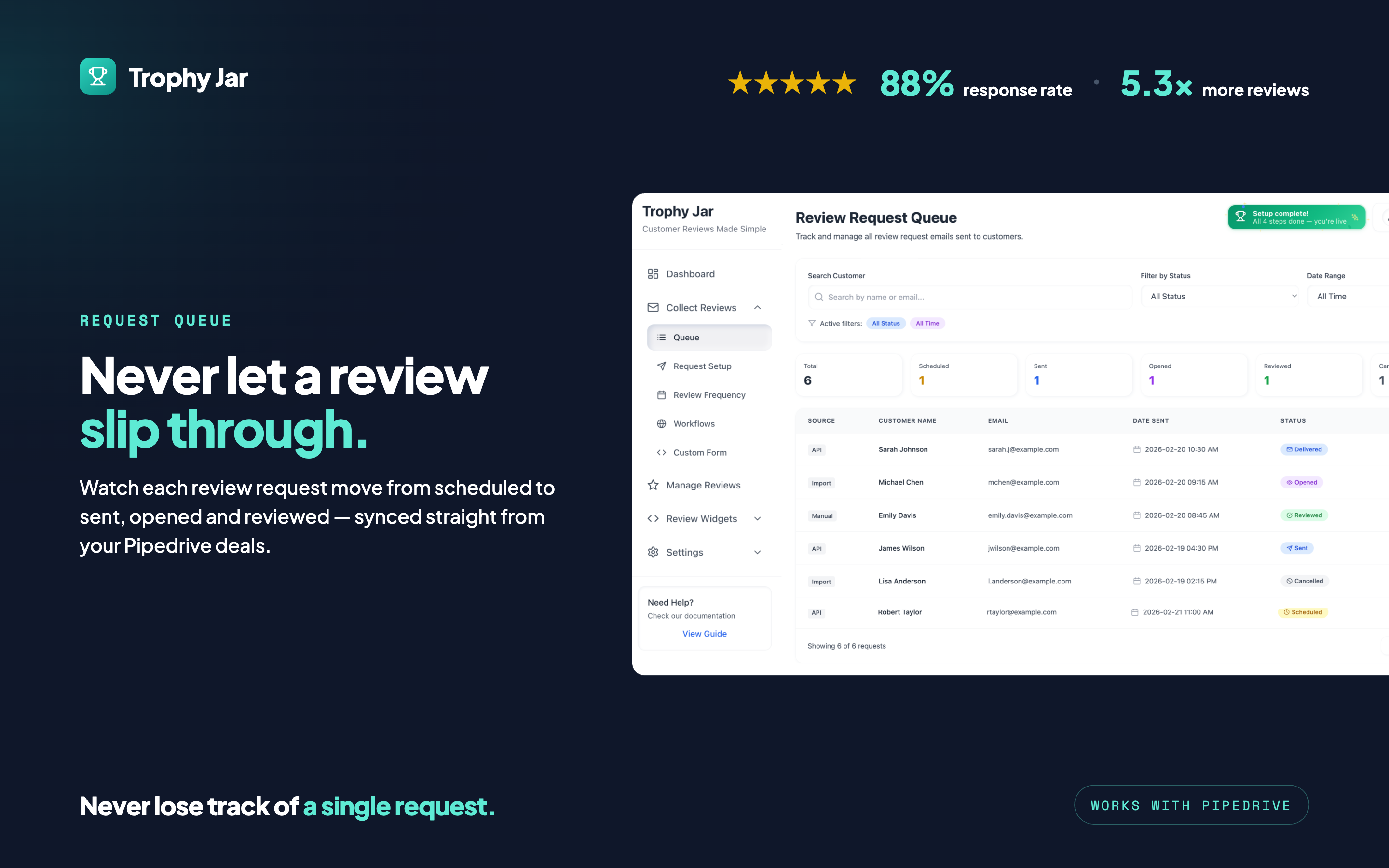
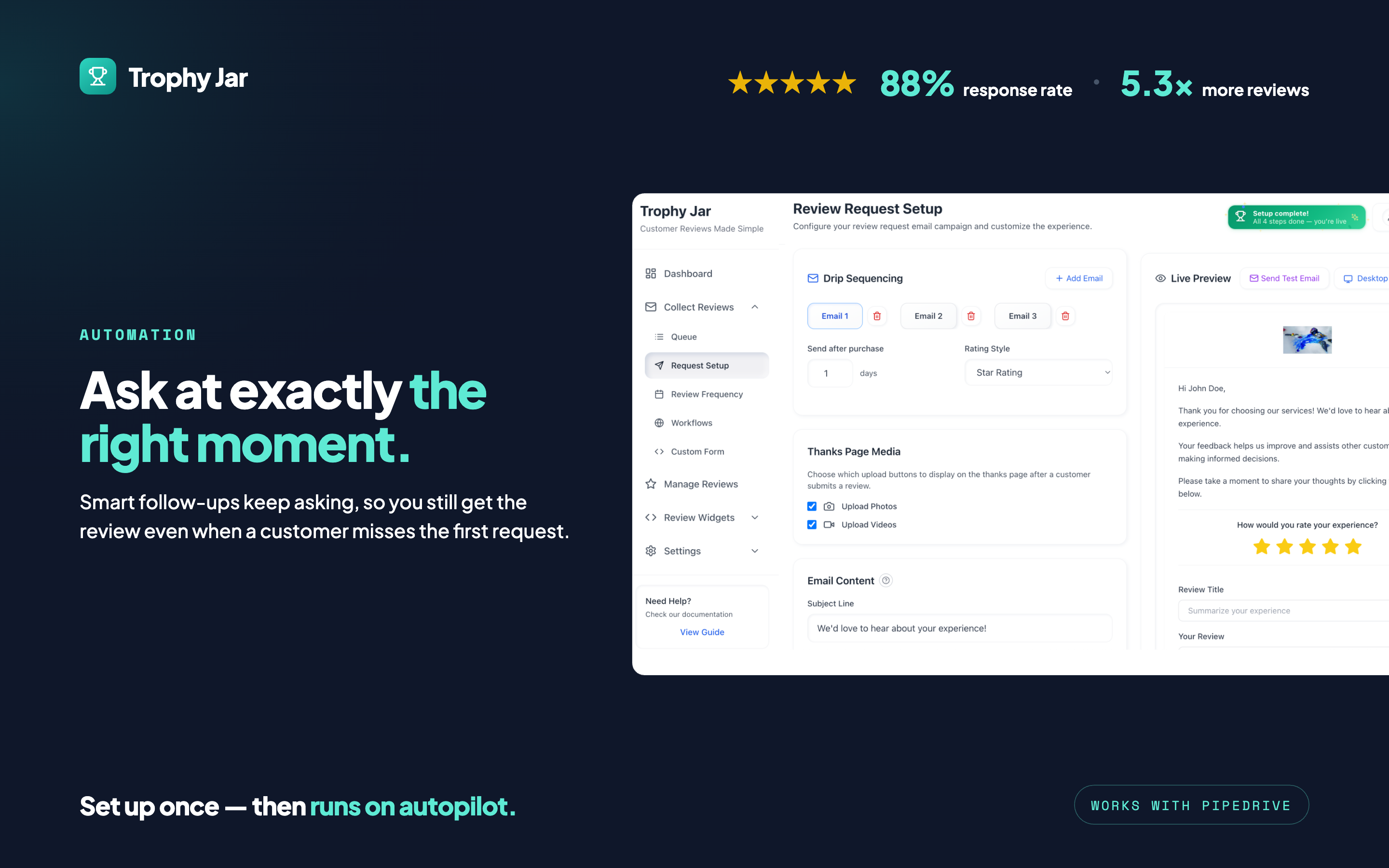
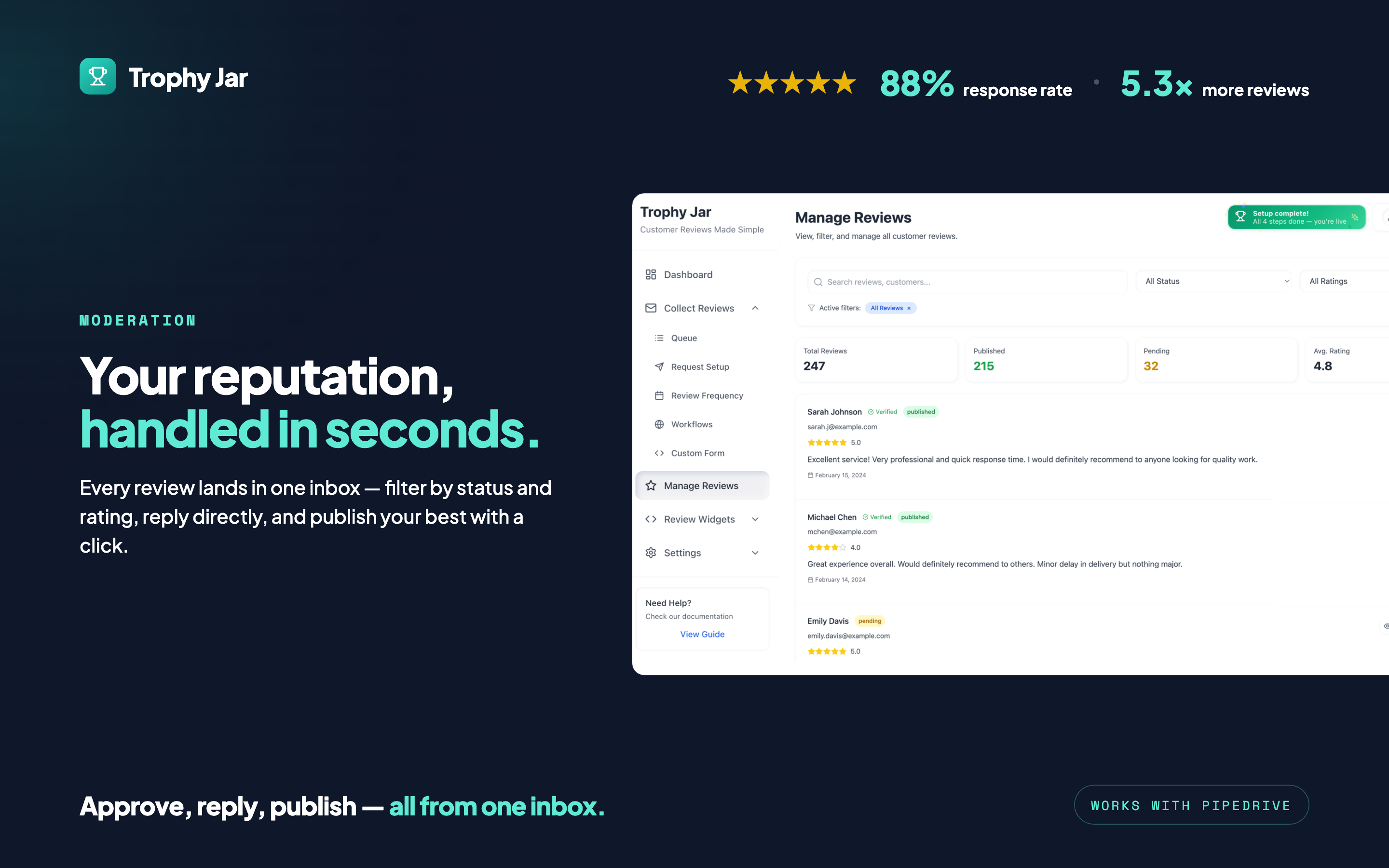
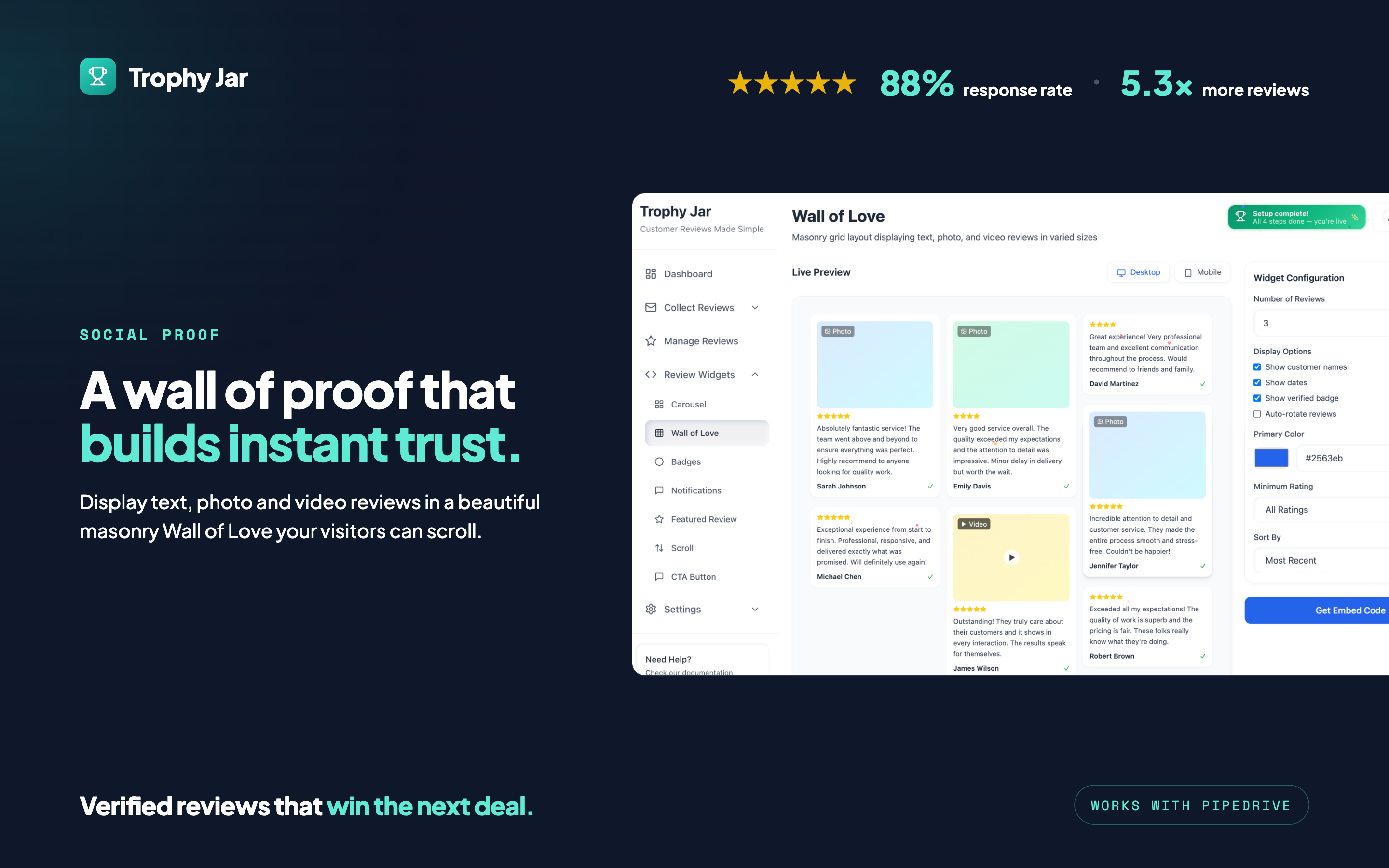
Trophy Jar is a review management platform designed to help businesses automate the process of collecting customer feedback and review. By integrating with Pipedrive, Trophy Jar enables users to trigger review requests based on customer interactions and workflows within their CRM. The platform allows businesses to send automated emails, track responses, and manage reviews from a centralized interface. Users can choose to collect reviews within the application or redirect customers to third-party platforms such as Google. This integration helps improve response rates, enhances customer engagement, and provides valuable insights into customer satisfaction.
Steps
Install from the Pipedrive Marketplace — Open Trophy Jar and click Install, then Allow and Install.
Authorize the connection — Review permissions and confirm. Pipedrive connects your account to Trophy Jar via OAuth; your Pipedrive password is not shared with us.
Trophy Jar account (automatic) — During install, Trophy Jar uses the installing user's Pipedrive email to create a new Trophy Jar account if none exists, or link an existing account with the same email. Separate signup is not required unless you use a different email.
Setup wizard — After authorization you are redirected to Trophy Jar setup: click Get Started, select the deal status that should trigger review requests, then click Connect account.
Trophy Jar Dashboard — Open Review Request Setup and save at least one email template. Add your business name in account settings. Use the Queue to send or manage review requests when deals reach your selected stage.
Disconnect Trophy Jar: Settings → Integrations → Disconnect. Or uninstall the app in Pipedrive.
Permissions: Deals (stages and deal data), Contacts (person email and name), Webhooks (deal stage changes).
If you’re interested in this app, you might also like:


Use our powerful API to build awesome apps for either your company or for all Pipedrive users.
Build an app