
free
Google Meet
Manage, schedule and launch Google Meet calls from Pipedrive to streamline your sales communication.
Built by Pipedrive
(4163)
497 reviews
WASync — WhatsApp for Pipedrive
by TDACRM Solutions SRL
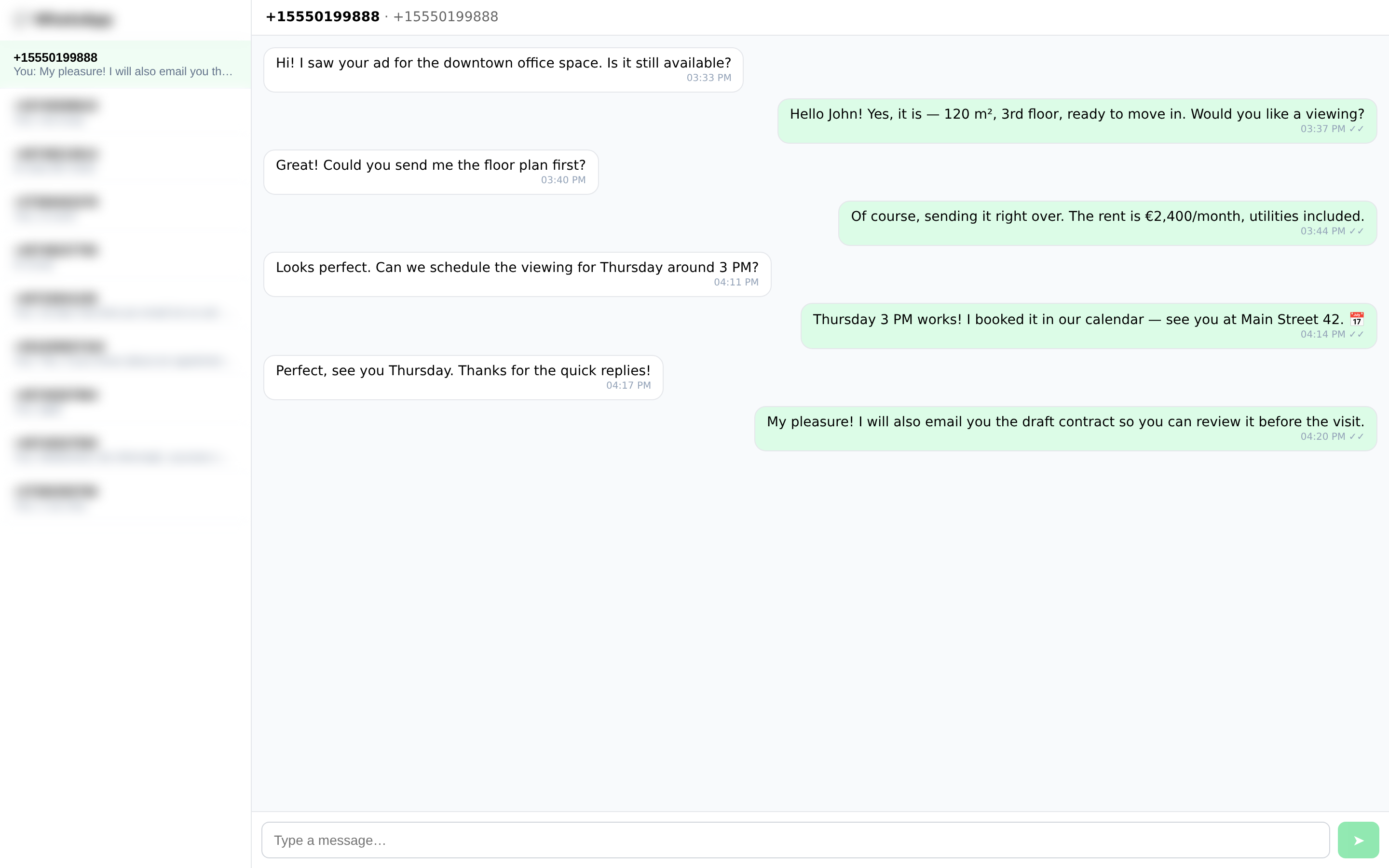
Your customers are on WhatsApp. Now your pipeline is too.
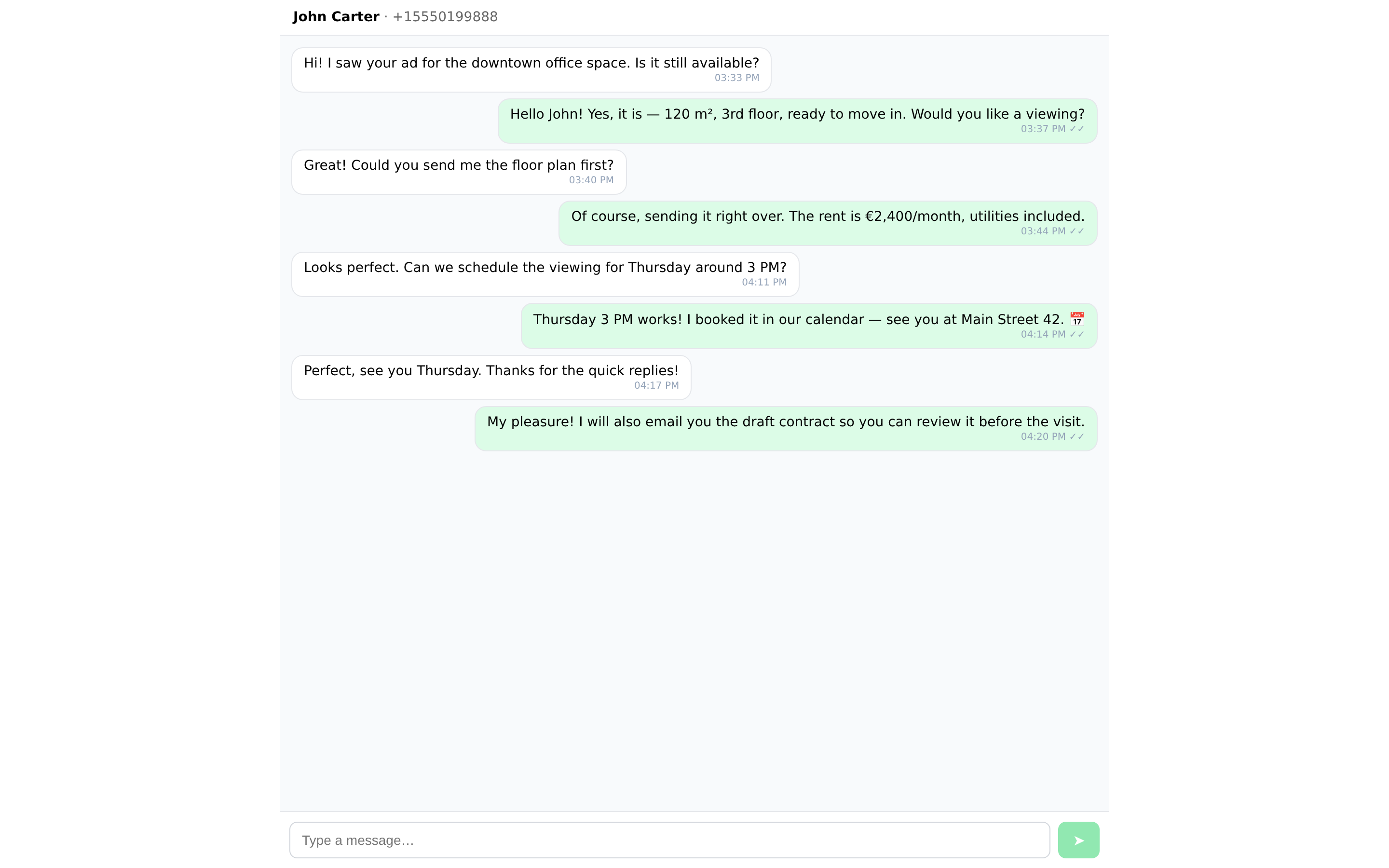
💬 Chat where you sell A WhatsApp panel on every Deal and Person, a floating inbox with all conversations, and a full-page chat — reply without leaving Pipedrive.
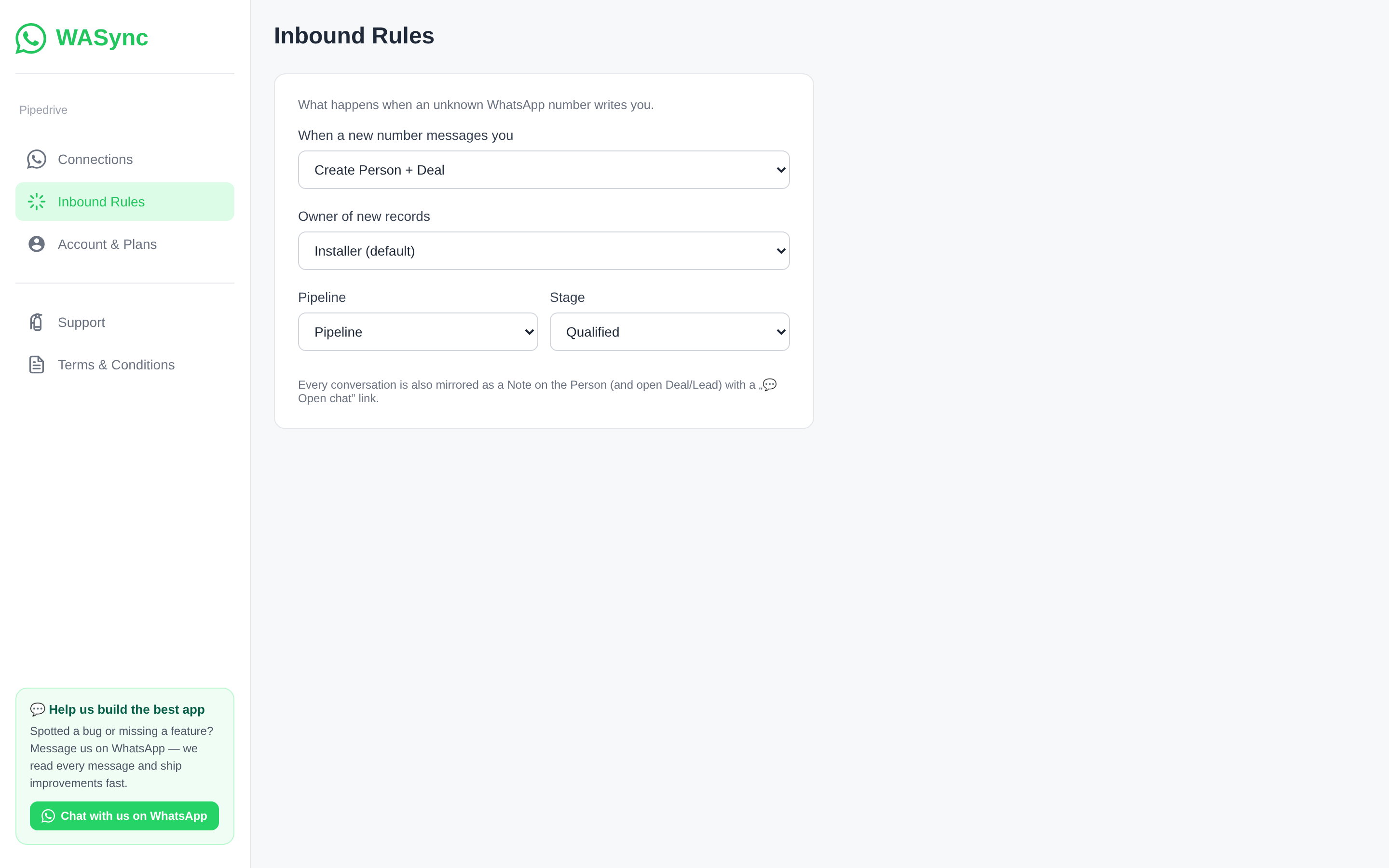
🎛️ Inbound rules An unknown number writes you? WASync creates the Person and a Lead (or a Deal in the pipeline and stage you choose), assigns the owner, and links the conversation.
📝 Everything on the record Conversations are mirrored as Notes on the Person and their open Lead or Deal, with a one-click "Open chat" link.
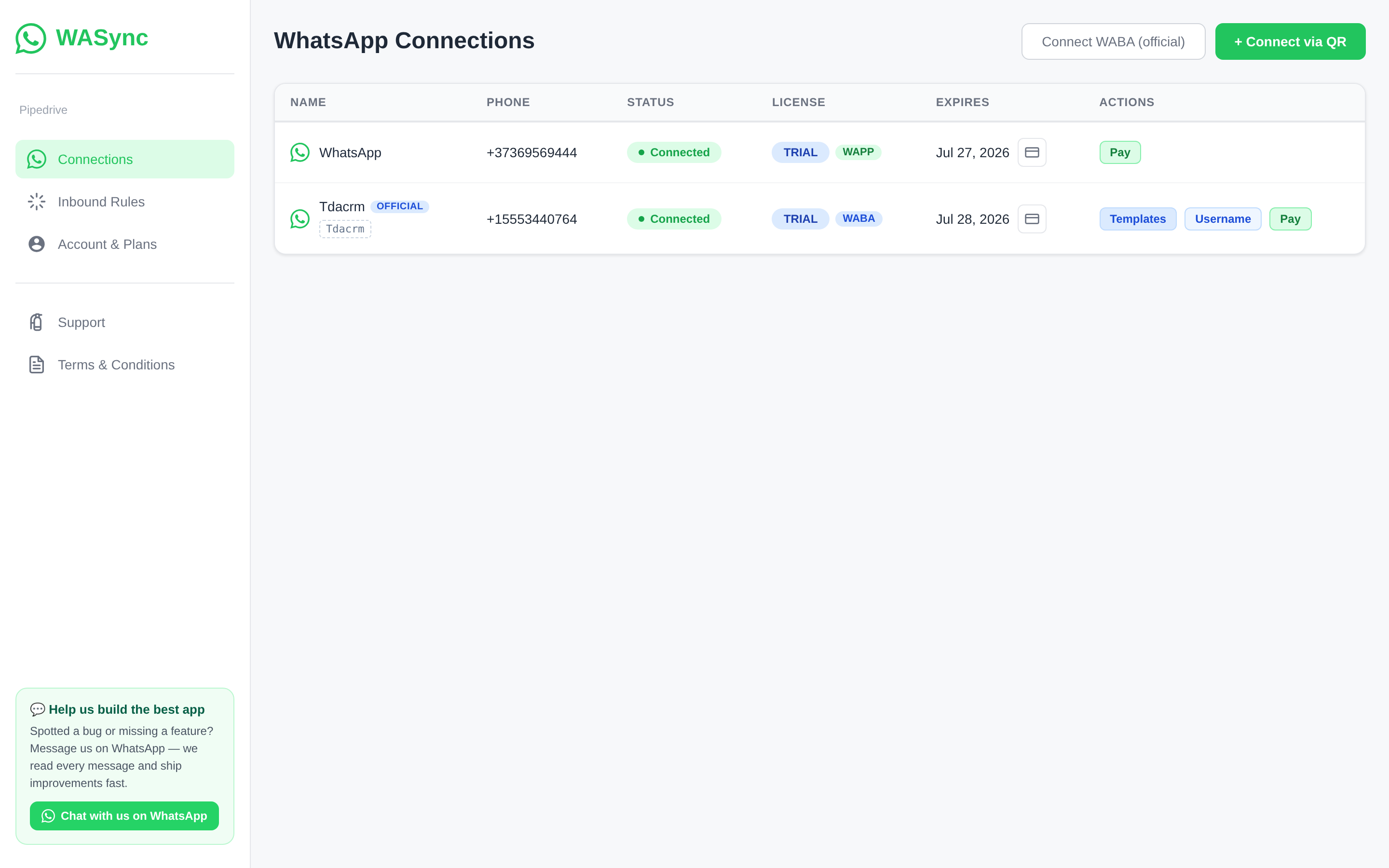
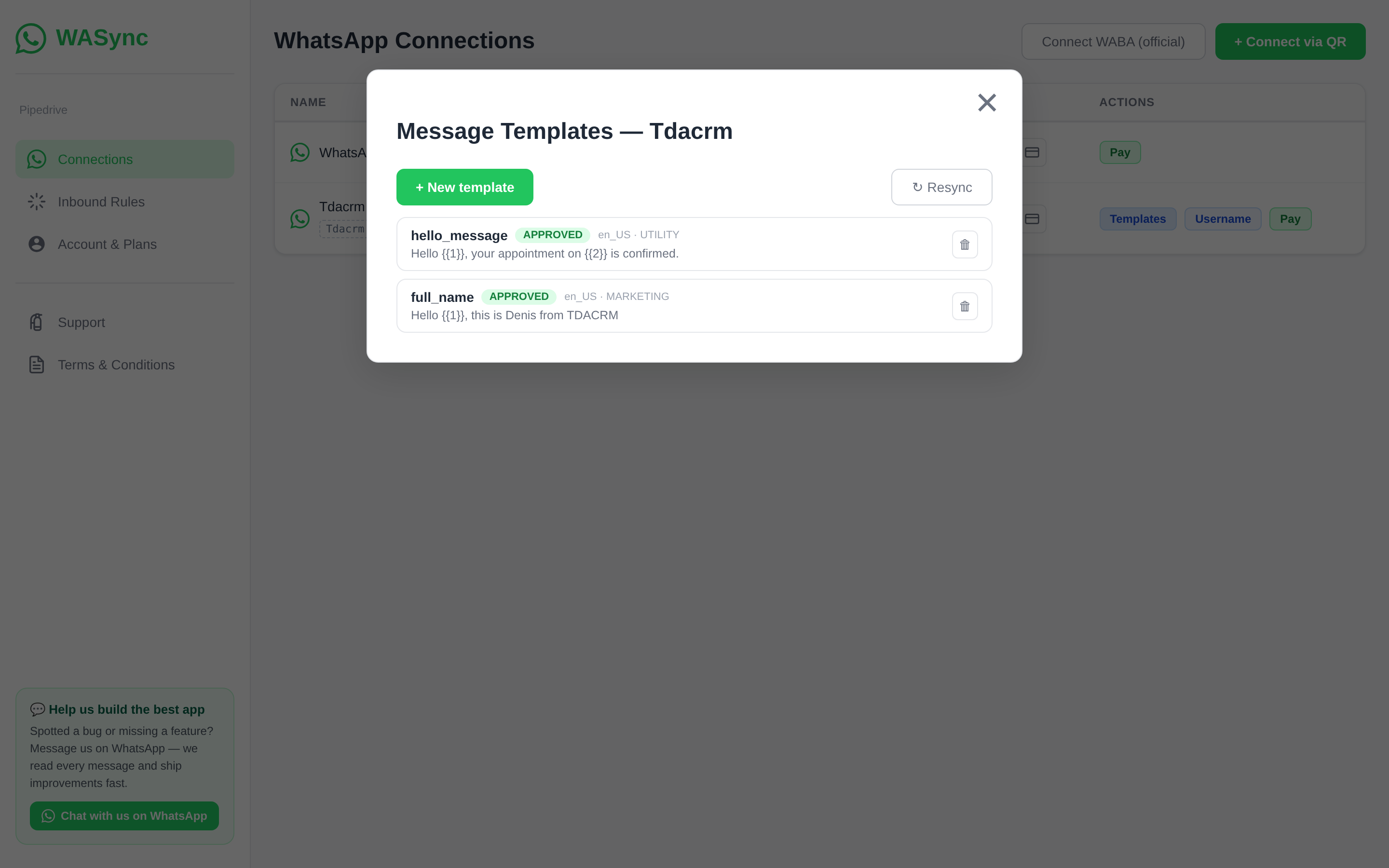
📱 Two ways to connect
⚡ Set up in minutes Install → open Settings → scan a QR code → chat. Every number starts with a 7-day free trial, no card required. Licenses are per number, not per seat — pay by card from Settings; 6 months = 10% off, 12 months = 2 free.
For sales teams that live on WhatsApp: real estate, automotive, education, services, e-commerce.
Support on WhatsApp: +40 740 267 964 · [email protected]

Panels
Instantly see and interact with WASync — WhatsApp for Pipedrive as you dive into the details of your deals/contacts in Pipedrive.
WhatsApp Chat
Locations:deal detailsperson details
Chat on WhatsApp with the person behind this deal or contact — full history, send and receive without leaving Pipedrive.

Pop-up windows
Tackle complex tasks in WASync — WhatsApp for Pipedrive without leaving Pipedrive via their customized pop-up windows.
Open WhatsApp Chat
Locations:deal detailsperson details
Open the WhatsApp conversation in a larger window for comfortable reading and replying.
Quick access
Easily access WASync — WhatsApp for Pipedrive and their customized floating window anywhere in Pipedrive via the top bar.
WhatsApp Inbox
Locations:Top bar
All your WhatsApp conversations in one inbox — open it from anywhere in Pipedrive and reply instantly.
1. Install the app Click Install and approve the permissions. You'll land on the WASync welcome page.
2. Open Settings In Pipedrive, go to Tools and apps → Installed apps → WASync → Settings.
3. Connect your WhatsApp number
4. Start chatting Open any Deal or Person — the WhatsApp Chat panel is in the sidebar. Use the WhatsApp Inbox floating window to see all conversations at once.
Your 7-day free trial starts automatically on every connected number — no credit card required. When an unknown number messages you, WASync creates the Person and a Lead automatically (configure this under Settings → Inbound Rules). Every conversation is also saved as a Note on the Person and their open Deal or Lead.
Need help? Message us on WhatsApp at +40 740 267 964 or email [email protected] — we usually reply within the hour.
If you’re interested in this app, you might also like:


Use our powerful API to build awesome apps for either your company or for all Pipedrive users.
Build an app