
free
CallHippo
Effortlessly Manage Sales with AI-Enhanced CallHippo and Pipedrive Integration, Featuring AI-powered Analytics, Click-to-Call, and Task Automation.
(414)
384 reviews
Warmly - Warm Leads & AI Enrichment
by Warmly

Current B2B demand generation strategies struggle with two main challenges for your revenue team:
Low conversion rates: Visitors to your website encounter too many pop-ups and forms, leading to low completion rates and delayed responses. So, sales reps miss out on valuable opportunities to speak with high intent buyers.
Lack of leads: Your target B2B buyers are not responding well to automated efforts, and sales reps are not personalizing outbound interactions enough. This, coupled with the time spent on low-quality leads, results in poor conversion rates.
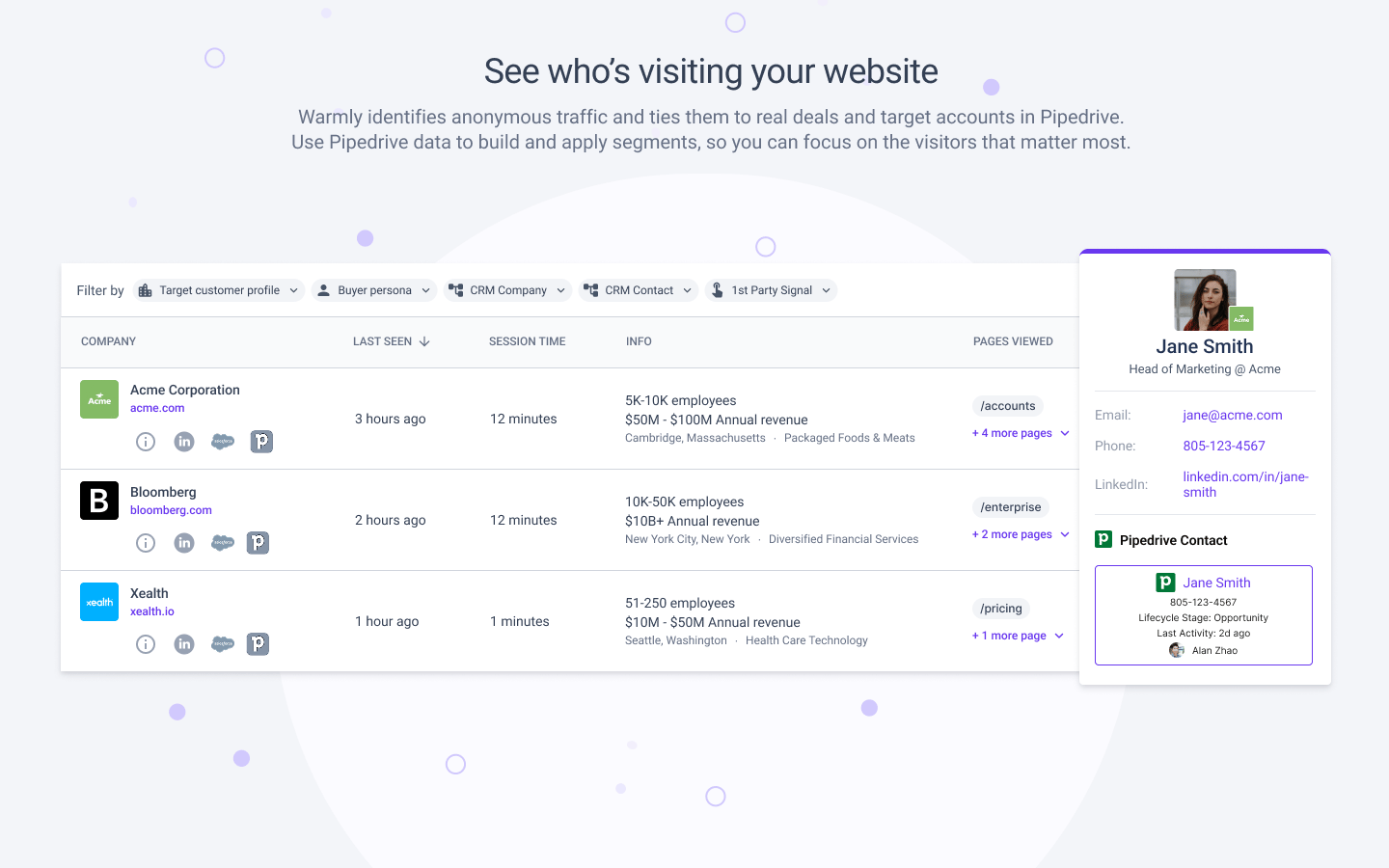
Instead of depending on website forms to capture leads or reps chasing low intent accounts to expand the sales pipeline, Warmly enables your team to find, monitor, and close warm leads using intent data: 1st, 2nd and 3rd party intent.
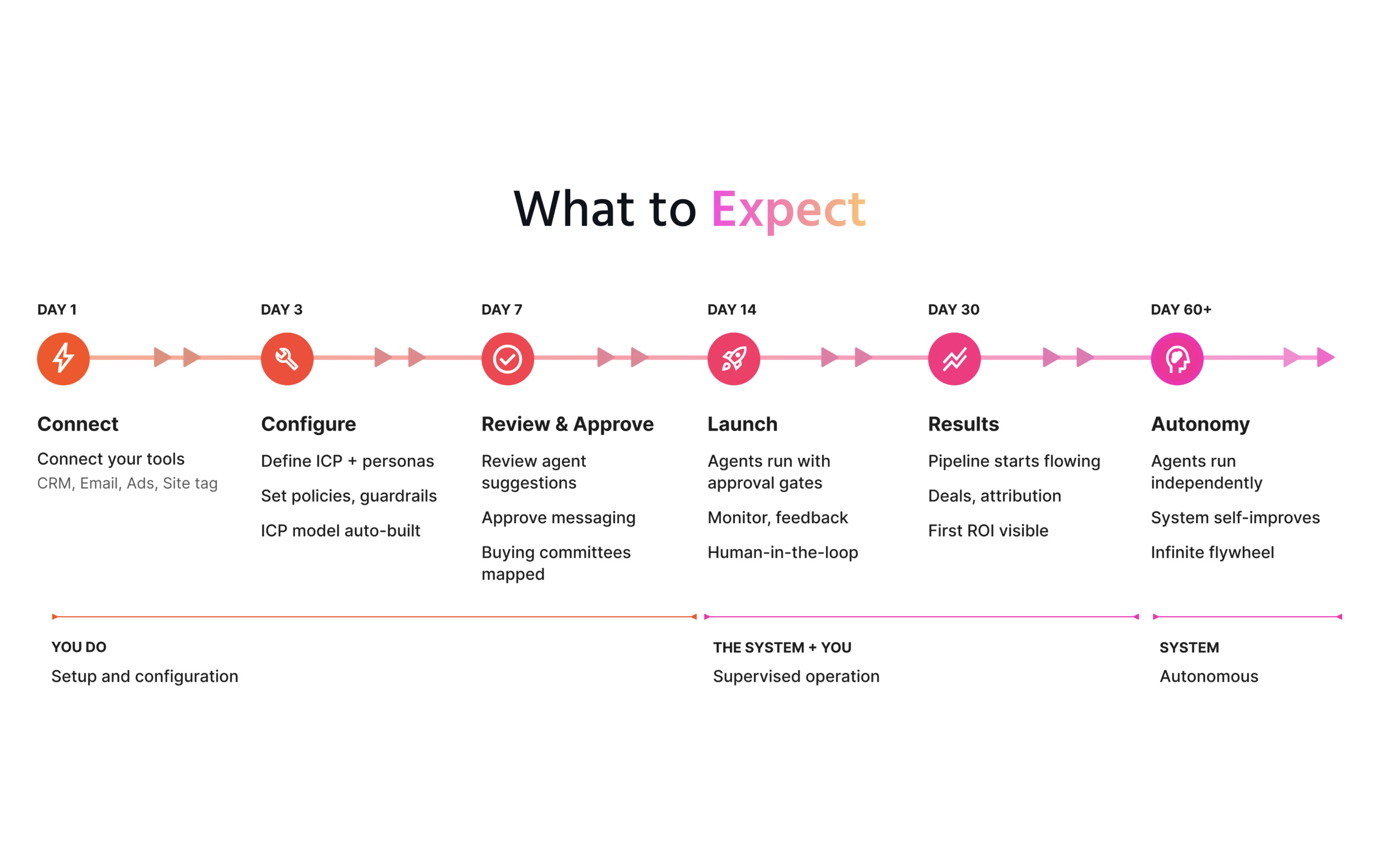
It's easy to Install Warmly:
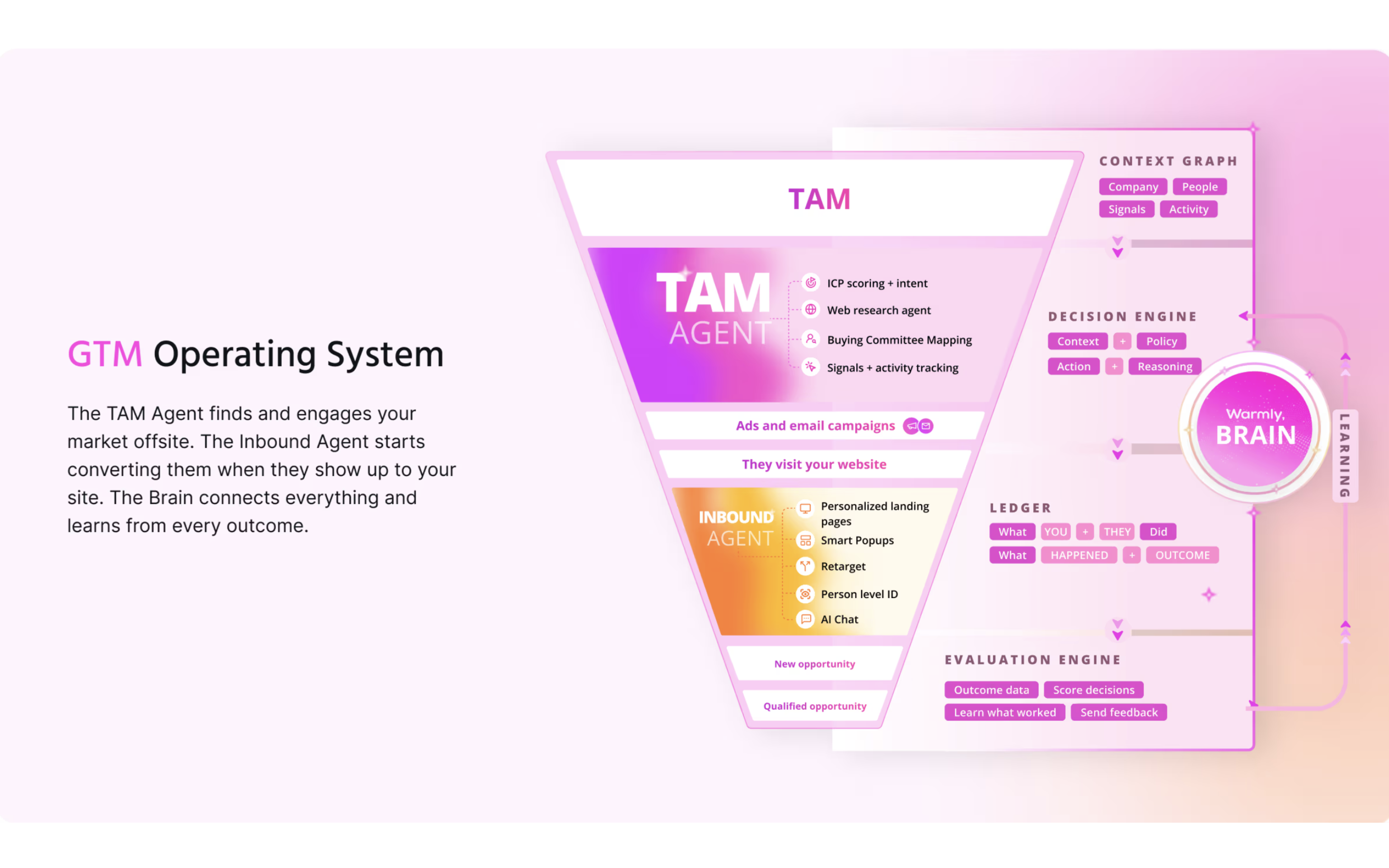
Plus you can upgrade to our Inbound Agent to use AI to close them while they're on your website. Or our Outbound Agent to use AI to close them outbound.
Requirements: A Warmly account and active subscription are required. Visit https://www.warmly.ai/p/pricing for more details. For help, please visit https://help.warmly.ai or contact [email protected].
New to Warmly?
Visit our pricing page to learn more.
Already using Warmly?
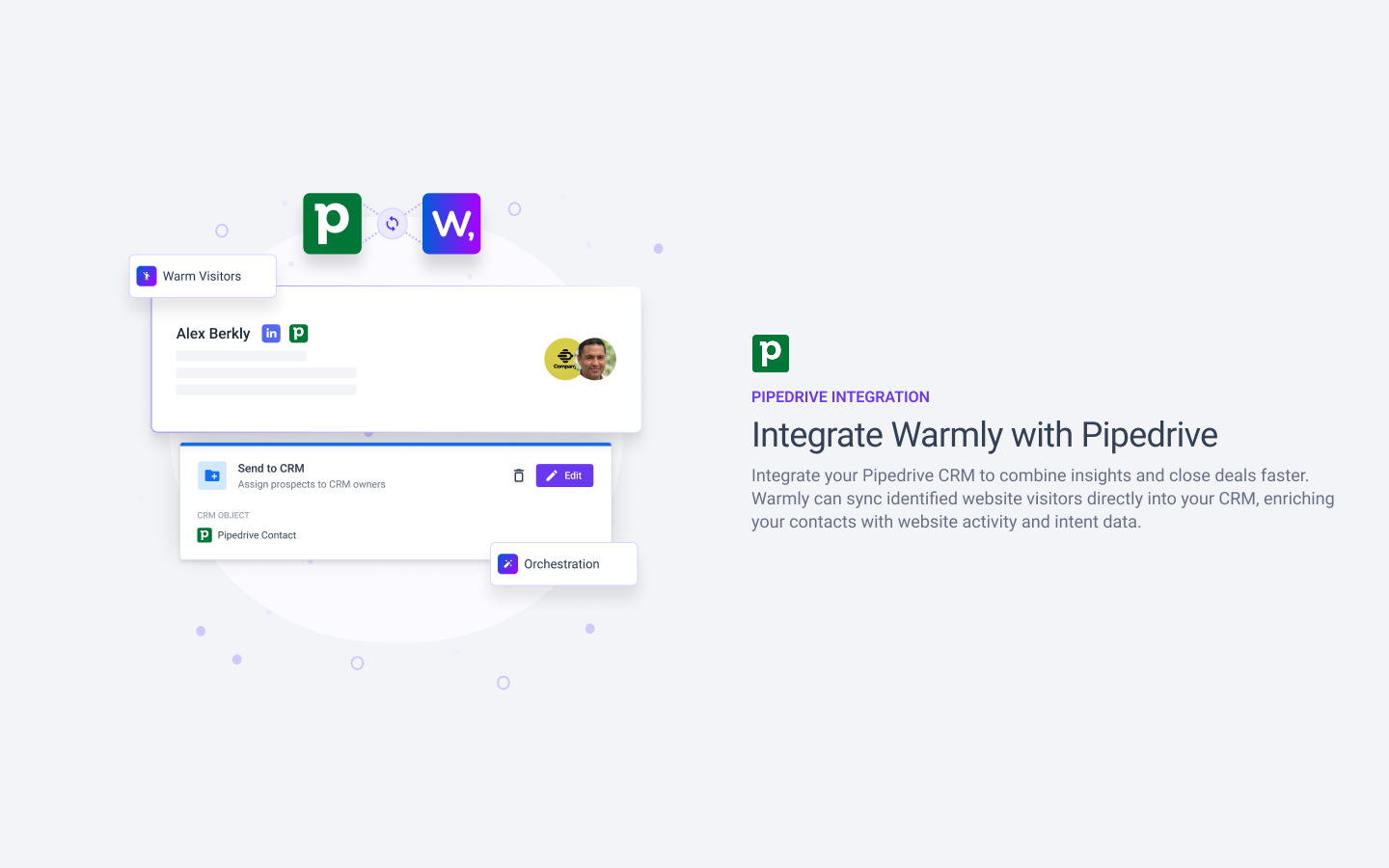
Once complete, Warmly will automatically create/update Pipedrive person and organization records as new website visitors are identified.
If you’re interested in this app, you might also like:


Use our powerful API to build awesome apps for either your company or for all Pipedrive users.
Build an app