
free
CallHippo
Effortlessly Manage Sales with AI-Enhanced CallHippo and Pipedrive Integration, Featuring AI-powered Analytics, Click-to-Call, and Task Automation.
(414)
384 reviews
AlertBrew.com
by AlertBrew
Nurture my leads, Automate my pipeline and data, Other use cases
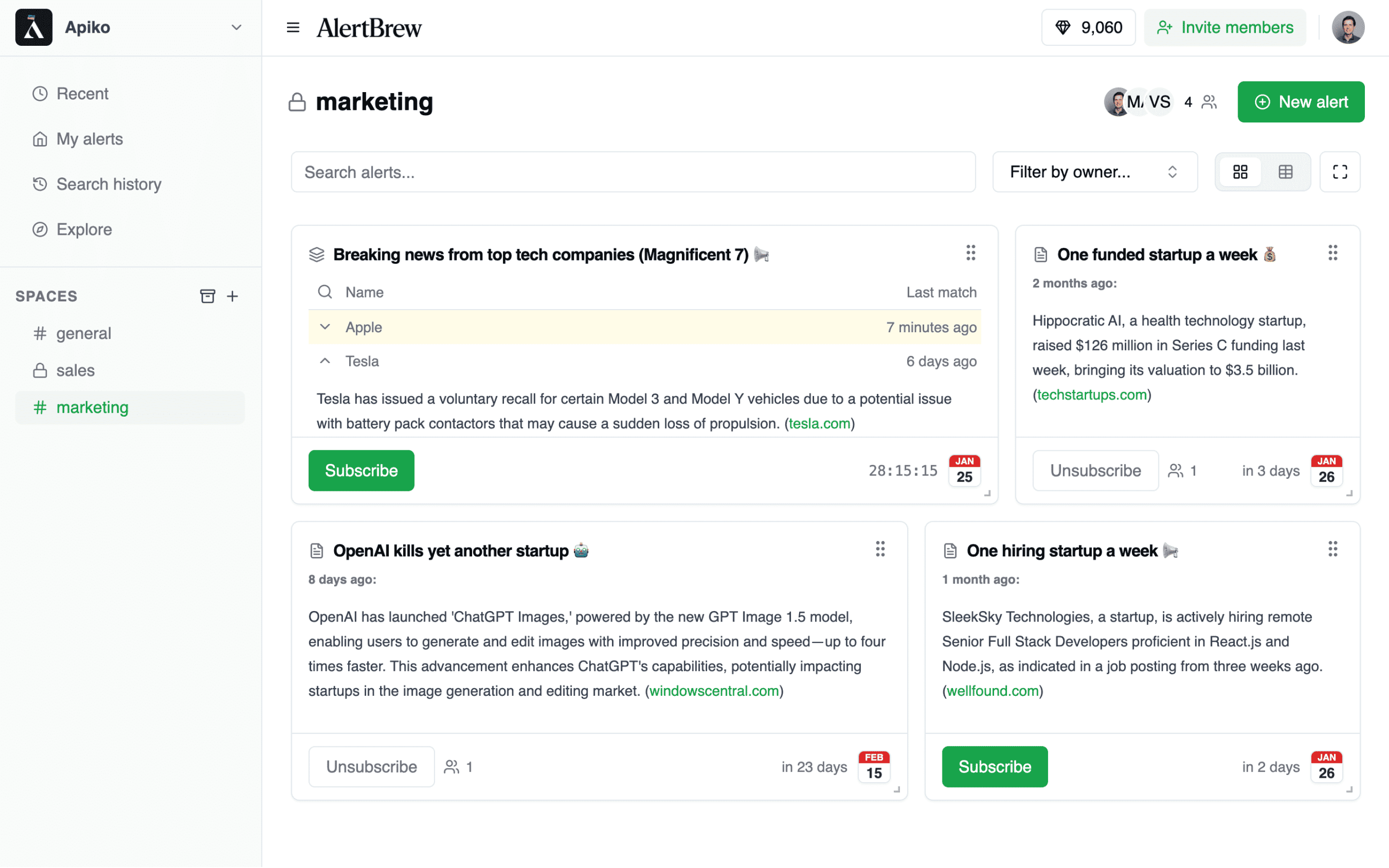
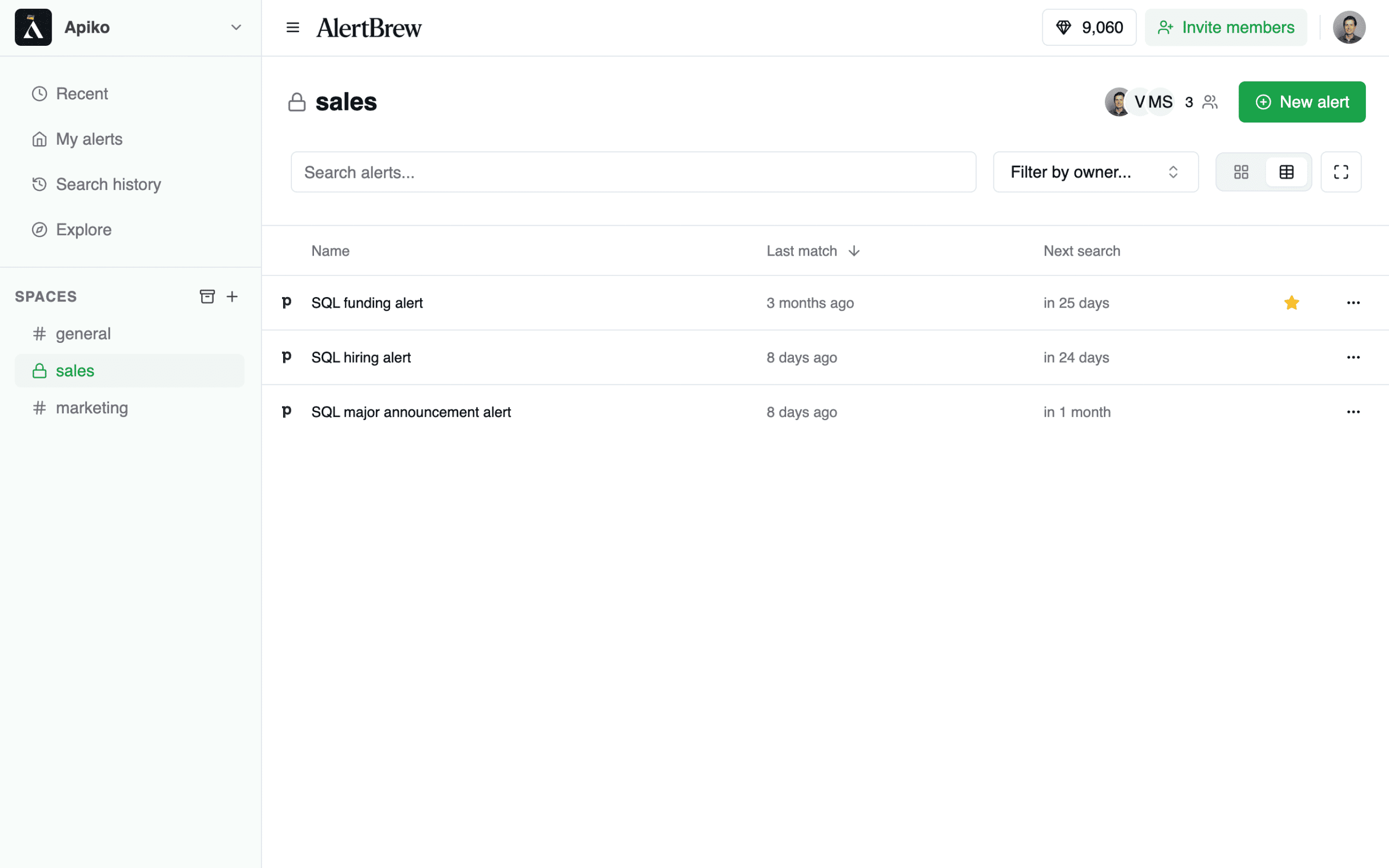
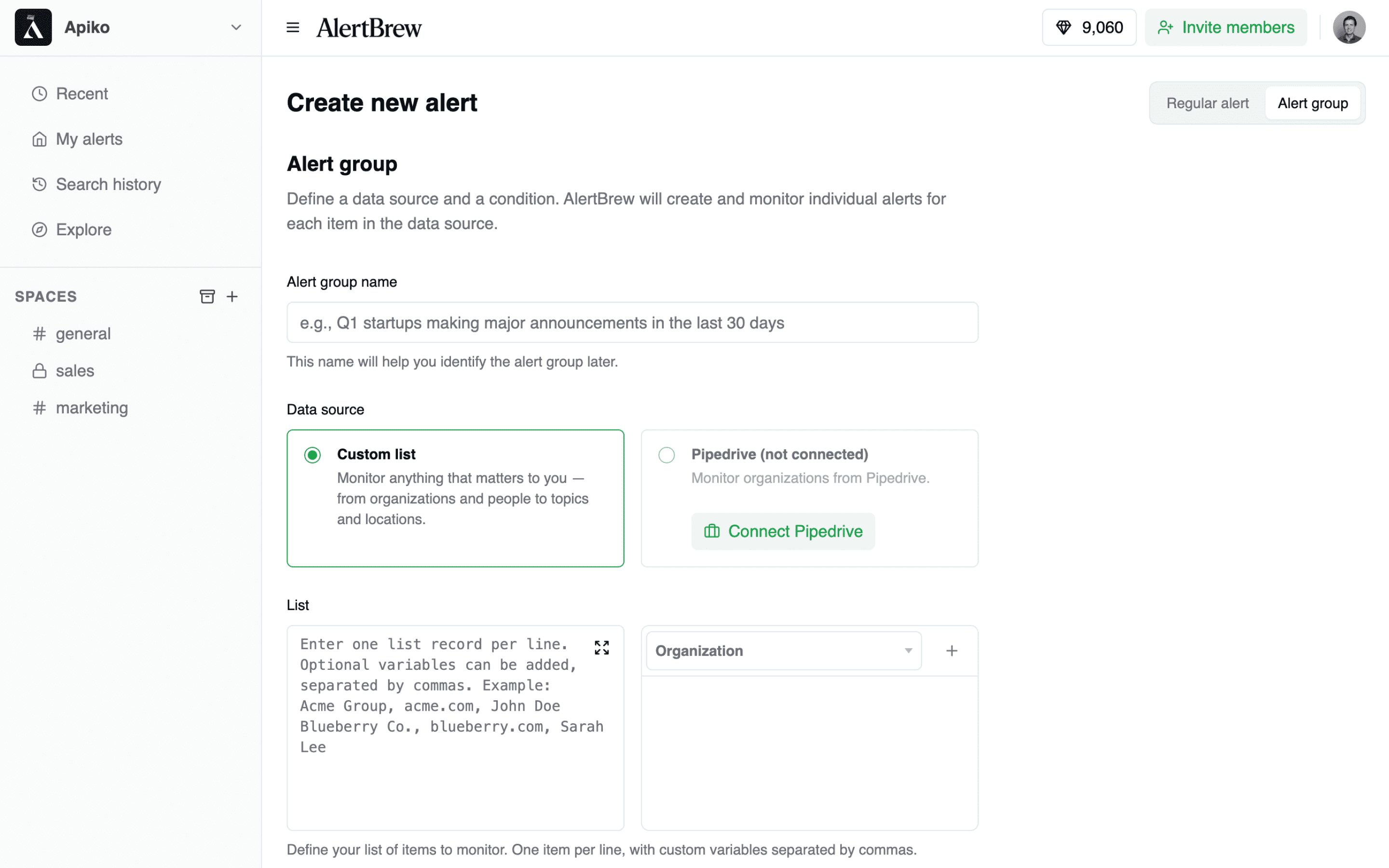
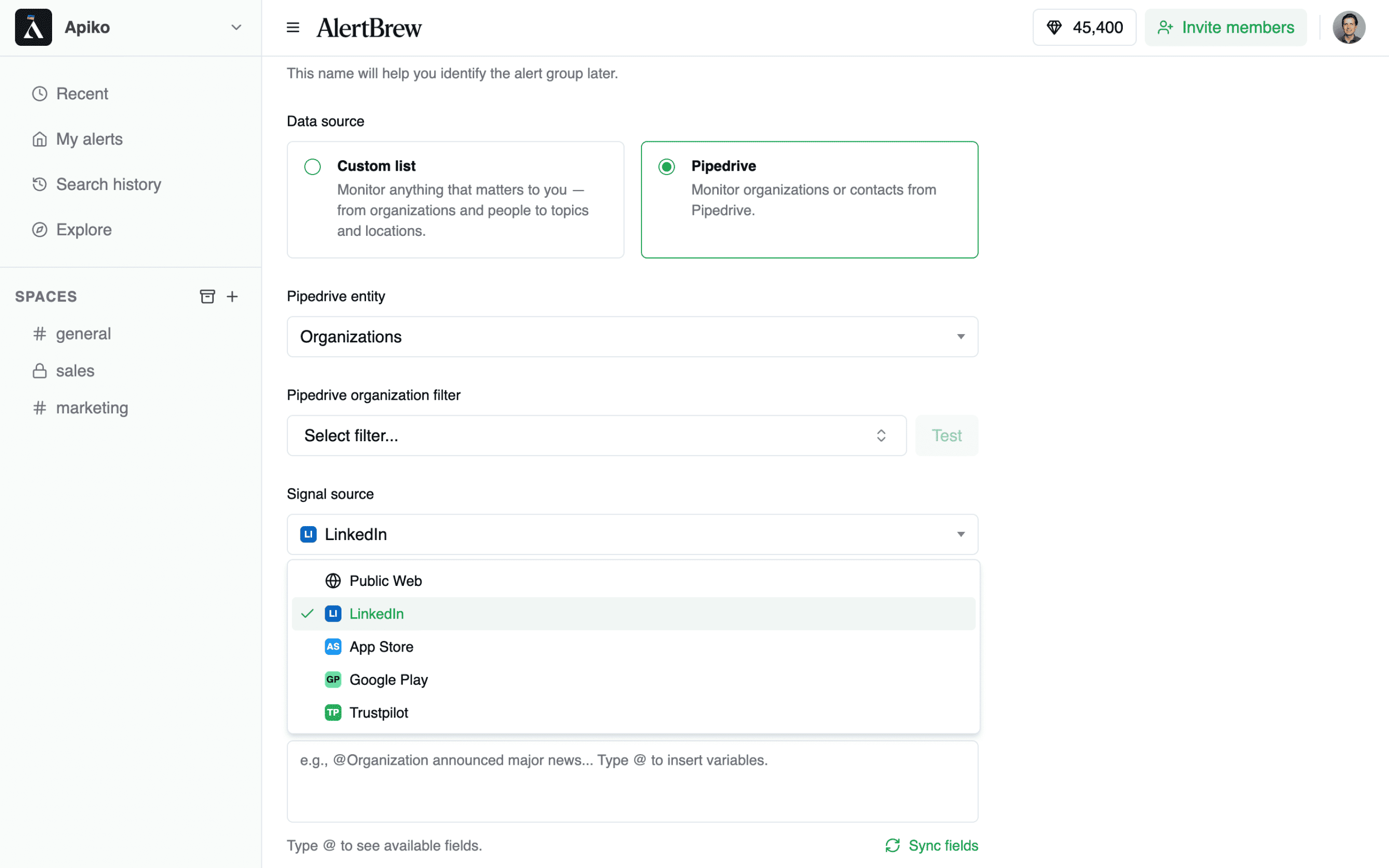
Stop missing critical sales triggers. AlertBrew transforms your Pipedrive CRM into a proactive intelligence engine by automatically monitoring the web and key platforms for signals related to your contacts and organizations.
Why AlertBrew for Pipedrive?
Automated Prospecting: Create alerts based on your existing Pipedrive filters (e.g., "New Organizations" "Enterprise Accounts"). Track signals like hiring changes, funding news, reviews, or product launches without manual effort.
Instant CRM Actions: When a signal is detected, AlertBrew automatically creates a detailed Note and can assign a follow-up Activity to the right person in Pipedrive. Your team gets timely, actionable intelligence right where they work.
Sell Smarter, Not Harder: Free your team from tedious research. With real-time insights, they can craft perfectly-timed outreach that resonates with prospects and helps close deals faster.
How it works:
Turn signals into winning opportunities. Get started with AlertBrew for free.
Follow these simple steps to connect Pipedrive with AlertBrew:
Open Pipedrive settings. In your AlertBrew workspace, click your profile icon and select Admin Portal. Then open the Pipedrive Integration page.
Connect Pipedrive. Click the Connect Pipedrive button.
Authorize in Pipedrive. You’ll be redirected to Pipedrive. Log in if needed, then click Allow and Install to grant access.
You’re all set. You’ll return to AlertBrew and see a Connected status. You can now create Pipedrive alert groups and start enriching your CRM.
If you’re interested in this app, you might also like:


Use our powerful API to build awesome apps for either your company or for all Pipedrive users.
Build an app