
free
Trello
Trello’s boards, lists and cards allow you to organize and prioritize your projects in a fun, flexible and rewarding way.
Built by Pipedrive
(459)
84 reviews
Arrivy
by Arrivy, Inc.
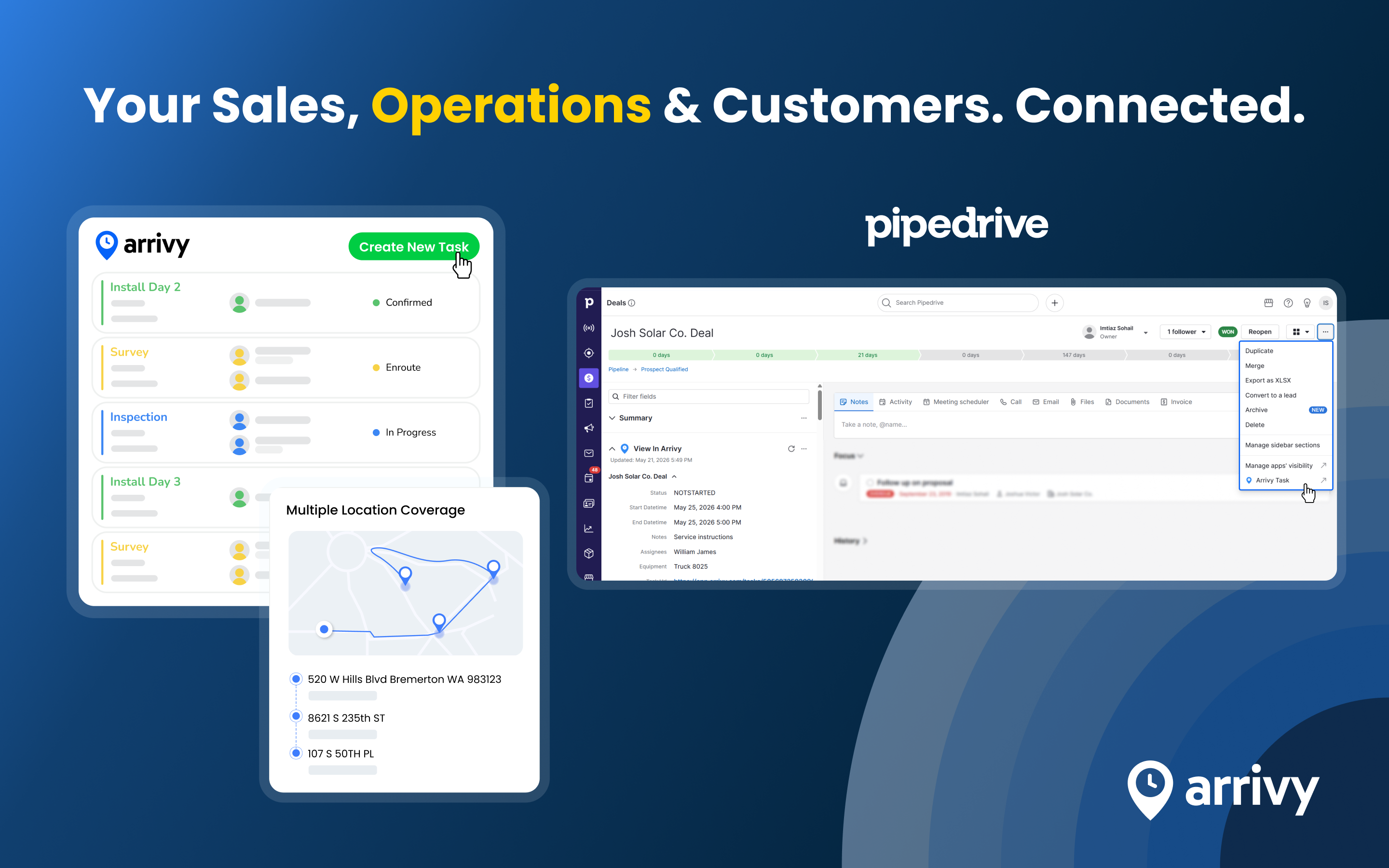

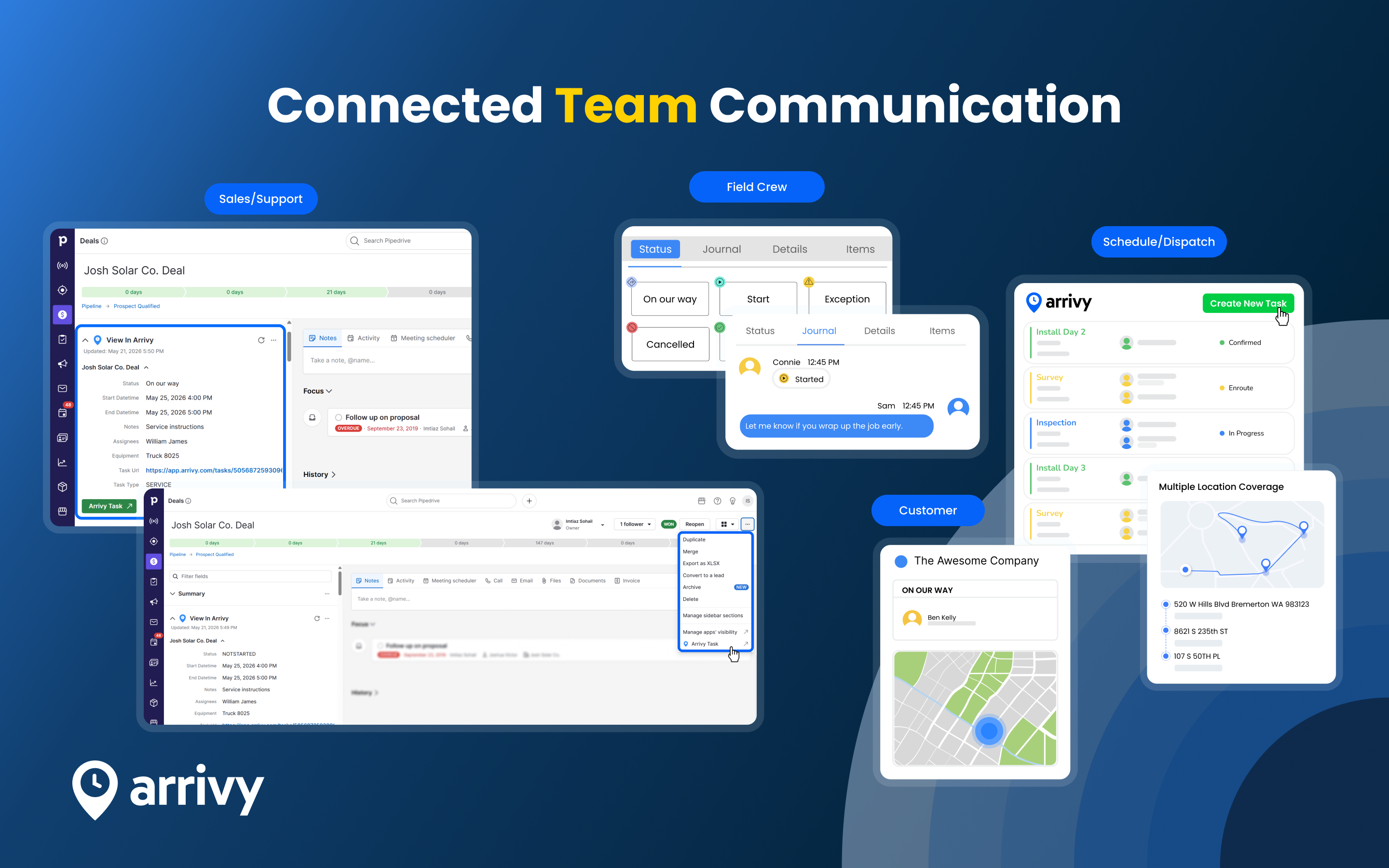
Arrivy is a field service management and operations platform that helps service businesses manage end-to-end operations execution. It connects your office teams, field crews, and customers through real-time updates, automated workflows, and a mobile first experience for executing jobs efficiently.
With Arrivy-Pipedrive integration, your sales and support teams can cooperate smoothly with your operations and dispatch team on Arrivy. Create a seamless handoff that speaks for itself.
Key capabilities:
Arrivy's Pipedrive integration allows you to:
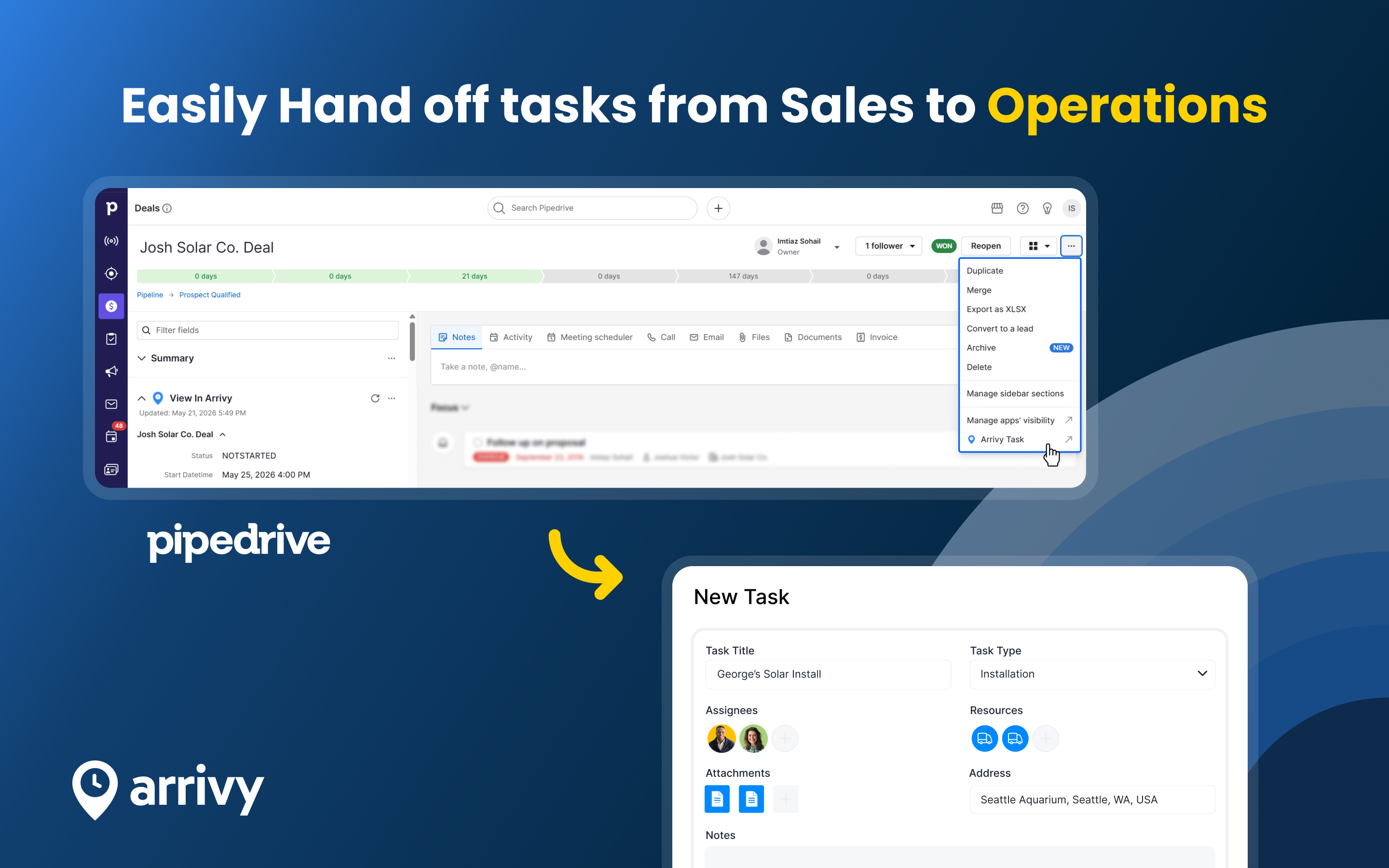
Create Arrivy Tasks from Pipedrive deals. Turn deal information into actionable Arrivy Tasks for scheduling, dispatch, and service coordination.
Carry Pipedrive deal details into Arrivy. Pre-fill Arrivy Tasks with deal information based on your integration configuration and field mappings.
Schedule visits and assign resources in Arrivy. Schedule customers, assign crew and equipment, add notes, and manage task details.
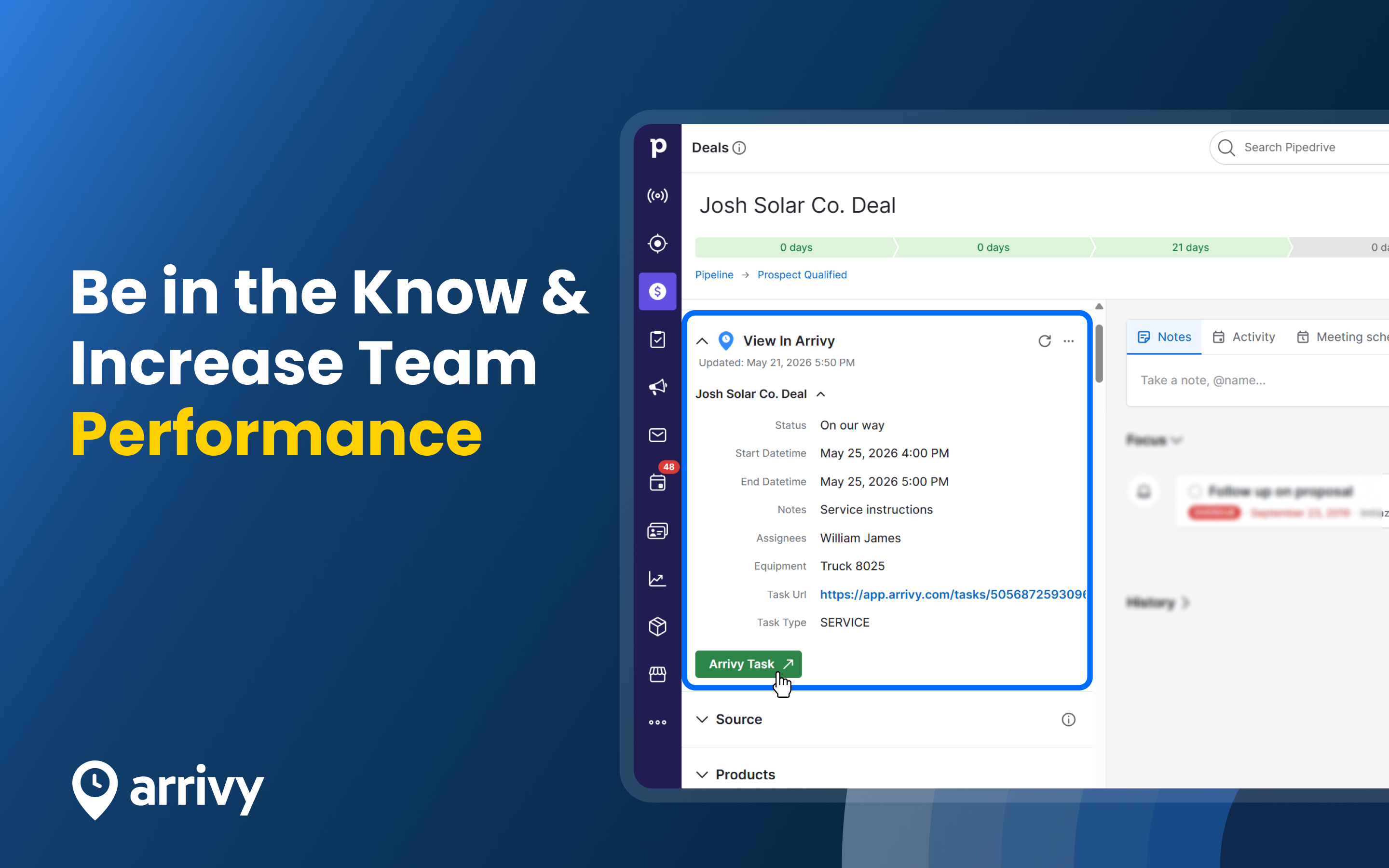
Track Arrivy Task progress inside Pipedrive. View the latest task information from the Arrivy app panel within Pipedrive deal records.
Coordinate Sales, Operations, Dispatch, and Support by linking Pipedrive deals with Arrivy Tasks for service visits, crew assignments, and handoffs.

Panels
Instantly see and interact with Arrivy as you dive into the details of your deals/contacts in Pipedrive.
View In Arrivy
Locations:deal details

Actions
Kick off related actions in Arrivy as you work with your deals, contacts and/or activities in Pipedrive.
Arrivy Task
Locations:deal detailsactivity list
To start, install the Arrivy app via the “Sign Up to Install” button on Pipedrive Marketplace. During installation, you will be prompted to authorize Arrivy to access your Pipedrive data. This access is required to fetch deal information and create Tasks in Arrivy.
After installing the app in Pipedrive, link your Pipedrive account with Arrivy:
Step 1: In Arrivy, go to Settings → Apps & Integrations → Pipedrive.
Step 2: Log in to your Pipedrive account when prompted.
Step 3: After login, return to Settings → Apps & Integrations → Pipedrive and click the Installed button to access configuration options.
For further details, read the Arrivy-Pipedrive integration guide.
If you’re interested in this app, you might also like:


Use our powerful API to build awesome apps for either your company or for all Pipedrive users.
Build an app