
free
CallHippo
Effortlessly Manage Sales with AI-Enhanced CallHippo and Pipedrive Integration, Featuring AI-powered Analytics, Click-to-Call, and Task Automation.
(414)
384 reviews
Cal ID
by OneHash

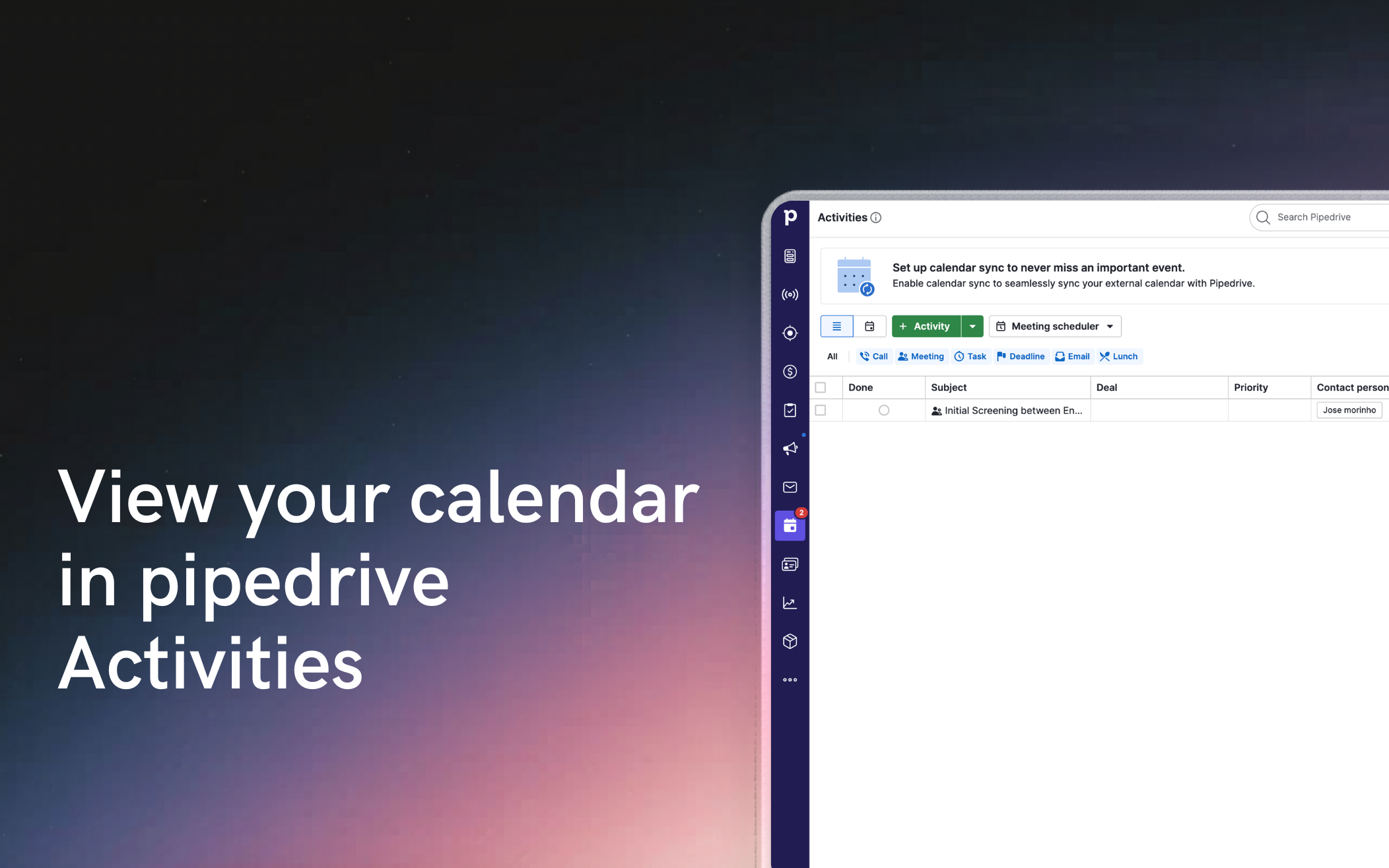

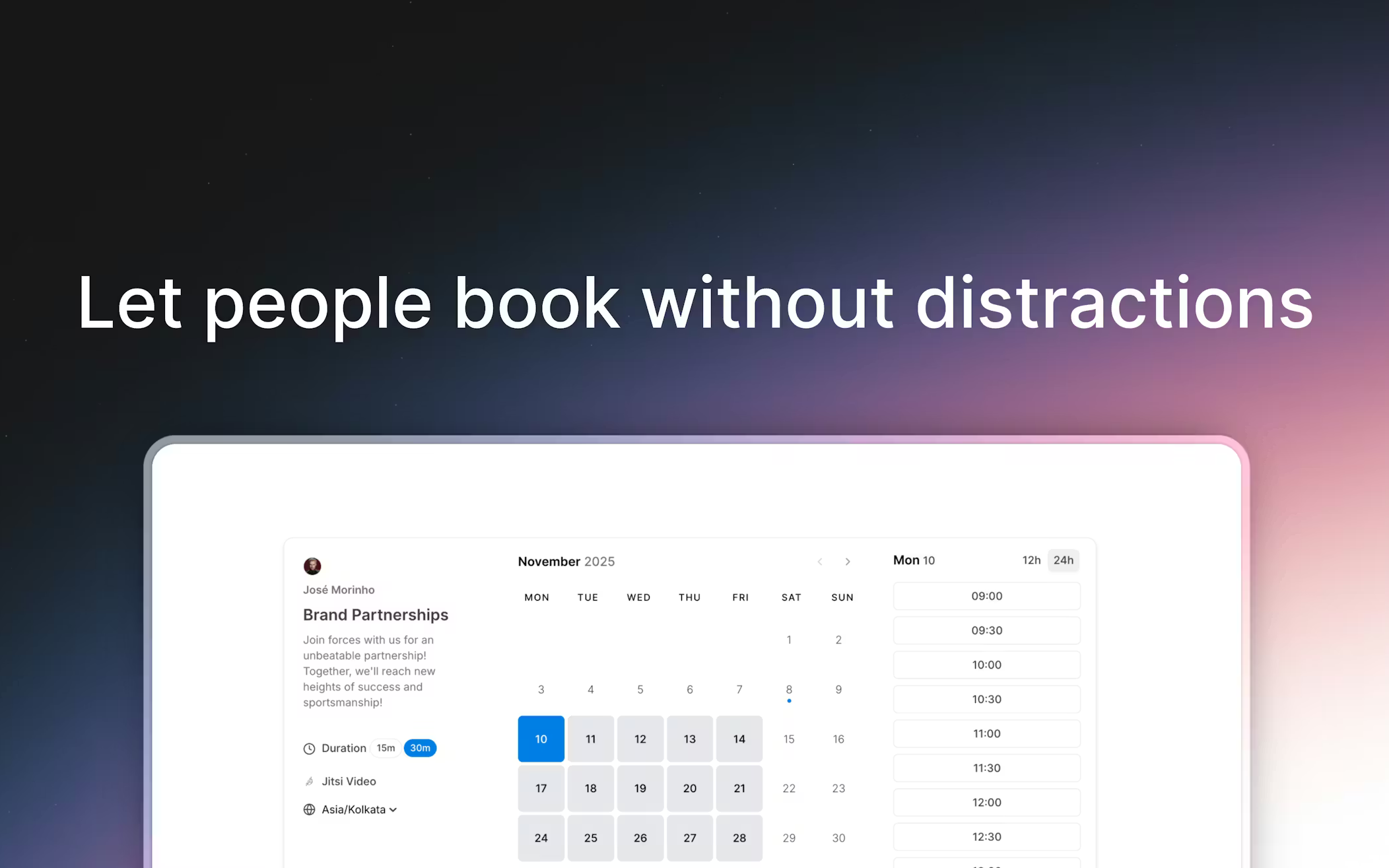
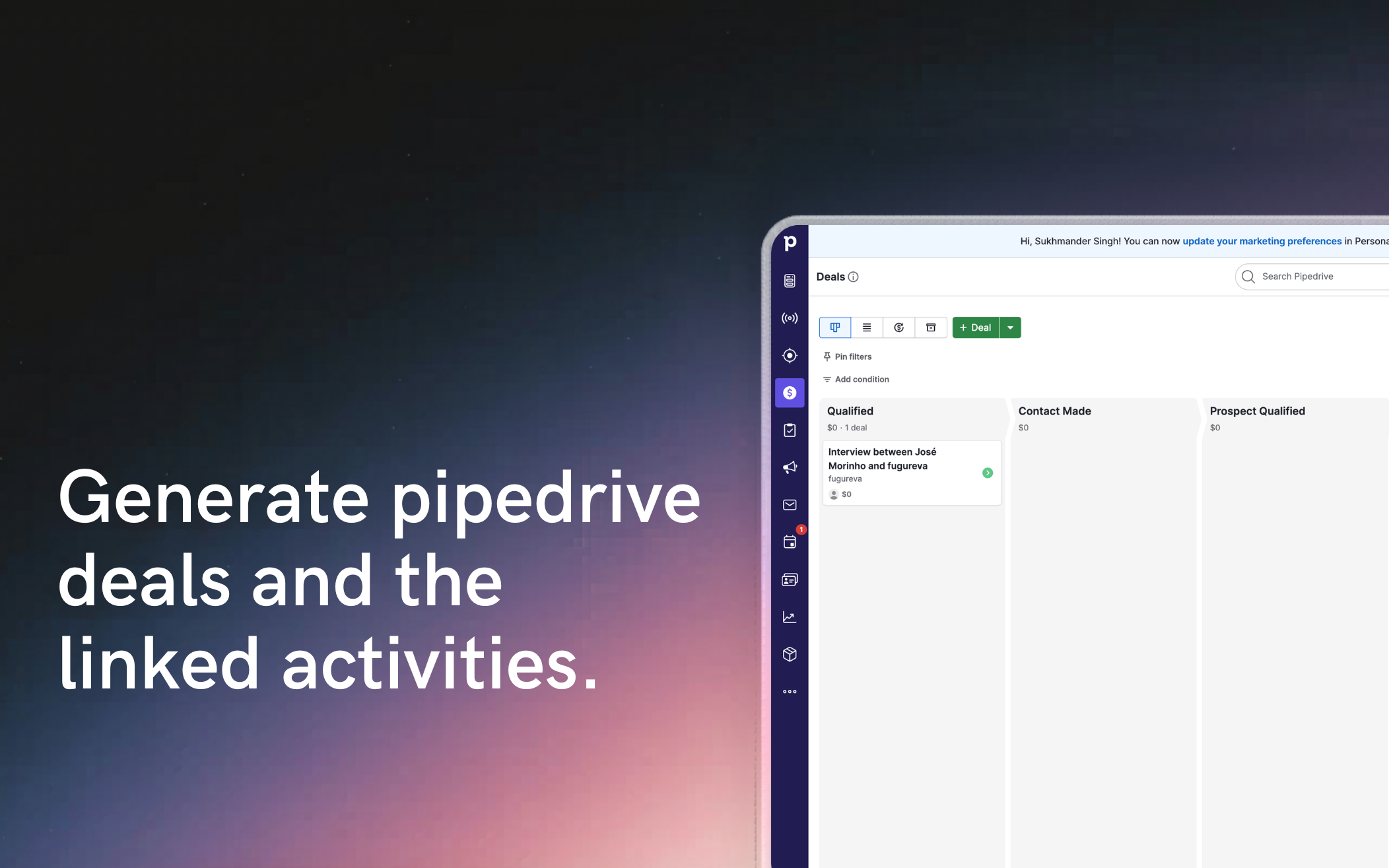
Connect Pipedrive with Cal ID.
This app seamlessly syncs your Cal ID with Pipedrive, automatically creating or updating contacts when meetings are booked creates associated activities and deals. Your CRM stays up to date without manual work, so you can focus on selling and building relationships.
Key benefits
Perfect for teams that use scheduling to drive leads, meetings, and deals—directly inside Pipedrive.
Go to https://cal.id/signup to create a cal.id account.
Login into https://cal.id
Go to Apps and search for pipedrive.
Click the “Install” button to start the installation.
Sign in with your pipedrive account and grant the required permissions. This allows the app to securely create and update contacts, deals and activities when bookings happen.
From this point on, every time someone books an event:
That’s it—your scheduling events and CRM stay in sync automatically, with no manual updates needed.
If you’re interested in this app, you might also like:


Use our powerful API to build awesome apps for either your company or for all Pipedrive users.
Build an app