
free
Google Meet
Manage, schedule and launch Google Meet calls from Pipedrive to streamline your sales communication.
Built by Pipedrive
(4169)
497 reviews
CompanyCam (V2)
by CompanyCam
Manage my projects, Automate my pipeline and data, Manage my accounts
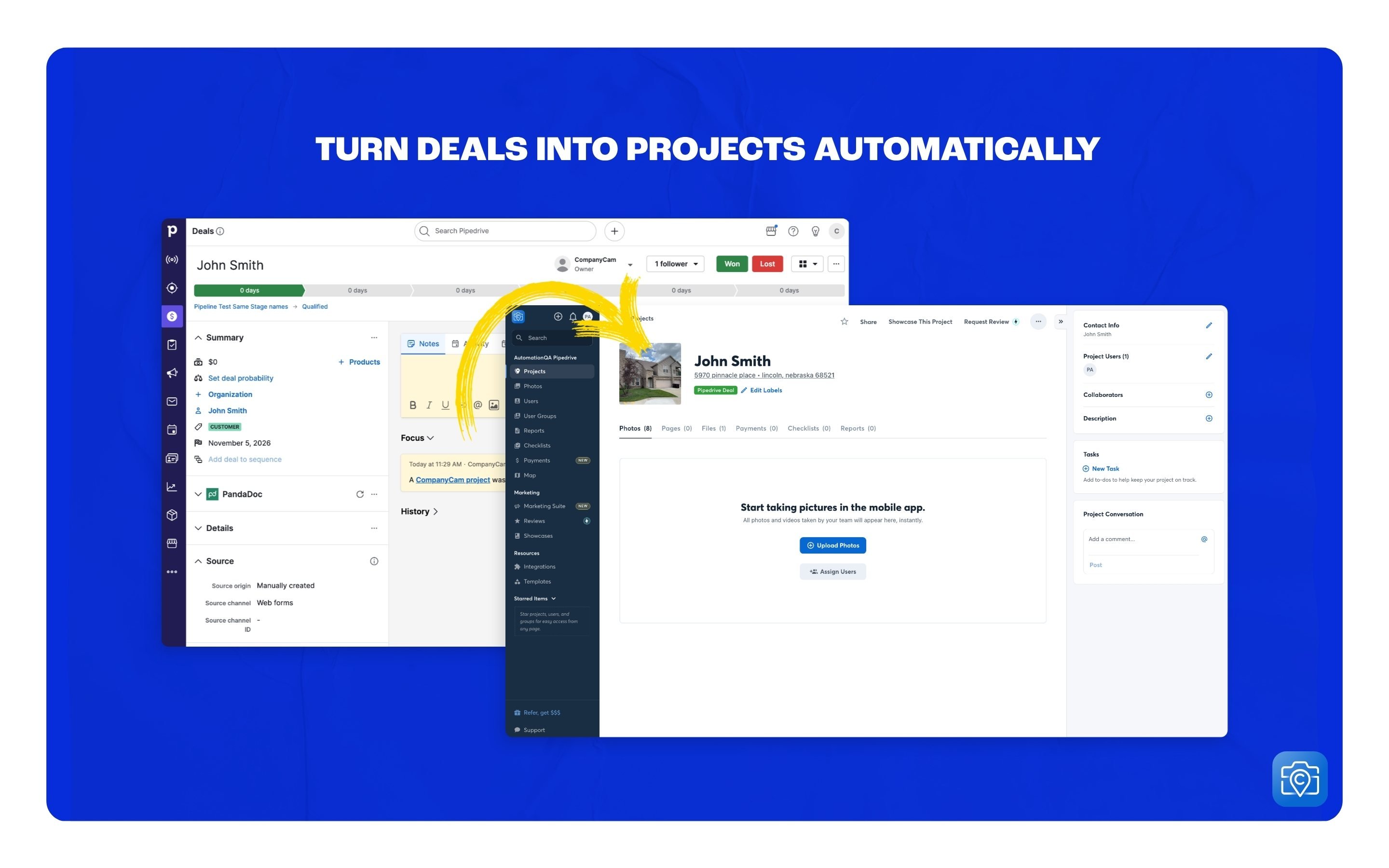
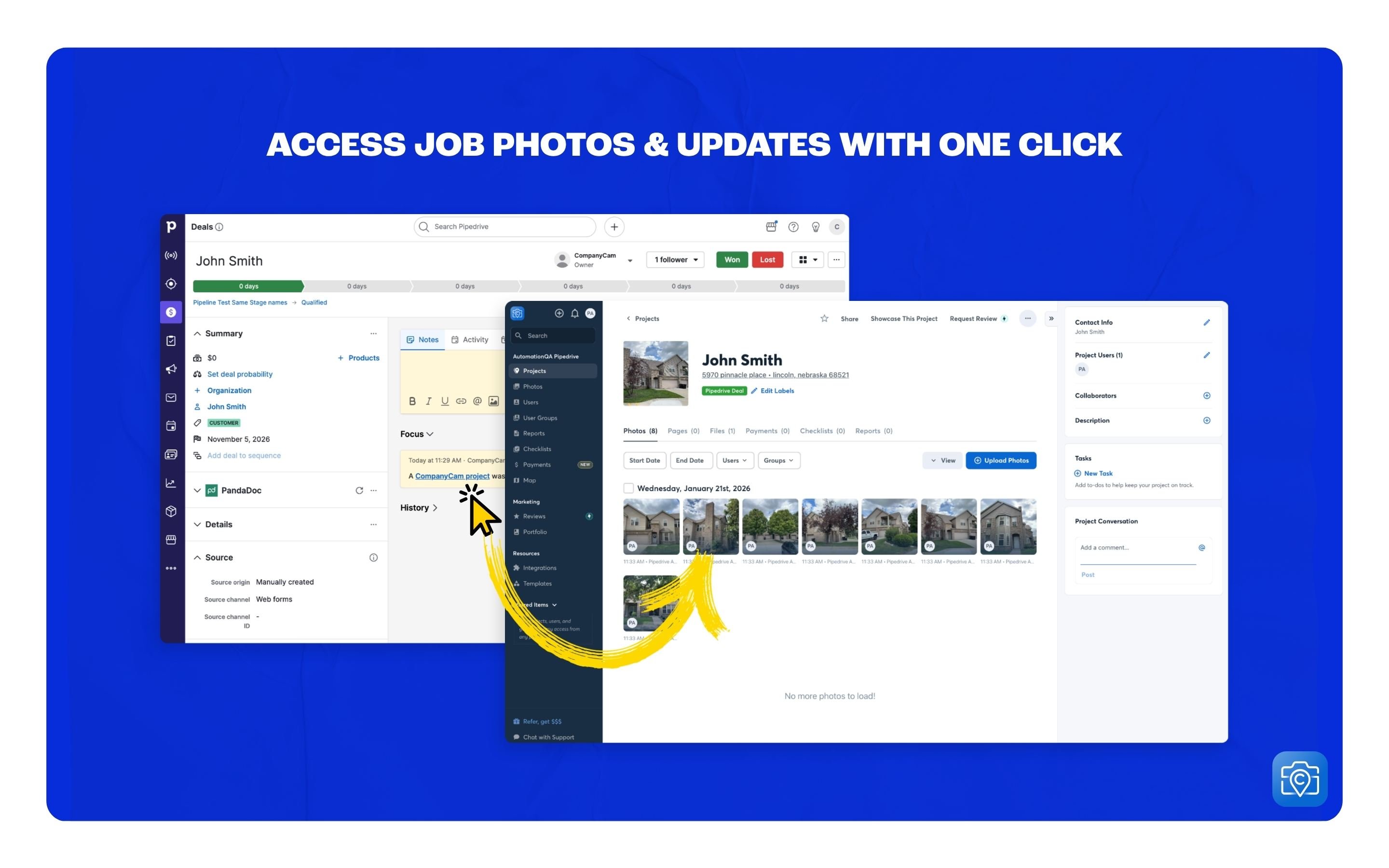
CompanyCam is a photo/video-based solution created for contractors, by contractors. Users can take unlimited photos—which are location and time-stamped, sent to the cloud, and stored securely. Every photo is organized by project and instantly available to your team, allowing you to see what’s going on anytime, anywhere.
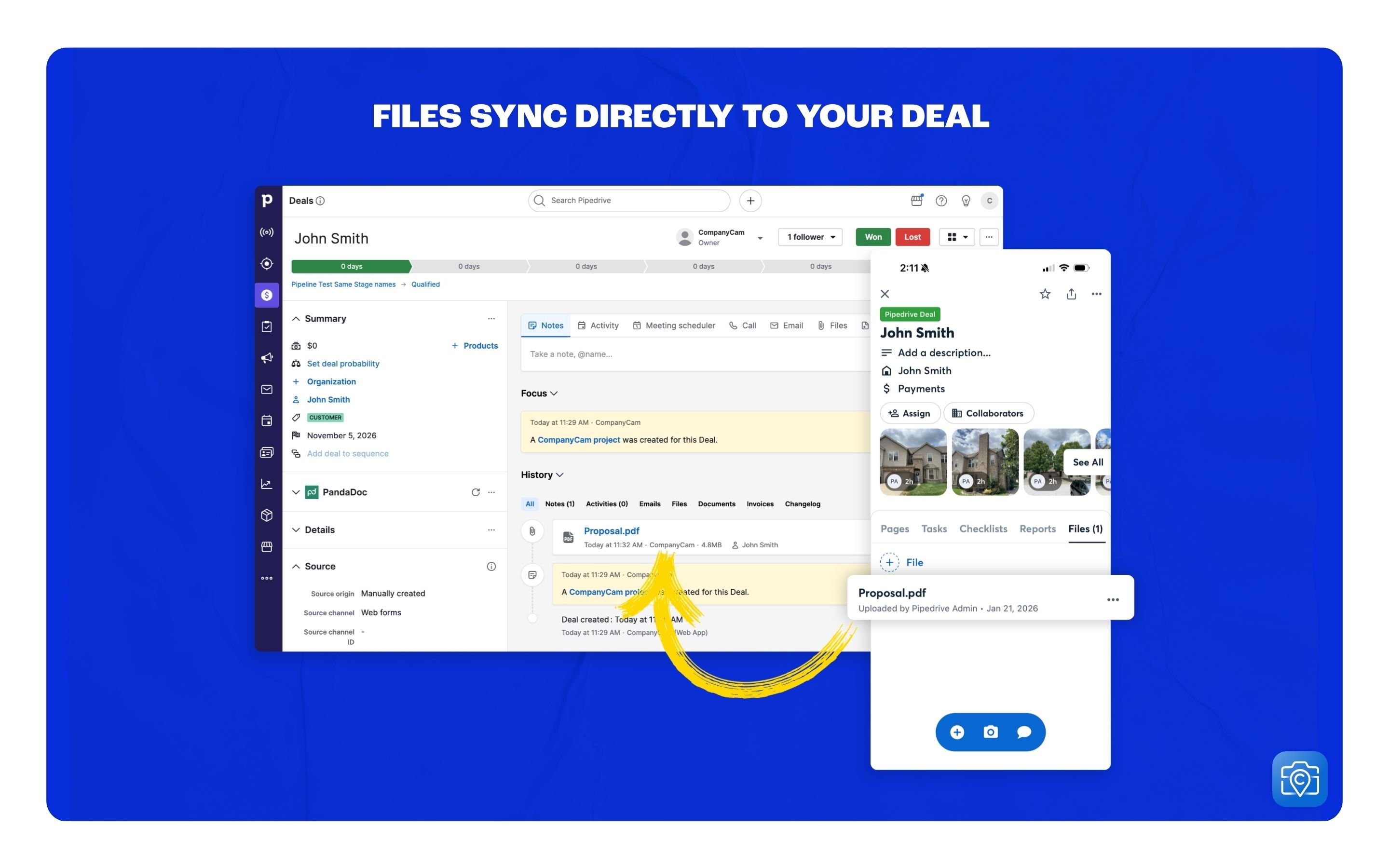
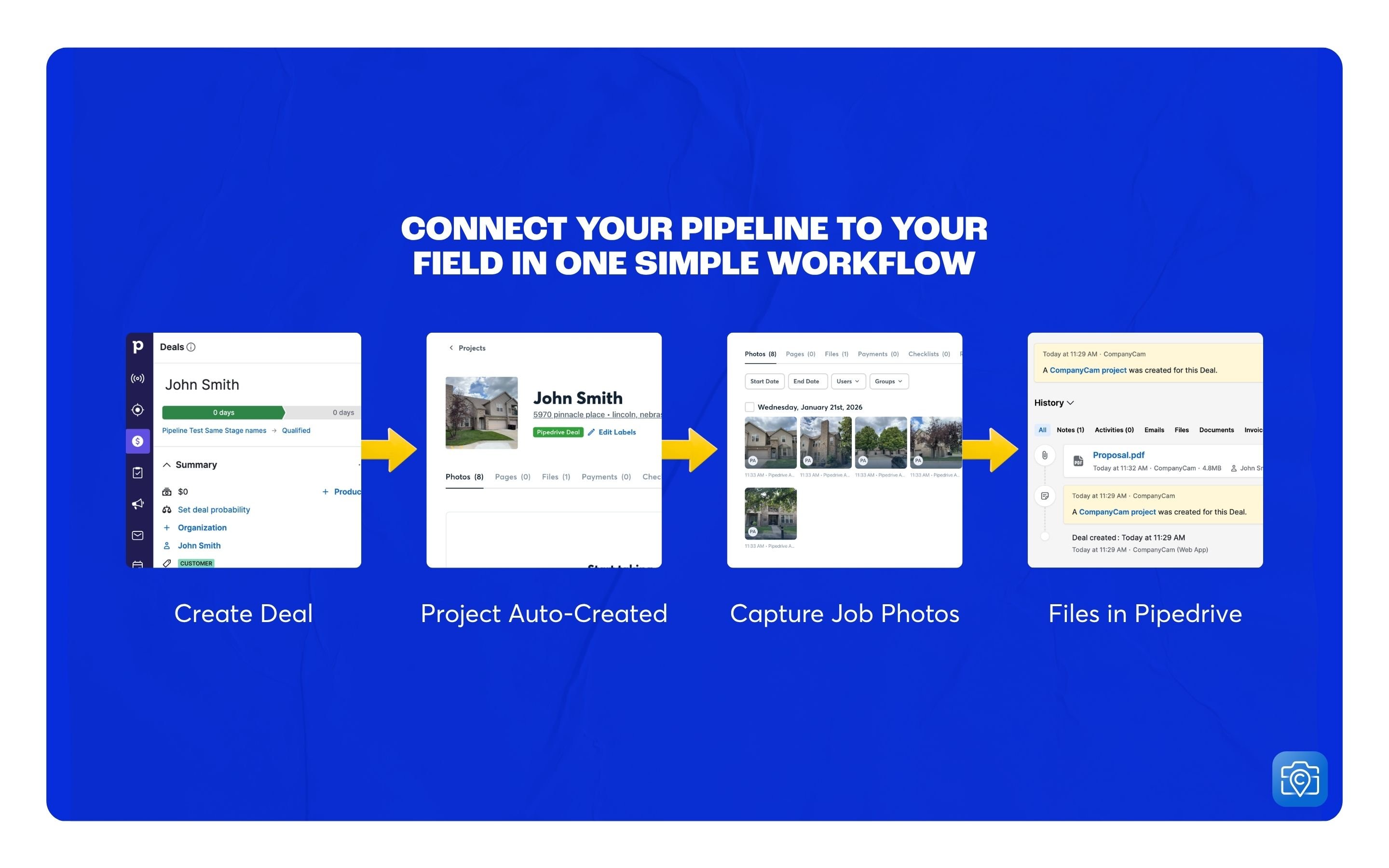
The CompanyCam + Pipedrive integration makes it seamless to capture details on every job site and keep both your crew and your customers informed along the way. When a deal is created in Pipedrive, a project will automatically be created in CompanyCam and a link to the CompanyCam project will be auto-populated to the deal in Pipedrive. Then, any files added in CompanyCam will sync to the documents tab in Pipedrive.
The CompanyCam integration automatically creates CompanyCam Projects from Pipedrive Deals based on your integration settings. Once a project is created, you can quickly access jobsite photos and files in CompanyCam—right from Pipedrive.
In the Pipedrive Marketplace listing for CompanyCam, click Install.
Project address source
Deal stage filter (optional)
Example: Prospect, Qualified, Contact Made
Once setup is complete, CompanyCam Projects will be created automatically based on your settings. You’ll also see a note on the Pipedrive Deal with a link directly back to the corresponding CompanyCam Project for quick access.
If you’re interested in this app, you might also like:


Use our powerful API to build awesome apps for either your company or for all Pipedrive users.
Build an app