
free
CallHippo
Effortlessly Manage Sales with AI-Enhanced CallHippo and Pipedrive Integration, Featuring AI-powered Analytics, Click-to-Call, and Task Automation.
(414)
384 reviews
Coupler.io
by Railsware Products Studio LLC
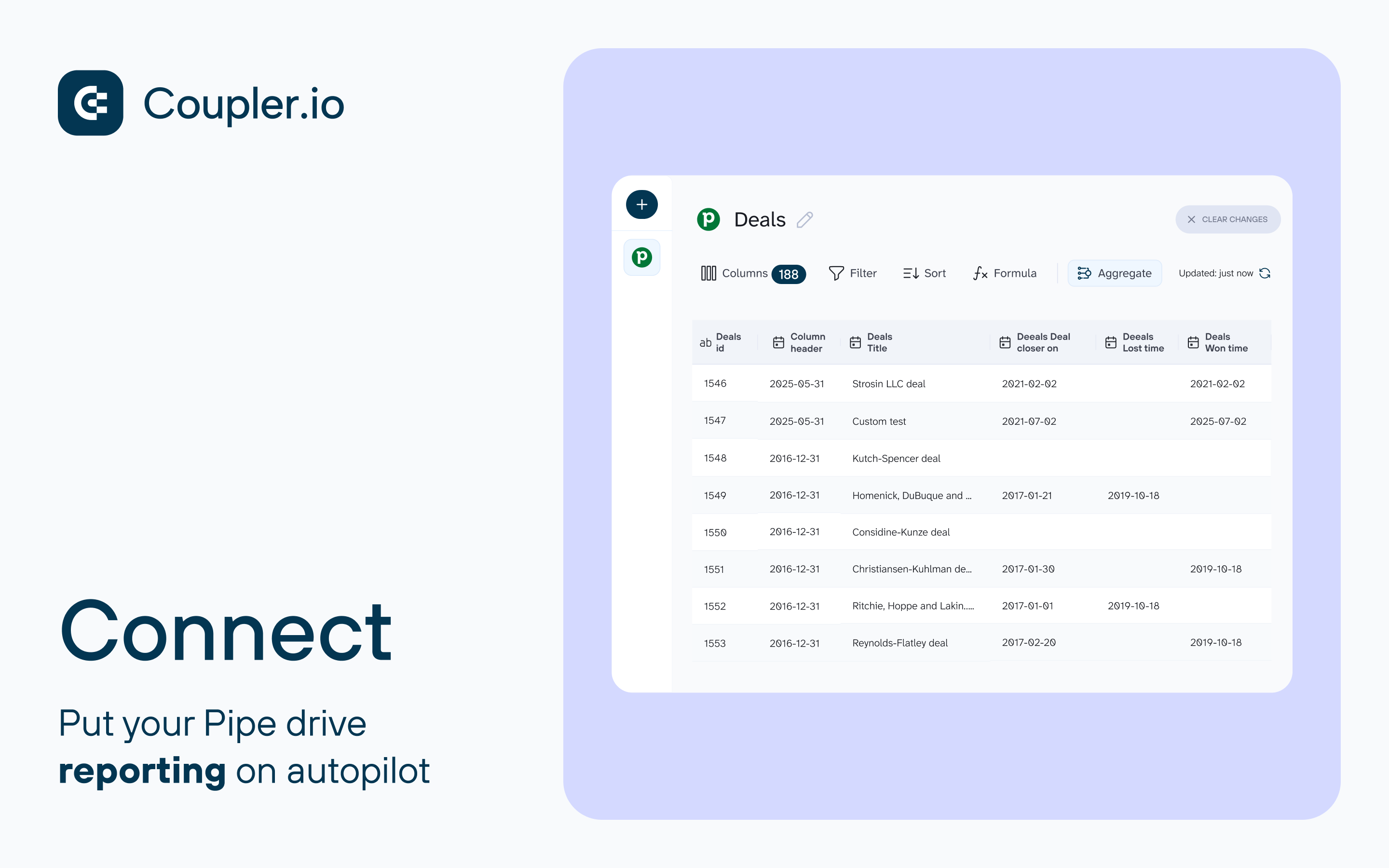
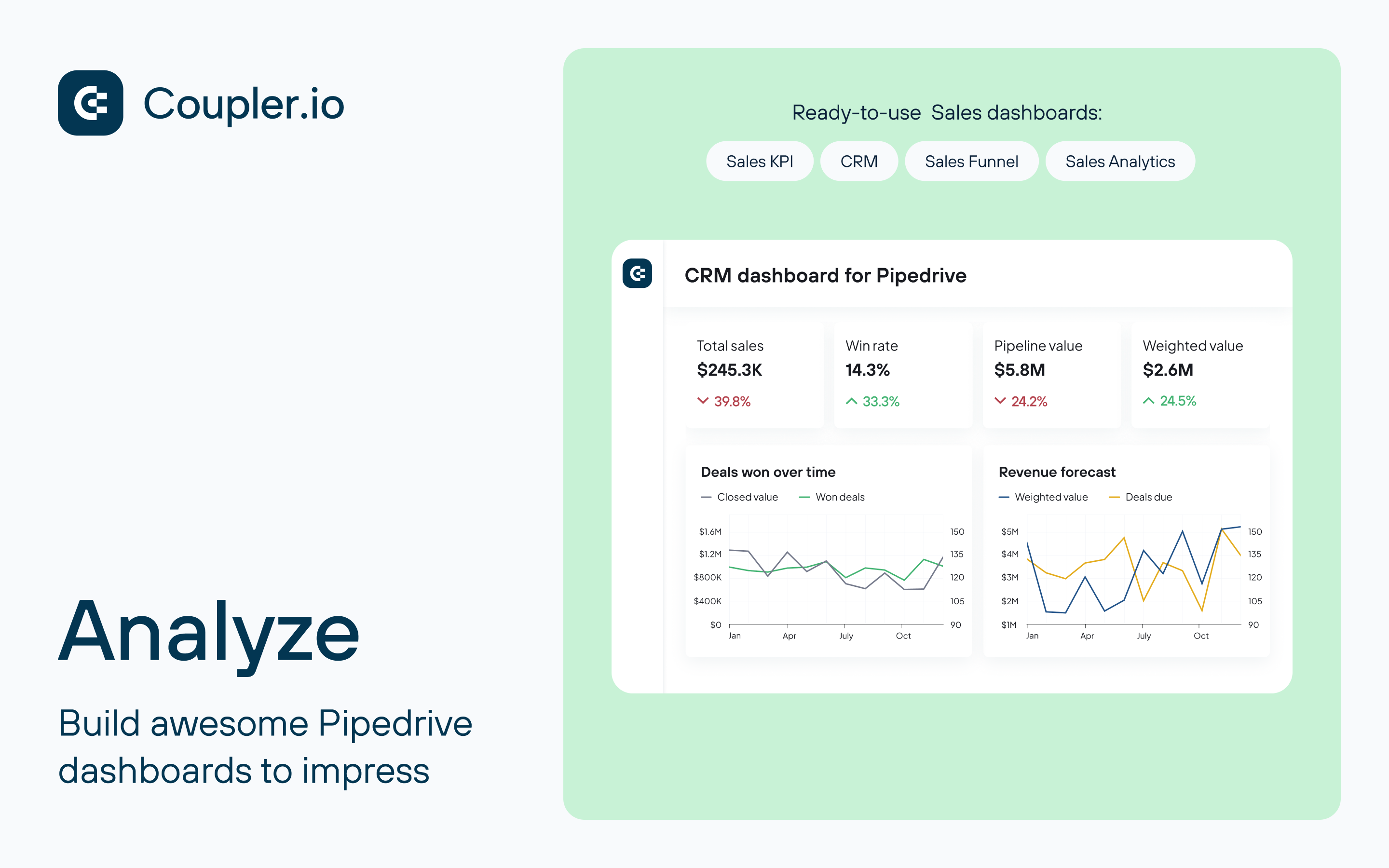
Transform Pipedrive into actionable insights with automated reporting
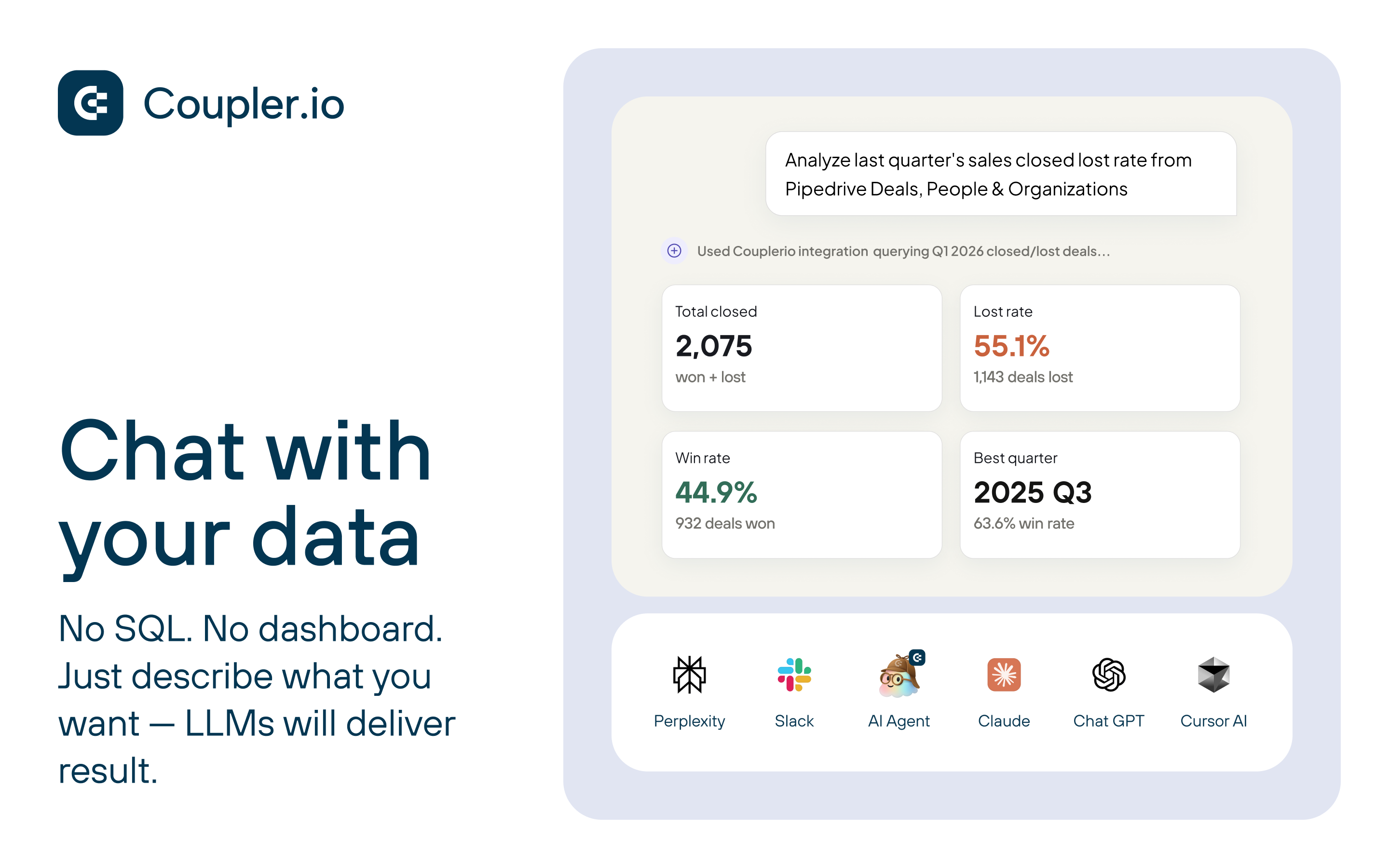
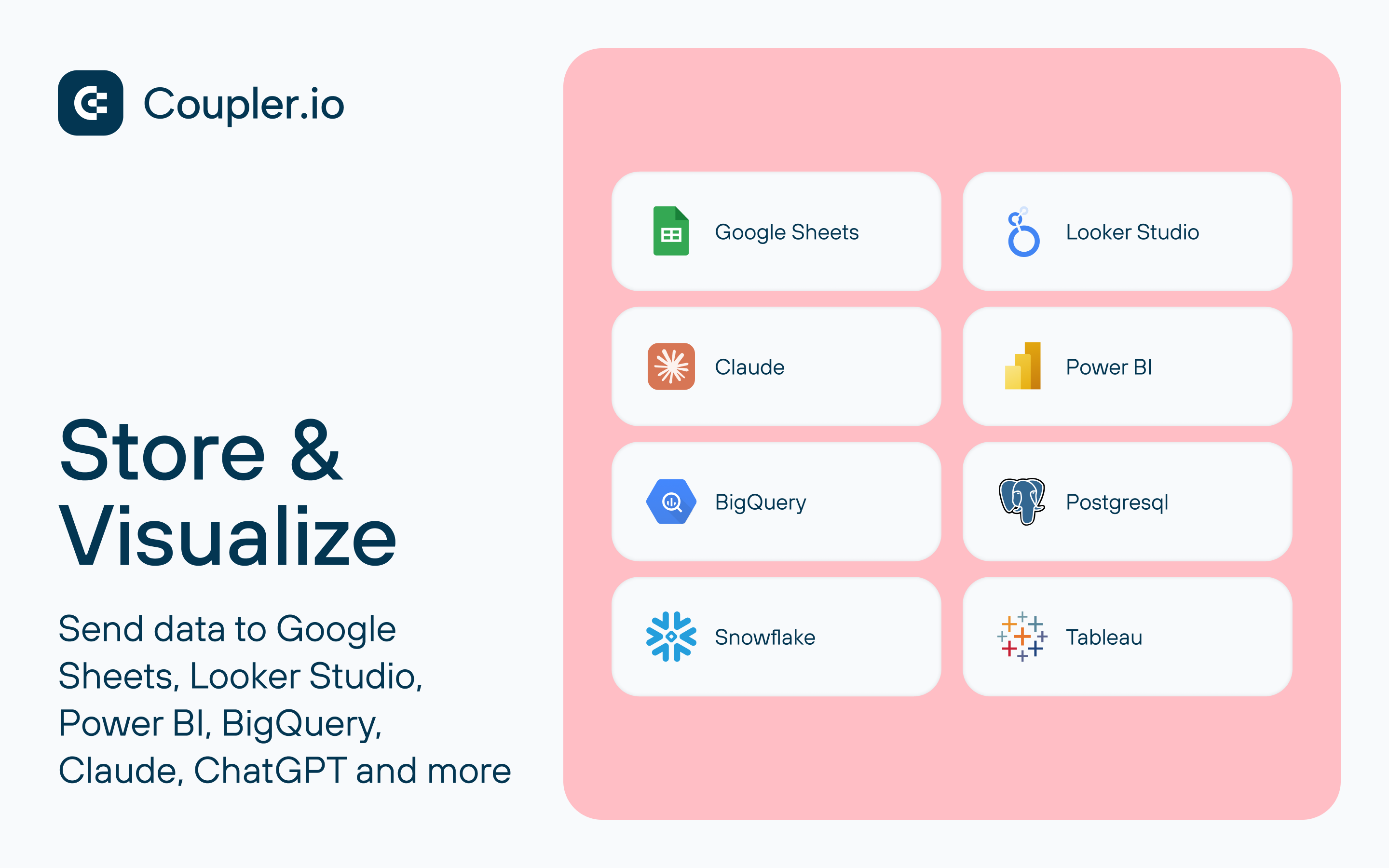
Coupler.io connects your Pipedrive CRM to the tools you already use - Google Sheets, Excel, Looker Studio, Power BI, BigQuery, and AI platforms like ChatGPT and Claude.
Stop manual exports. Start automated reporting.
Pre-built Pipedrive dashboard templates:
Powerful no-code data transformation:
Perfect for: Sales teams tracking pipeline health | Revenue ops forecasting targets | Marketing analyzing acquisition ROI | Finance reporting on sales performance
Trusted by 200K+ users worldwide ✓ SOC 2 certified and GDPR compliant ✓ 4.9 stars on Capterra & Google Workspace Marketplace ✓ Expert support when you need it
Get started with Coupler.io
Create an account Sign up and access your workspace where you can manage data flows, connections, and schedules. https://docs.coupler.io/
Connect Pipedrive Authorize your Pipedrive account via secure OAuth and select the data you want to export (e.g., deals, activities, organizations, persons). https://docs.coupler.io/data-sources/pipedrive/
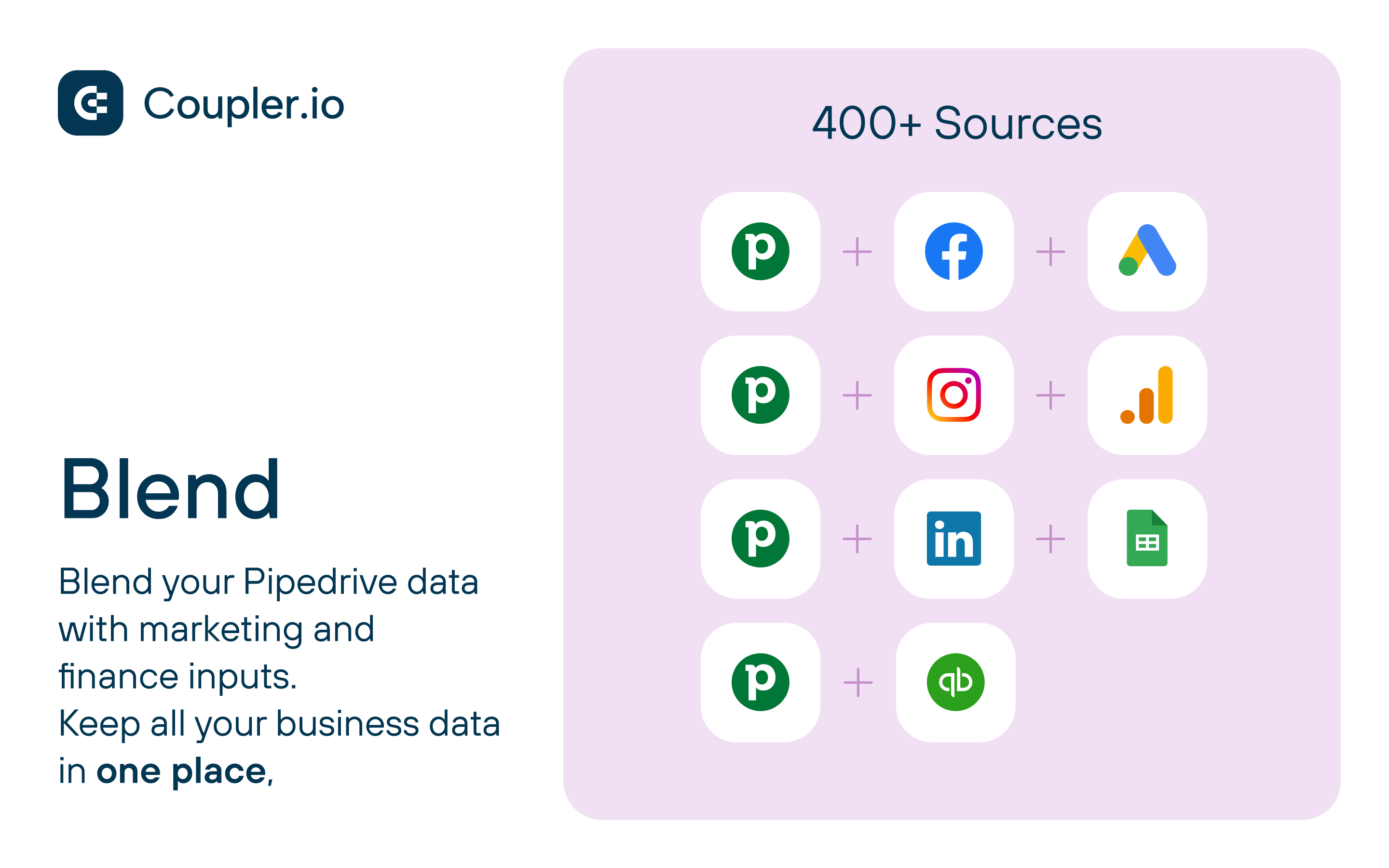
Combine and transform data Prepare your dataset by applying filters, mapping fields, or combining data from multiple sources. You can blend data from several Pipedrive accounts or join it with marketing and finance data into a single dataset. https://docs.coupler.io/#combine-and-transform-data
Select destination and run import Send your data to spreadsheets, databases, or BI tools to analyze and visualize it. https://docs.coupler.io/#select-a-destination-and-run-the-import
Automate data refresh Set up automatic updates to keep your reports up to date, or run imports manually when needed. https://docs.coupler.io/#automatic-refresh
Need help? Browse full documentation: https://docs.coupler.io/
Contact support: [email protected]
If you’re interested in this app, you might also like:


Use our powerful API to build awesome apps for either your company or for all Pipedrive users.
Build an app