
free
CallHippo
Effortlessly Manage Sales with AI-Enhanced CallHippo and Pipedrive Integration, Featuring AI-powered Analytics, Click-to-Call, and Task Automation.
(414)
384 reviews
Dreamdata: B2B Attribution
by Dreamdata
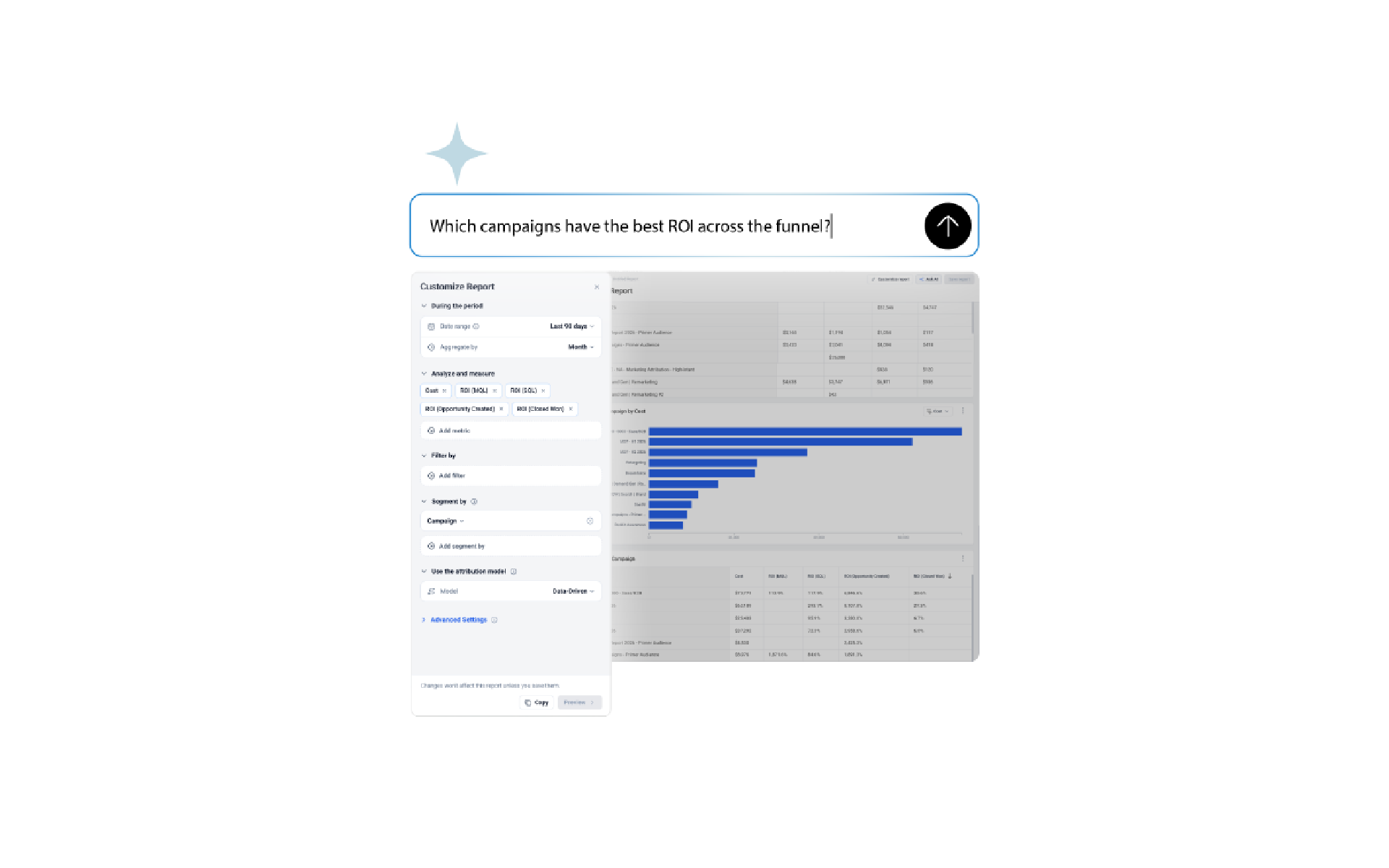
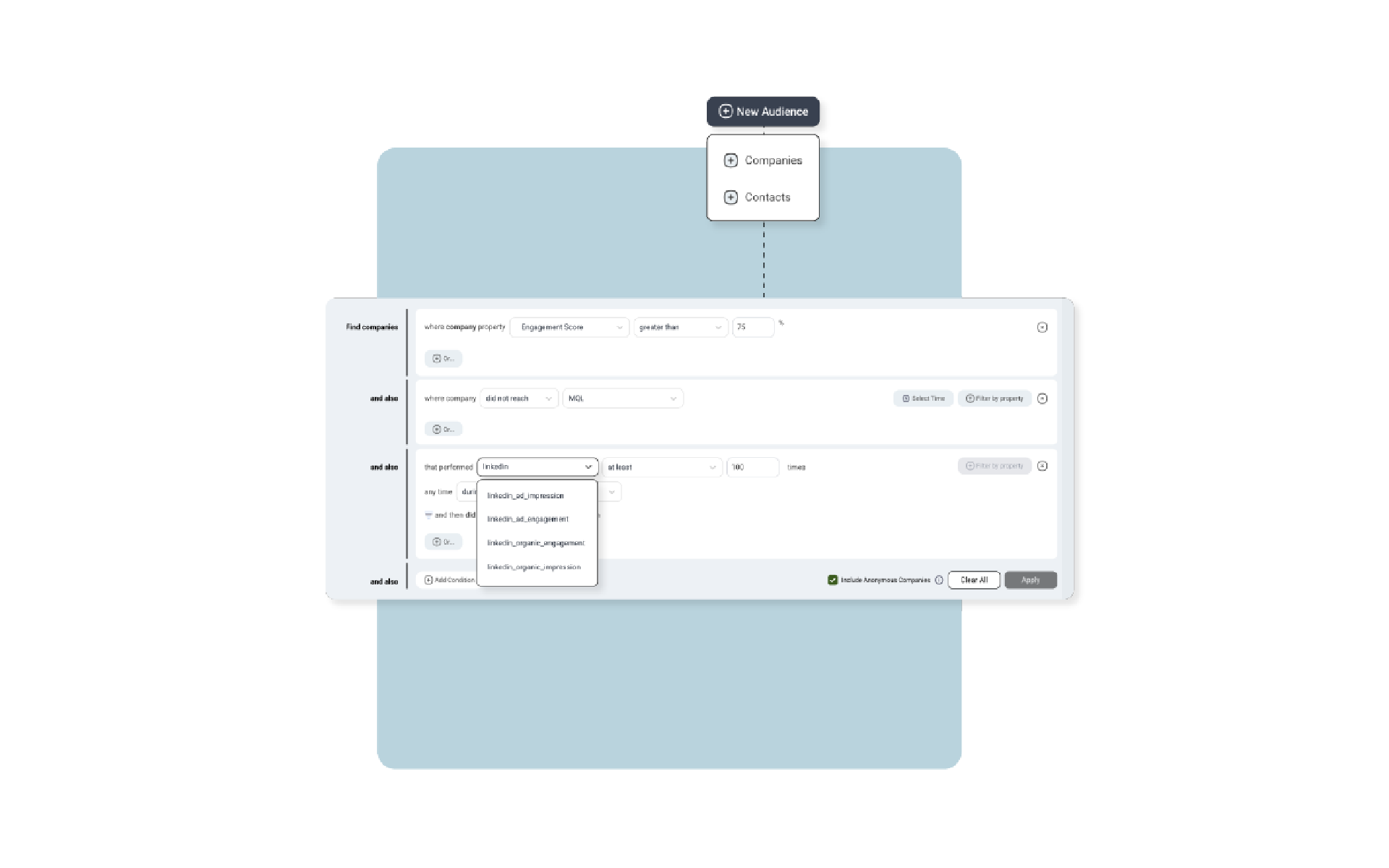
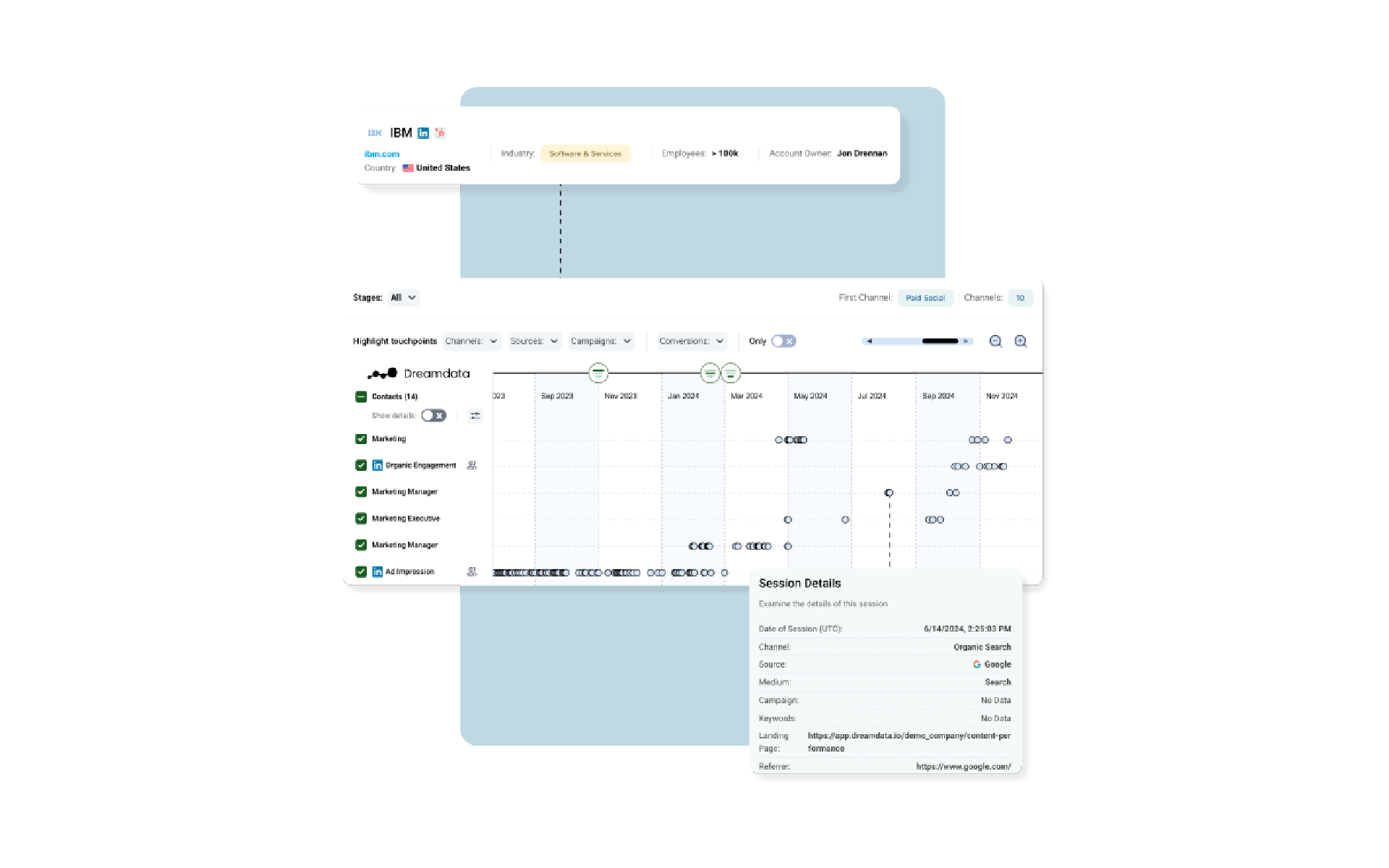
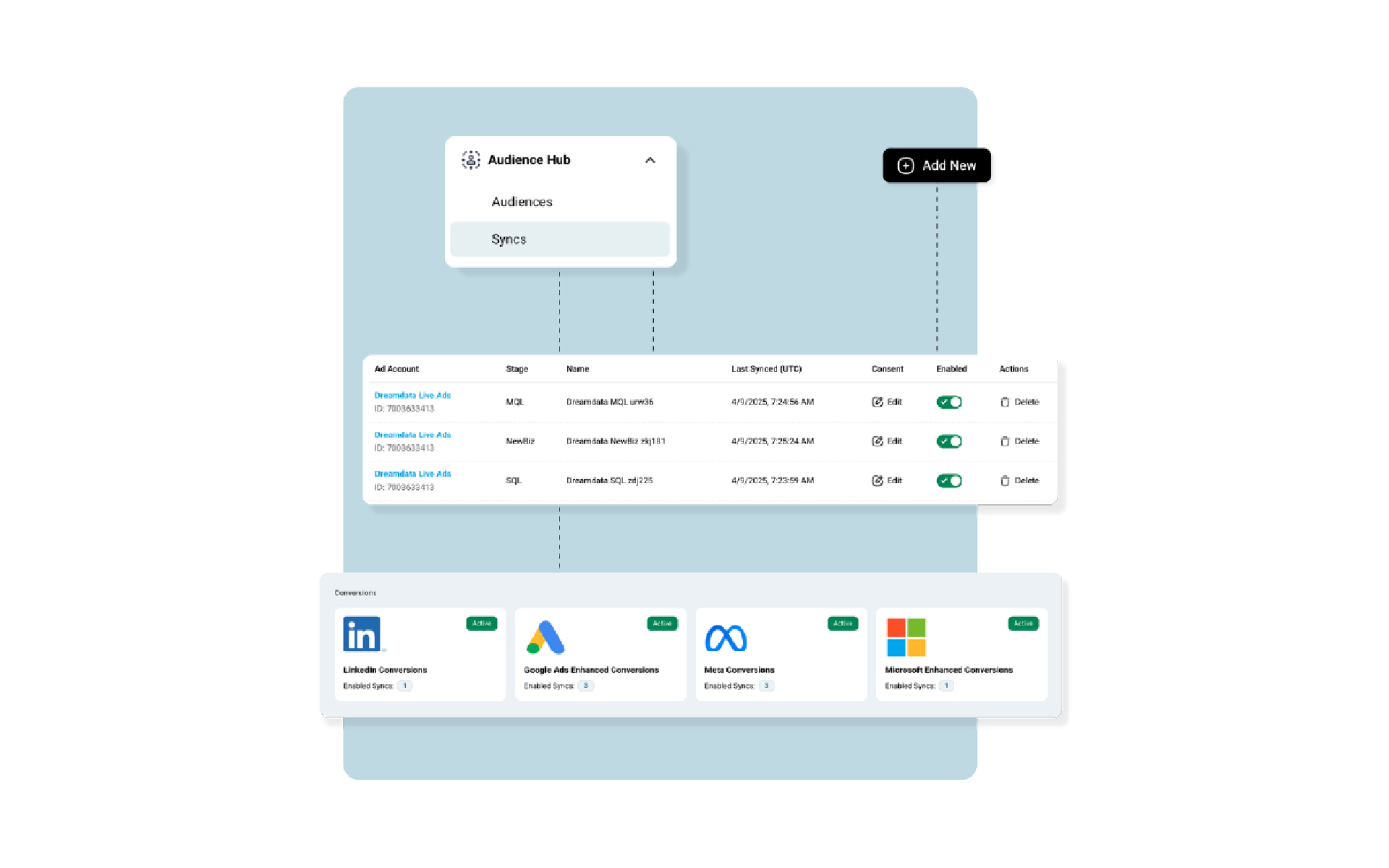
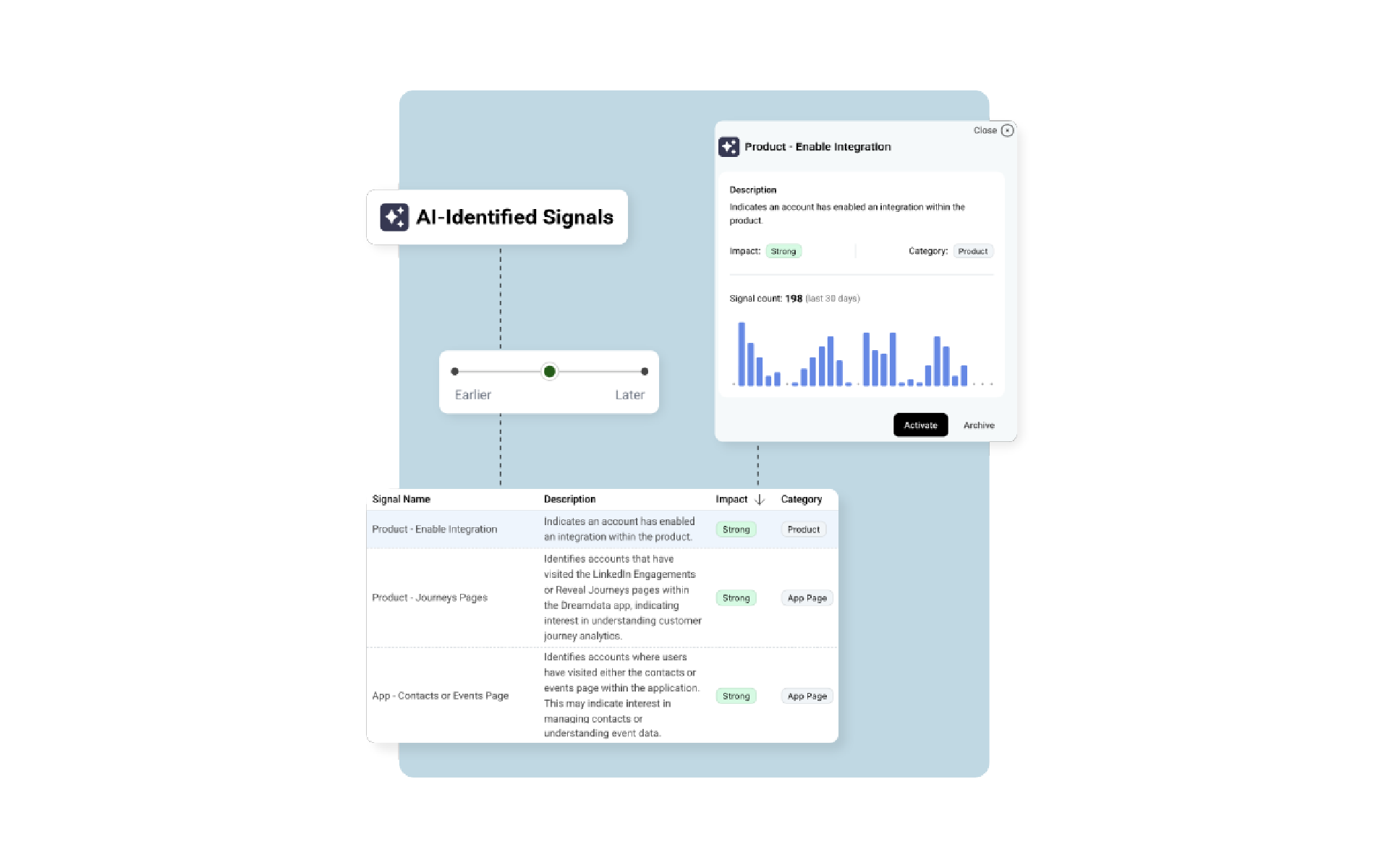
Dreamdata is an Agentic B2B Attribution Platform that gives marketing teams the most complete view of their customer journey anywhere - so they can answer any question about marketing's impact and know where to invest next.
Built for B2B marketers who need to show impact, Dreamdata unifies all your GTM data into one account-based data model, including the anonymous visits and ad impressions your CRM never sees, organized by account and tied to revenue. Automatically without a village of Ops or professional services.
• Customer Journey & Multi-Touch Attribution: See every touch across your customer journeys and analyze the performance of every channel, campaign, and content piece.
• Dreamdata AI: Ask in plain English and get reports from an AI that knows your GTM. In our Analytics Agent, your own LLM via our MCP Server, or run custom agents on your Data Warehouse.
• Audience Targeting: Build ad audiences from AI signals across all your GTM data and sync them directly to LinkedIn, Google, Meta, and Microsoft Ads.
• Conversion Syncs: Sync enriched pipeline data back to LinkedIn, Google, Meta, and Microsoft Ads to automatically optimize campaigns for revenue, not clicks.
Try Dreamdata with your own data before you commit.
1. Sign up for Dreamdata (if you do not already have an account)
2. Follow one of the below steps to enable the Pipedrive integration in the Dreamdata product
Install the integration from Pipedrive's Marketplace
Install integration from within the Dreamdata application
If you’re interested in this app, you might also like:


Use our powerful API to build awesome apps for either your company or for all Pipedrive users.
Build an app