
free
Google Meet
Manage, schedule and launch Google Meet calls from Pipedrive to streamline your sales communication.
Built by Pipedrive
(4227)
501 reviews
Flowmeets
by Flowmeets
Qualify my leads, Nurture my leads, Communicate with leads, Automate my pipeline and data
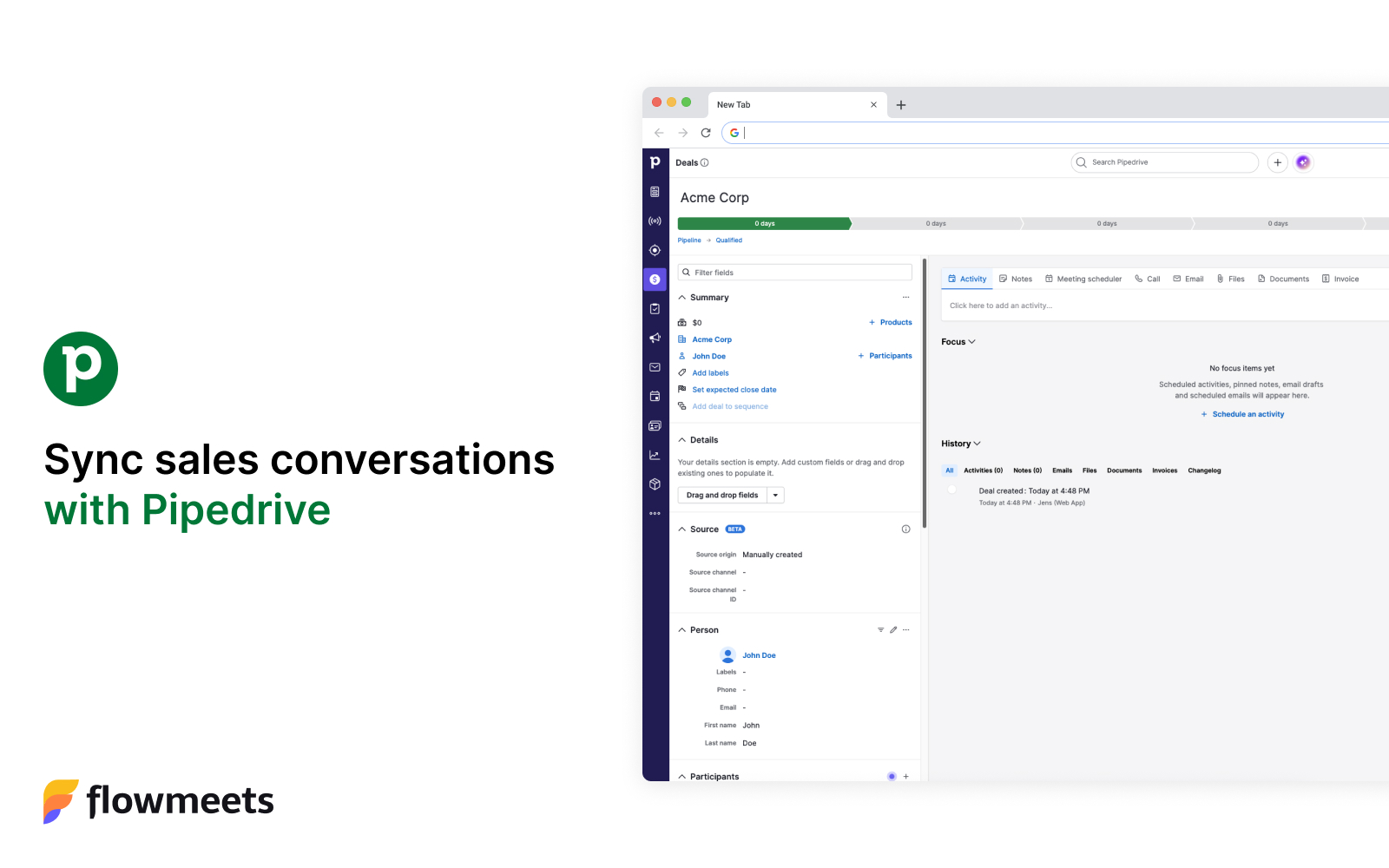
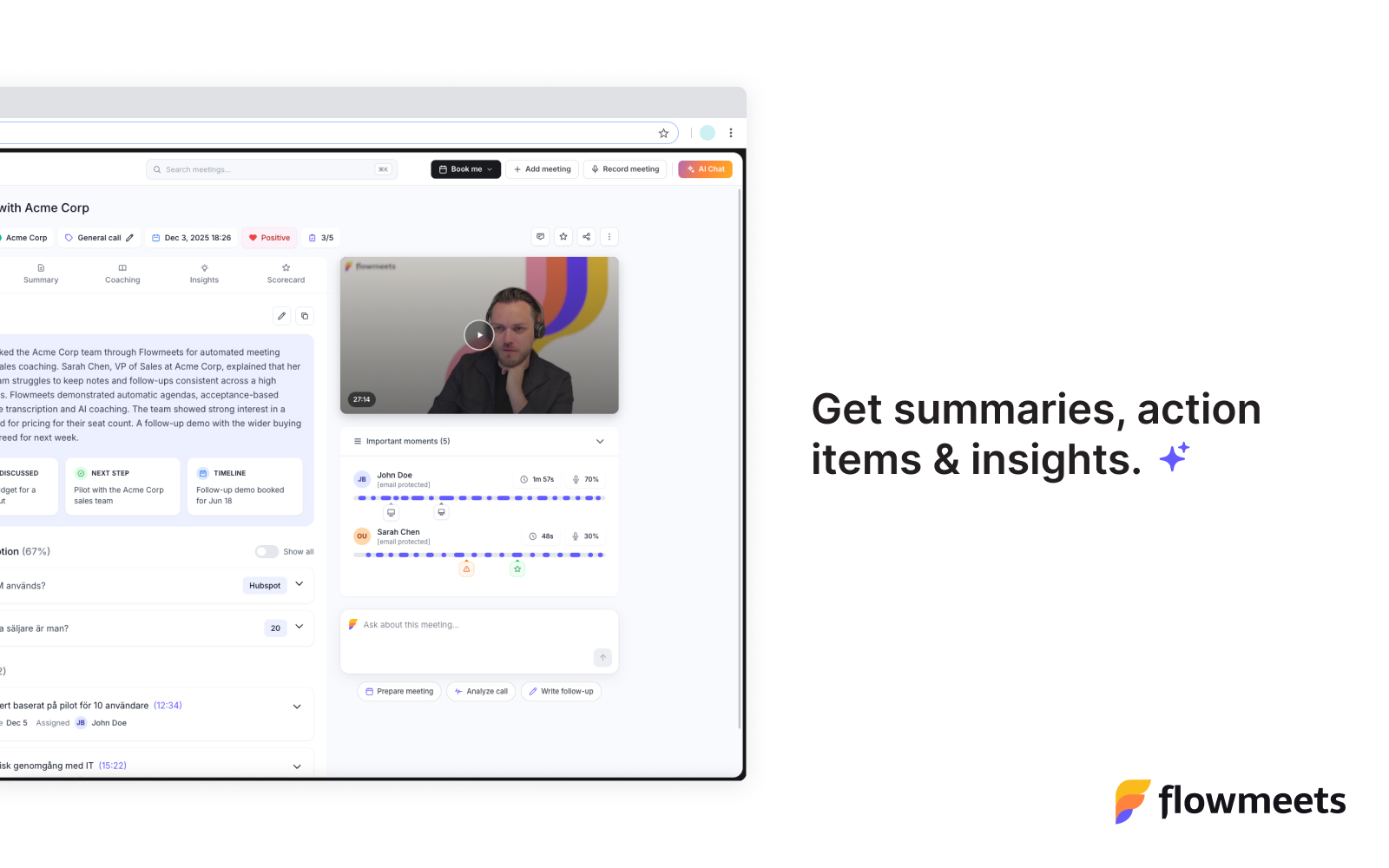
Flowmeets is an AI notetaker built for teams that use Pipedrive. It joins your calls, transcribes them, and writes a clean summary the moment the meeting ends, so your reps stay fully present in the conversation while every detail is captured automatically.
How Flowmeets works with Pipedrive After each call, Flowmeets syncs the results directly into your Pipedrive account, with no manual logging required:
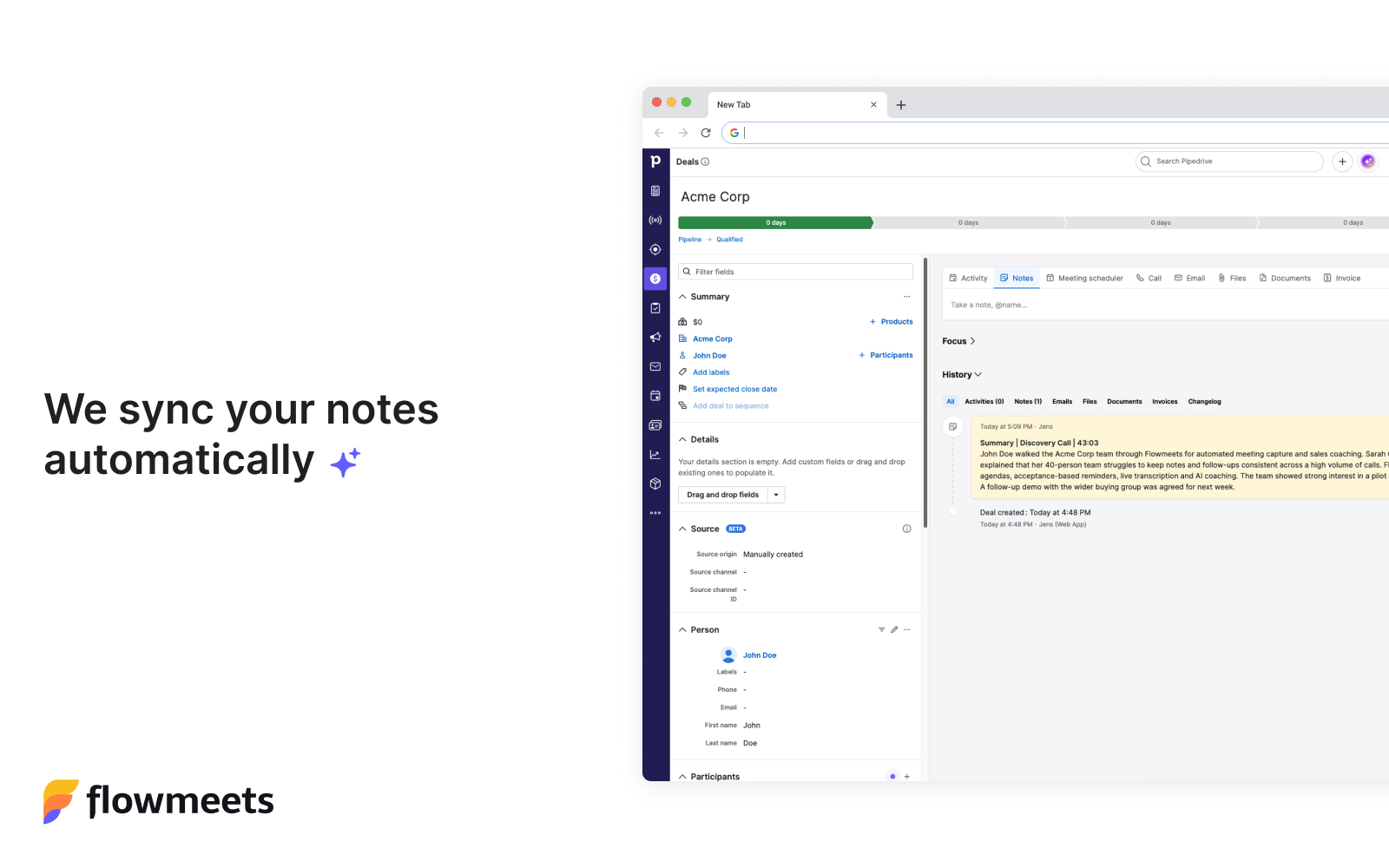
The meeting summary is written back to the matching Pipedrive contact, so the full context of every conversation lives on the record where your team already works.
The action items detected during the call are created as Pipedrive activities, so follow-ups are scheduled and tracked right inside your pipeline.
Flowmeets automatically matches each call to the correct Pipedrive contact, so summaries and next steps appear on their own after every meeting - keeping your CRM up to date without anyone touching a keyboard.
To set up the Flowmeets integration with Pipedrive, follow the steps below:
Click the Install now button.
You'll be redirected to the Pipedrive integration setup page in Flowmeets. If you don't have a Flowmeets account yet, you can create one here.
In your Flowmeets account, visit Settings > Integrations
Where you see Pipedrive - Click Connect to grant Flowmeets access to your Pipedrive account.
That's it. After each call, the meeting summary is written to the matching Pipedrive contact and the action items are created as Pipedrive activities automatically, with nothing to log by hand.
If you’re interested in this app, you might also like:


Use our powerful API to build awesome apps for either your company or for all Pipedrive users.
Build an app