
free
Google Meet
Manage, schedule and launch Google Meet calls from Pipedrive to streamline your sales communication.
Built by Pipedrive
(4243)
501 reviews
Outlook Add-in for Pipedrive
by Stehrway
Communicate with leads, Manage contracts, Manage my projects, Automate my pipeline and data
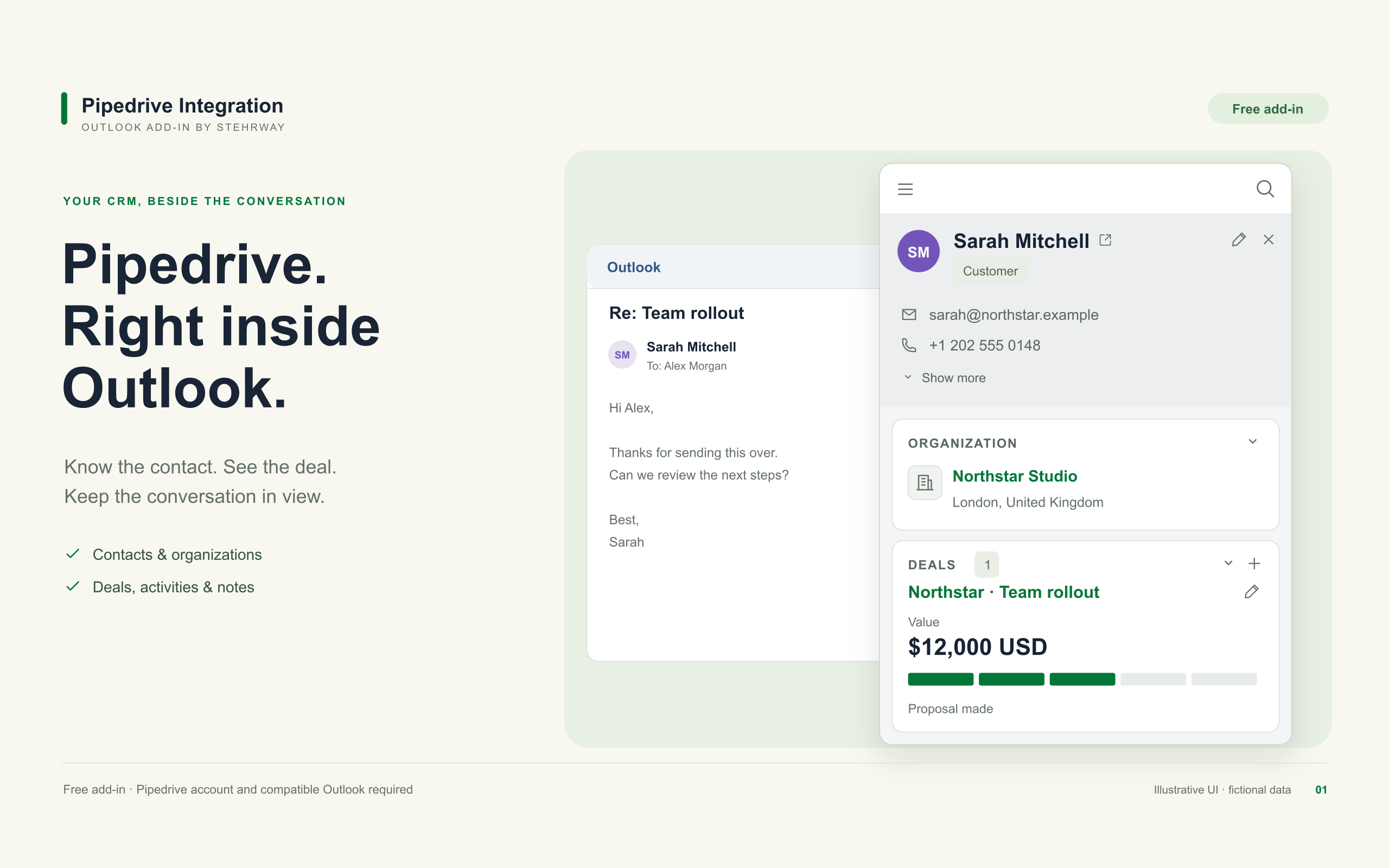
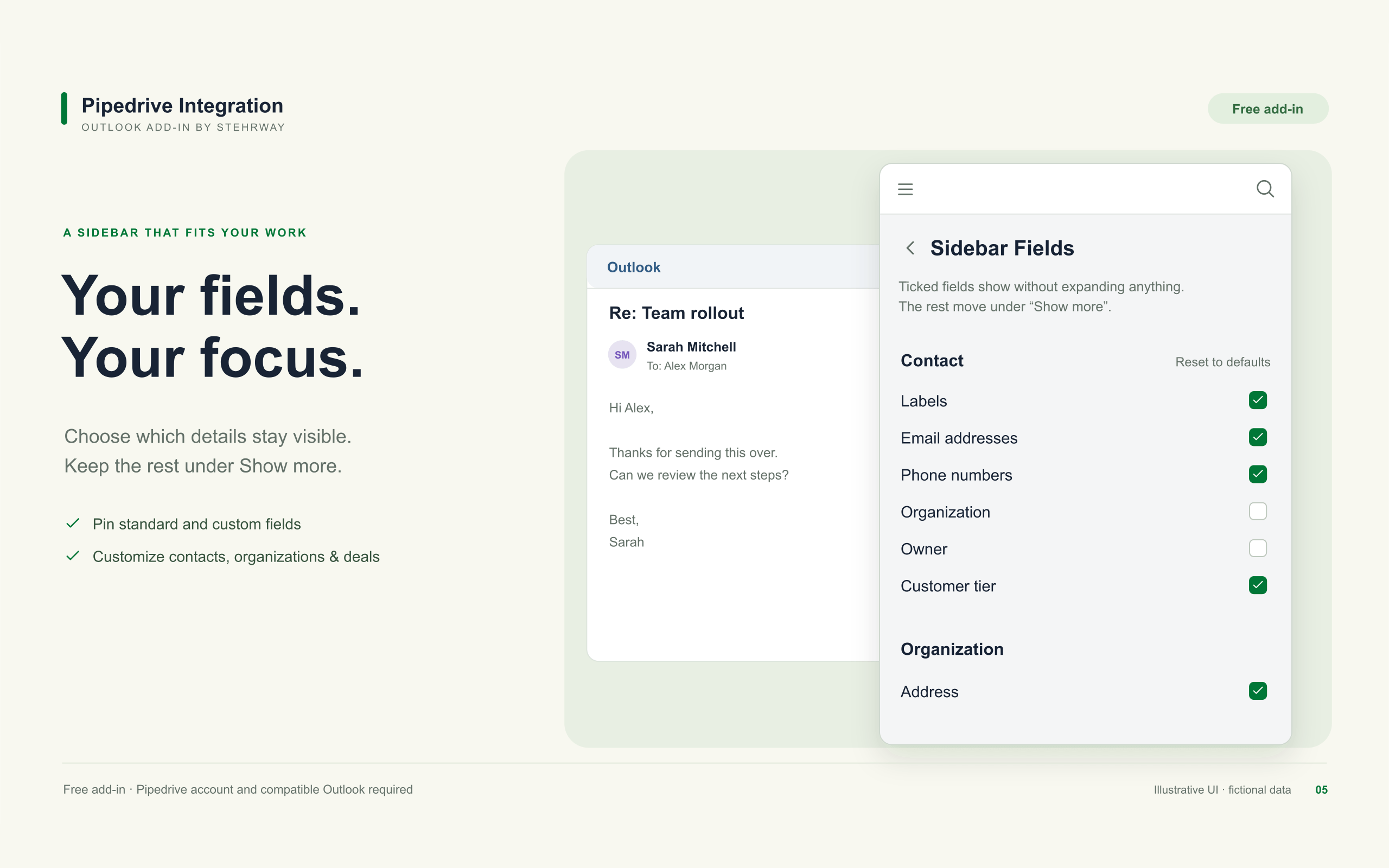
Bring Pipedrive into your Outlook workflow with Stehrway's free add-in. Open an email and choose a participant to find their contact, organization, deals, activities, and notes.
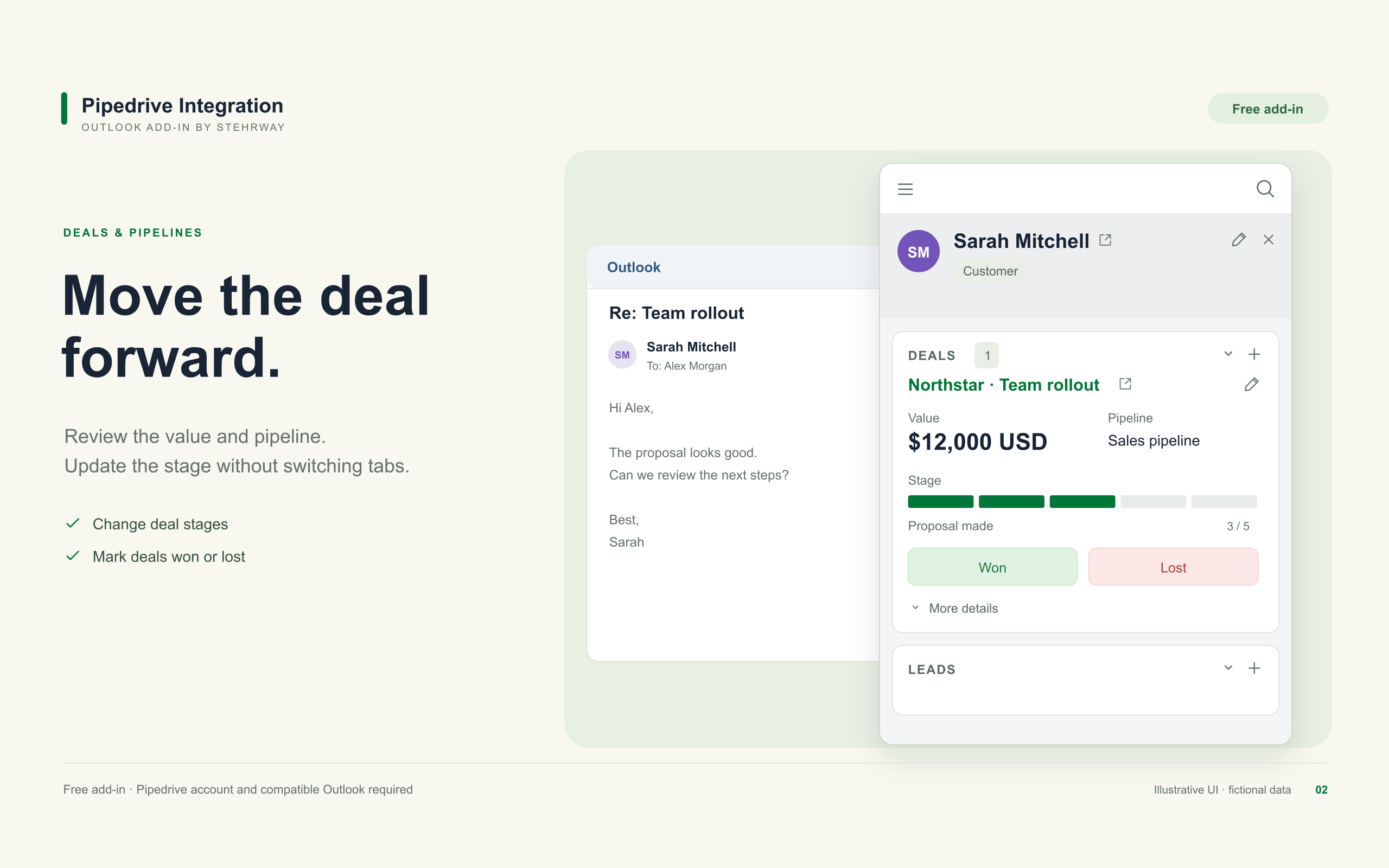
Keep records current: create or edit contacts, update deals and pipeline stages, mark deals won or lost, and manage leads.
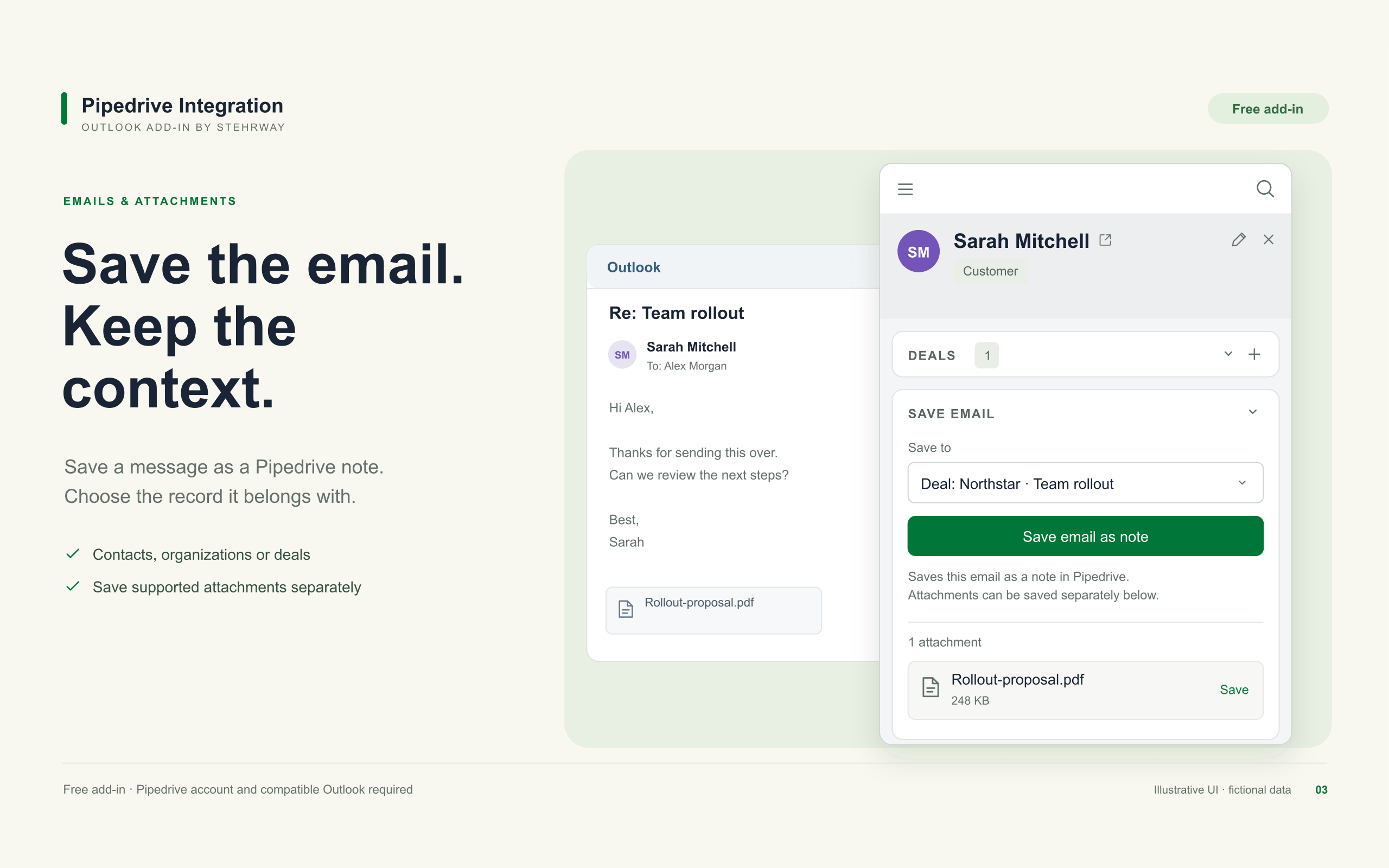
Save the conversation: save an opened email as a note on a contact, organization, or deal. Search for another destination when needed. Save supported attachments separately, up to 4 MB per file.
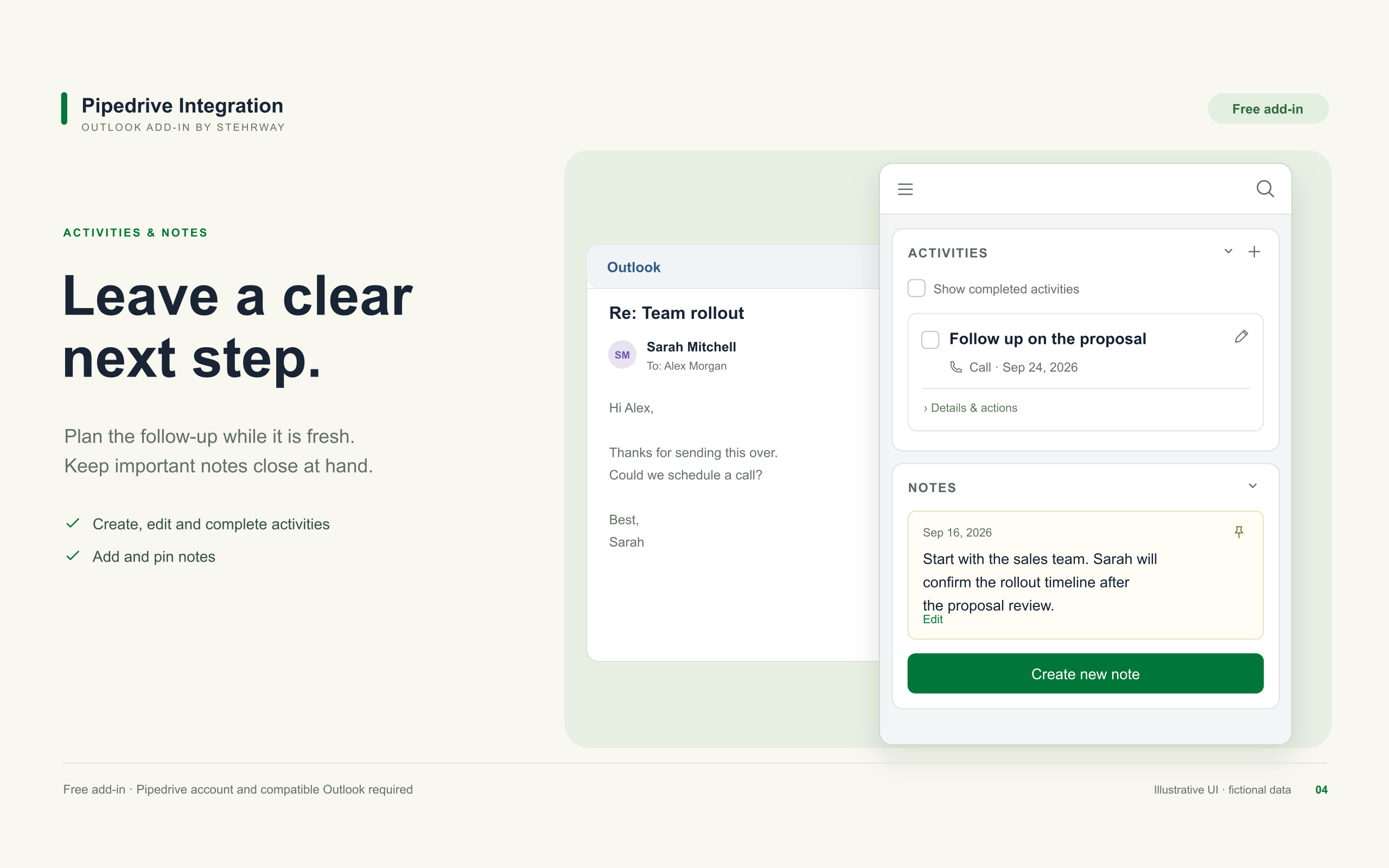
Plan the next step: create and complete activities, add notes, and pin important context. Choose which standard and custom fields stay visible in the sidebar.
The add-in is free, with no paid tiers or trial period. Your own Pipedrive account and a compatible Outlook account are required; those services have their own plans. Use compatible Outlook clients on Windows, Mac, or the web. Organization policies may require administrator deployment.
Optional sent-email activity logging is available where Outlook supports it. This is not a full inbox sync. Independent integration by Stehrway; not affiliated with Pipedrive or Microsoft.
Setup and troubleshooting: https://pipedrive-outlook-integration.stehrway.com/help
The add-in is free. Pipedrive and Outlook accounts are required and have their own plans. Feature availability depends on your Outlook client, mailbox, and organization policies.
If you’re interested in this app, you might also like:


Use our powerful API to build awesome apps for either your company or for all Pipedrive users.
Build an app