
free
Google Meet
Manage, schedule and launch Google Meet calls from Pipedrive to streamline your sales communication.
Built by Pipedrive
(4227)
501 reviews
Pipedrive for Google Chat™
by Gondor labs
Nurture my leads, Communicate with leads, Manage my accounts
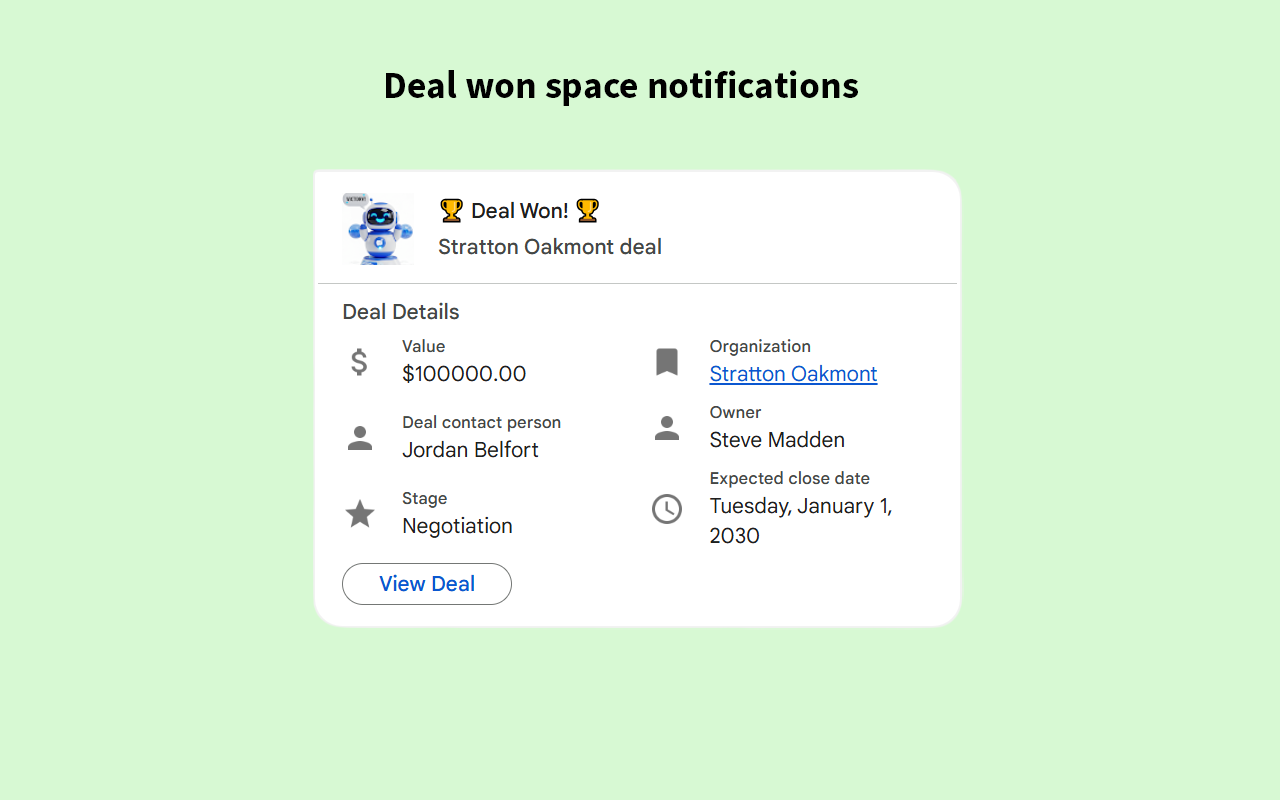
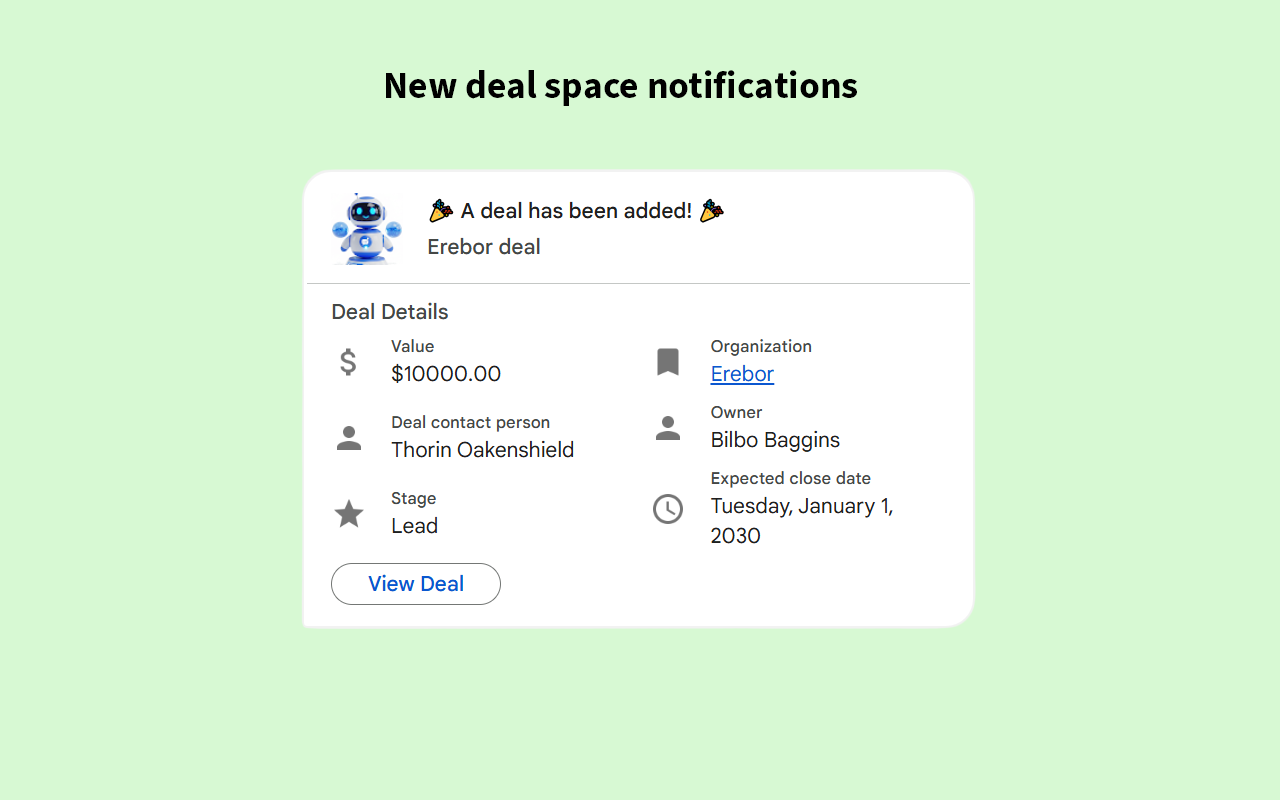
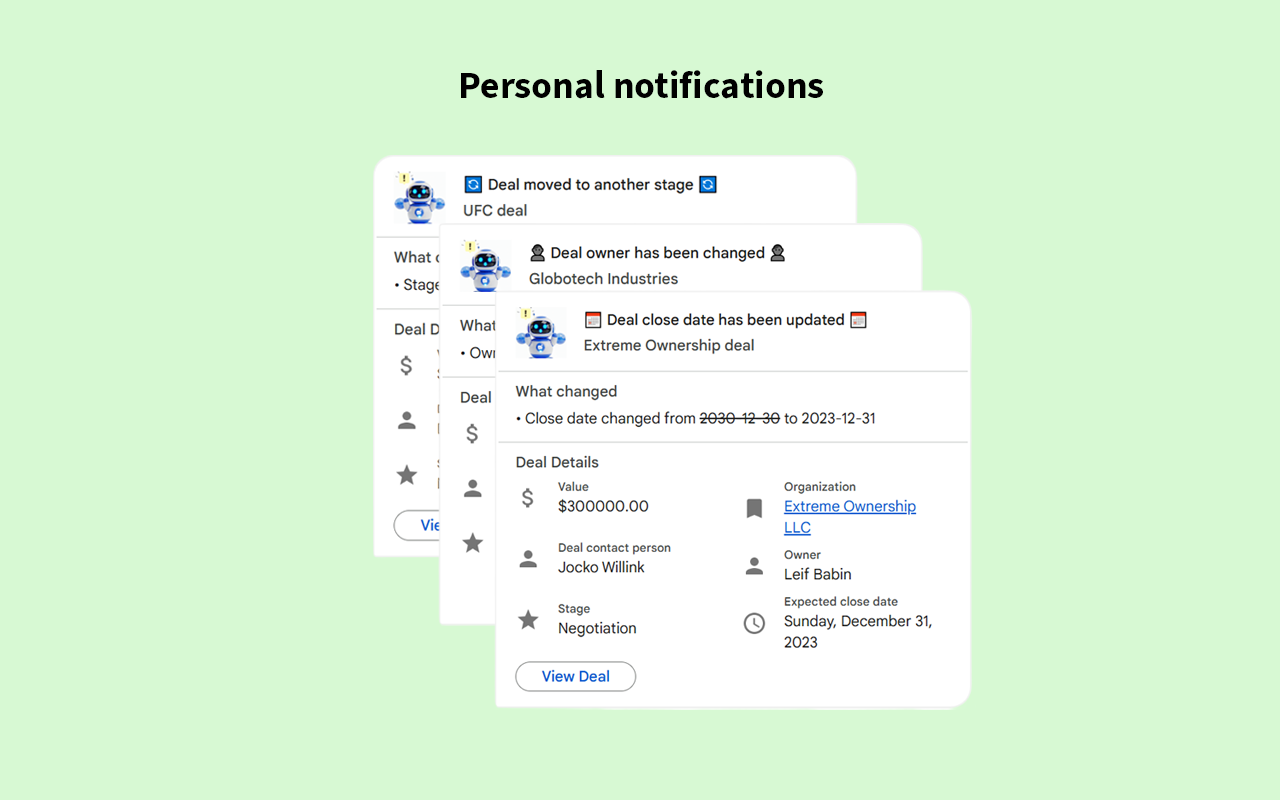
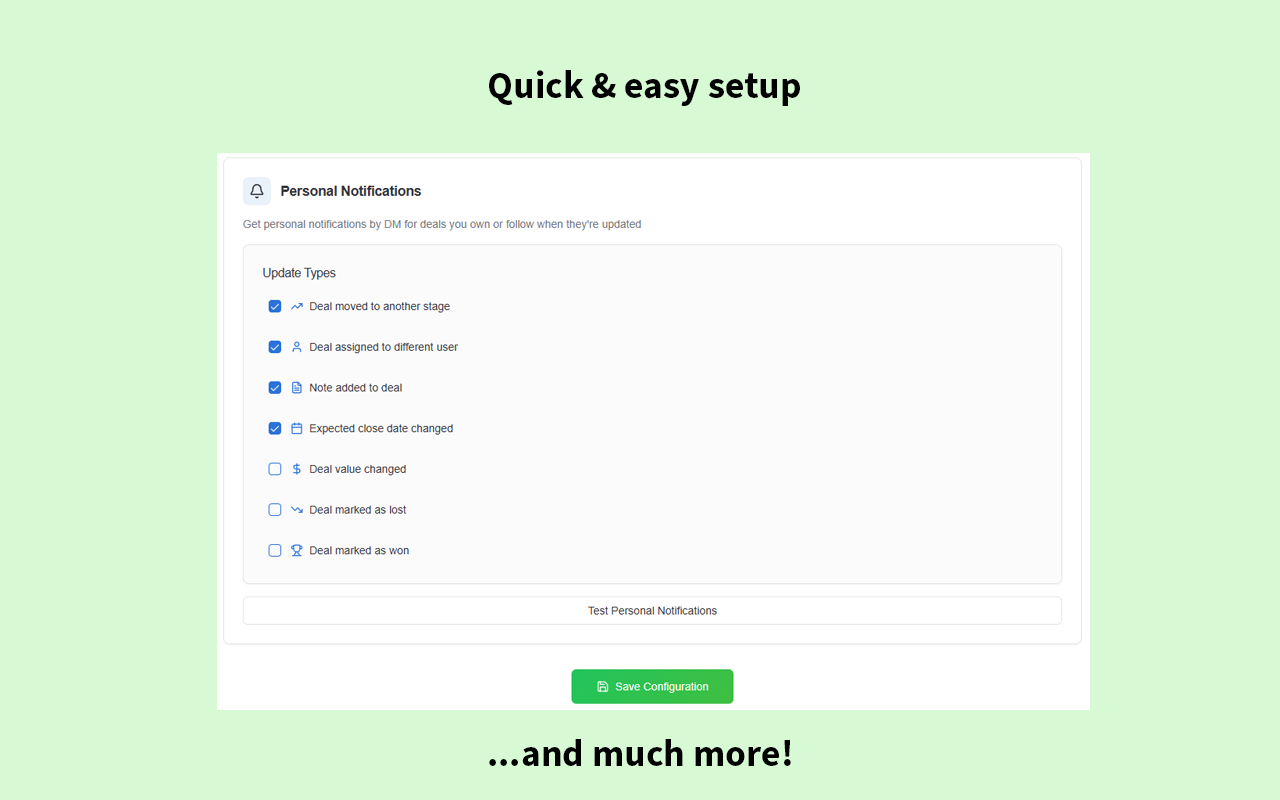
Bring Pipedrive notifications directly into Google Chat™ so your team never misses an update. Avoid the noise of manual @mentions and the time waste of repeatedly checking Pipedrive for updates. Our integration sends key deal notifications from your CRM directly into Google Chat™ in real-time, right where your team collaborates.
Get started in minutes. Our app is a simple, native integration—not a complex workflow builder—so you can spend less time configuring and more time selling.
Keep your team engaged with Pipedrive activity without being flooded by alerts. Pipedrive admins can set up notifications in team spaces, while individual users can enable personal alerts for their own deals. To protect your privacy, we never store your sensitive Pipedrive deal data.
Start your 14-day free trial today!
Google Chat™ is a trademark of Google LLC
Set up in minutes. The first user must be a Pipedrive admin. A Google Workspace Super Admin is needed for organization-wide installation.
Step 1: Install & Authorize Click "Install now" then "Authorize". You will be guided to the Google Workspace Marketplace to complete the "Admin Install" and grant permissions.
Step 2: Connect Your Pipedrive Account Go to your Google Chat app. Find the message from "Pipedrive for Google Chat™" and click Connect Pipedrive to link your account.<
Step 3: Add the App to a Space To receive notifications in a team channel, go to that space, type **@Pipedrive for Google Chat™ **in the message bar, and select Add to space. Repeat for any space where you want notifications.
Once installed, Pipedrive admins can configure space notifications, and all users can set up their own personal notifications from the app's settings page within Pipedrive. For a more detailed walkthrough, please see our full Guide and FAQ.
If you’re interested in this app, you might also like:


Use our powerful API to build awesome apps for either your company or for all Pipedrive users.
Build an app