
free
Google Meet
Manage, schedule and launch Google Meet calls from Pipedrive to streamline your sales communication.
Built by Pipedrive
(4159)
496 reviews
Velo Connect for Pipedrive
by VeloConnect LLC
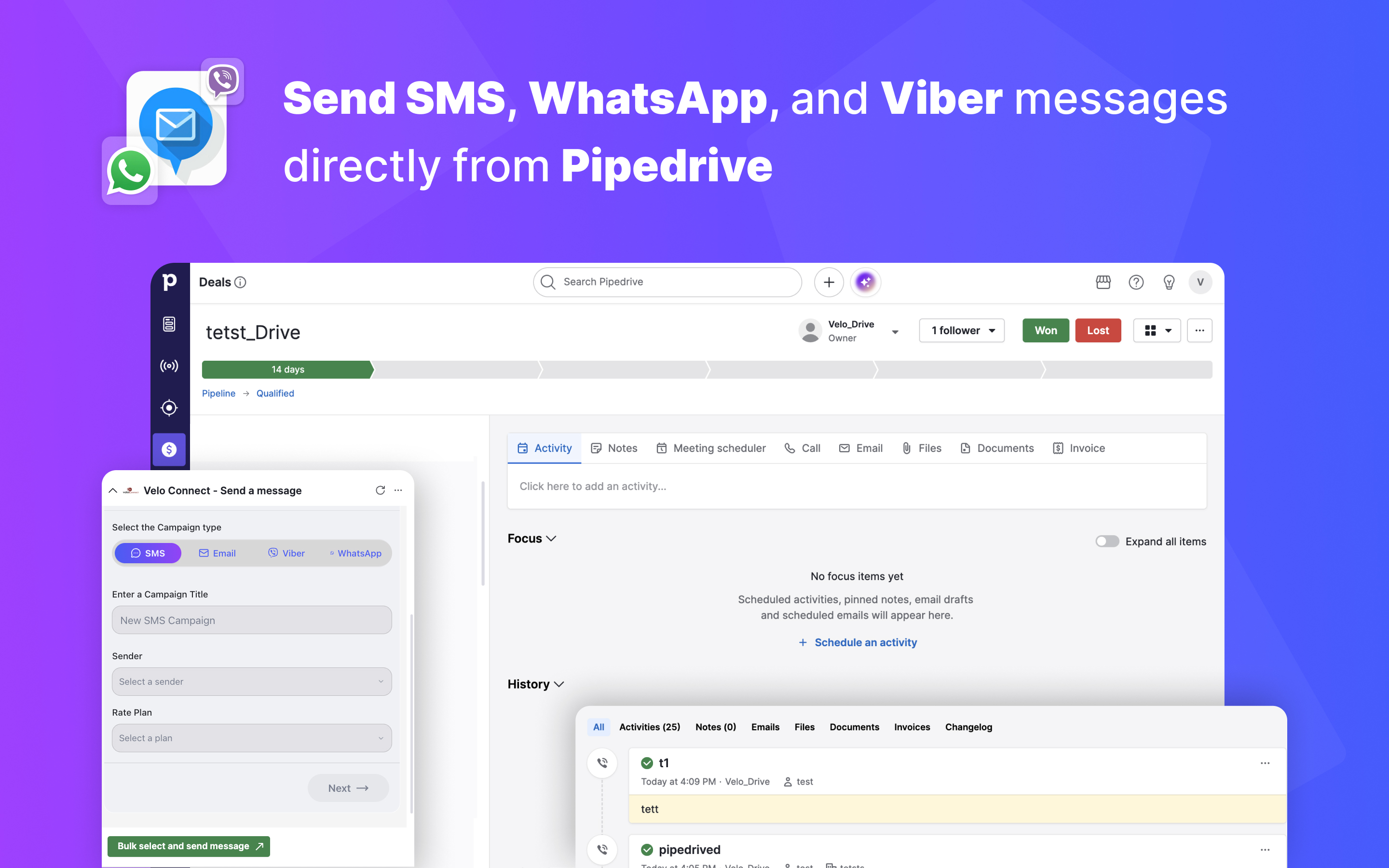
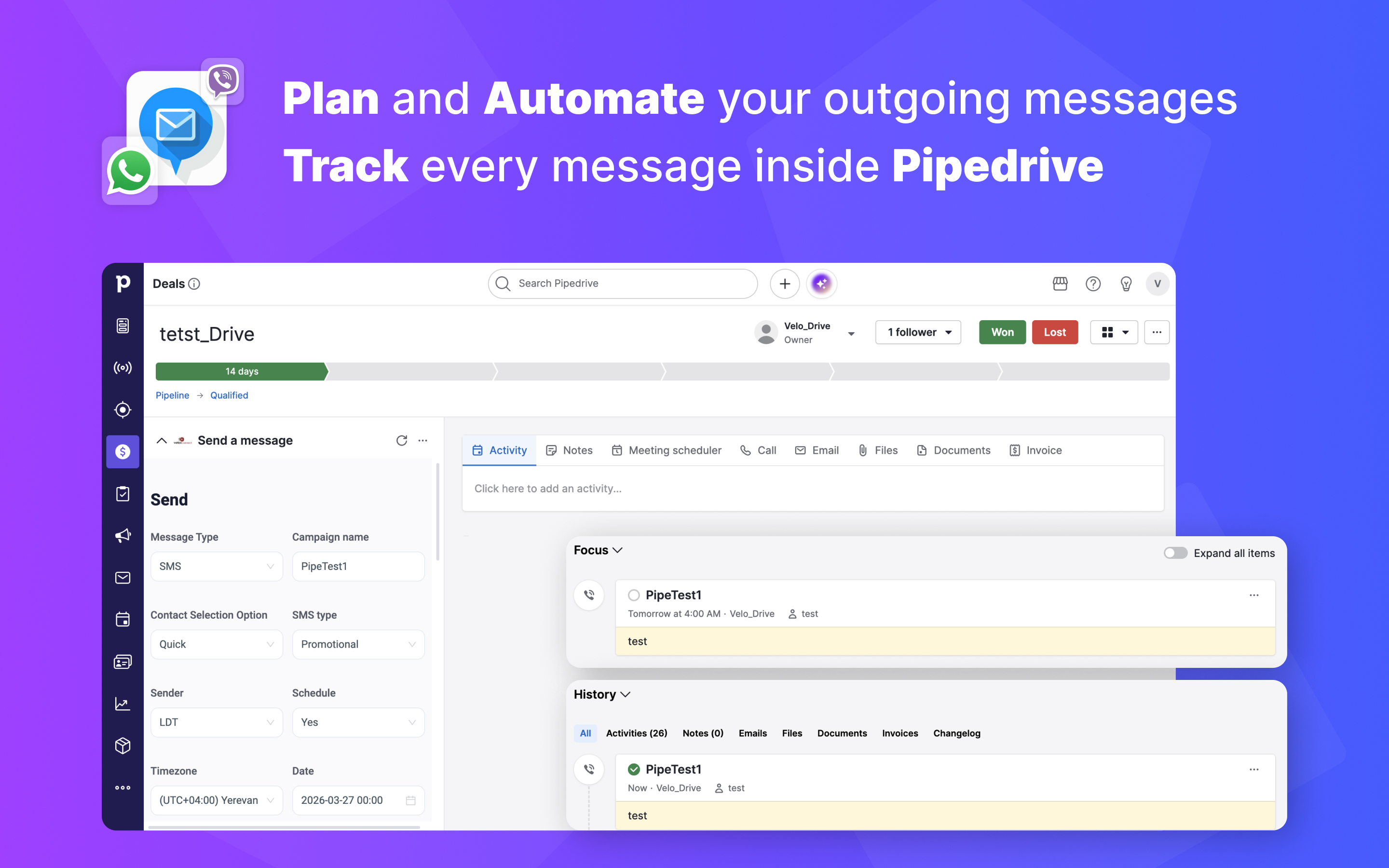
VeloConnect is a multi-channel communication solution that integrates directly into Pipedrive, allowing users to send and manage messages without leaving the CRM.
After installation, VeloPlatform appears as an embedded interface across Deals, Contacts, Organizations, and other supported sections. This enables users to communicate with leads and customers directly within their existing workflow.
Users can send messages through multiple channels including WhatsApp, Viber, SMS from a single interface. Contact details such as phone numbers are automatically populated, reducing manual work and minimizing errors.
All communication is fully synchronized with Pipedrive:
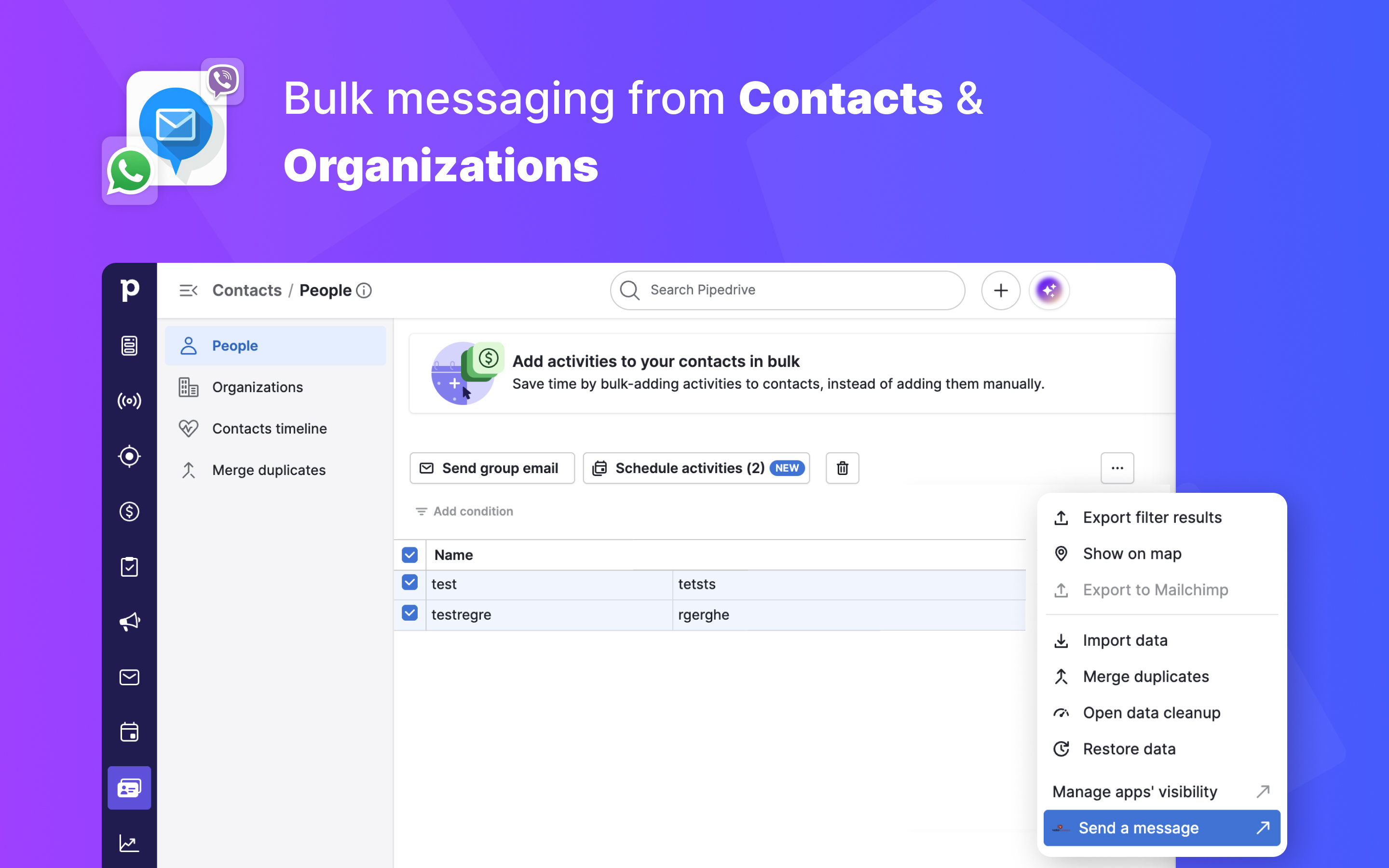
VeloConnect also supports bulk messaging from Contacts and Organizations, allowing teams to reach multiple recipients simultaneously.
By centralizing communication and automating tracking, VeloConnect helps sales and support teams improve efficiency, maintain a complete communication history, and engage customers faster across preferred channels.

Panels
Instantly see and interact with Velo Connect for Pipedrive as you dive into the details of your deals/contacts in Pipedrive.
Velo Connect - Send a message
Locations:deal detailsorganization detailsperson details
Send messages without leaving Pipedrive. Contact details are auto-filled, so you can reach your customers faster and more efficiently.

Actions
Kick off related actions in Velo Connect for Pipedrive as you work with your deals, contacts and/or activities in Pipedrive.
Select and Send your message
Locations:deal detailsdeal listperson detailsPeople listorganization detailsorganization list
Select multiple contacts and send campaigns instantly
Getting started with VeloConnect in Pipedrive is quick and requires no complex setup.
You can also:
All sent and scheduled messages will be automatically tracked in Pipedrive Activities.
If you’re interested in this app, you might also like:


Use our powerful API to build awesome apps for either your company or for all Pipedrive users.
Build an app