
free
Google Meet
Manage, schedule and launch Google Meet calls from Pipedrive to streamline your sales communication.
Built by Pipedrive
(4223)
501 reviews
Vollna
by Vollna
Communicate with leads, Manage contracts, Automate my pipeline and data
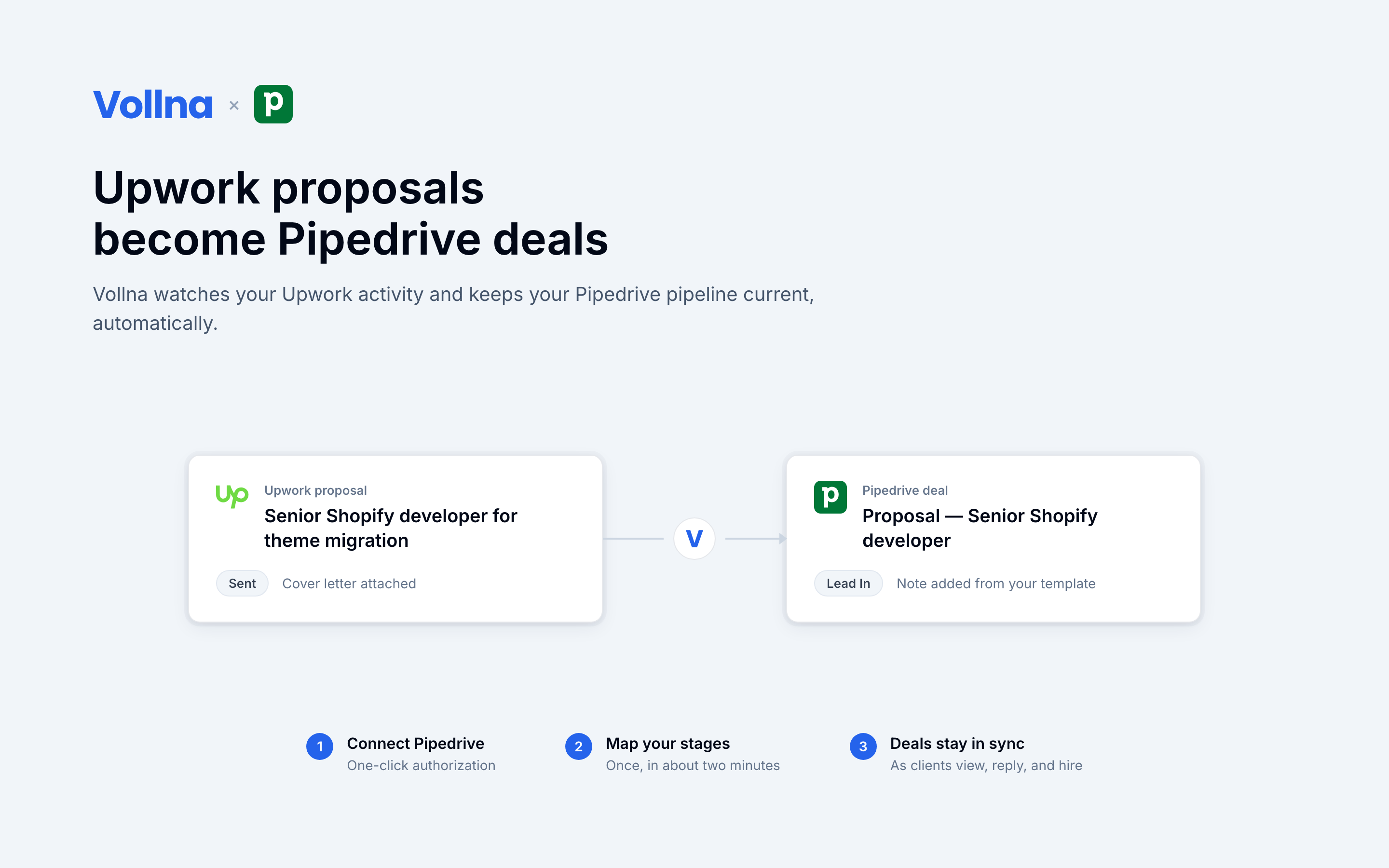
Vollna helps freelancers and agencies win clients on Upwork: it monitors new jobs around the clock, filters them precisely, qualifies them with AI, and helps teams send personalized proposals faster, including automated bidding on the Automation plan.
This integration connects that bidding work to the place where selling actually happens: your Pipedrive pipeline.
What it does:
Why it matters: Upwork leads usually live in a browser tab, invisible to your CRM. Your team follows up from memory, and reporting stops at "proposals sent". With this integration your Upwork funnel sits next to every other channel in Pipedrive, so follow-ups get scheduled, win rates get measured, and nothing slips.
Setup takes about two minutes: connect with one click via OAuth (or a personal API token), pick a pipeline, map your stages. Requires a Vollna account.
Setup takes about two minutes on an existing Vollna account, and the integration is included in the Agency and Automation plans (also available as an add-on).
Create your Vollna account. Sign up at vollna.com (14-day free trial), connect your Upwork profile and set up job filters. If you already use Vollna, skip to step 2.
Open Integrations. In the Vollna dashboard go to Settings > Integrations and find the Pipedrive card.
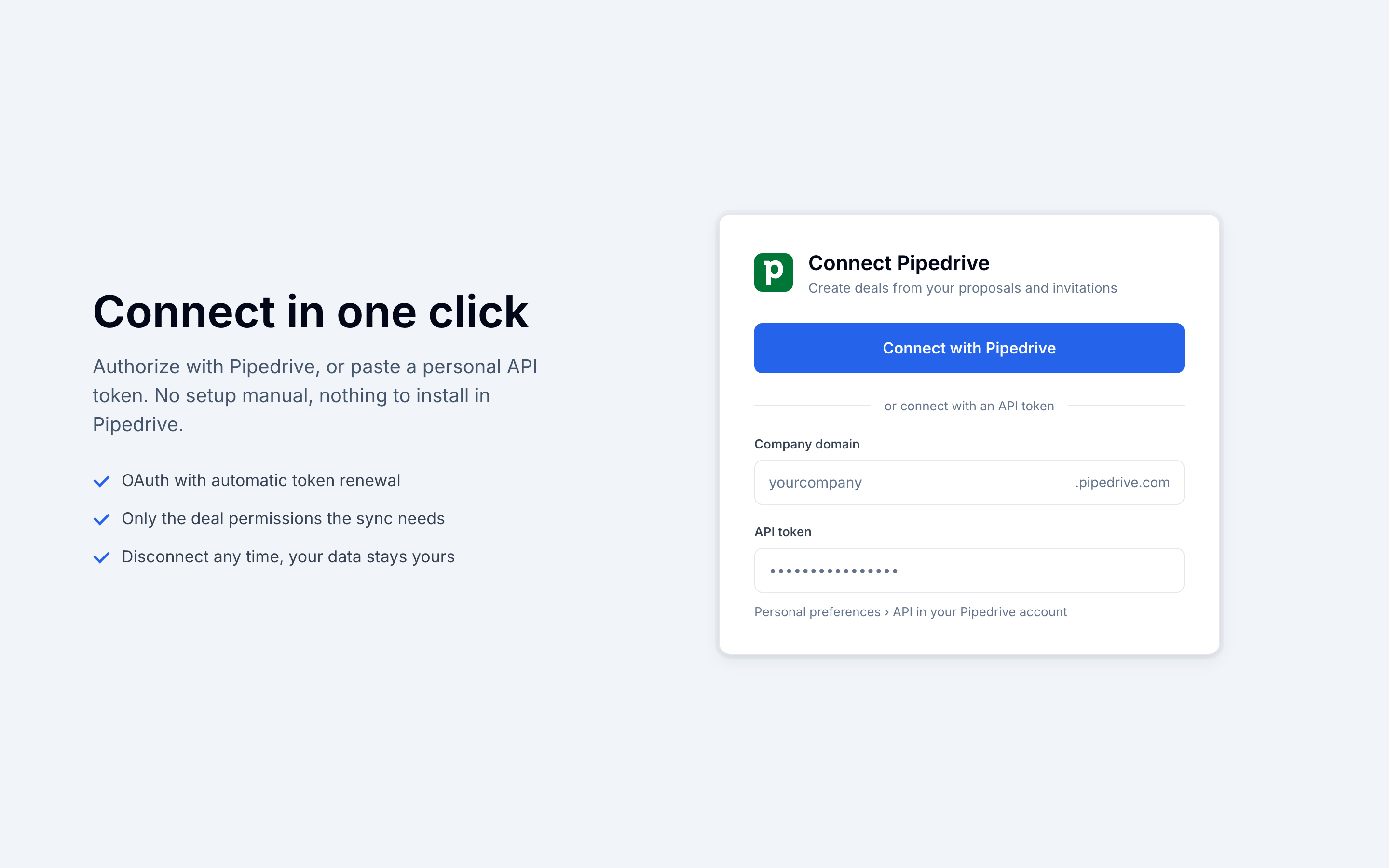
Connect. Click Connect and approve the app in Pipedrive; authorization takes one click and tokens renew automatically. Prefer not to use OAuth? Open the setup page and paste your company domain plus a personal API token (Personal preferences > API in Pipedrive) instead.
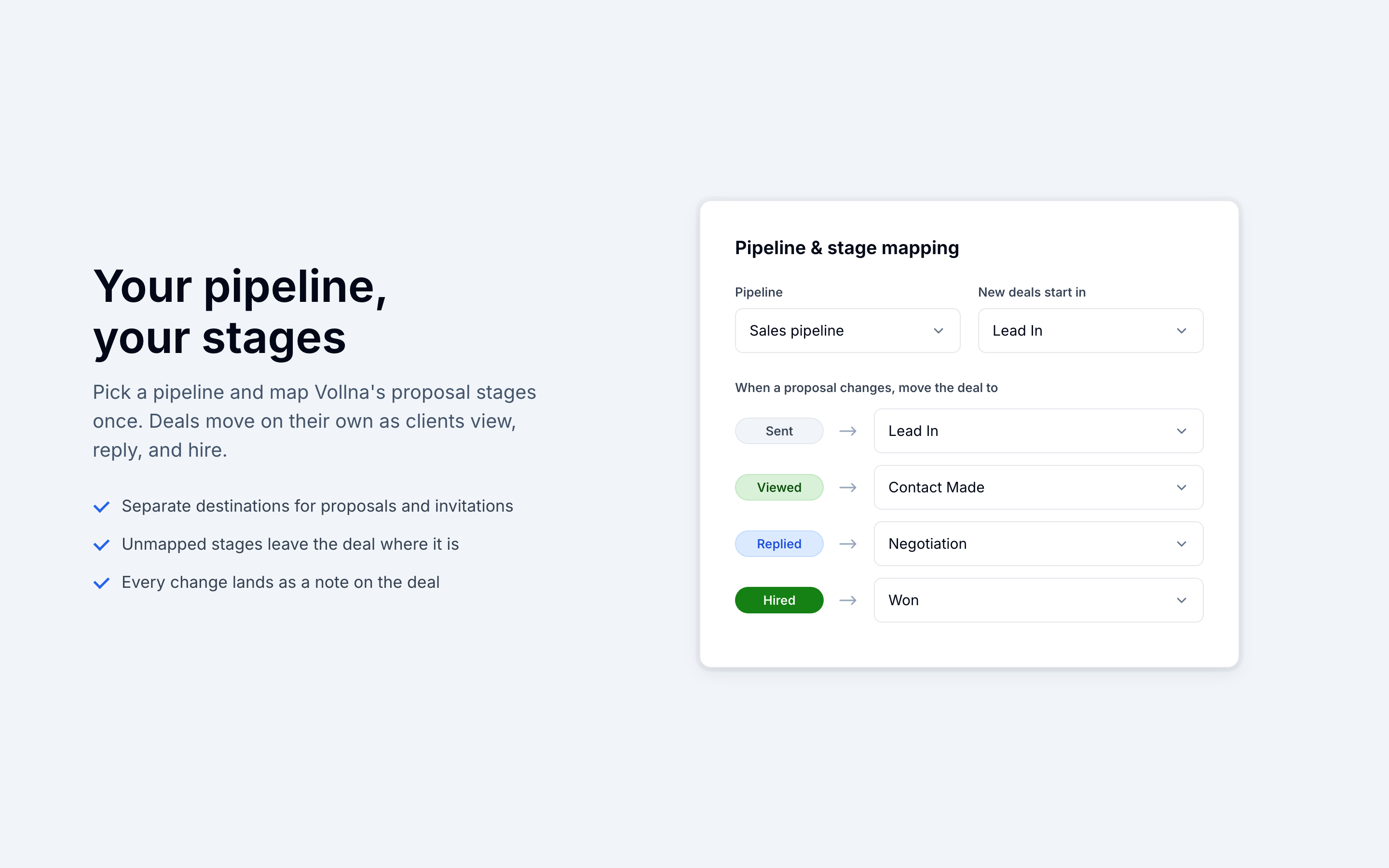
Pick a destination. Choose the pipeline your Upwork work belongs in and the stage where new deals should start. Proposals and invitations can target different pipelines if you want them separated.
Map your stages. Match Vollna's proposal statuses (Sent, Viewed, Replied, Hired, Invited) to your own pipeline stages. Statuses you leave unmapped simply add a note without moving the deal.
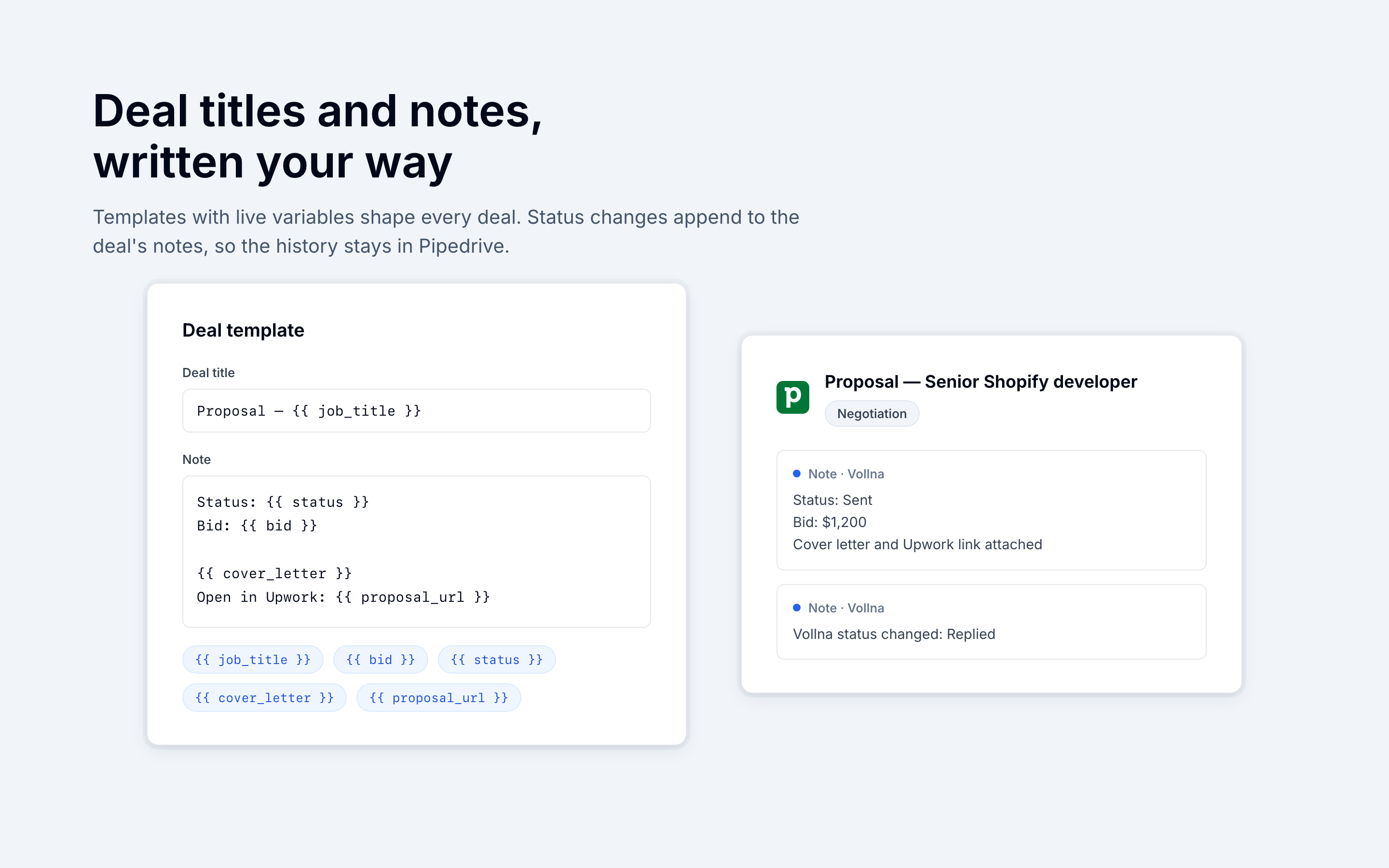
Shape your deals (optional). Edit the deal title and note templates using variables like job title, bid, cover letter, and proposal link.
Save, and you are done. The next proposal you send appears as a deal within moments, and every status change updates it. You can adjust the mapping or disconnect at any time from the same settings page.
If you’re interested in this app, you might also like:


Use our powerful API to build awesome apps for either your company or for all Pipedrive users.
Build an app