free
free

Manage WhatsApp conversations directly in Pipedrive and link chats directly to deals.

Attract new leads, Qualify my leads, Nurture my leads, Communicate with leads, Support my customers
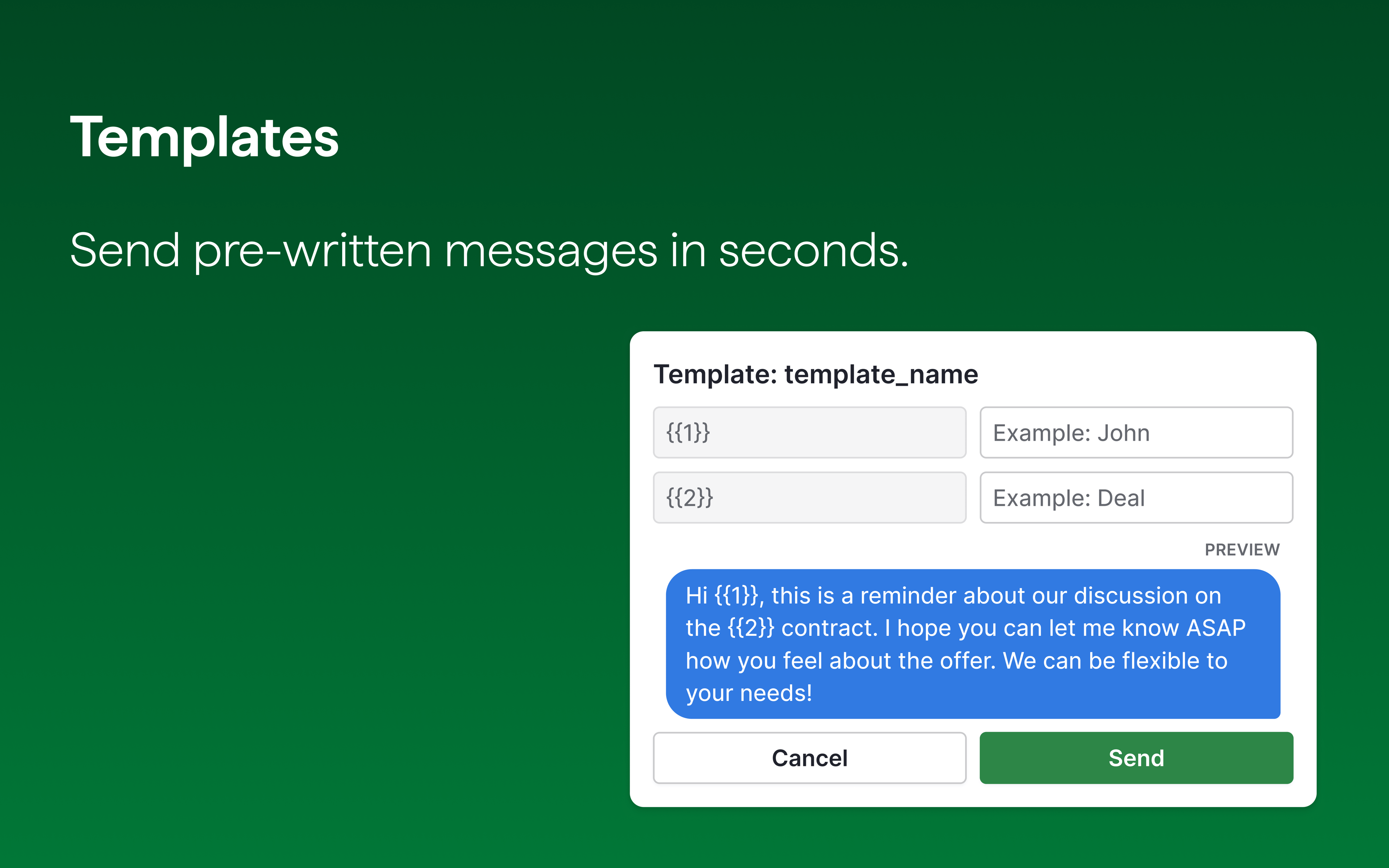
App screenshot
App screenshot
App screenshot
App screenshot
App screenshot
This app is either entirely free or offers some features for free. There may be limits on how much you can use certain features for free, and you might need to open paid account to access all features.

Description

Built and managed by Pipedrive, this new native WhatsApp Business integration brings your sales conversations straight into your CRM.

By syncing Pipedrive to your WhatsApp Business account, you’ll be able to enjoy the convenience of having all your messages, conversation history, attachments, business profile information and configuration details right at your fingertips.

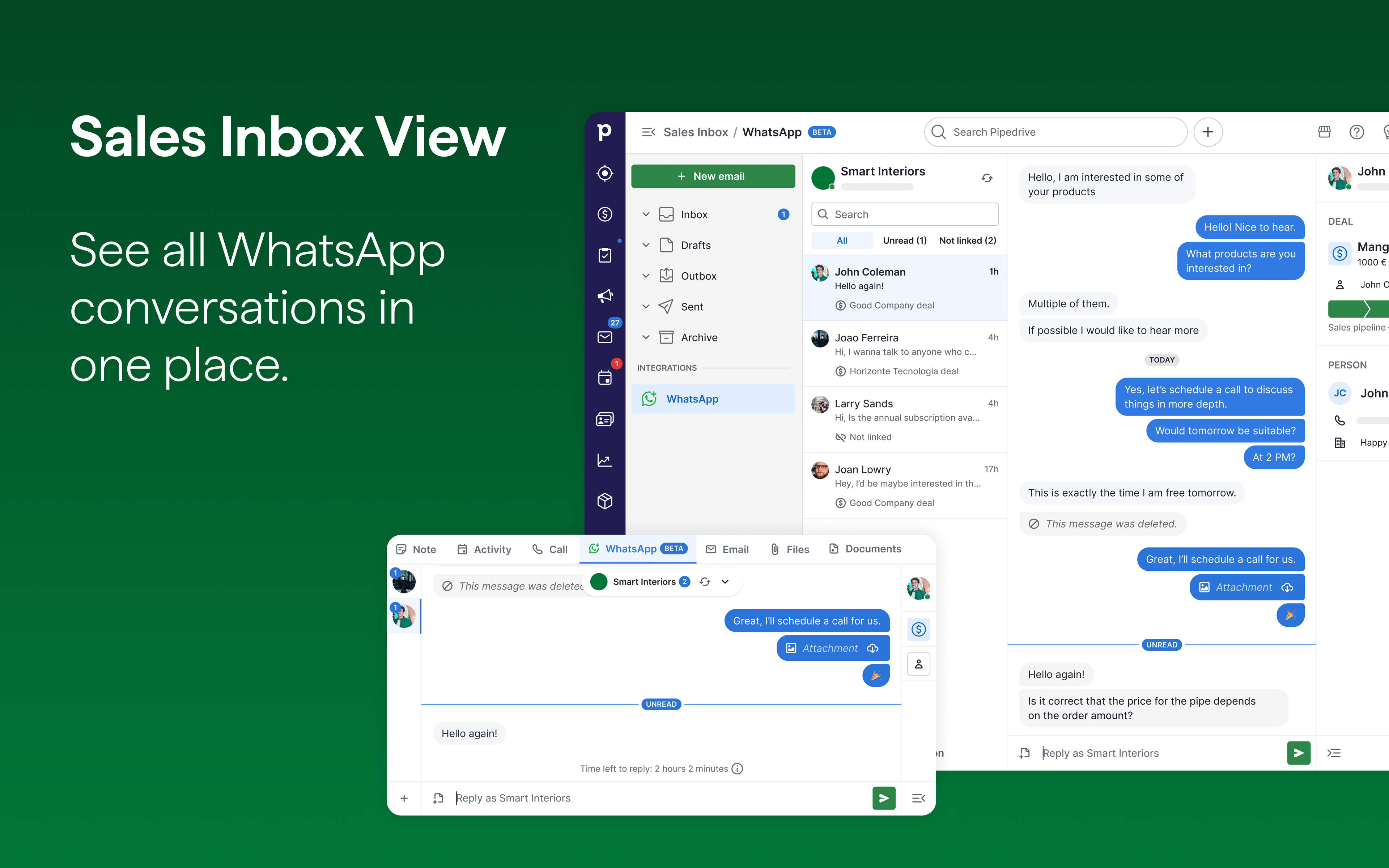
View, manage and respond to WhatsApp chats directly in Pipedrive without switching tabs or losing context. Every conversation is automatically linked to deals and contacts, giving your entire team visibility into customer communication and deal progress.

Pipedrive’s native WhatsApp integration lets you:

✓ Respond to WhatsApp messages directly from deal and contact views

✓ See full conversation history alongside deal progress

✓ Link WhatsApp chats to existing deals or automatically create new ones

✓ Send message templates prefilled with customer data from Pipedrive

✓ Manage all conversations in one Sales Inbox with full team visibility

✓ Send reminders and next steps tied to your pipeline

Installation instructions

Requirements:

  • A Facebook account
  • Access to a Facebook Business Portfolio (or the ability to create one)
  • A WhatsApp Business Account (or permission to create one)
  • A business phone number or the ability to convert a personal number

Setup:

  1. Go to Tools and apps > WhatsApp. Open your Pipedrive account and navigate to Tools and apps. Select WhatsApp.
  2. Click "Get started" to use the setup assistant. The setup assistant will walk you through the complete process: Facebook account check, Business Portfolio, WhatsApp Business Account connection.
  3. Choose a Facebook Business Portfolio or create one.
  4. Choose your WhatsApp Business Account. Select an existing account or create a new one.
  5. Review permissions and confirm.
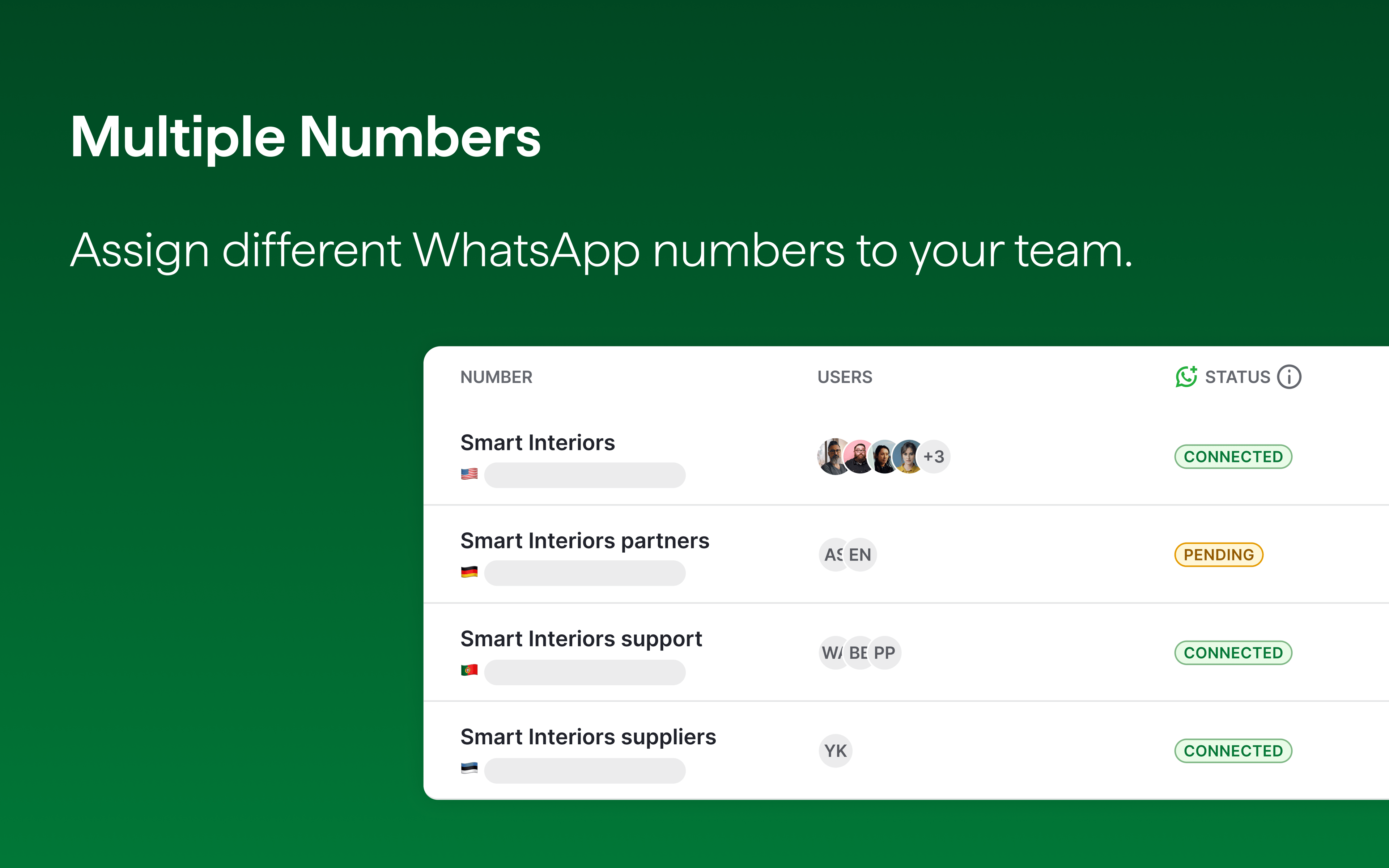
  6. Assign numbers to team members. Go to Tools and apps > WhatsApp > Numbers and assign phone numbers to users. Each user can be assigned to one number.
  7. Start messaging. Visit Sales Inbox > WhatsApp to view conversations, start new chats and link them to deals.

Also popular in this category

If you’re interested in this app, you might also like:

Google Meet
free
Google Meet
Manage, schedule and launch Google Meet calls from Pipedrive to streamline your sales communication.
Built by Pipedrive
CallHippo
free
CallHippo
Effortlessly Manage Sales with AI-Enhanced CallHippo and Pipedrive Integration, Featuring AI-powered Analytics, Click-to-Call, and Task Automation.
Paperflite
Paperflite
Paperflite is software for remote content collaboration. Use it to organize, distribute and share your content with prospects.

User reviews

User reviews

Overall rating

No ratings yet

No installs

Can't find the app you need?

Use our powerful API to build awesome apps for either your company or for all Pipedrive users.

Build an app