
free
CallHippo
Effortlessly Manage Sales with AI-Enhanced CallHippo and Pipedrive Integration, Featuring AI-powered Analytics, Click-to-Call, and Task Automation.
(414)
384 reviews
Wring
by WRING
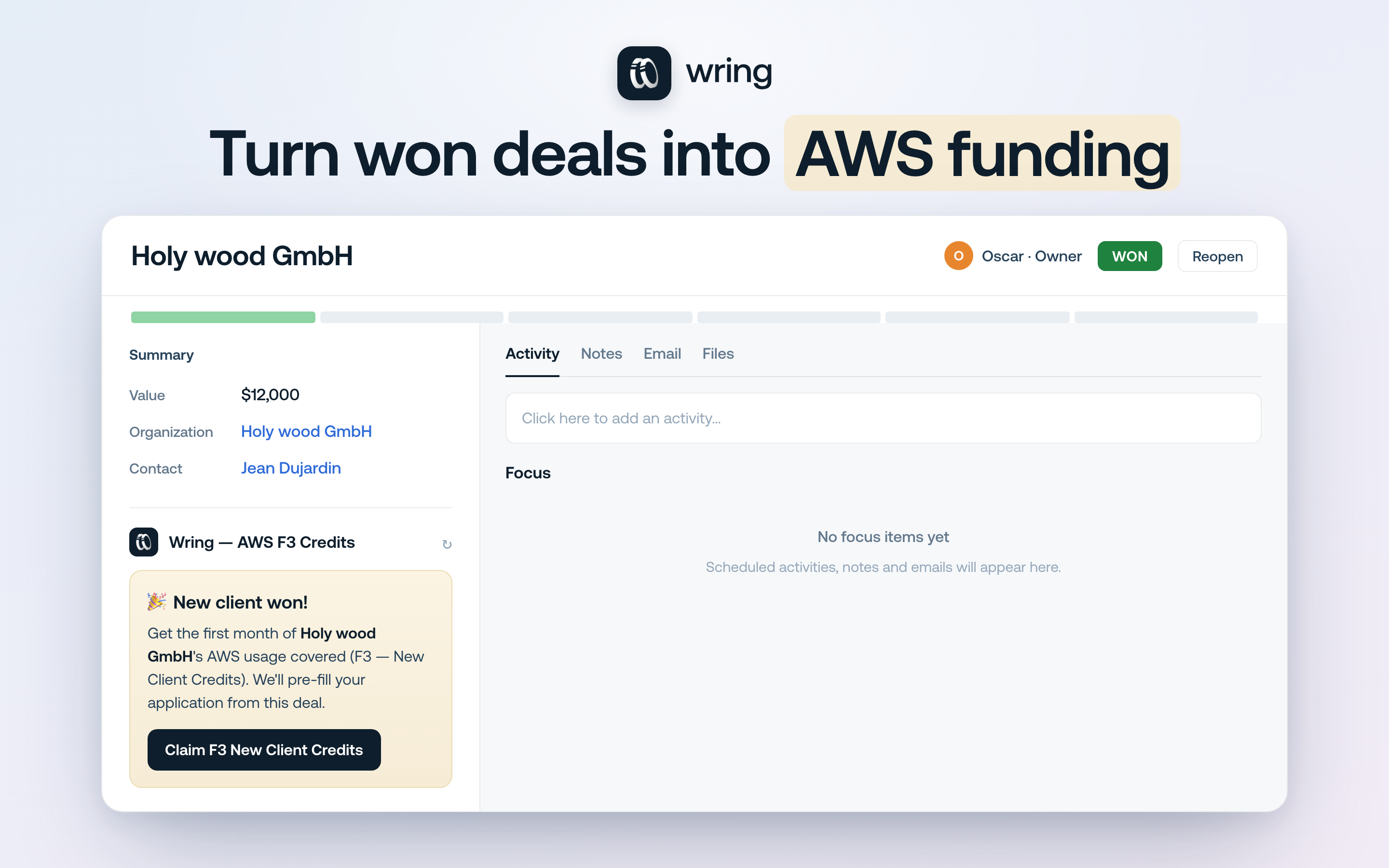
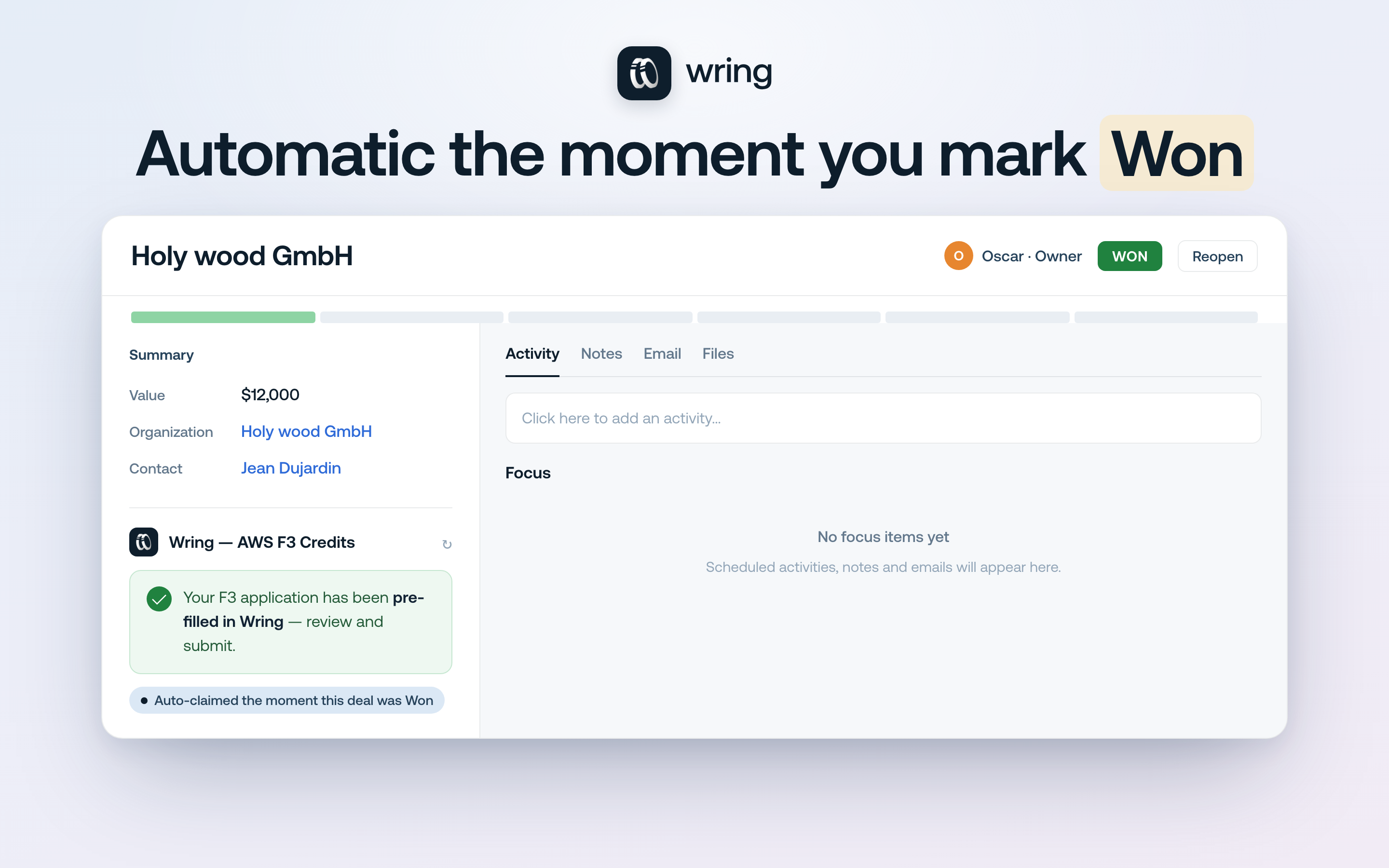
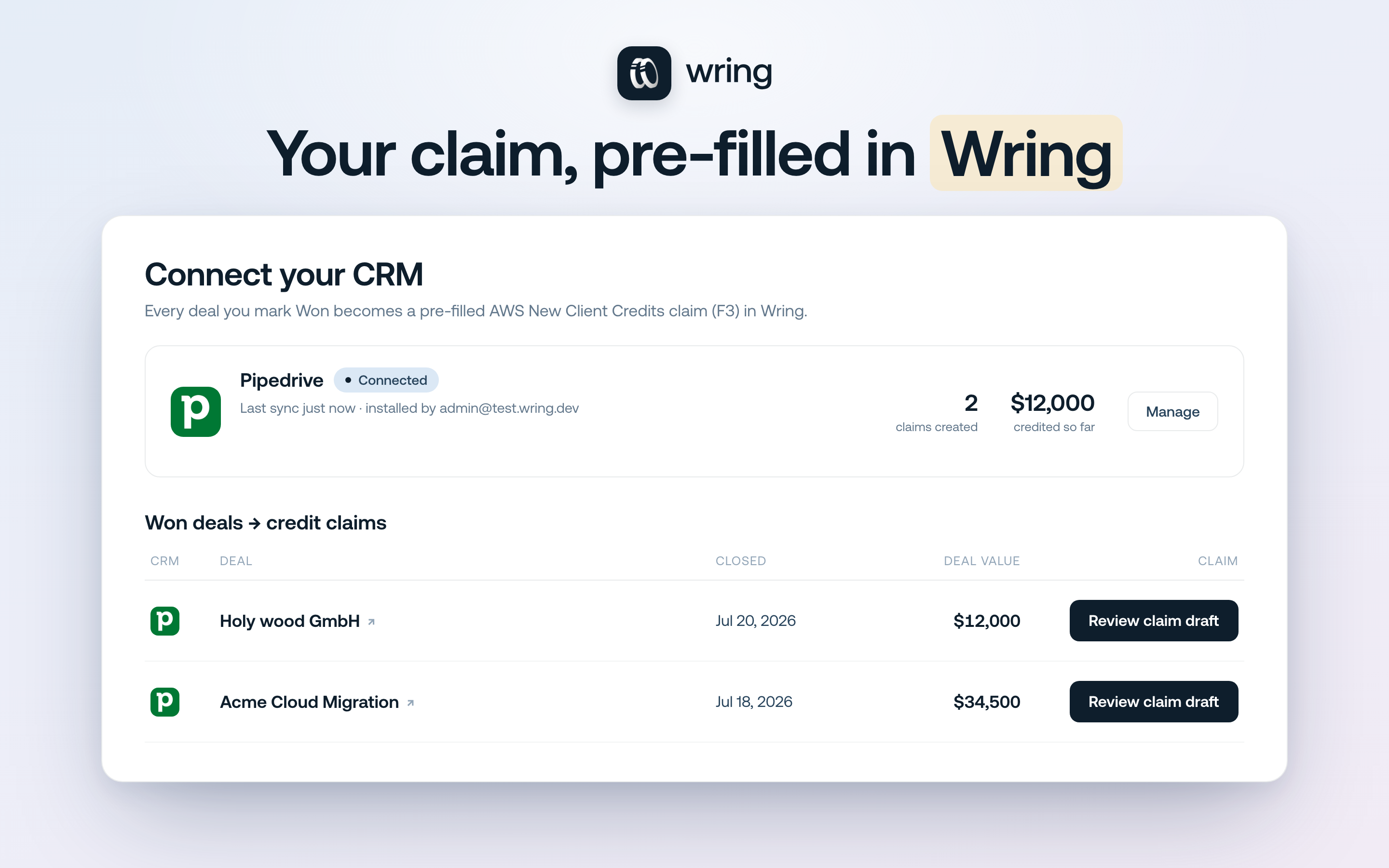
Wring Funding connects your Pipedrive to Wring so every deal you win becomes a ready-to-submit AWS funding claim — with none of the manual re-entry.
AWS partners and startups can claim New-Client Credits (F3) when they land a new customer, but the paperwork means copy-pasting deal and client data from your CRM into a separate application. Wring Funding removes that step.
How it works • Connect once — read-only access to your deals. Wring never writes to Pipedrive. • Open any deal and you'll see the Wring Funding card. When the deal is Closed Won, it shows "🎉 New client won!". • Click "Claim F3" and Wring pre-fills your New-Client Credits application with the client name, deal value and engagement details straight from the deal. • Review and submit in your Wring dashboard — in seconds, not minutes.
Why teams use it • No copy-paste, no missed claims — every won deal is captured. • Read-only and private: Wring only reads your deals; it never modifies your CRM. • Works across your whole pipeline — the moment a deal is won, the claim is ready.
You'll need a Wring account (dashboard.wring.co). Connecting Pipedrive takes about a minute.

Panels
Instantly see and interact with Wring as you dive into the details of your deals/contacts in Pipedrive.
Wring — AWS F3 Credits
Locations:deal details
Requirements: a Wring account (sign up at dashboard.wring.co). You connect once; every future won deal is ready to claim. To remove the app, disconnect it from your Wring dashboard or uninstall it from Pipedrive Marketplace settings.
If you’re interested in this app, you might also like:


Use our powerful API to build awesome apps for either your company or for all Pipedrive users.
Build an app