Zeeg is an AI voice agent and appointment scheduling software. Meetings booked online and by phone sync to Pipedrive as contacts with activities.

Support my customers, Other use cases

App screenshot
App screenshot
App screenshot
App screenshot
App screenshot

Description

Zeeg is an AI voice agent and scheduling software, giving two ways for people to book you.

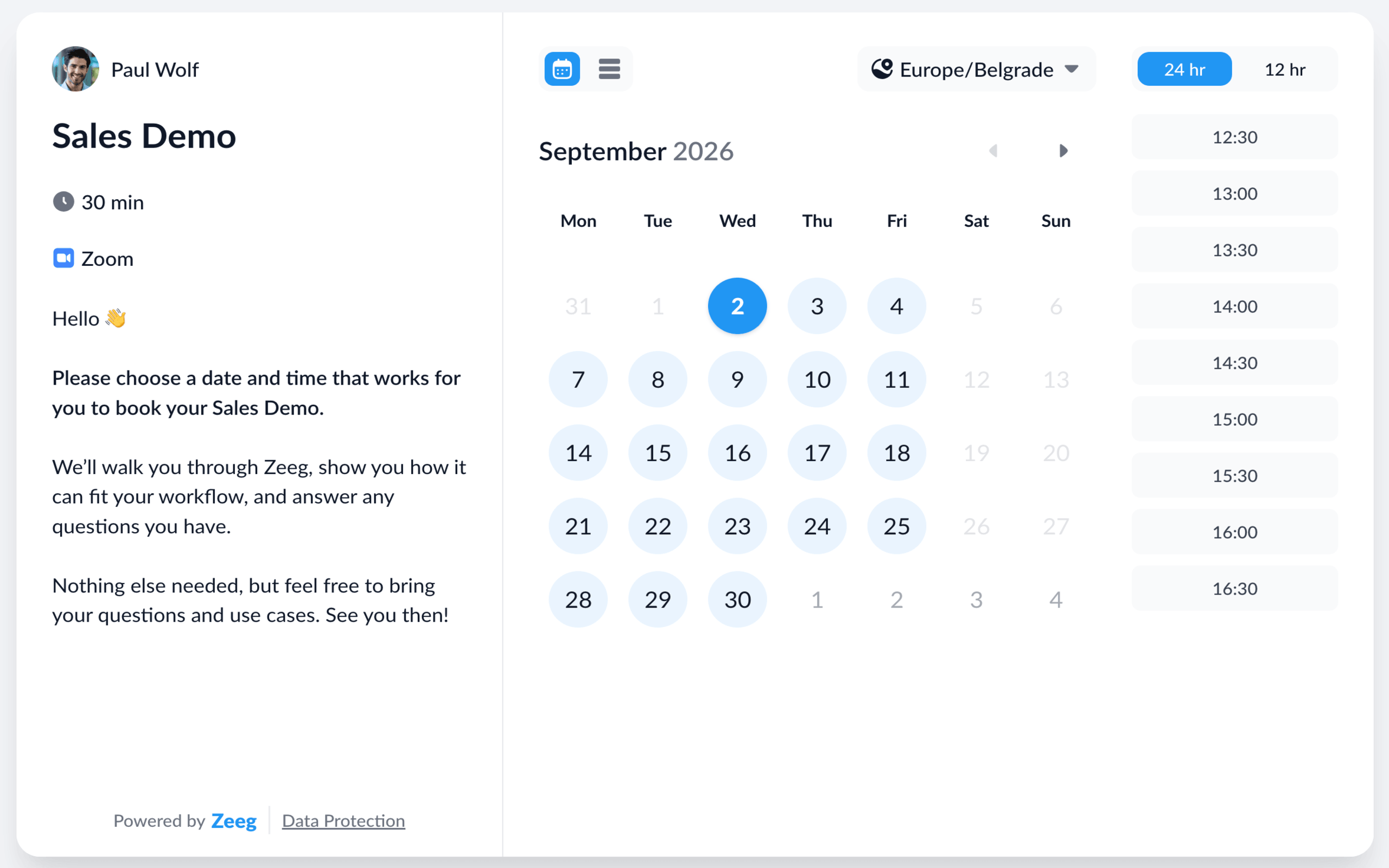
  • Online booking. Share your booking page and let prospects pick a slot themselves, 24/7. Zeeg checks real-time availability across your connected calendars, so every time shown is one you can actually take. Booking pages carry your branding, ask your intake questions, route leads and work for all scheduling scenarios.

  • AI phone agent. Zeeg automates inbound and outbound calls. The agent works out what a caller wants and books them into your scheduling pages — e.g. a lead who rings after hours gets a confirmed meeting instead of a voicemail.

Zeeg-Pipedrive Integration

Whenever an appointment is booked online or via phone through Zeeg:

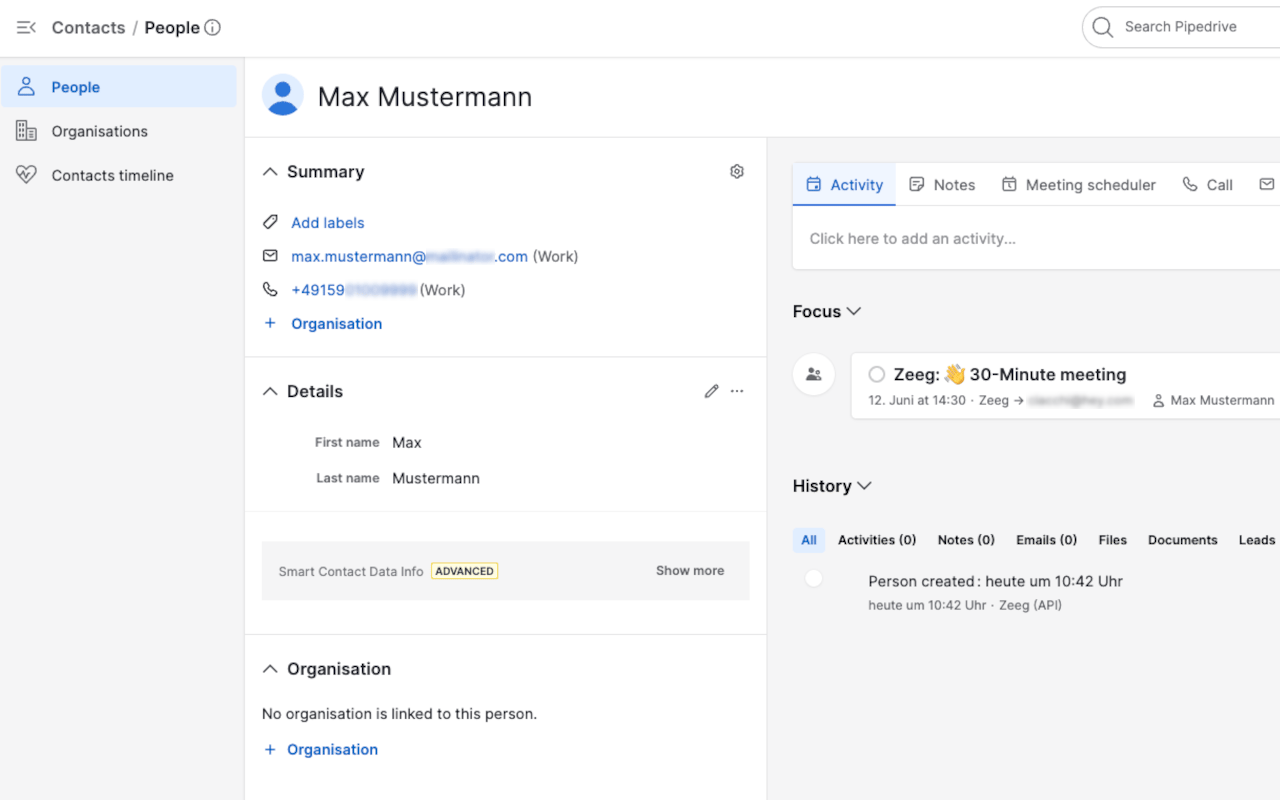
  • the invitee is matched by email — an existing Pipedrive contact is updated or a new one created if there's no match
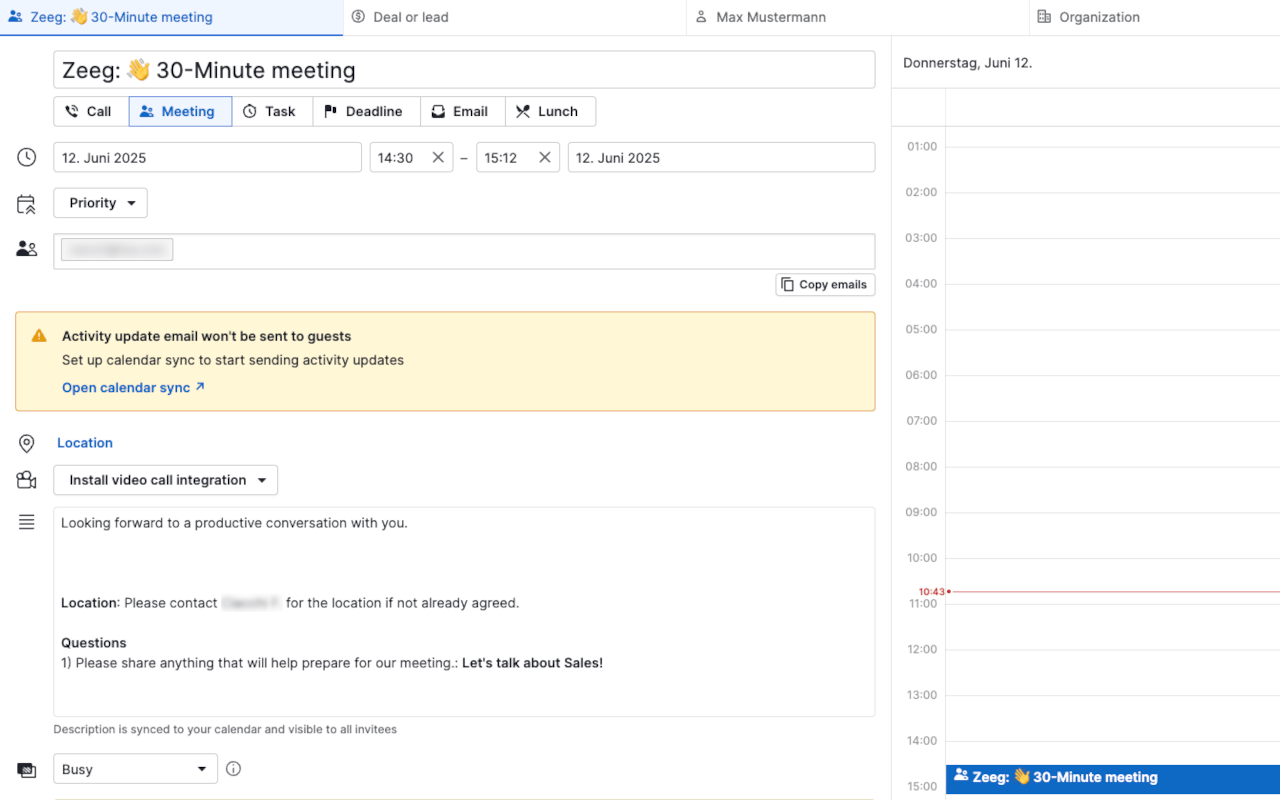
  • a Meeting activity is logged on that contact, named after the event and carrying the host, attendees, location and your intake questions and answers
  • contact ownership is assigned automatically — to the Pipedrive user whose email matches the meeting host, or to the org owner if there's no match
  • attendees are added as participants, matched or created by email
  • cancellations and reschedules flow through — a cancelled meeting flips the activity outcome, a rescheduled one closes the original and creates a new activity for the new time

Hosted in Europe, GDPR-compliant, DPA available.

Installation instructions

  • Access you Zeeg account at https://zeeg.me
  • Be sure to have an active subscription and an organization in Zeeg
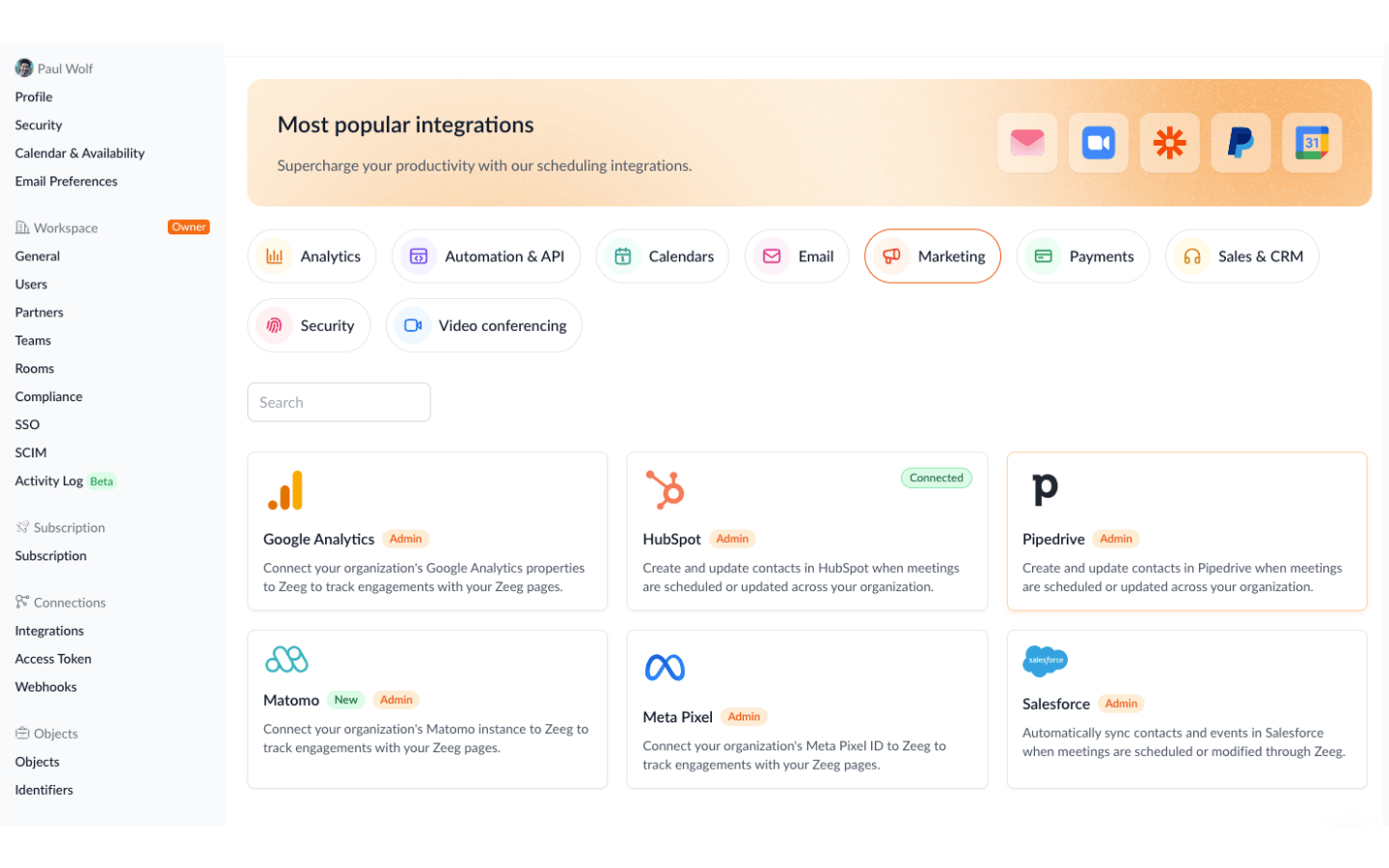
  • Go on the left menu 'Integration' and select 'Pipedrive'
  • Click on 'Connect Pipedrive'.
  • You should be redirected to the Pipedrive App Page.
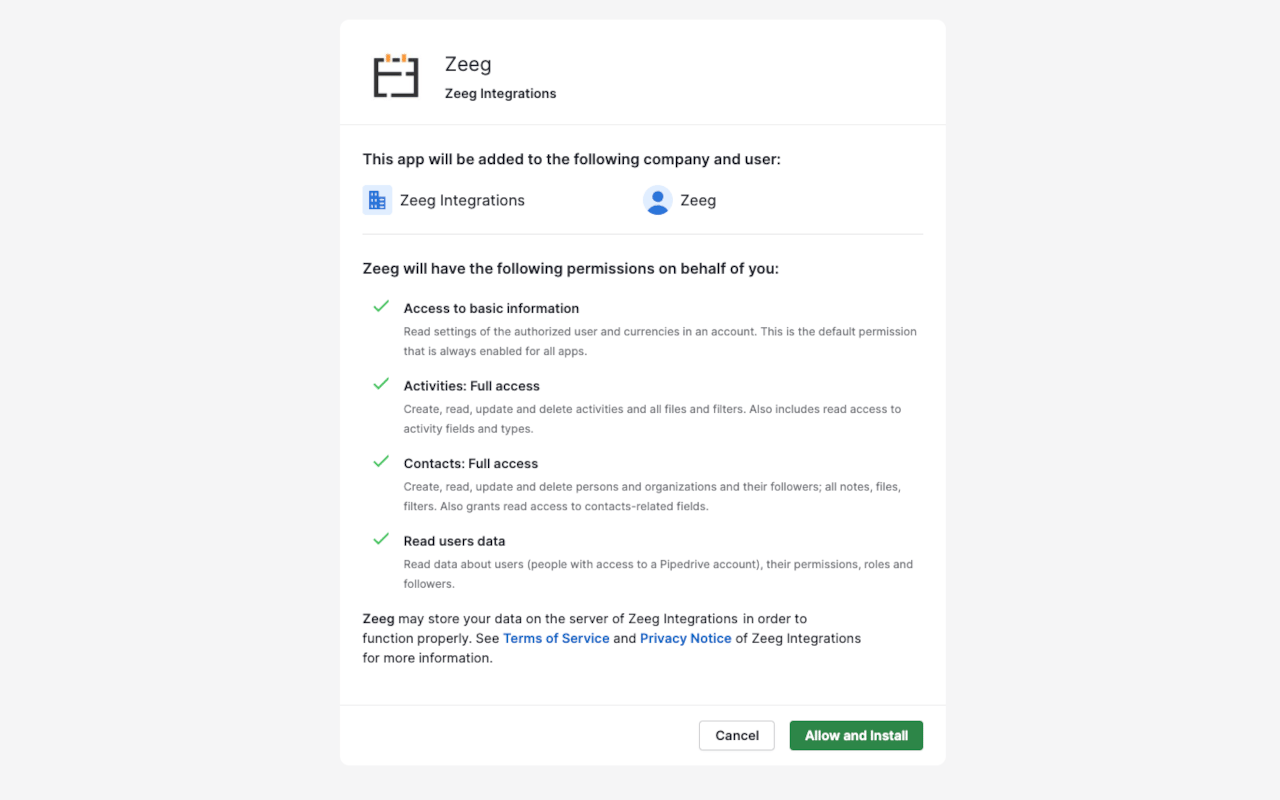
  • In this page are listed the rights/scopes required by the app.
  • Click on the green 'Allow and Install' button.
  • You are now redirected back to the Zeeg App Page, and the app should be connected.

Now when someone books a meeting with you, their contact details and activities are synced in Pipedrive.

Also popular in this category

If you’re interested in this app, you might also like:

Dedupely
Dedupely
Dedupely merges Pipedrive duplicates without losing customer data. (ISO27001 Certified)
KrispCall
KrispCall
Elevate your sales call and boost customer service with Pipedrive integration.
SMS, Call & WhatsApp Integration for Pipedrive
Turn Pipedrive into an SMS, WhatsApp & Voice hub. Engage leads faster, automate follow-ups, and close more deals all inside your CRM.

User reviews

User reviews

Overall rating

No ratings yet

No installs

Can't find the app you need?

Use our powerful API to build awesome apps for either your company or for all Pipedrive users.

Build an app