Mailchimp sync
free

Mailchimp sync

by Pipedrive & Paragon

free
free

Automate and optimize email marketing using Mailchimp sync

Nurture my leads, Communicate with leads, Manage my accounts
App screenshot
App screenshot
App screenshot
App screenshot
App screenshot
This app is either entirely free or offers some features for free. There may be limits on how much you can use certain features for free, and you might need to open paid account to access all features.

Description

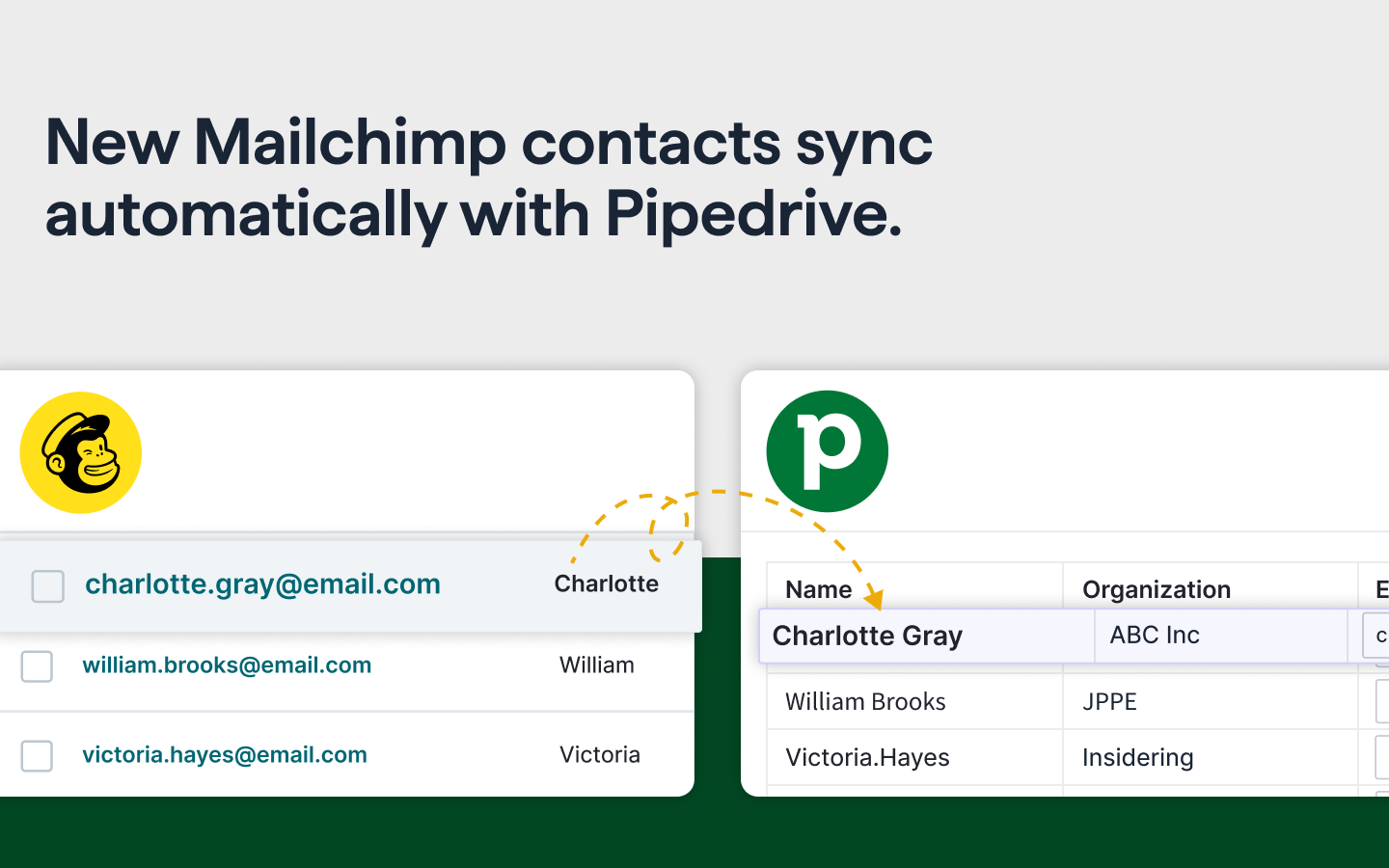
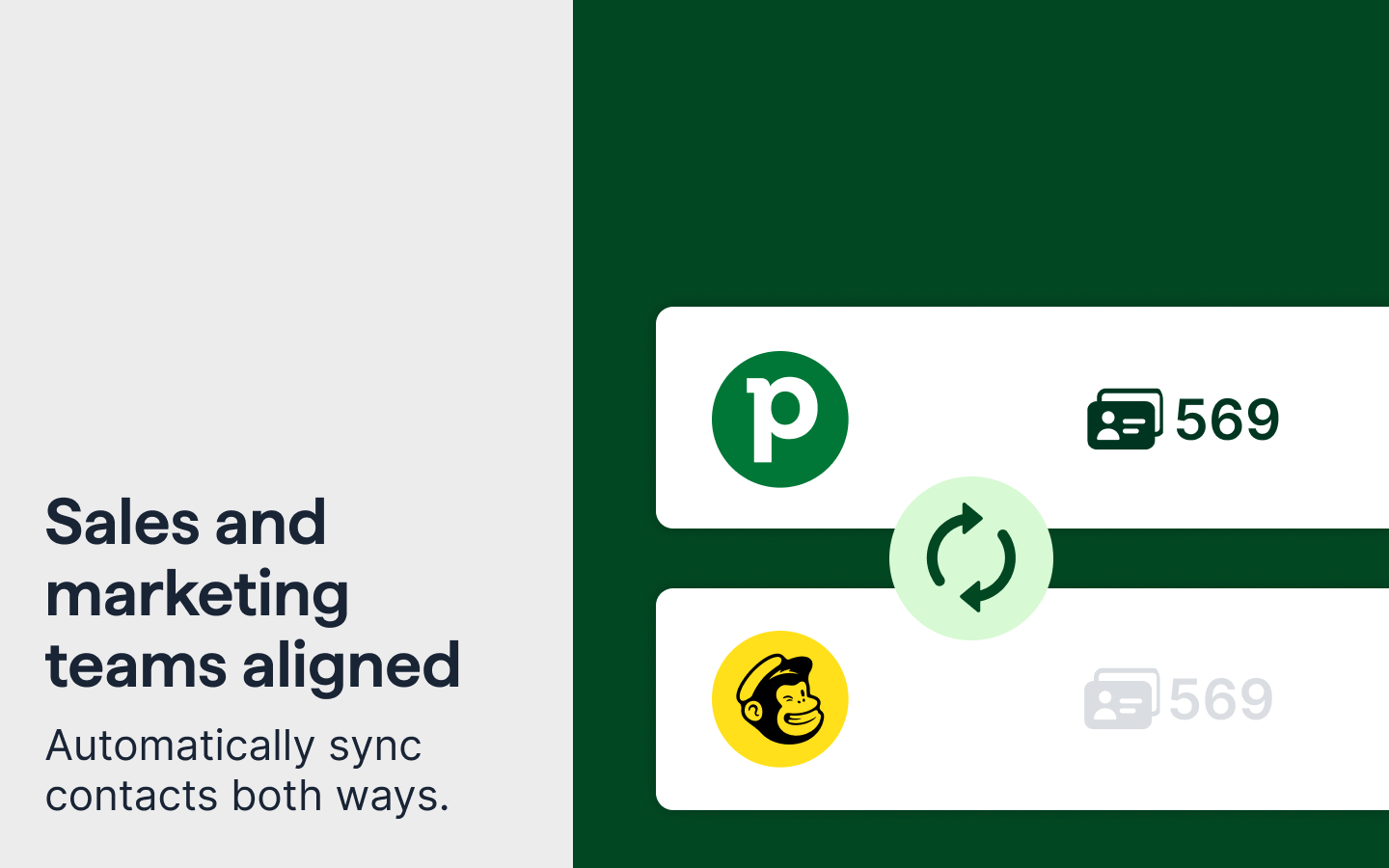
Sync contacts automatically in both directions between Pipedrive and Mailchimp.

How it works

Mailchimp → Pipedrive

Create or update contacts in Pipedrive when they:

  • Are added to an audience
  • Match a segment
  • Receive a tag

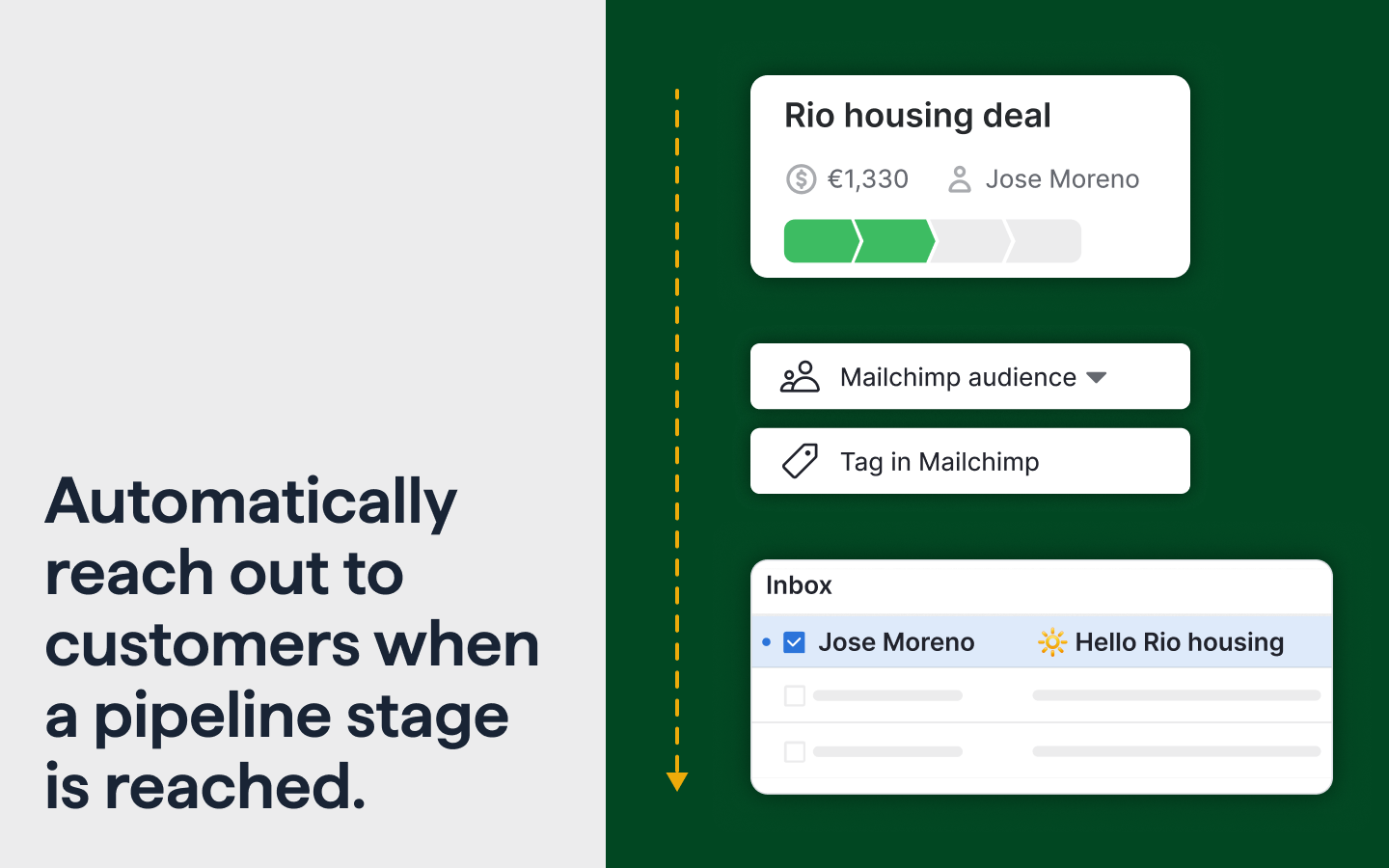
Pipedrive → Mailchimp

Add or update contacts in a Mailchimp audience when:

  • A deal reaches a selected pipeline stage
  • A contact matches a chosen Pipedrive filter (includes an initial batch sync of matching contacts and ongoing incremental updates)

What’s included

  • Two-way contact sync between Pipedrive and Mailchimp
  • Advanced filter- and segment-based triggers for granular targeting
  • Initial batch sync + ongoing incremental updates
  • Flexible field mapping in both directions
  • Basic tag creation in Mailchimp for segmentation and automation triggers

Current limitations

Some advanced capabilities are not available yet:

  • Limited support for some complex field types (e.g., labels/tags, linked organizations)
  • Visibility into sync status and detailed sync logs
  • Campaign engagement data (opens, clicks, unsubscribes)

Help shape what’s next

We’re continuously evaluating improvements. Share your input in this 1-minute form ↗

Installation instructions

Install and connect Pipedrive with Mailchimp

  1. Create your Mailchimp account if you don’t have one.
  2. Click Install to start.
  3. Review and confirm connection authorization in Pipedrive.
  4. Once redirected to the app page, click Connect Mailchimp.
  5. Log in to Mailchimp account if needed.
  6. Follow the steps prompted by Mailchimp.
  7. Wait until you’re redirected back to Pipedrive.

Mailchimp to Pipedrive sync

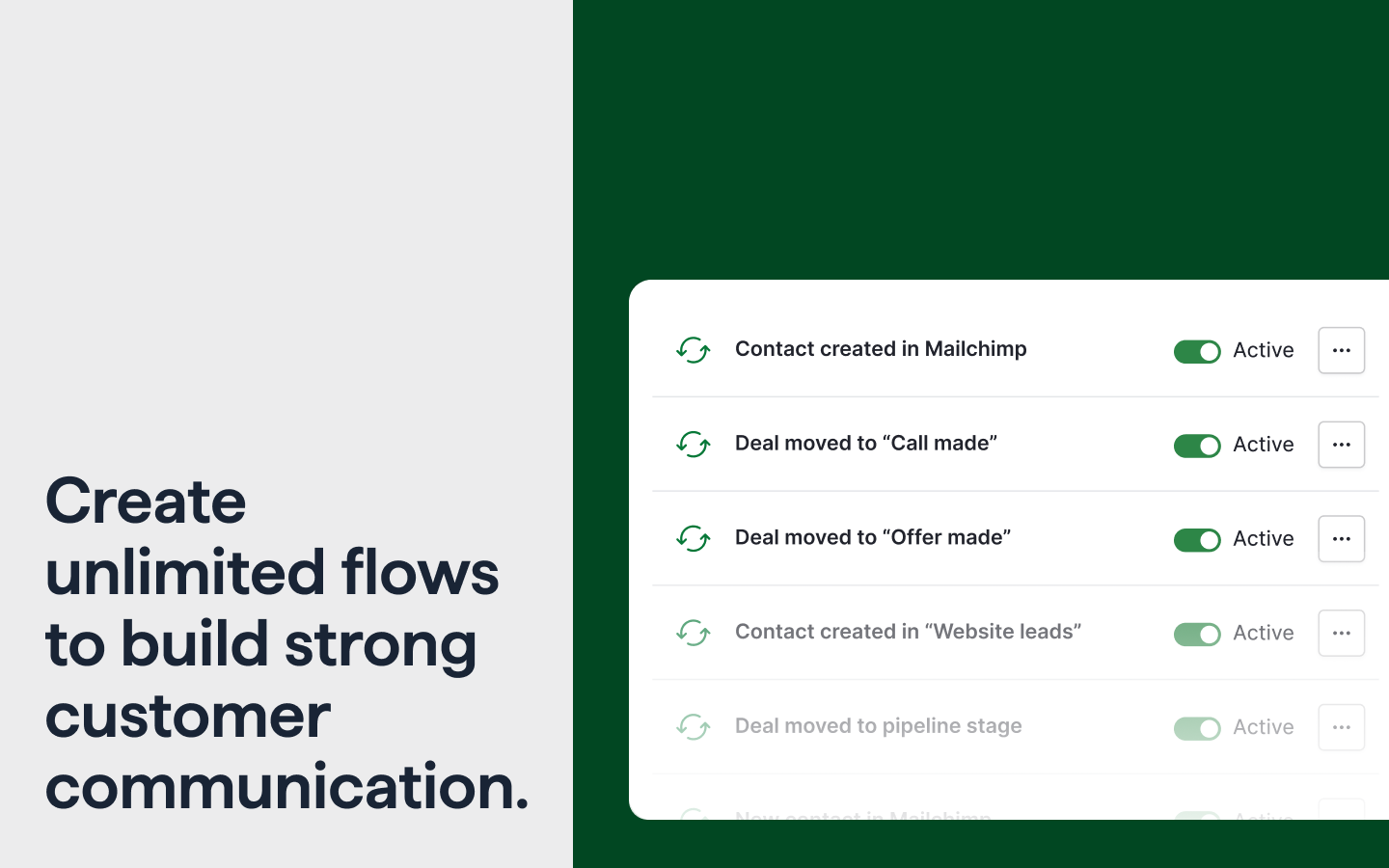
  1. Click '+ Flow' and choose 'Contact is added to a Mailchimp audience'.
  2. Select the Mailchimp audience you want to pull new contacts from into Pipedrive.
  3. Save and activate the flow.

Pipedrive to Mailchimp sync

  1. Click '+ Flow' and choose 'Deal reaches the selected pipeline stage'.
  2. Select the pipeline stage and Mailchimp audience.
  3. Optionally, enter a tag to trigger automation in Mailchimp.
  4. Consent to create subscribed Mailchimp contacts.
  5. Save and activate the flow.

Also popular in this category

If you’re interested in this app, you might also like:

CallHippo
free
CallHippo
Effortlessly Manage Sales with AI-Enhanced CallHippo and Pipedrive Integration, Featuring AI-powered Analytics, Click-to-Call, and Task Automation.
Google Meet
free
Google Meet
Manage, schedule and launch Google Meet calls from Pipedrive to streamline your sales communication.
Built by Pipedrive
Paperflite
Paperflite
Paperflite is software for remote content collaboration. Use it to organize, distribute and share your content with prospects.

User reviews

User reviews

Overall rating

4,0

600+ installs
5 stars

53%

4 stars

11%

3 stars

13%

2 stars

4%

1 stars

19%

View all reviews

Can't find the app you need?

Use our powerful API to build awesome apps for either your company or for all Pipedrive users.

Build an app