
free
Google Meet
Manage, schedule and launch Google Meet calls from Pipedrive to streamline your sales communication.
Built by Pipedrive
(4227)
501 reviews
CallHippo AI Voice Agent
by CallHippo
Qualify my leads, Nurture my leads, Communicate with leads, Support my customers, Other use cases
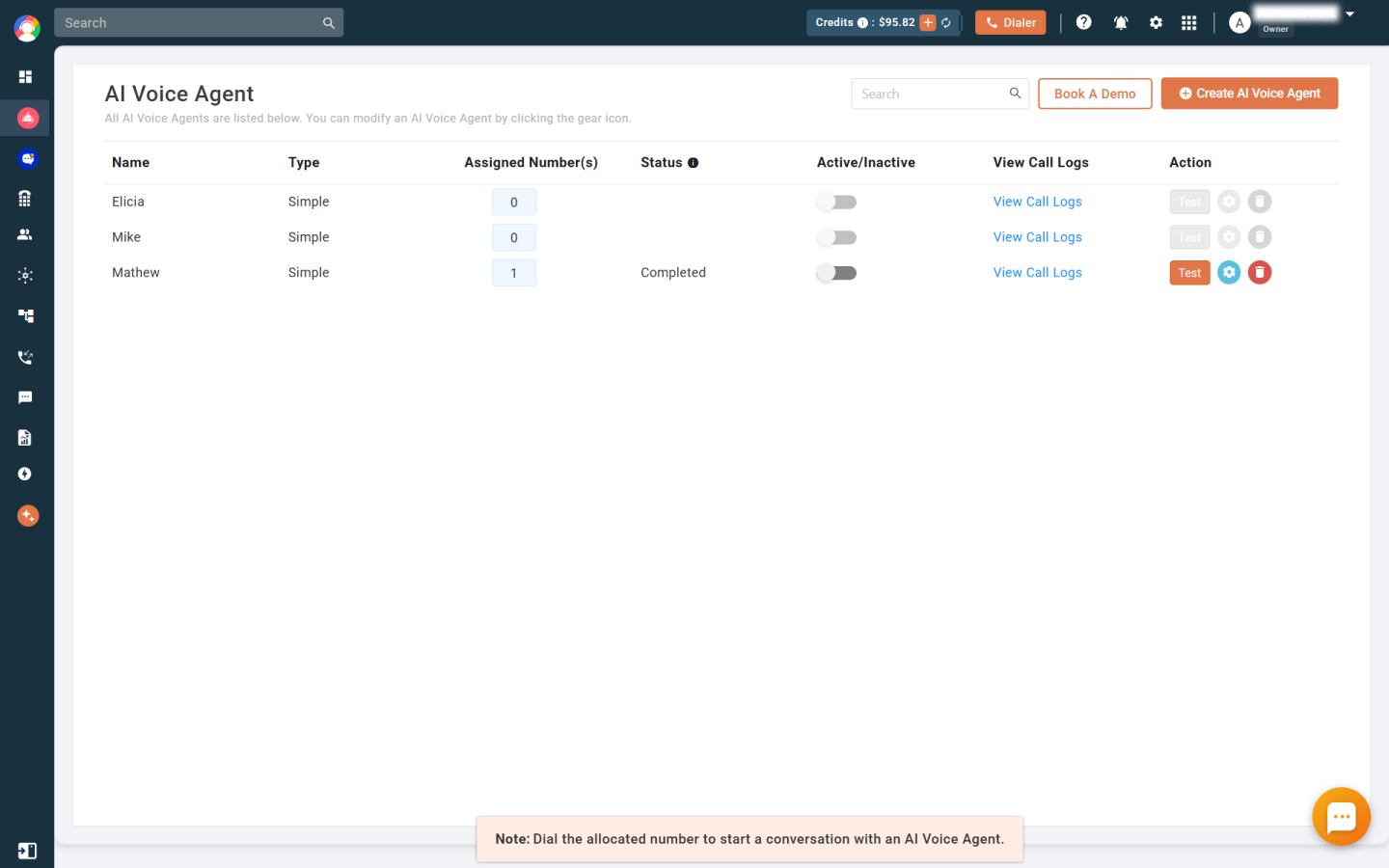
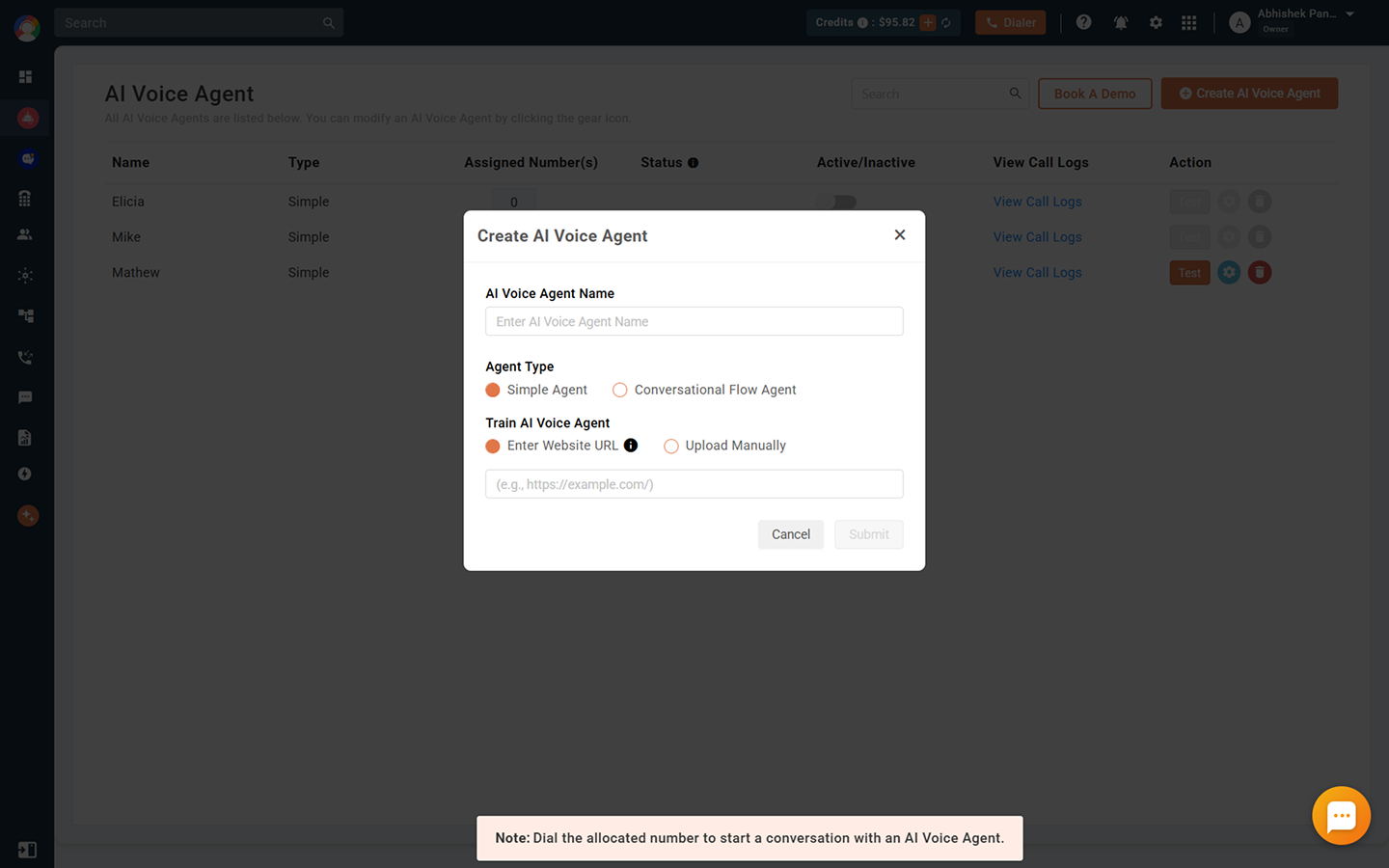
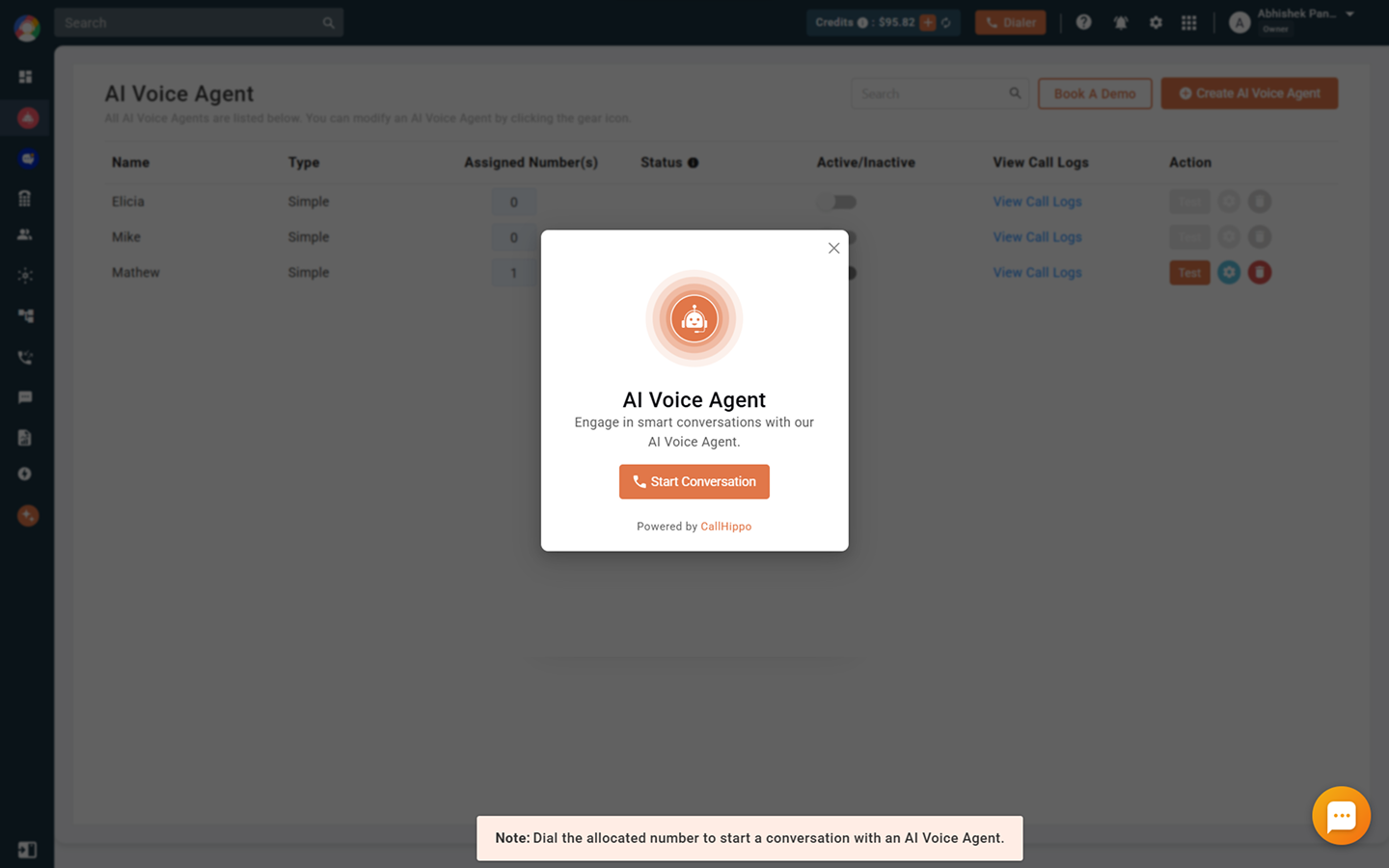
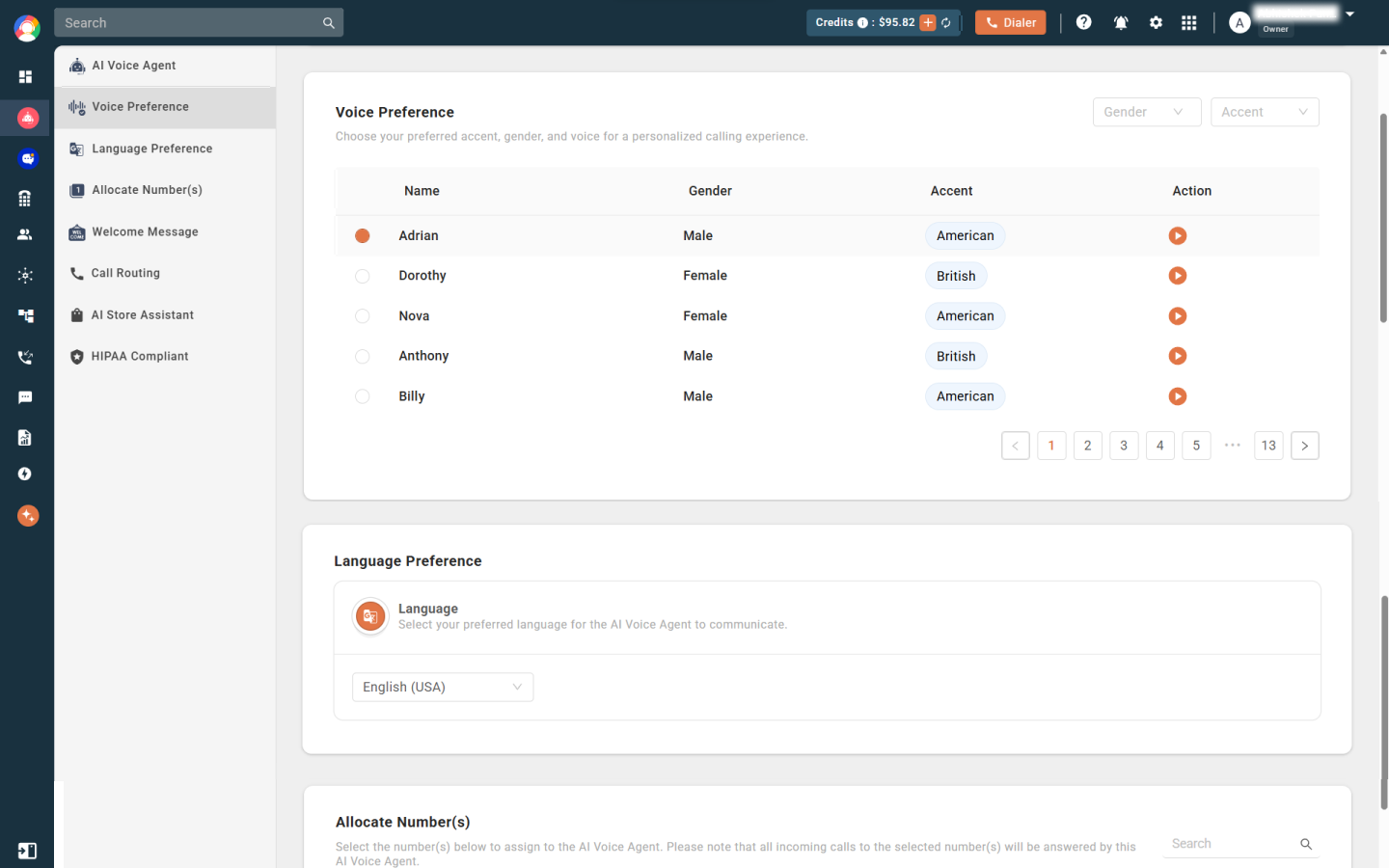
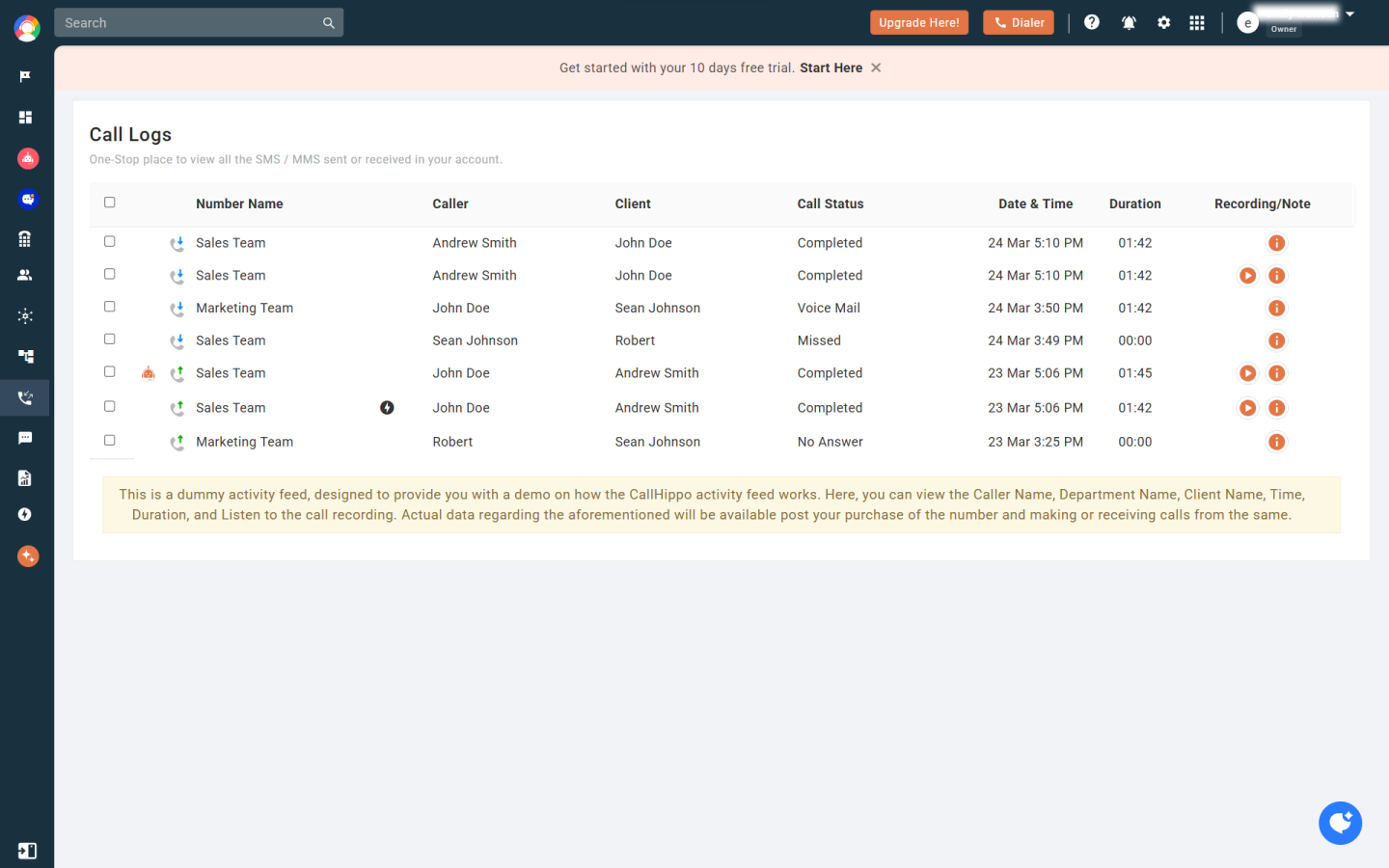
CallHippo AI Voice Agent now seamlessly integrates with Pipedrive, enabling businesses to streamline inbound communication with advanced natural language processing and real-time CRM syncing, your AI-powered voice assistant can handle customer calls around the clock - no missed opportunities, no manual data entry.
✅ Automate Inbound Calls: Never miss a customer call again. The AI Voice Agent answers incoming calls anytime - understands natural language, responds instantly, and resolves routine inquiries.
✅ 24/7 Inbound Call Handling: Handle customer calls around the clock with AI that understands, responds, and routes requests based on context.
✅ Smart Call Routing: Automatically transfer complex issues to the right sales rep or support agent using custom call flows.
✅ Live CRM Sync: Update Pipedrive contacts, activities, and call logs in real time - no manual entry needed.
✅ Multilingual Conversations: Greet and assist callers in their preferred language for a more personalized experience.
✅ Order & Inventory Queries: Pull live data and provide instant answers on orders, stock, and delivery - no agent needed.
✅ Lead Qualification & Call Screening: Let AI handle initial screening and push qualified leads into your Pipedrive pipeline automatically.
To get started, simply follow the steps:
If you’re interested in this app, you might also like:


Use our powerful API to build awesome apps for either your company or for all Pipedrive users.
Build an app