
free
Google Meet
Manage, schedule and launch Google Meet calls from Pipedrive to streamline your sales communication.
Built by Pipedrive
(4095)
492 reviews
Dexatel — SMS, Bulk Texting & SMS Automation
by Dexatel
Qualify my leads, Nurture my leads, Communicate with leads, Automate my pipeline and data, Manage my accounts

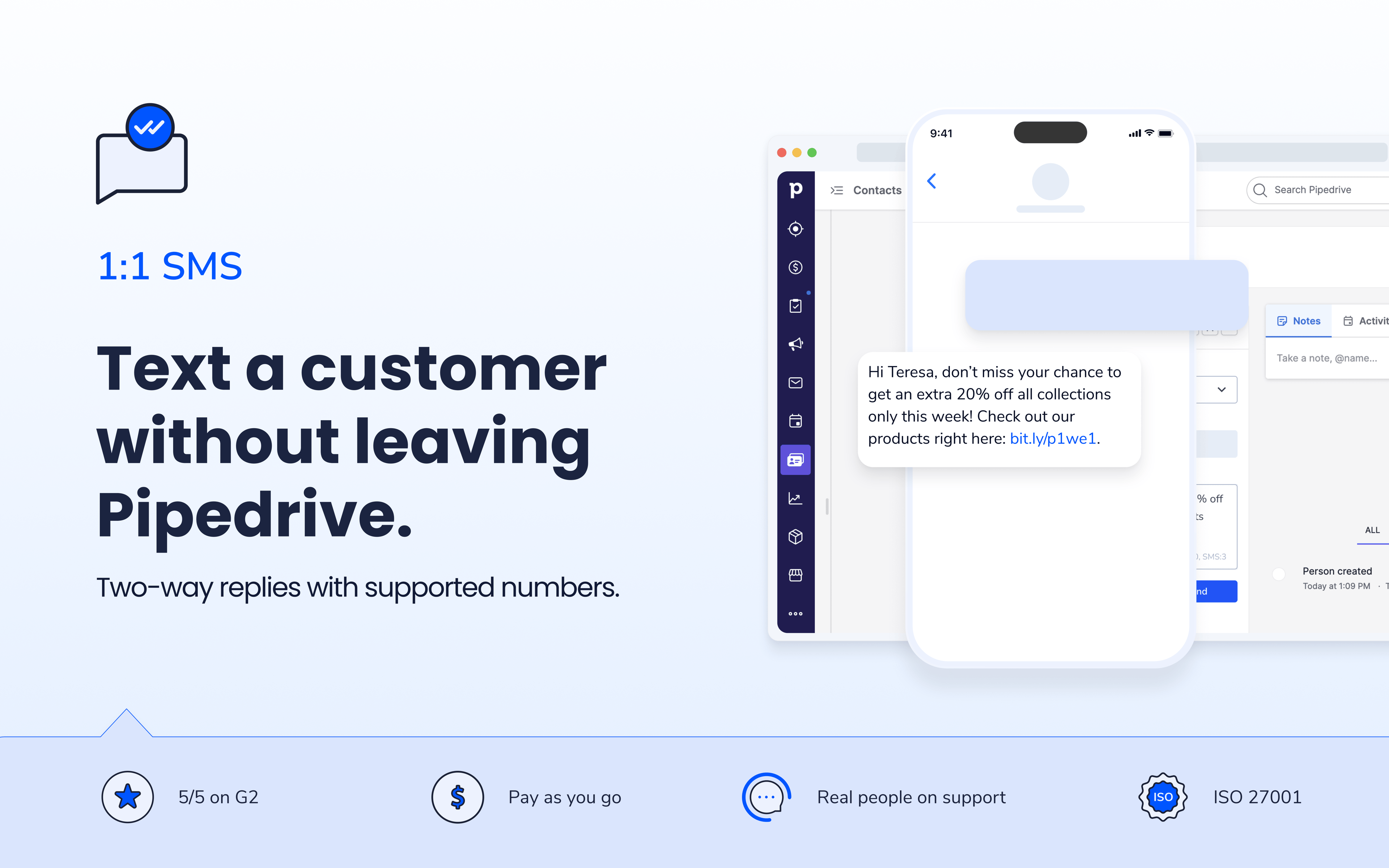
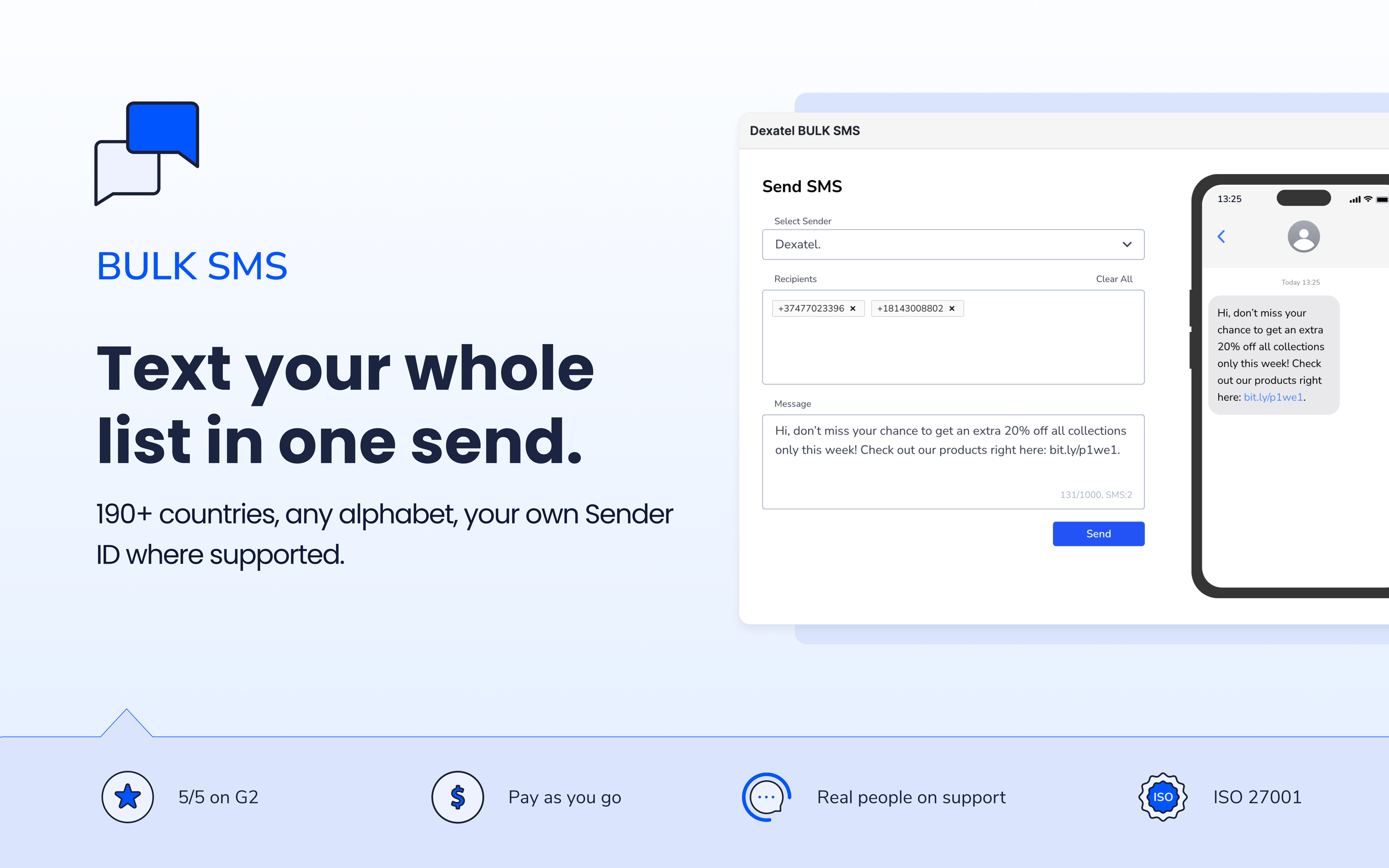
Text your leads and customers without ever leaving Pipedrive. Dexatel's Pipedrive SMS integration lets you send 1:1 messages, launch bulk SMS campaigns, and **automate customer messaging **using Pipedrive Automations and Dexatel webhooks—all from within your CRM. SMS conversations are automatically associated with the relevant contact or deal, helping your team keep customer communication organized. Confirm orders, remind customers of upcoming appointments, and follow up on leads before they go cold. Automate reminders and follow-up sequences so your team stops chasing manually. Deliver SMS to 190+ countries, communicate in virtually any language or alphabet, and use your own Sender ID where supported.
With the Dexatel Pipedrive SMS integration, you can:
Send 1:1 SMS — text individual contacts directly from their their contact, organization, or deal records
Run bulk SMS campaigns — reach your entire list or a segmented group in one send
Automate SMS workflows — send reminders, follow-ups, and notifications using Pipedrive Automations and Dexatel webhooks
Support two-way SMS — receive replies when using supported US and Canadian phone numbers, with messages linked to the relevant contact or deal.
Use your own Sender ID— build trust by displaying your business name where supported
Reach customers worldwide — deliver SMS to 190+ countries in virtually any language or alphabet

Panels
Instantly see and interact with Dexatel — SMS, Bulk Texting & SMS Automation as you dive into the details of your deals/contacts in Pipedrive.
Dexatel SMS
Locations:person detailsorganization details
Send SMS from Pipedrive records, check delivery status, and view SMS activity without leaving the contact, organization, or deal.

Pop-up windows
Tackle complex tasks in Dexatel — SMS, Bulk Texting & SMS Automation without leaving Pipedrive via their customized pop-up windows.
Dexatel BULK SMS
Locations:activity listdeal detailsdeal listorganization detailsorganization listPeople list
Run bulk SMS campaigns and automate messaging workflows in Pipedrive. Select recipients, create campaigns, and manage SMS without leaving your CRM.
Before you start sending SMS from Pipedrive, you'll need accounts on both platforms — it takes less than 5 minutes.
Step 1: Create your free Dexatel account
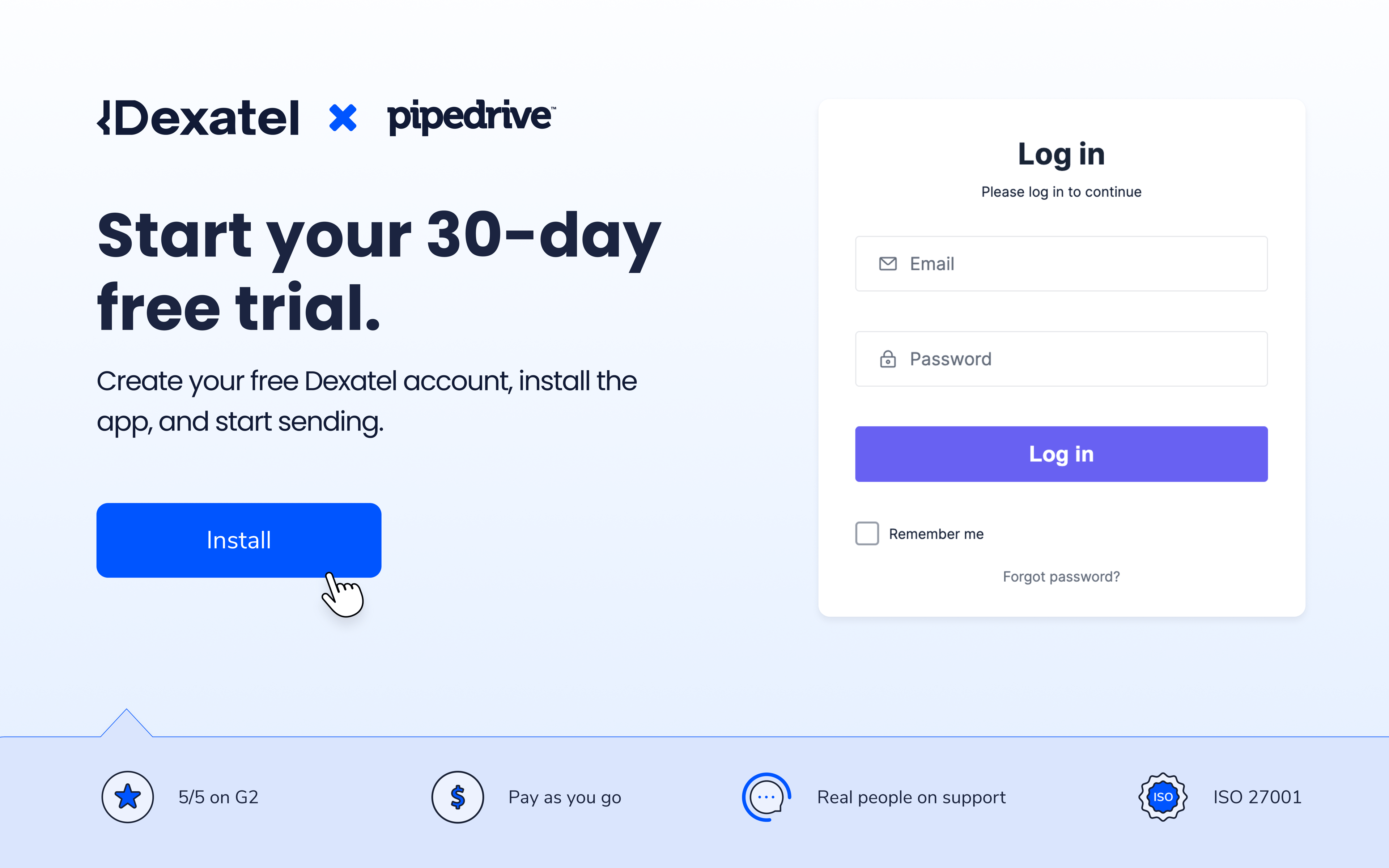
Go to dashboard.dexatel.com/sign-up and sign up. Verify your email and phone number, then submit the form to activate your 30-day free trial.
Step 2: Install Dexatel from the Pipedrive Marketplace Open the "Apps" tab in Pipedrive, search for Dexatel,click Install now and follow the set-up instructions mentioned in the Installation pop-up.
Step 3: Start sending SMS from your Pipedrive contacts Select one or more contacts, click “Send Dexatel SMS”, choose your Sender ID or phone number, compose your message, and click “Send”.
Pricing
Dexatel uses pay-as-you-go pricing— no monthly commitment, and you only pay for what you send. Start your 30-day free trial today and see how SMS fits into your Pipedrive workflow before spending a cent.
Ready to streamline customer communication? Start your free 30-day trial today and discover how easy it is to send individual, bulk, and automated SMS directly from Pipedrive.
Built For
Sales teams — automated follow-ups that keep leads warm
Service & appointment-based businesses — reminders that cut no-shows
E-commerce & retail — order confirmations and promotions at scale
Support teams — two-way SMS with compatible phone numbers for fast, logged customer conversations
If you’re interested in this app, you might also like:


Use our powerful API to build awesome apps for either your company or for all Pipedrive users.
Build an app