
free
Google Meet
Manage, schedule and launch Google Meet calls from Pipedrive to streamline your sales communication.
Built by Pipedrive
(4189)
498 reviews
WhatsApp and Pipedrive integration by TimelinesAI
by TimelinesAI
Nurture my leads, Communicate with leads, Automate my pipeline and data, Manage my accounts
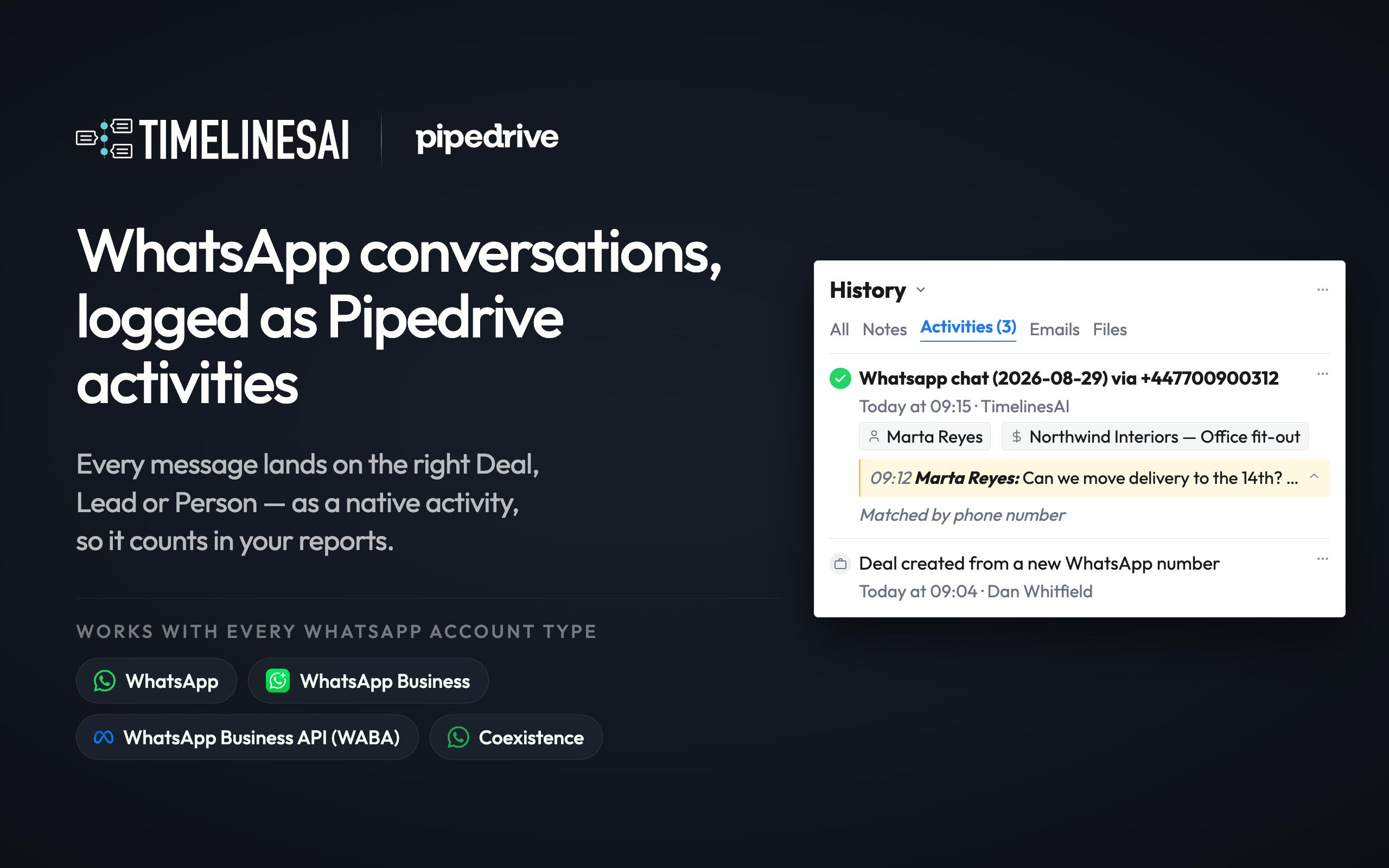
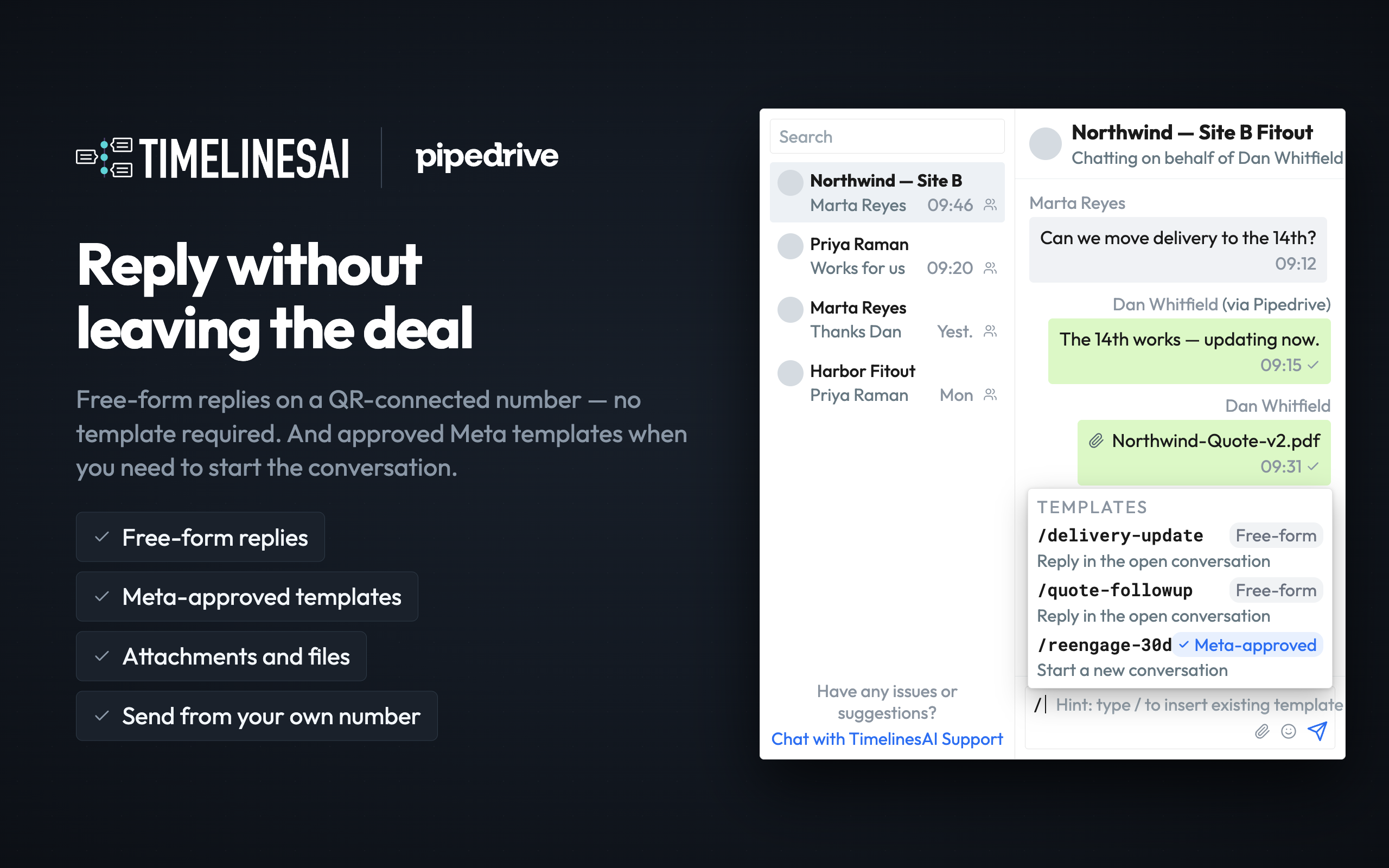
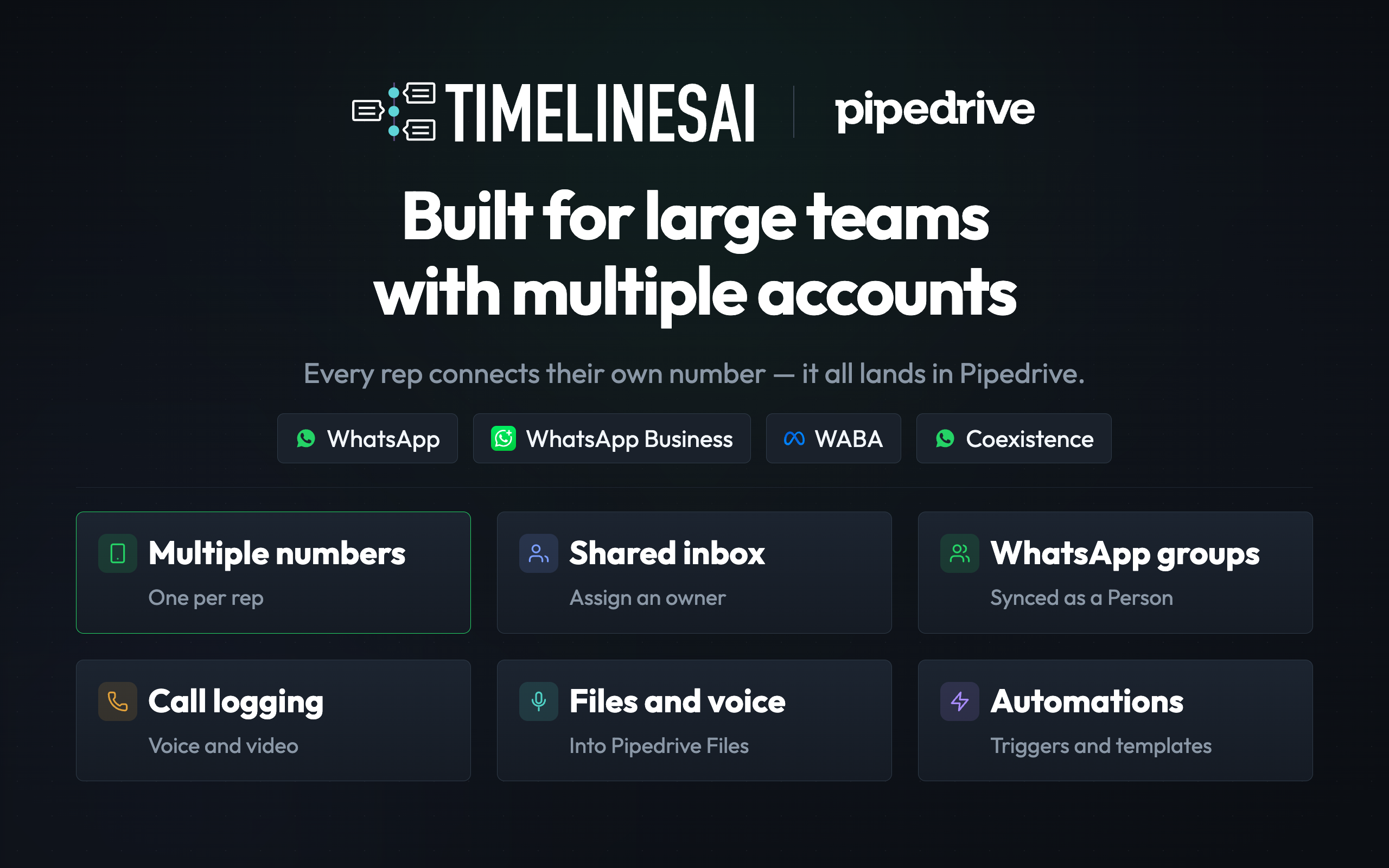
WhatsApp conversations sync directly to Pipedrive — group chats, calls and attachments, for every type of WhatsApp account: regular WhatsApp, WhatsApp Business app and WhatsApp Business API (WABA)
TimelinesAI automatically saves WhatsApp messaging into Pipedrive activities — including messages reps send from their phones. Contacts match by number to existing Leads or Deals, or are created new — with notifications for every chat, Leads included.
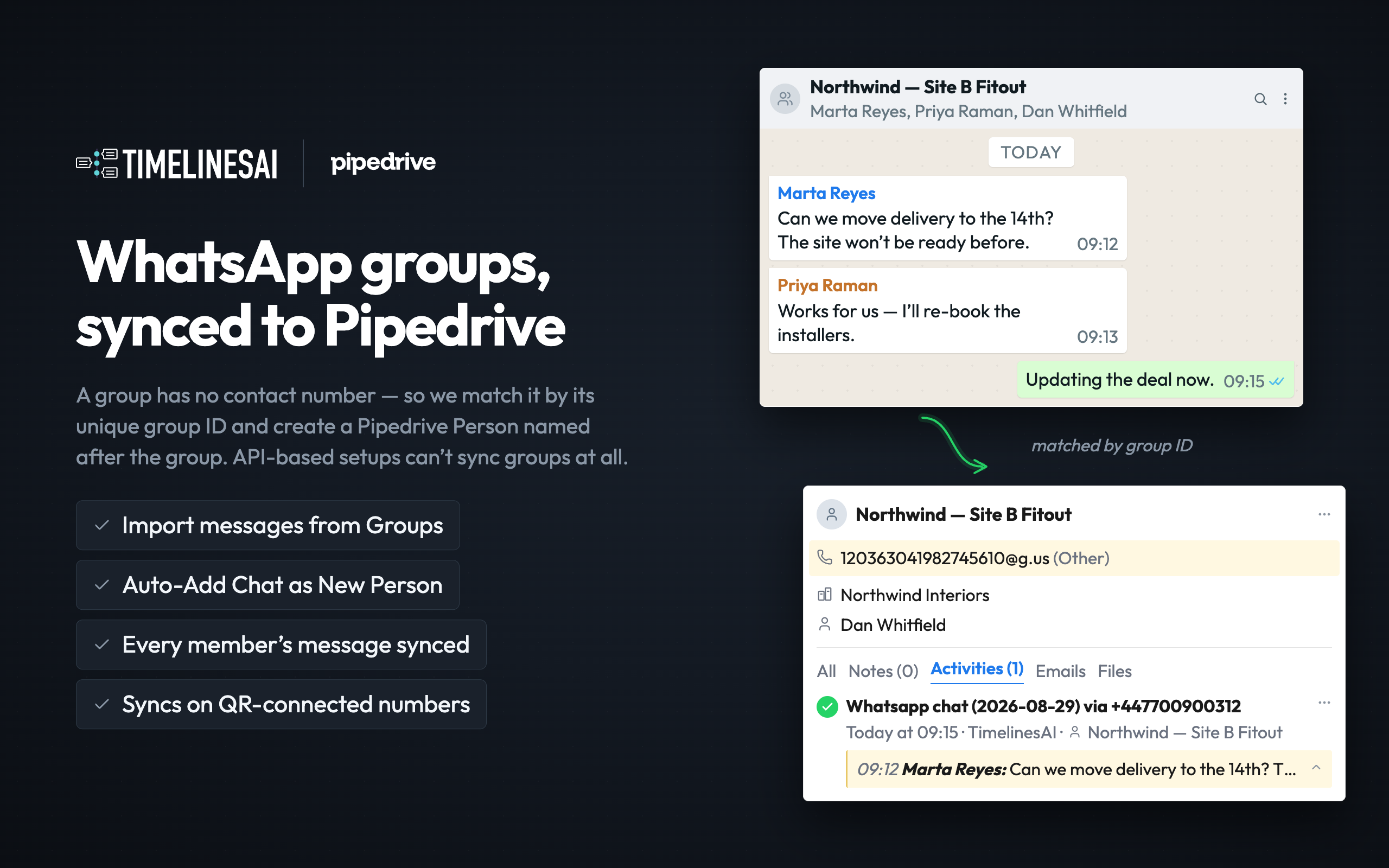
WhatsApp group chats — synced Group conversations appear on the linked Deal or Lead, so nothing discussed in WhatsApp groups is lost.
WhatsApp calls — logged Call attempts and duration land on the timeline; WhatsApp call activity shows in reports.
WhatsApp attachments — synced Images, documents and voice notes from WhatsApp land on the record.
Any WhatsApp number — no Meta Business Portfolio needed Connect personal or business numbers via QR, simple as WhatsApp Web — or run WABA numbers alongside. Keep your existing accounts.
No per-message fees — WABA or QR, your choice From Oct 2026, Meta bills replies sent via the WhatsApp Business API. We support both — and replies via our QR channel stay free. Flat per-seat pricing.
Works on every Pipedrive plan, including Lite
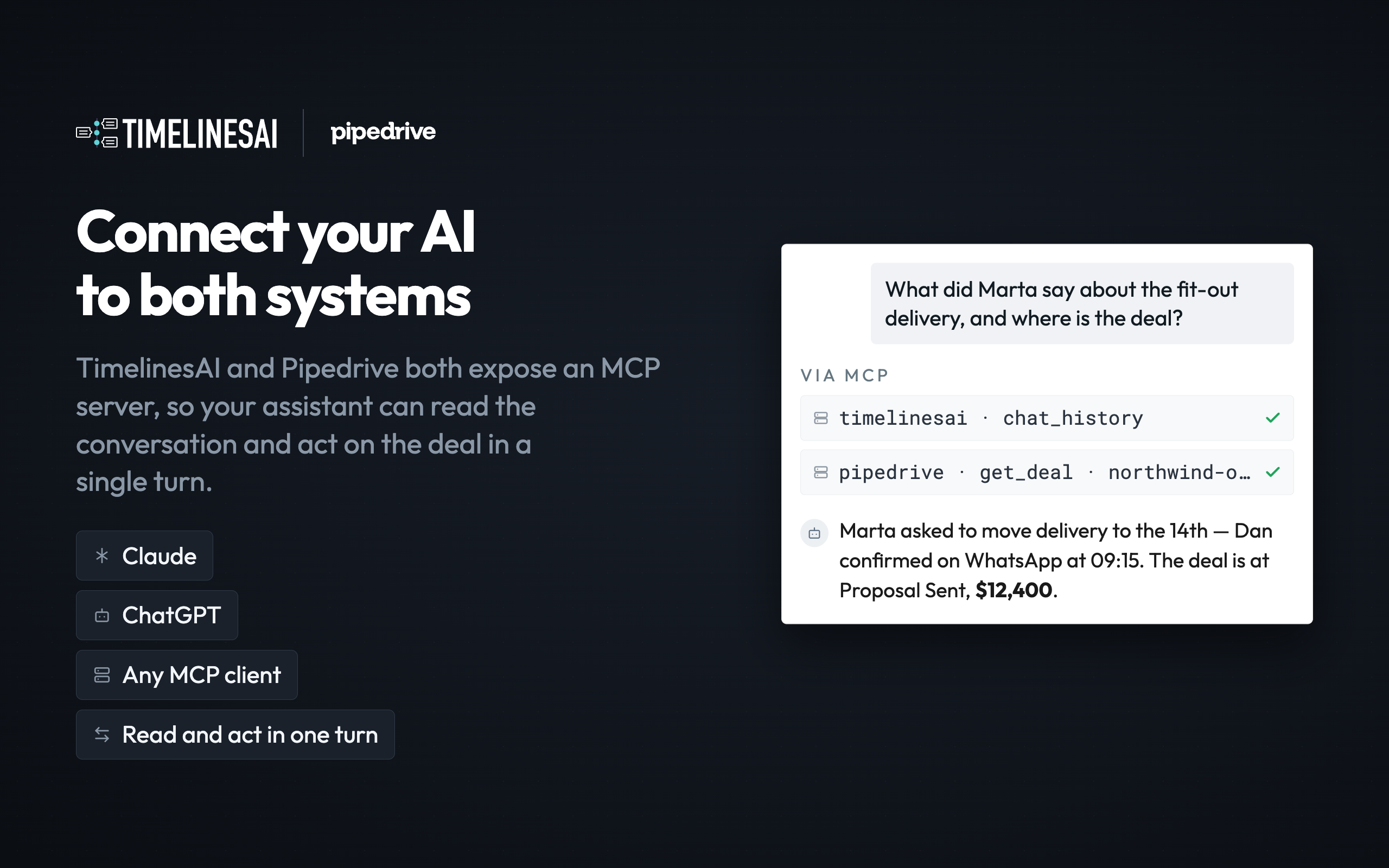
Build your own flows — MCP + API included Connect WhatsApp to Claude or ChatGPT via MCP, or automate WhatsApp flows with our API.
Free 10-day trial Try the WhatsApp + Pipedrive integration — WhatsApp history appears in minutes.

Panels
Instantly see and interact with WhatsApp and Pipedrive integration by TimelinesAI as you dive into the details of your deals/contacts in Pipedrive.
Timelines Whatsapp Integration
Locations:deal detailsperson details

Pop-up windows
Tackle complex tasks in WhatsApp and Pipedrive integration by TimelinesAI without leaving Pipedrive via their customized pop-up windows.
Live WhatsApp chat
Locations:deal detailsperson details
**To prevent WhatsApp chat activities from showing up on your calendar, open Pipedrive Settings>Calendar sync and uncheck the WhatsApp chat activity. **
FAQ
Can I still use WhatsApp Web/Desktop with the connected number?
Yes. TimelinesAI supports Whatsapp MultiDevice connection. It means you or your managers can connect WA to Pipedrive and still use your favorite Whatsapp tool. Messages sync automatically in real-time.
How to connect multiple WhatsApp numbers and set up native chat sync
If you’re interested in this app, you might also like:


Use our powerful API to build awesome apps for either your company or for all Pipedrive users.
Build an app