
free
Google Meet
Manage, schedule and launch Google Meet calls from Pipedrive to streamline your sales communication.
Built by Pipedrive
(4251)
501 reviews
Radar — deal and deadline radar
by Neos Technologies Ltd
Nurture my leads, Manage contracts, Manage my projects, Manage my accounts, Support my customers, Other use cases
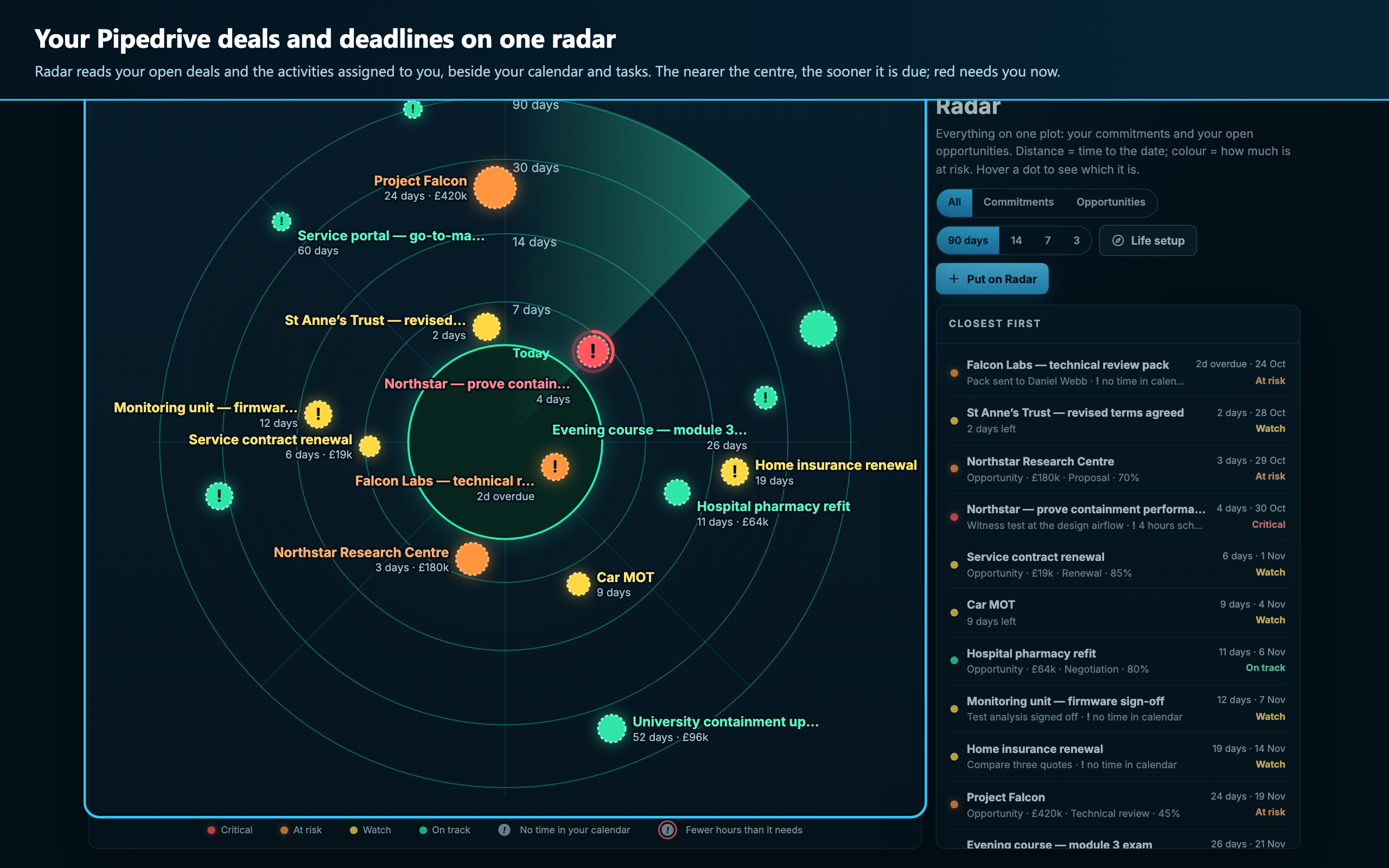
Radar puts everything you are carrying on one screen: a radar whose rings read Today, 7, 14, 30 and 90 days. It reads your open Pipedrive deals and the activities assigned to you, adds your calendar and task lists, and tells you when something is closing in and your calendar has no room left for it.
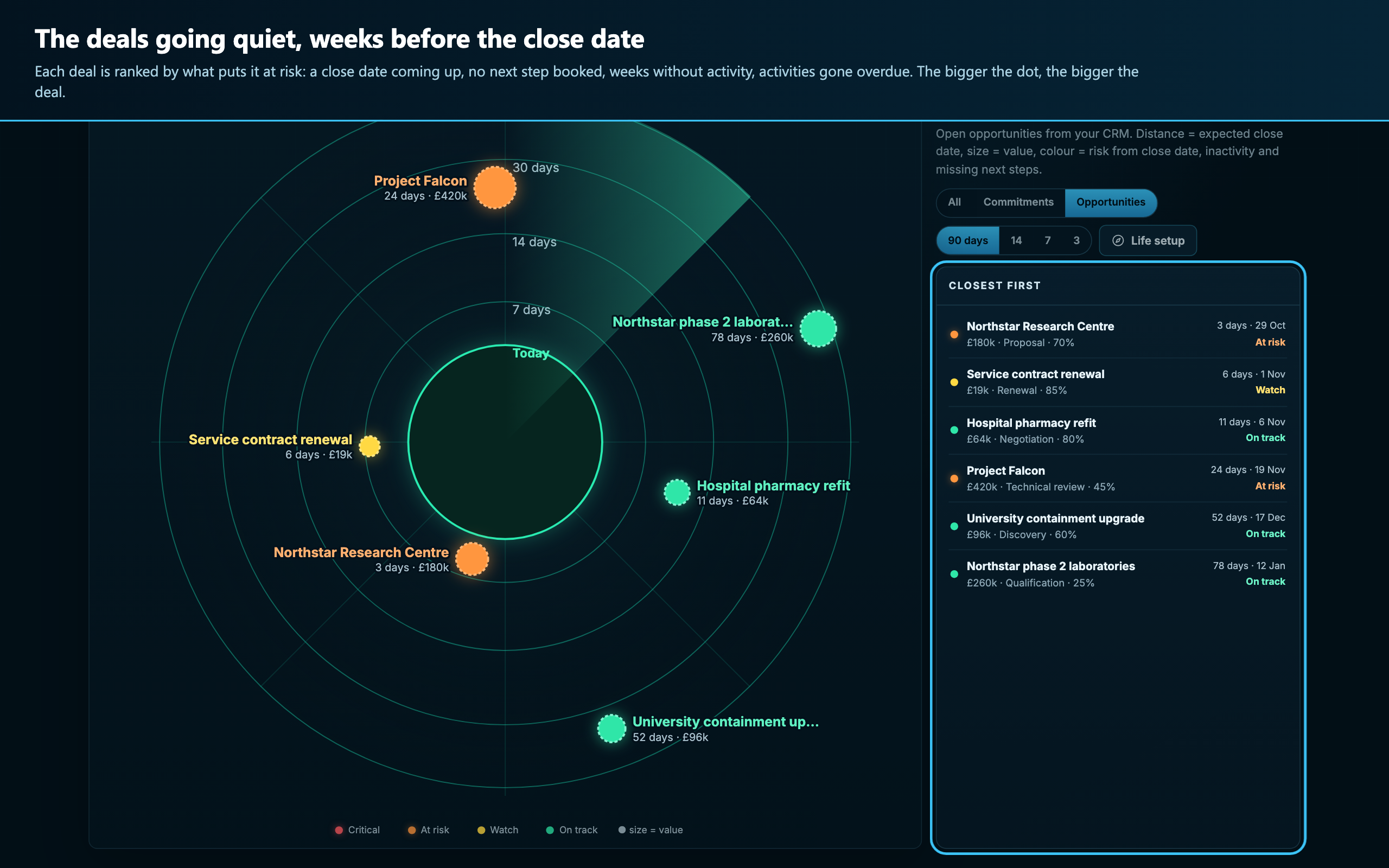
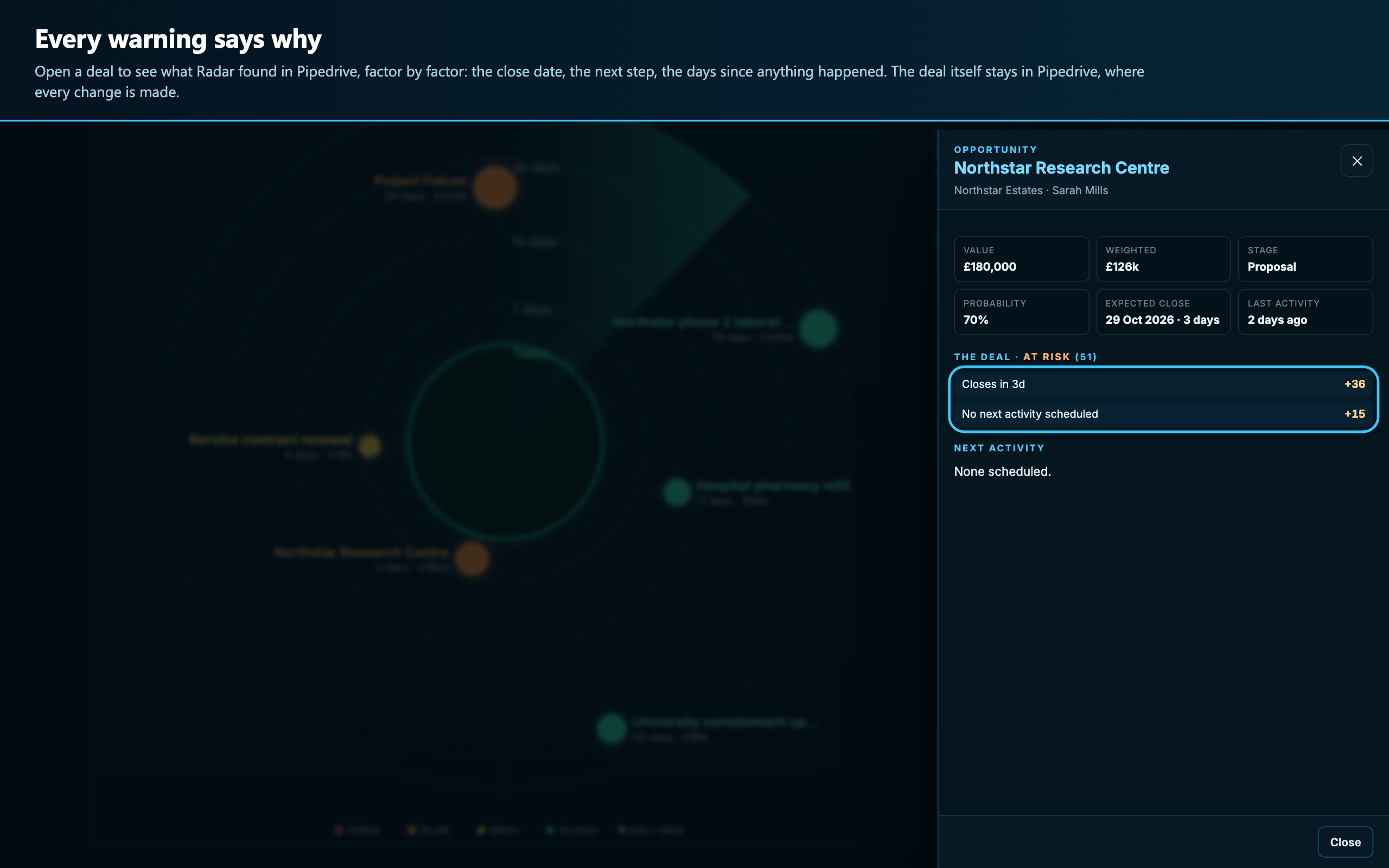
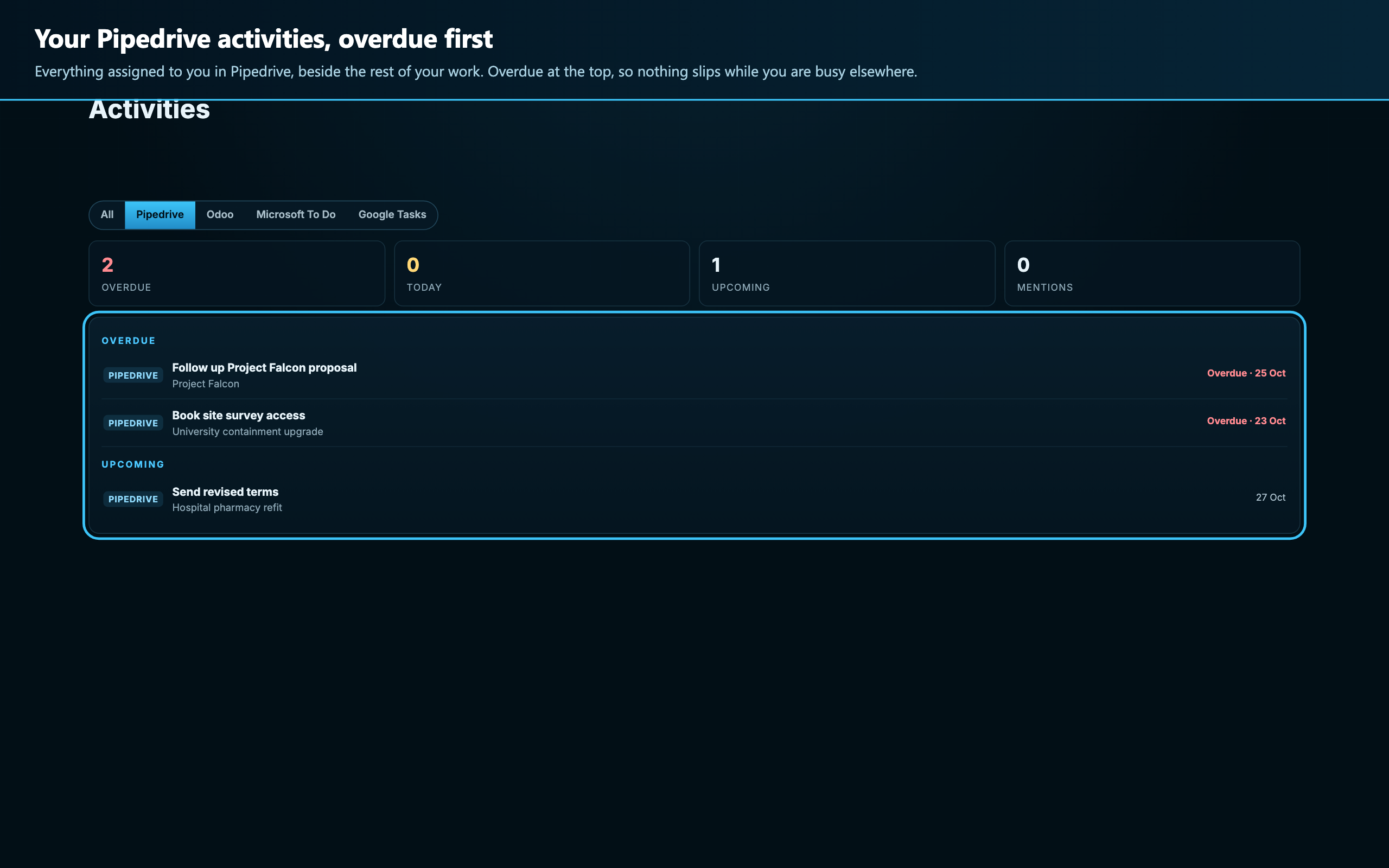
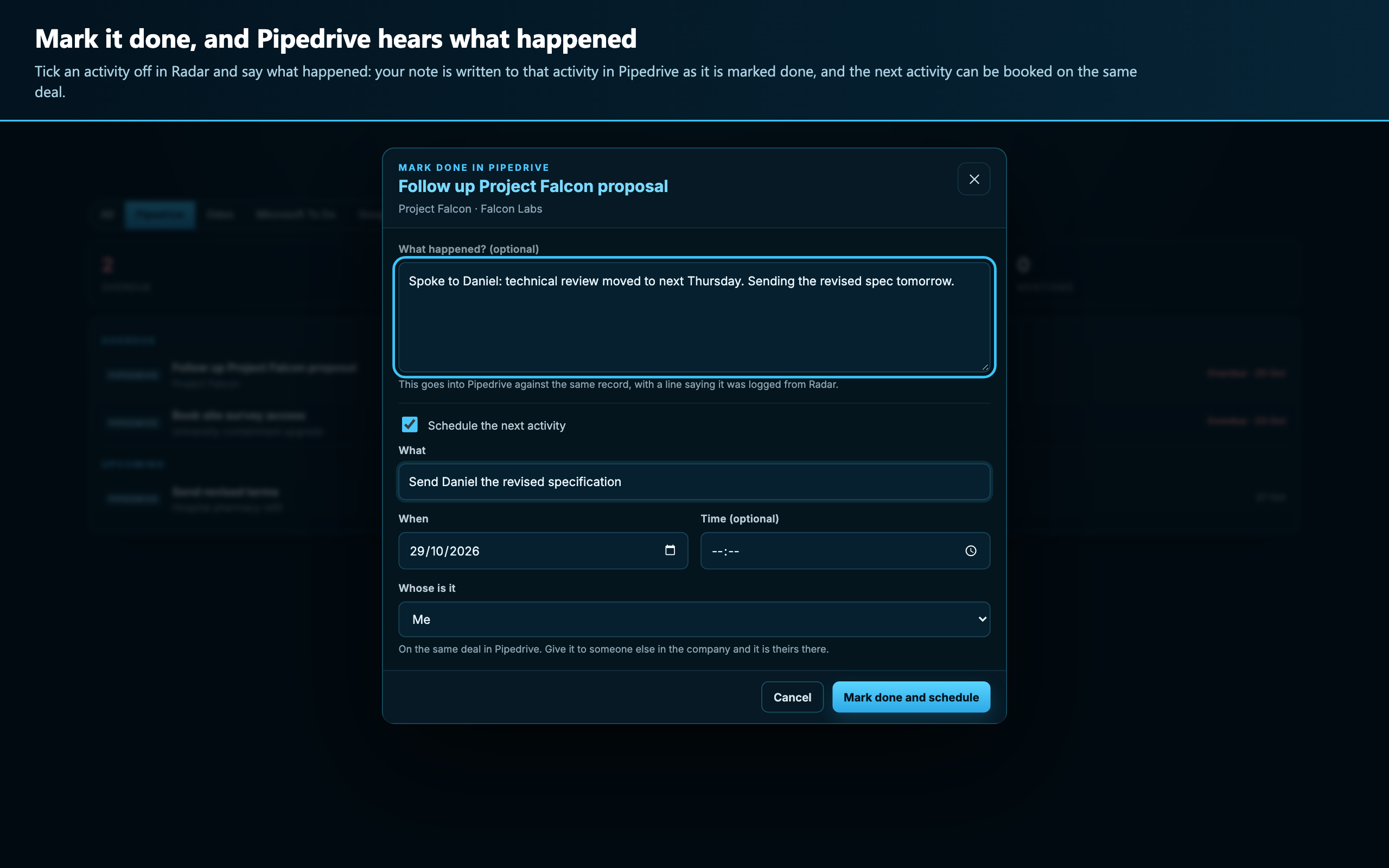
• Deals going quiet: each open deal is ranked by what puts it at risk: a close date coming up, no next activity booked, weeks without activity, activities gone overdue. • Every warning says why, factor by factor. • Activities assigned to you, overdue first. Tick one off in Radar and say what happened: your note is written to the activity in Pipedrive as it is marked done. • Time for the work: say how many hours something needs and Radar finds free time in your calendar before the date. • One click to the deal or activity in Pipedrive.
Radar never sends an email and never changes anything in Pipedrive on its own. It reads only what is assigned to you or owned by you, and deletes what it read when you disconnect.
UK company, Neos Technologies Ltd. Credentials are encrypted and never reach the browser.
If you’re interested in this app, you might also like:


Use our powerful API to build awesome apps for either your company or for all Pipedrive users.
Build an app