
free
Google Meet
Manage, schedule and launch Google Meet calls from Pipedrive to streamline your sales communication.
Built by Pipedrive
(4144)
496 reviews
WhatsApp Automation Pipedrive & AI by Whatsable
by WhatsAble (Official Meta Tech Provider)
Nurture my leads, Communicate with leads, Manage my accounts, Support my customers, Other use cases
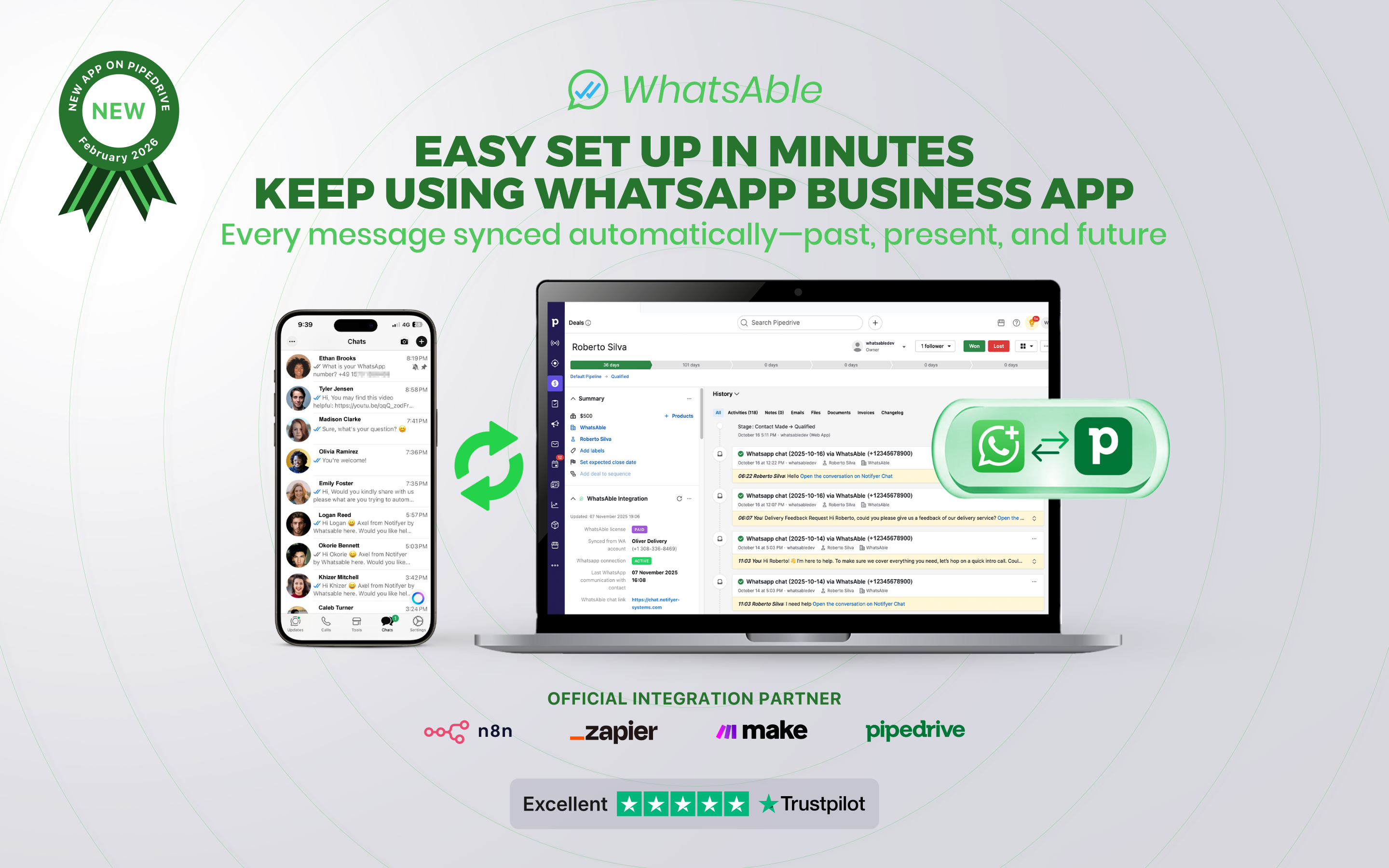
Keep using your WhatsApp Business account and your existing chats while using the official WhatsApp API, we are official Meta Tech Providers.
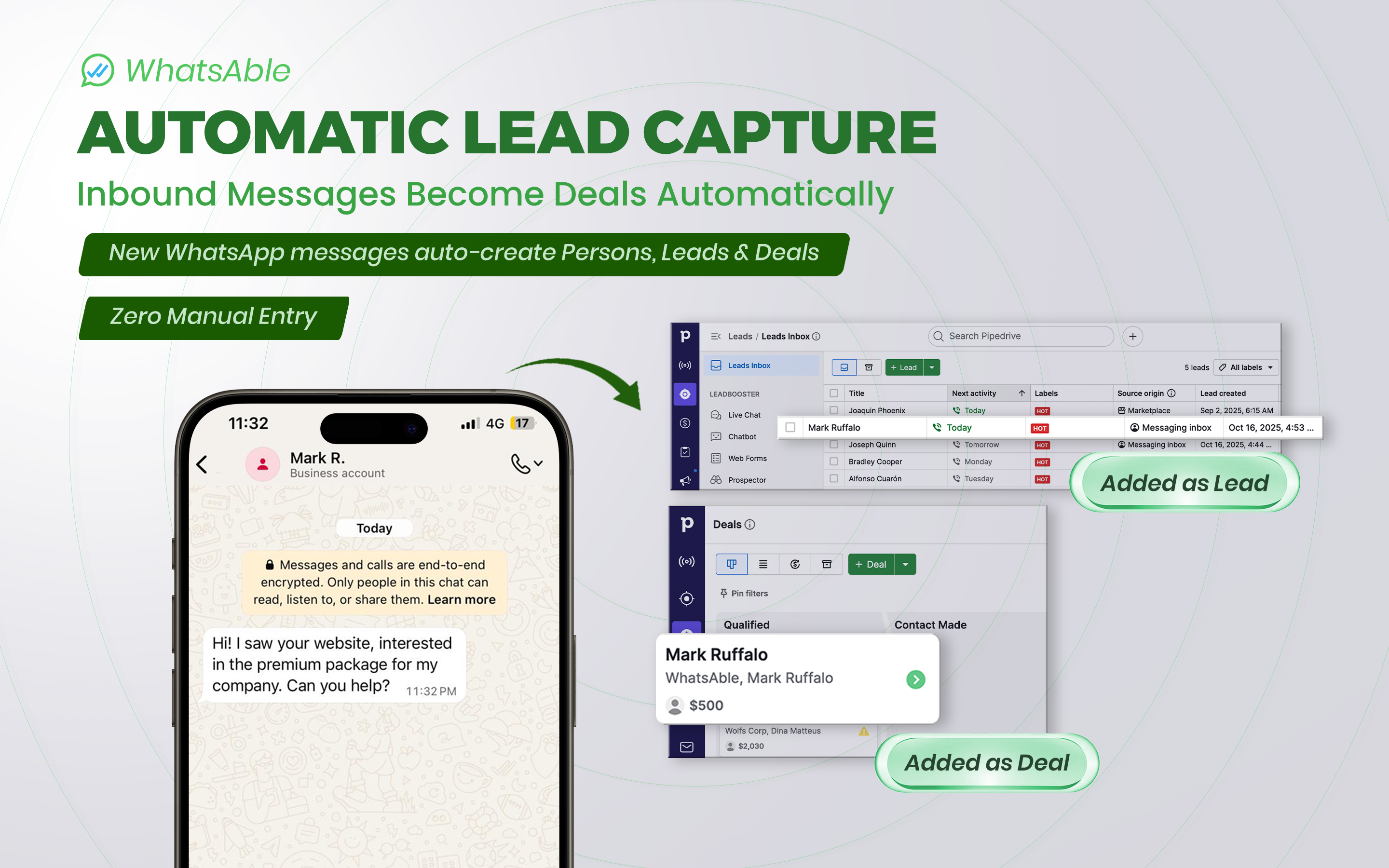
Someone messages you first? WhatsAble automatically creates Person records, Leads, and Deals in your pipeline. Zero manual data entry.
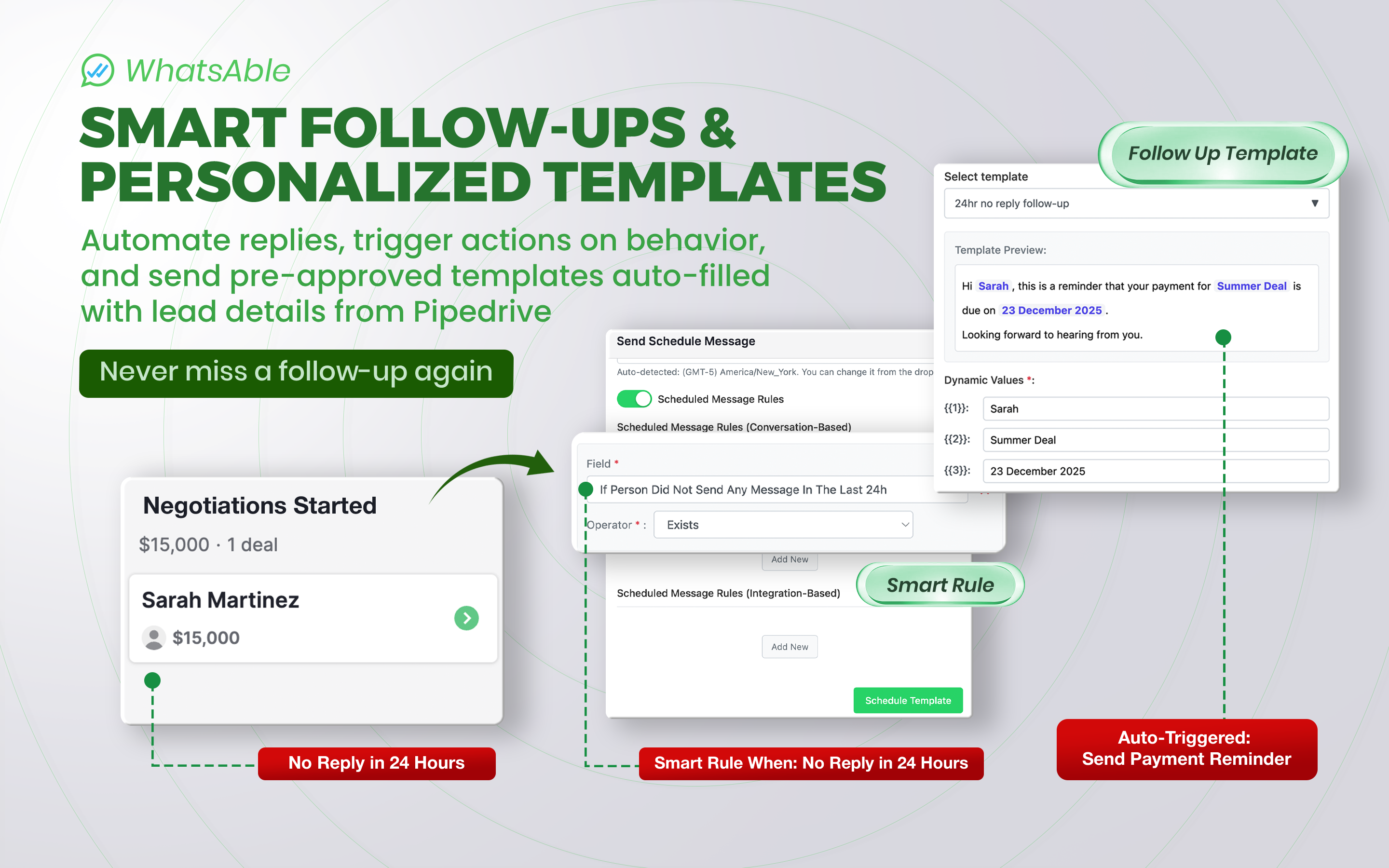
Schedule follow-up messages that get sent if the lead stops replying or in specific conditions.
Connect your Pipedrive and WhatsApp messages with our Zapier/Make/n8n module for advanced automation. Your pipeline moves forward automatically.
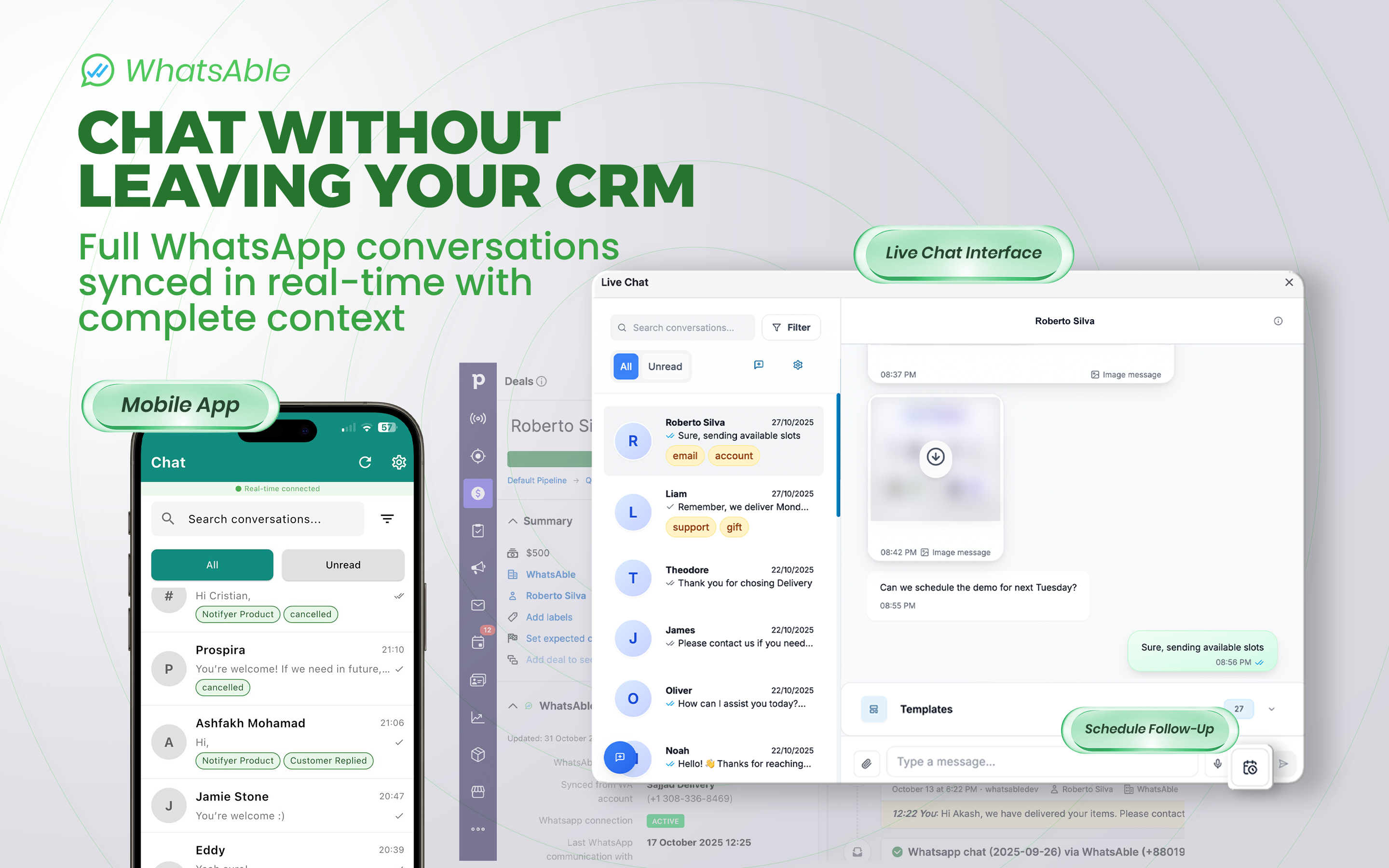
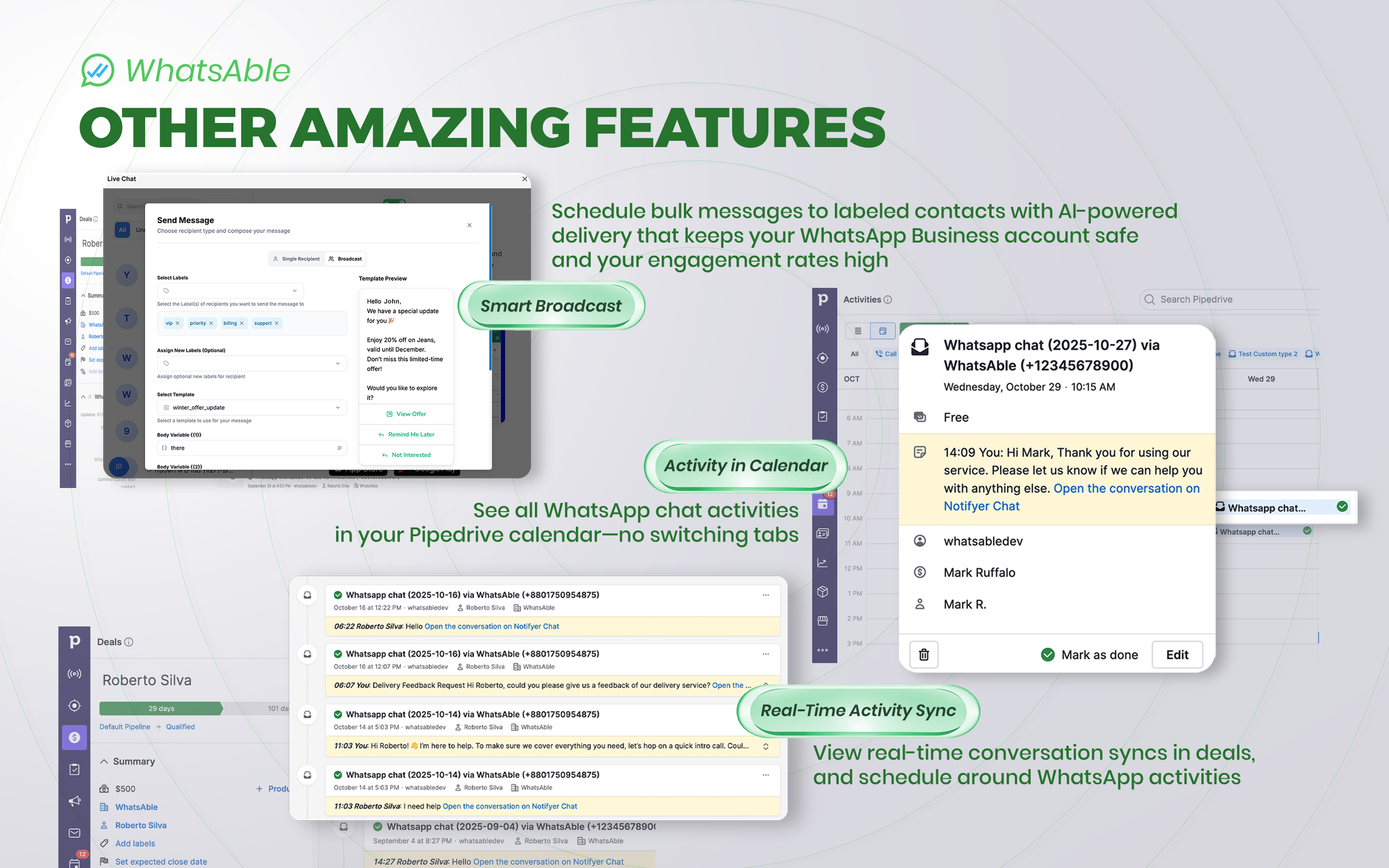
Every WhatsApp conversation synced in real-time to Pipedrive activity. Send messages while viewing deal details, schedule follow-ups mid-conversation and add tags and notes. Full context = more closed deals.
All WhatsApp interactions auto-log to Pipedrive with complete activity history. No lead falls through the cracks.
Build automation like: "If no reply in 2 days → send follow-up" or "If they say 'interested' → Label "hot lead".
You can create roles inside and assign conversations based on keywords, so not everyone sees all the messages.
Answer messages from our mobile app • Make/Zapier/n8n integrations • Human support 7 days a week • Smart Broadcasting
Get a 7 day free trial for your team, no need for a new number or losing access to your WhatsApp account.

Panels
Instantly see and interact with WhatsApp Automation Pipedrive & AI by Whatsable as you dive into the details of your deals/contacts in Pipedrive.
WhatsAble Integration
Locations:deal detailsperson details
WhatsApp Business integration for Pipedrive CRM

Pop-up windows
Tackle complex tasks in WhatsApp Automation Pipedrive & AI by Whatsable without leaving Pipedrive via their customized pop-up windows.
Live Chat
Locations:deal detailsperson details
Send Schedule Message
Locations:deal detailsperson details
Send Template
Locations:deal detailsperson details
Notifyer System integrates with Pipedrive to send WhatsApp messages directly from your CRM.
Step 1: Create Your Account:
Visit notifyer.whatsable.app and sign up using your email address.
Step 2: Connect WhatsApp Business: Complete the Embedding process to link your WhatsApp Business account. This enables messaging functionality. Quick tutorial.
Step 3: Set Up Message Templates: Choose your messaging method:
Step 4: Connect to Pipedrive:
Navigate to Connect to Pipedrive and click Connect Pipedrive Organization. Authorize when redirected to Pipedrive OAuth page.
You're Ready! Start sending WhatsApp messages to your Pipedrive contacts.
Need help? Visit our documentation or contact us at [email protected] or send us a WhatsApp message to +1 (347) 686-1478
If you’re interested in this app, you might also like:


Use our powerful API to build awesome apps for either your company or for all Pipedrive users.
Build an app